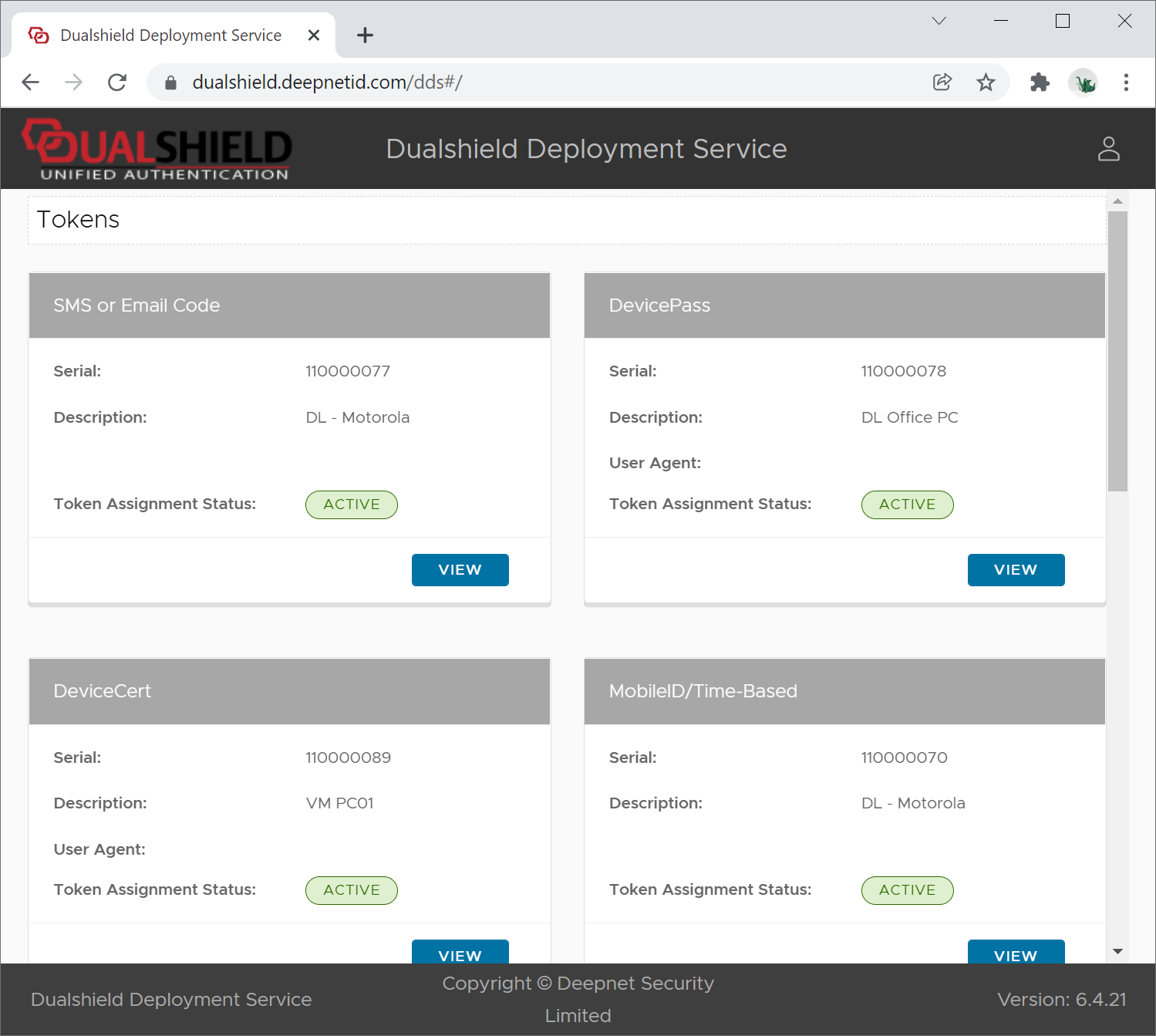
...
If you want to allow users to access DDS from the public network then you must set up port forwarding on your firewall.
User Experience
Users will be prompted to enter their username first
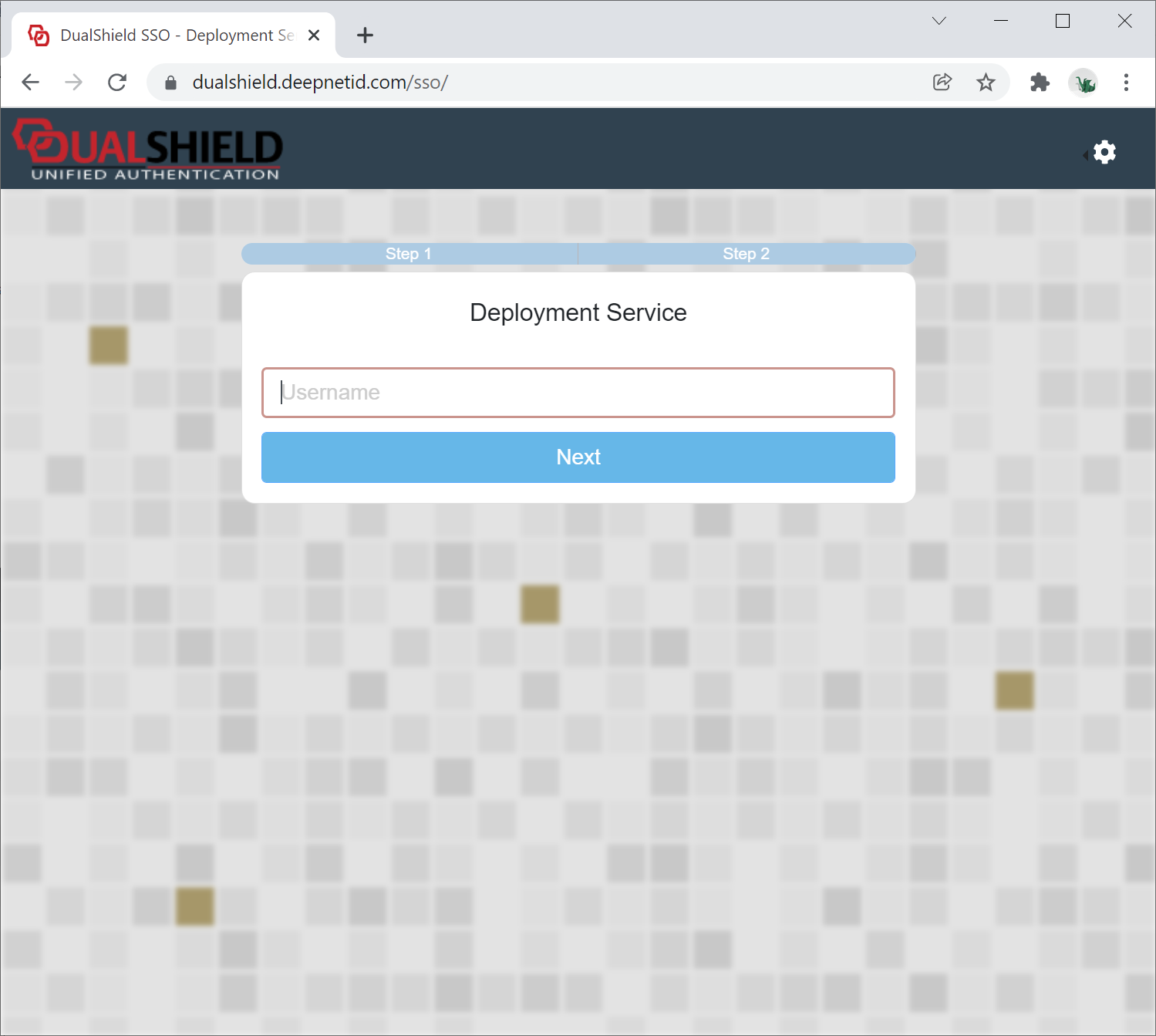
Then, users will be prompted to authenticate themselves.
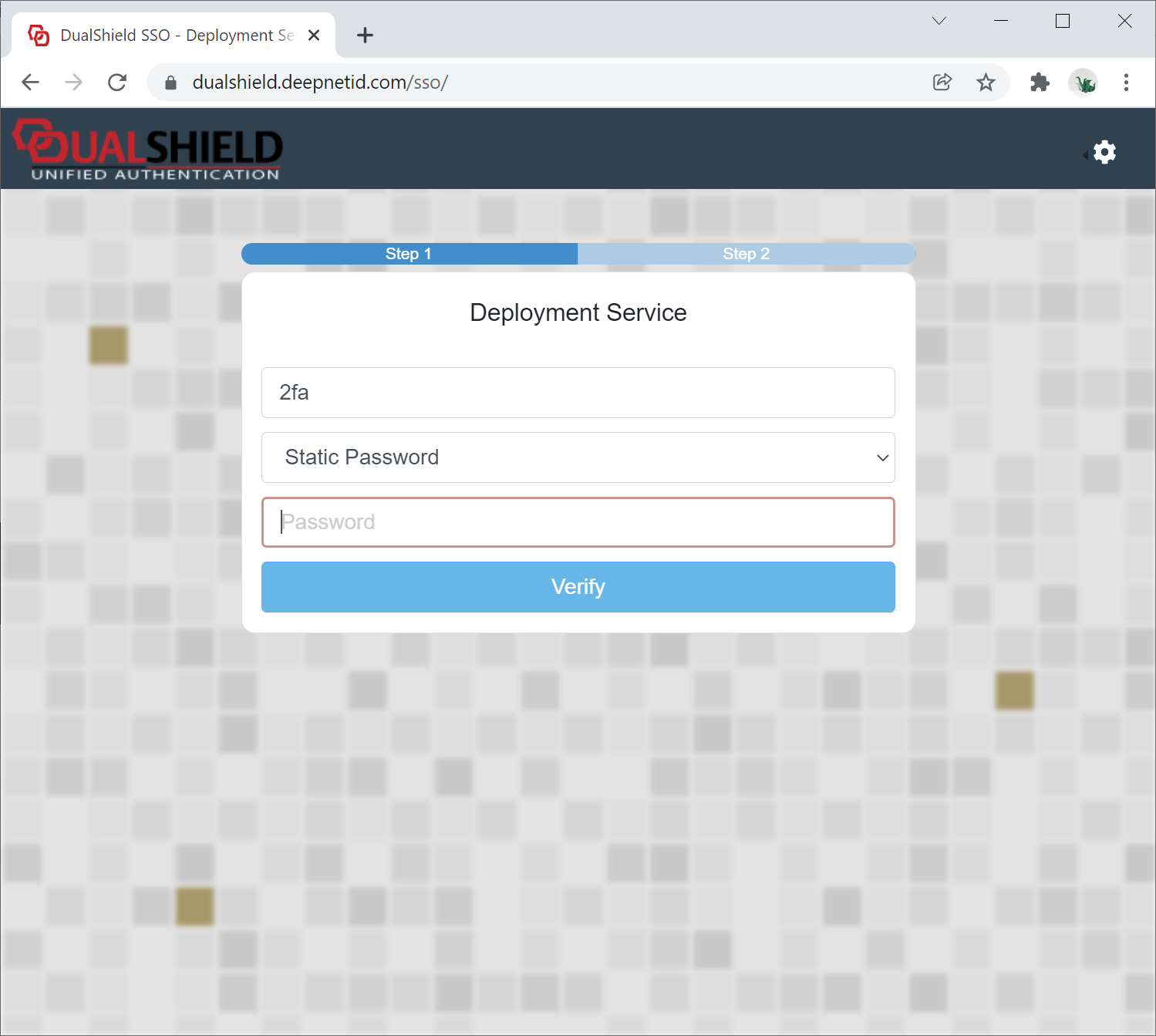
How the users will be authenticated depends on how the logon procedure is defined for DDS.
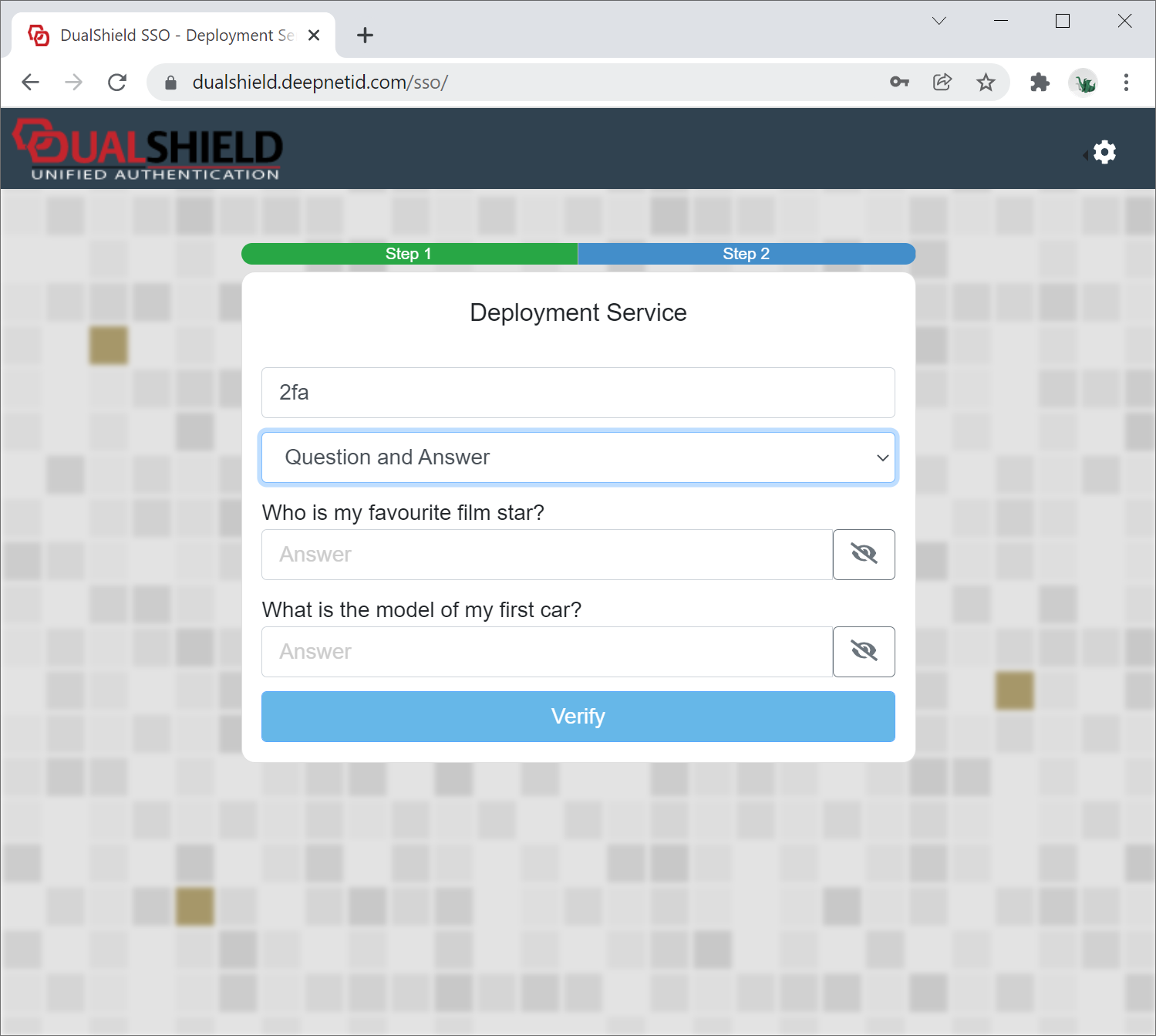
Typically, users will be verified in 2 steps. The first can be the AD password (Static Password):
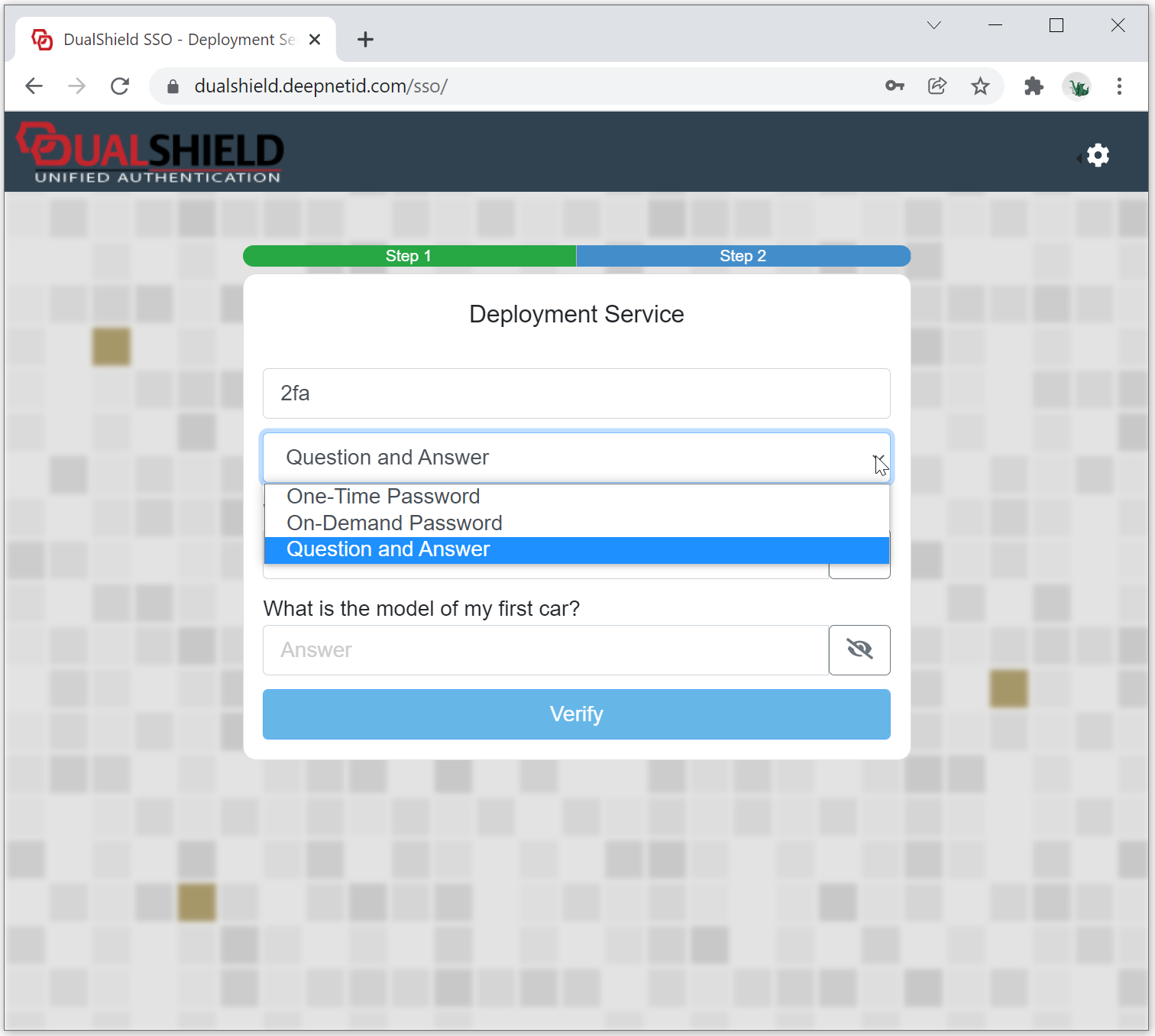
The second step can be security questions (Question and Answer), one-time password etc
Once the user has been successfully verified, they will be allowed to Deployment Console.