In order to use the DNA app as a login console, users must first register their DNA apps with their user accounts. In other words, they must add their user accounts into their DNA apps.
To add a new user account into the DNA app, you need the user needs to obtain a QR code from the DualShield Service Console (DSC)
...
- Click Scan QR Code, then scan the QR code displayed in the DaulShield DualShield Service Console
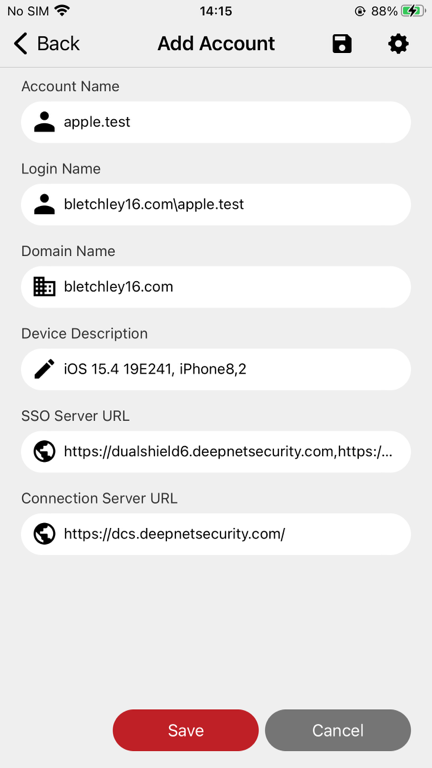
- Click Save
...