...
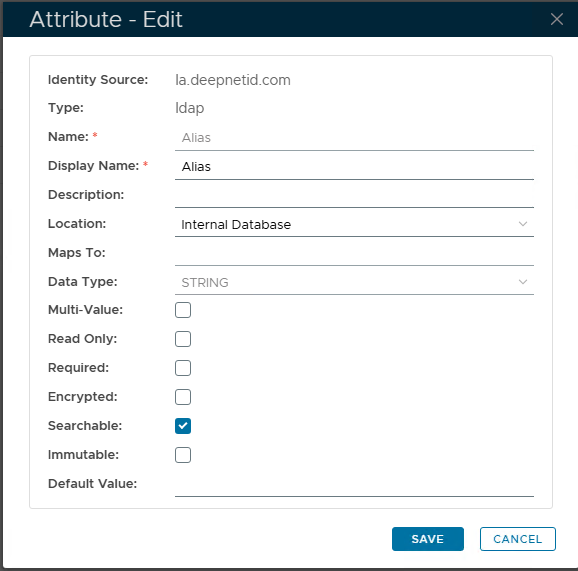
In the DualShield MFA server, create a new Identity Attribute and name it whatever you like, such as “WinAlias”“Alias”. You can make it an internal Identity Attribute or an External Attribute; however, if you choose to make it external, it will need to be mapped to an AD account attribute.
- Set Alias for each user
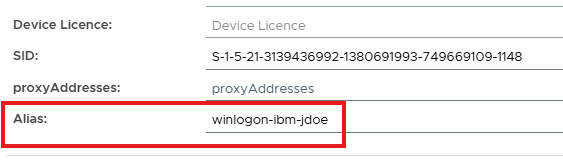
For each user, you need to set the value of the Alias Identity Attribute. The value must follow the same format/pattern as the “logon_format”. For example: “winlogon-ibm-jdoe” for the user “jdoe” in the “ibm” organization.
- Setup the User Identity policy
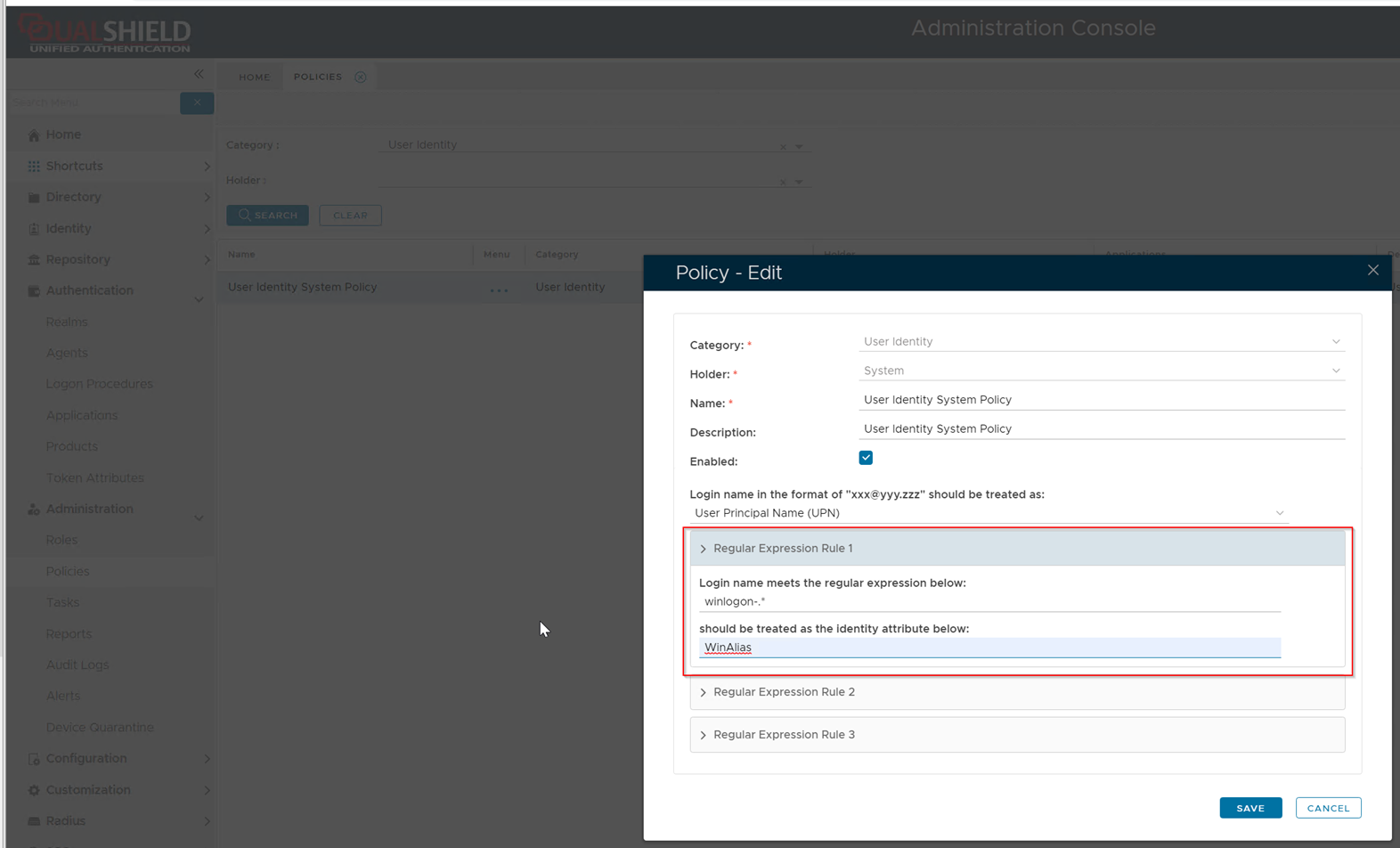
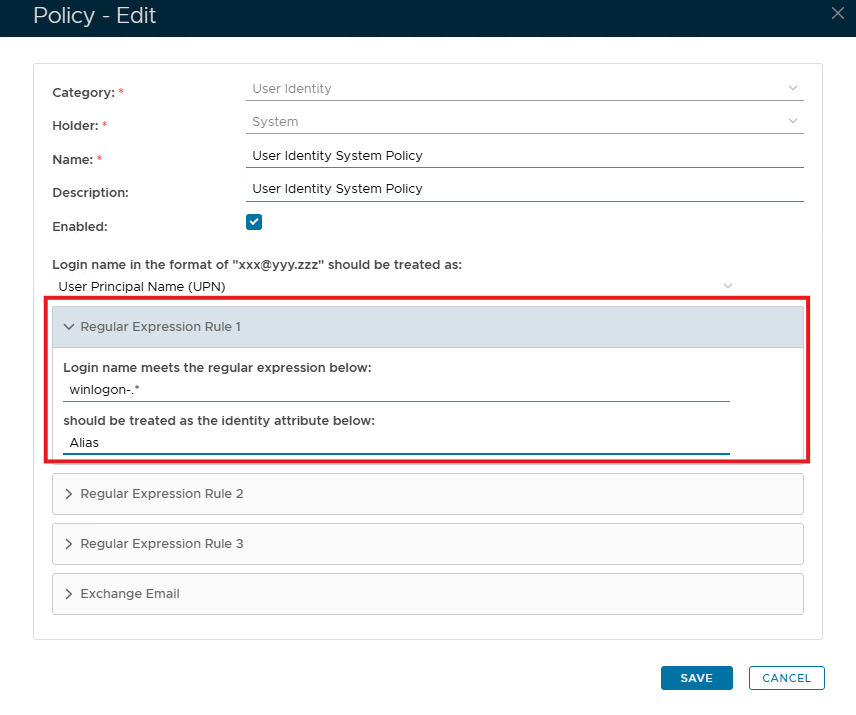
Edit the User Identity policy, set the Regular Expression Rule 1 according to the “logon_format”, e.g. “winlogon-.*