Follow the steps below to create an Intune deploy package file for the Deepnet Computer Logon for Entra ID
| Table of Contents |
|---|
Download the Microsoft Win32 Content Prep Tool
https://github.com/Microsoft/Microsoft-Win32-Content-Prep-Tool
Unpack the tool to a local file folder. e.g. D:\Tools\Microsoft-Win32-Content-Prep-Tool-master
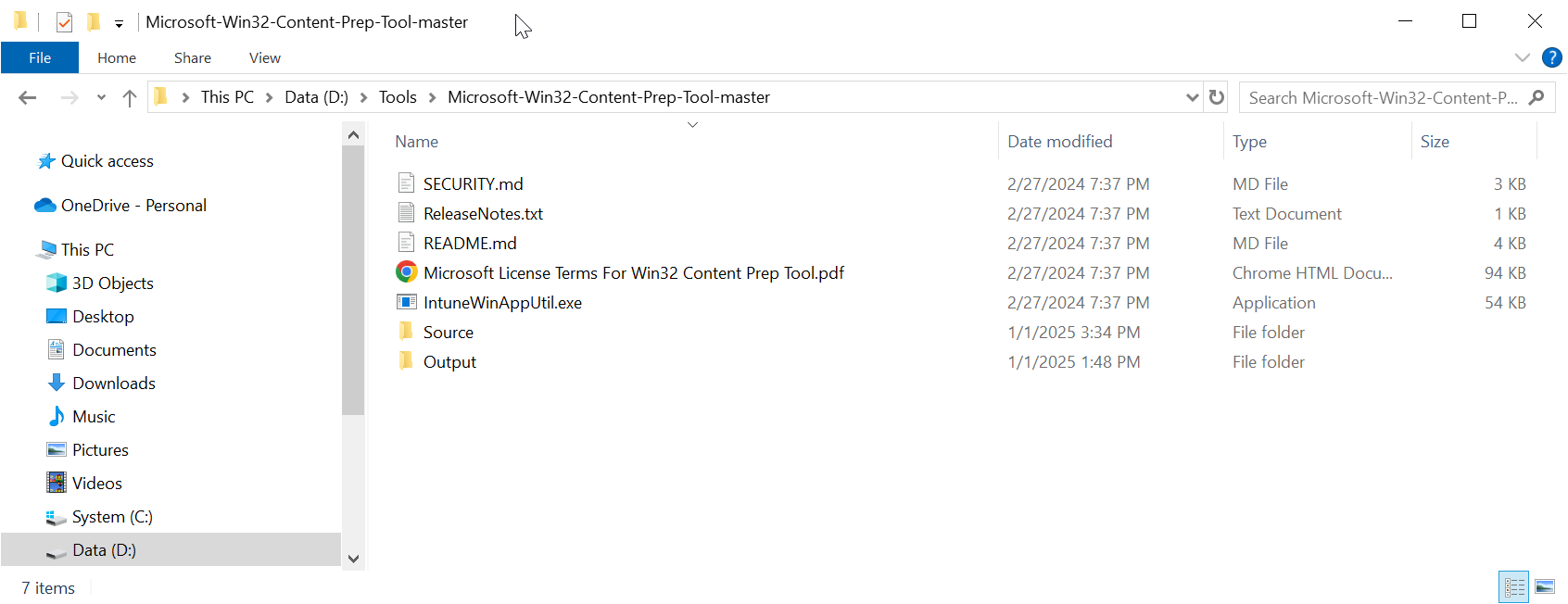
...
Copy the Deepnet Computer Logon
...
MA files
Create
https://download.deepnetsecurity.com/
Unpack the file to a subfolder called "Source" in the folder where you have unpacked the Microsoft Win32 Content Prep Tool, e.g. D:\Tools\Microsoft-Win32-Content-Prep-Tool-master\Source
Now, copy the following files to the "Source" folder
- Installer File
- Config Files
- Intune Deployment Files
Install File
| Expand | ||||||
|---|---|---|---|---|---|---|
| ||||||
Navigate to "https://support.deepnetsecurity.com"
|
Copy the installer file "computer-logon-modern-authentication-x.y.z.msi" to the "Source folder
Rename "computer-logon-modern-authentication-x.y.z.msi" to "computer-logon-ma.msi"
Config Files
| Expand | ||
|---|---|---|
| ||
Navigate to the project directory of the Computer Logon MA created by the Deepnet Configuration Editor
Open the "config" folder
|
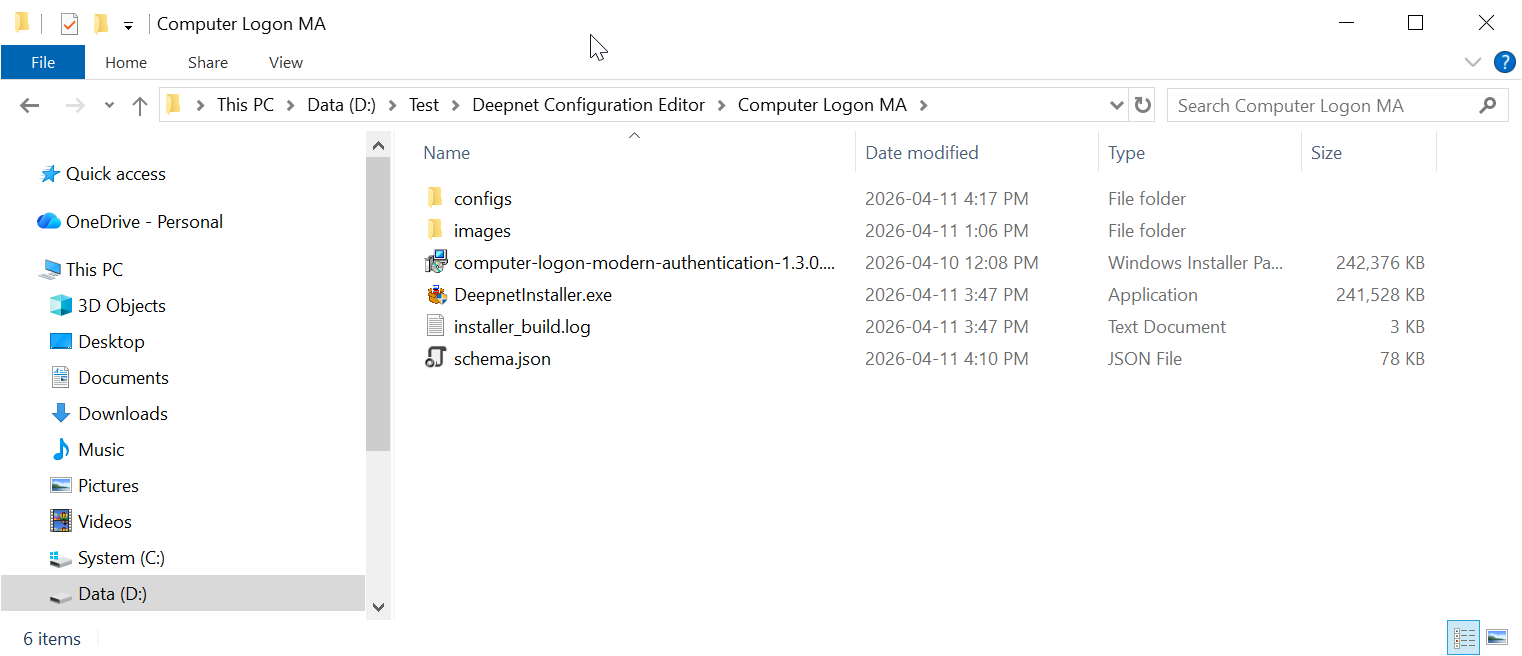
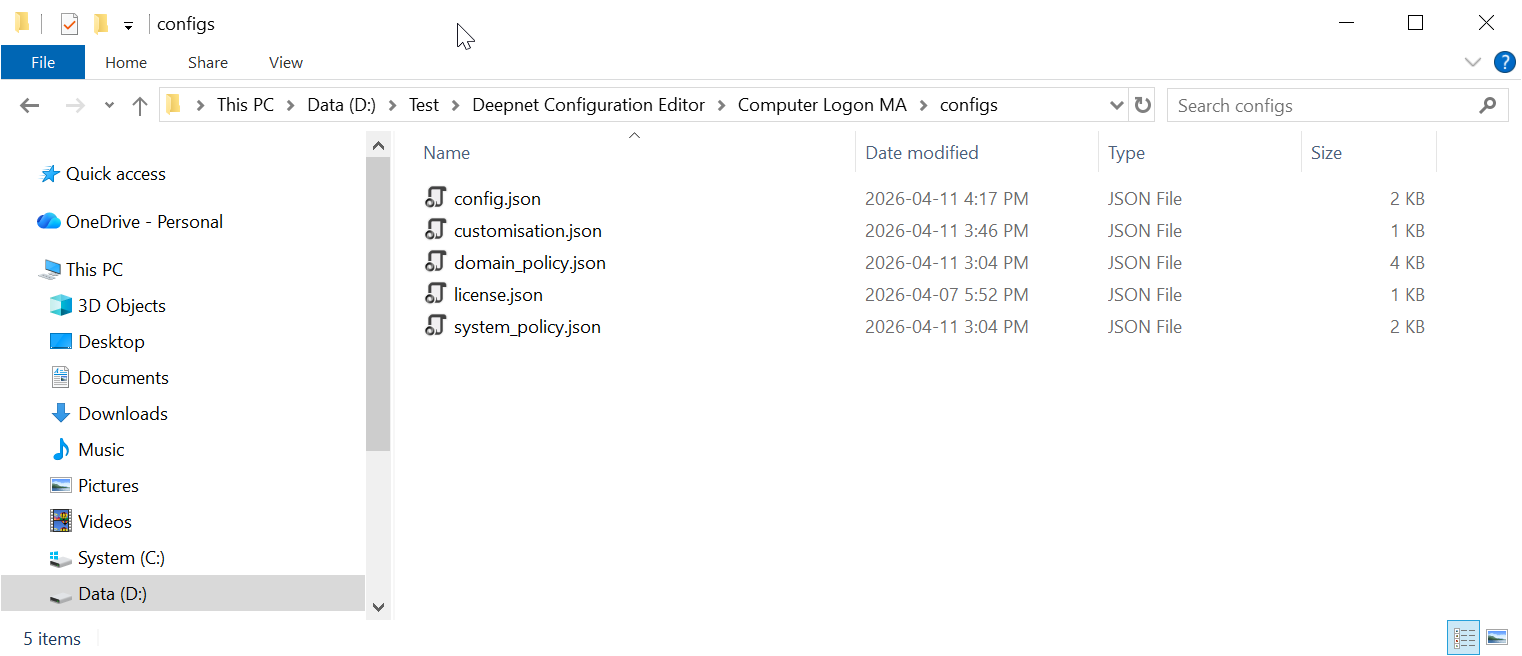
Copy all JSON files to the "Source" folder.
Intune Deployment File
| Expand | ||||||
|---|---|---|---|---|---|---|
| ||||||
Navigate to "https://support.deepnetsecurity.com"
|
Unzip all PS1 files in the Deployment.zip to the "Source" folder
Now, the "Source" folder should have the following files:
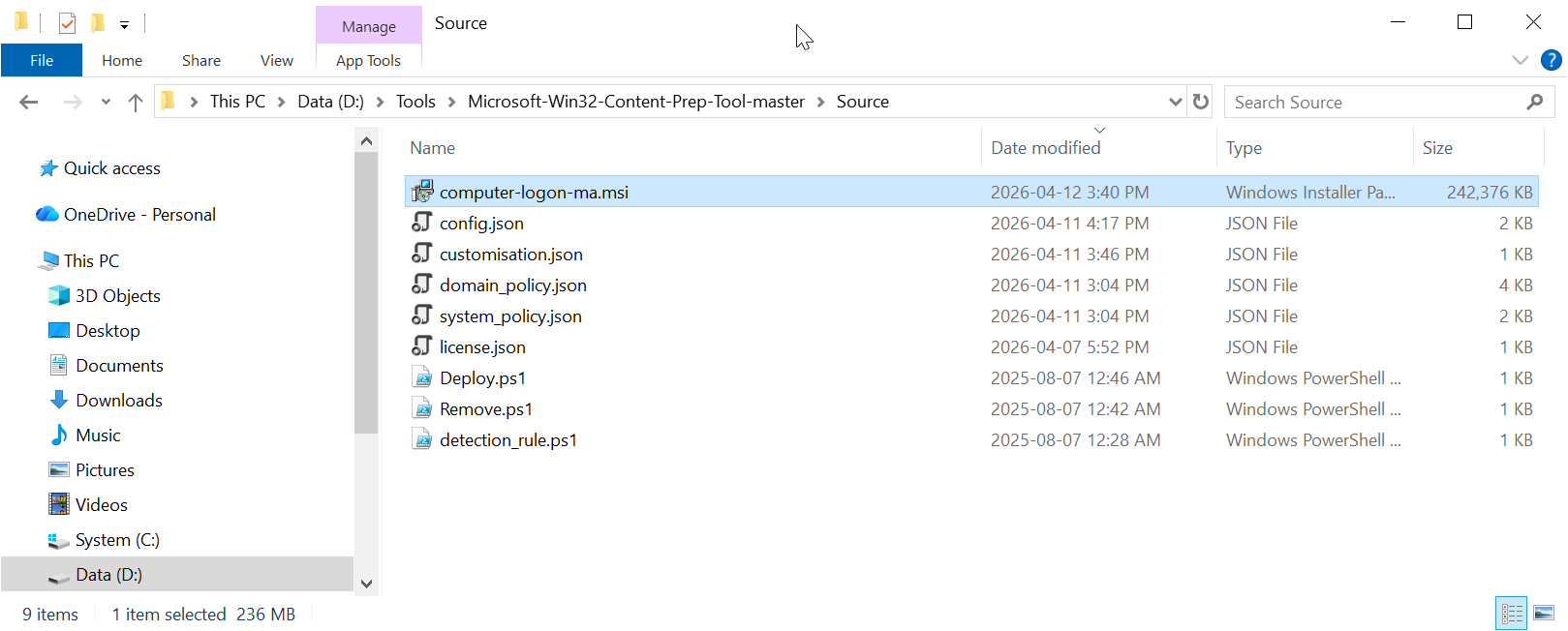
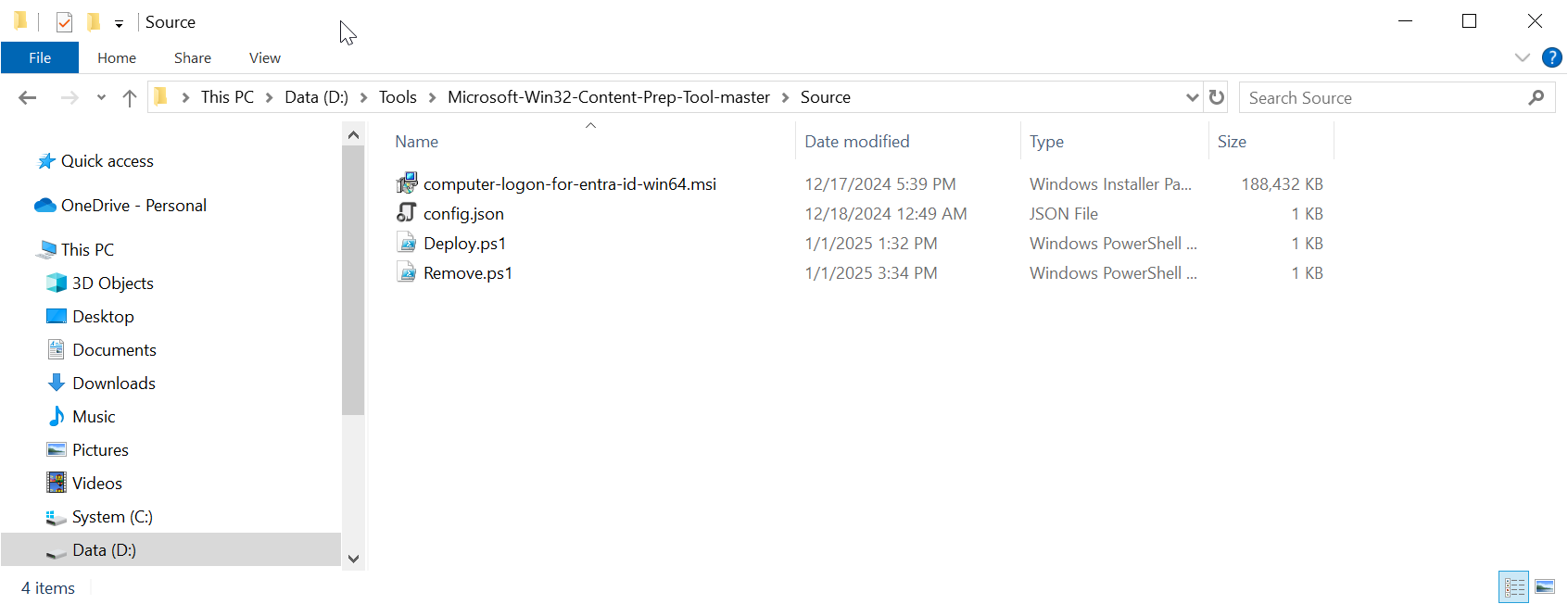
Build an Intune deploy package
Open a Windows command shell, and run the command
IntuneWinAppUtil.exe -c "Source" -s "Deploy.ps1" -o "Output"
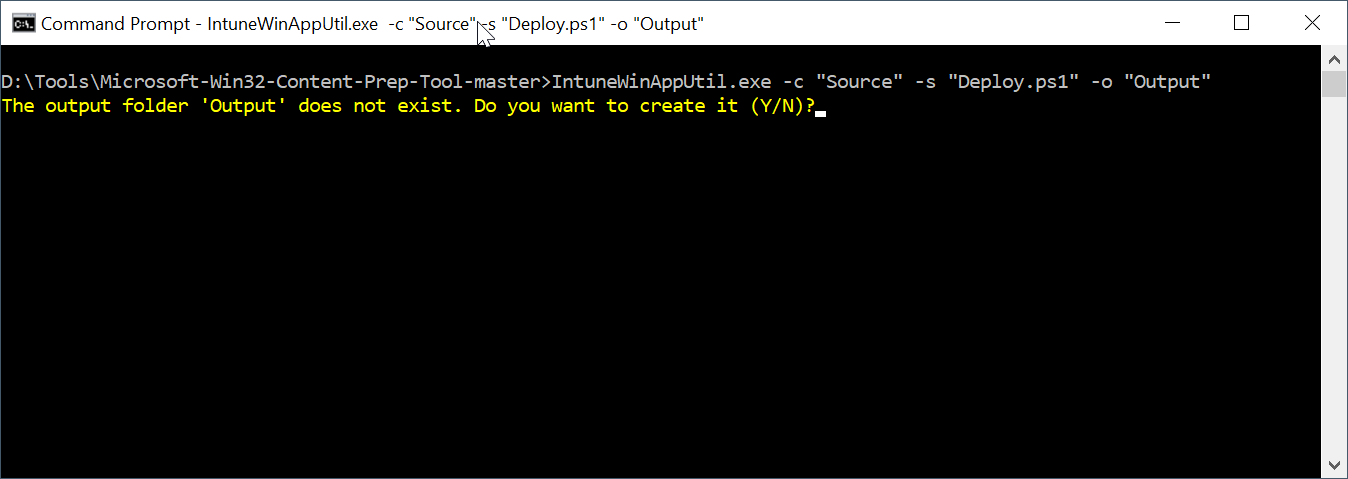
Enter "Y" to continue
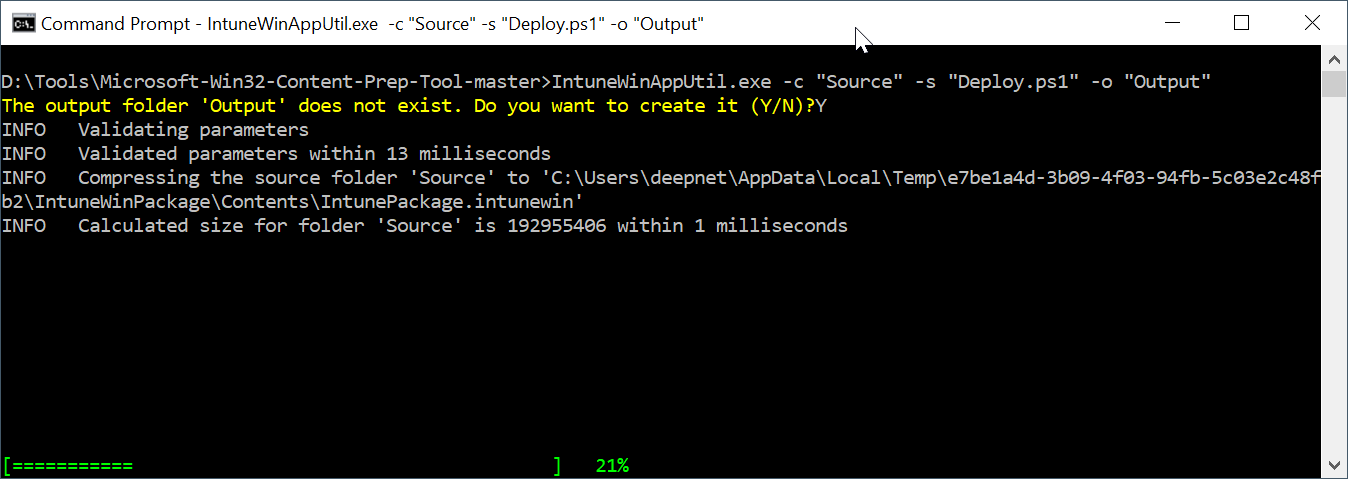
Wait for it to complete
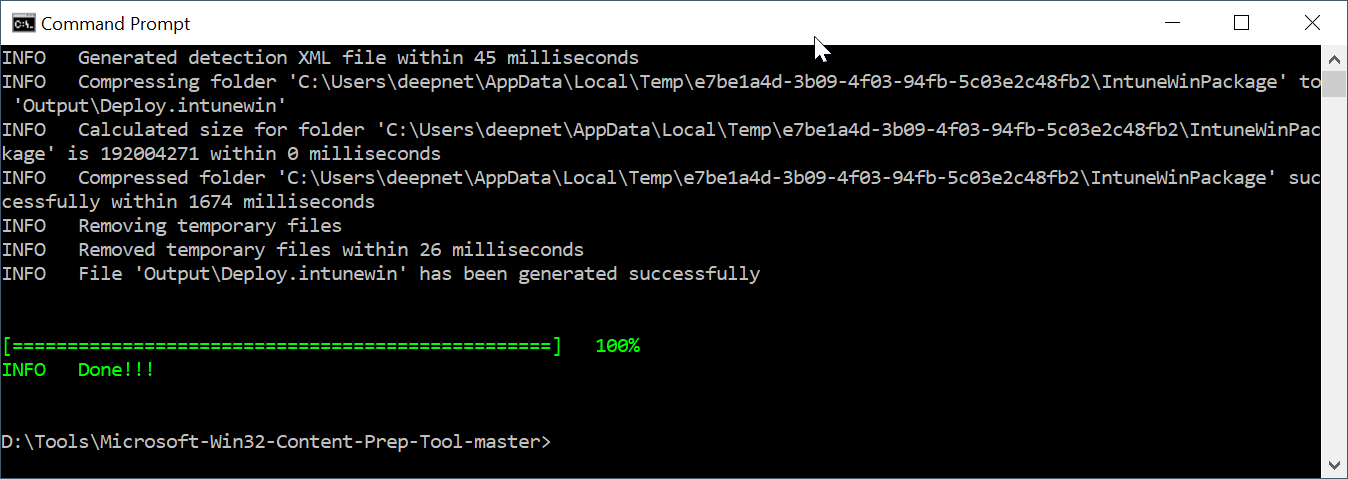
The package is named "Deploy.intunewin"
...