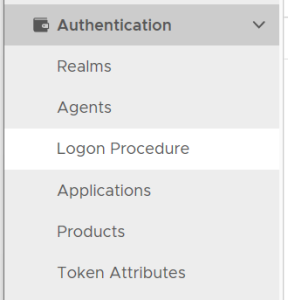
In the Admin Console, in the side panel, select "Authentication | Logon Procedure"
Click the "CREATE" button on the toolbar
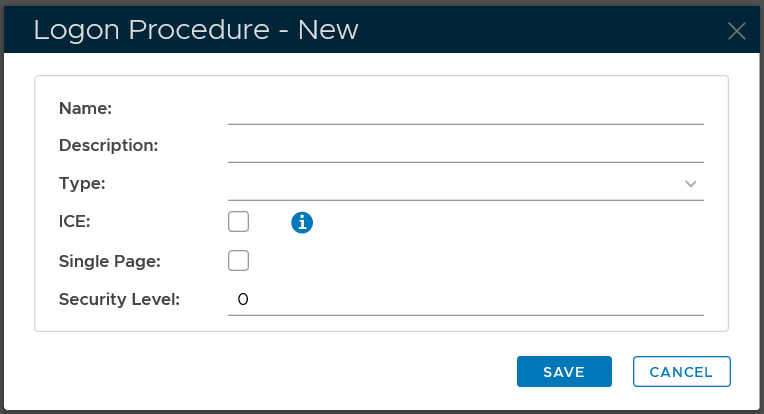
In the "Name" field, enter a name for this new logon procedueprocedure, e.g. "Office 365"
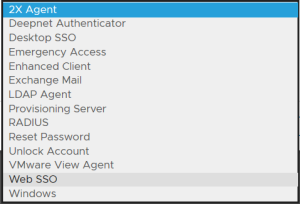
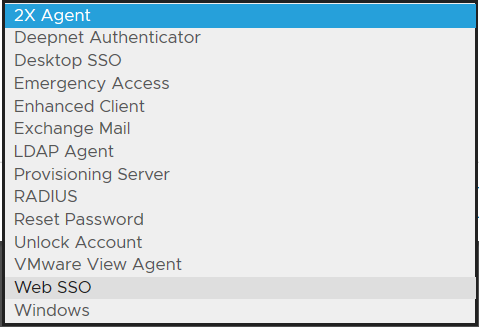
In the "Type" field, select the type of the logon procedure from the drop list, e.g. "Web SSO"
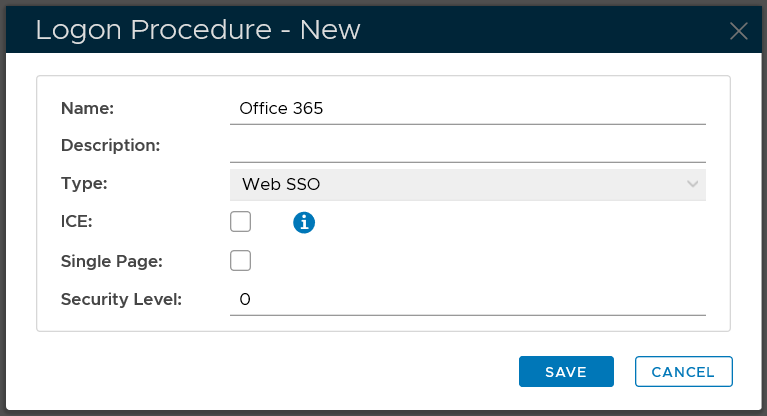
Click the "SAVE" button to save it.
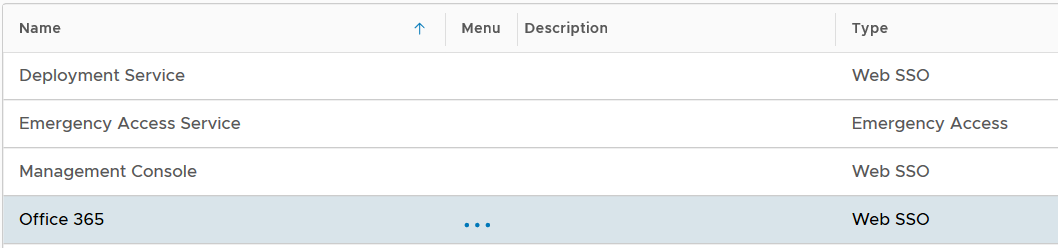
Now that a new logon procedure is created, you want to add logon steps.
| Expand | ||||||
|---|---|---|---|---|---|---|
|