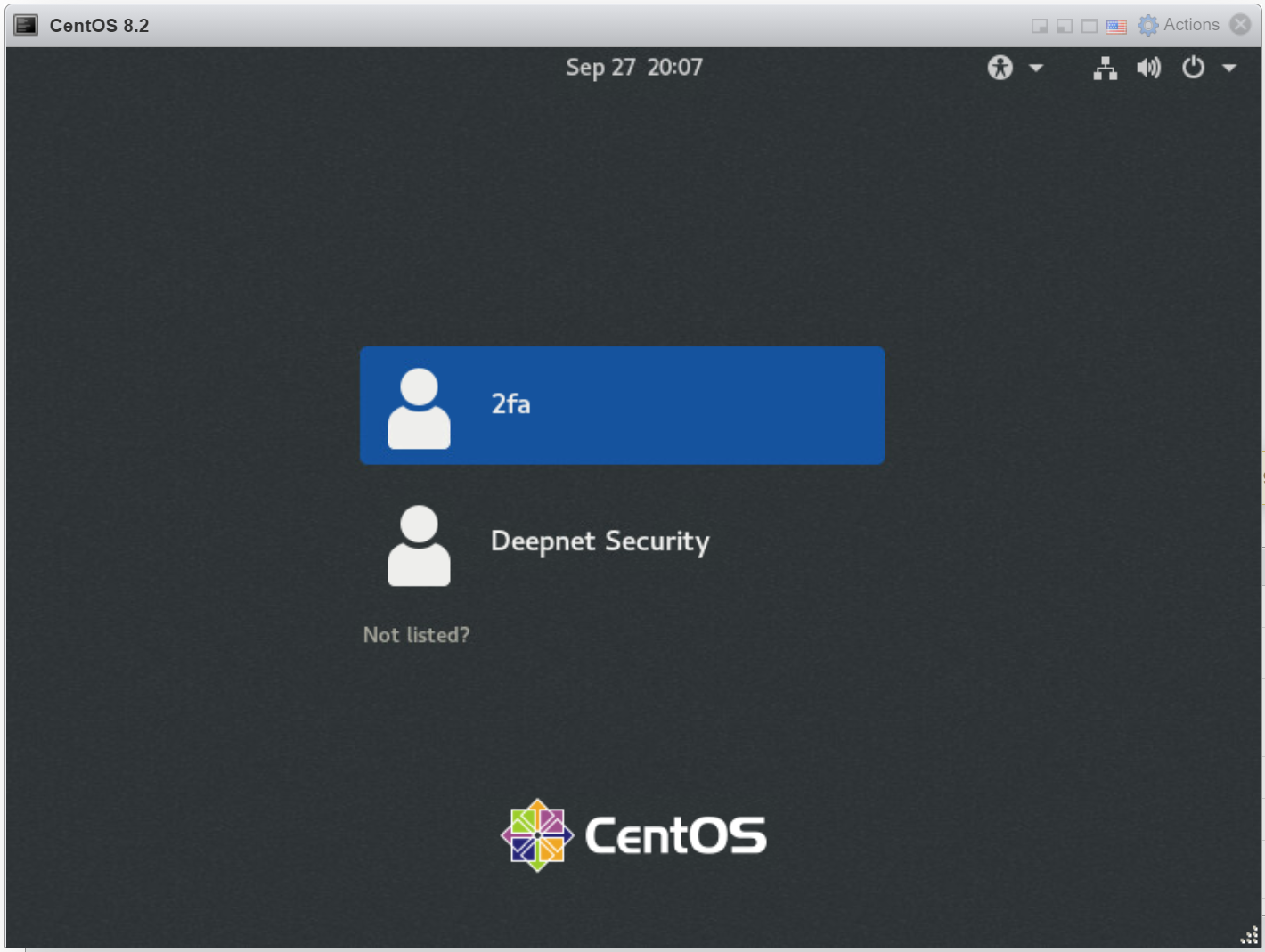
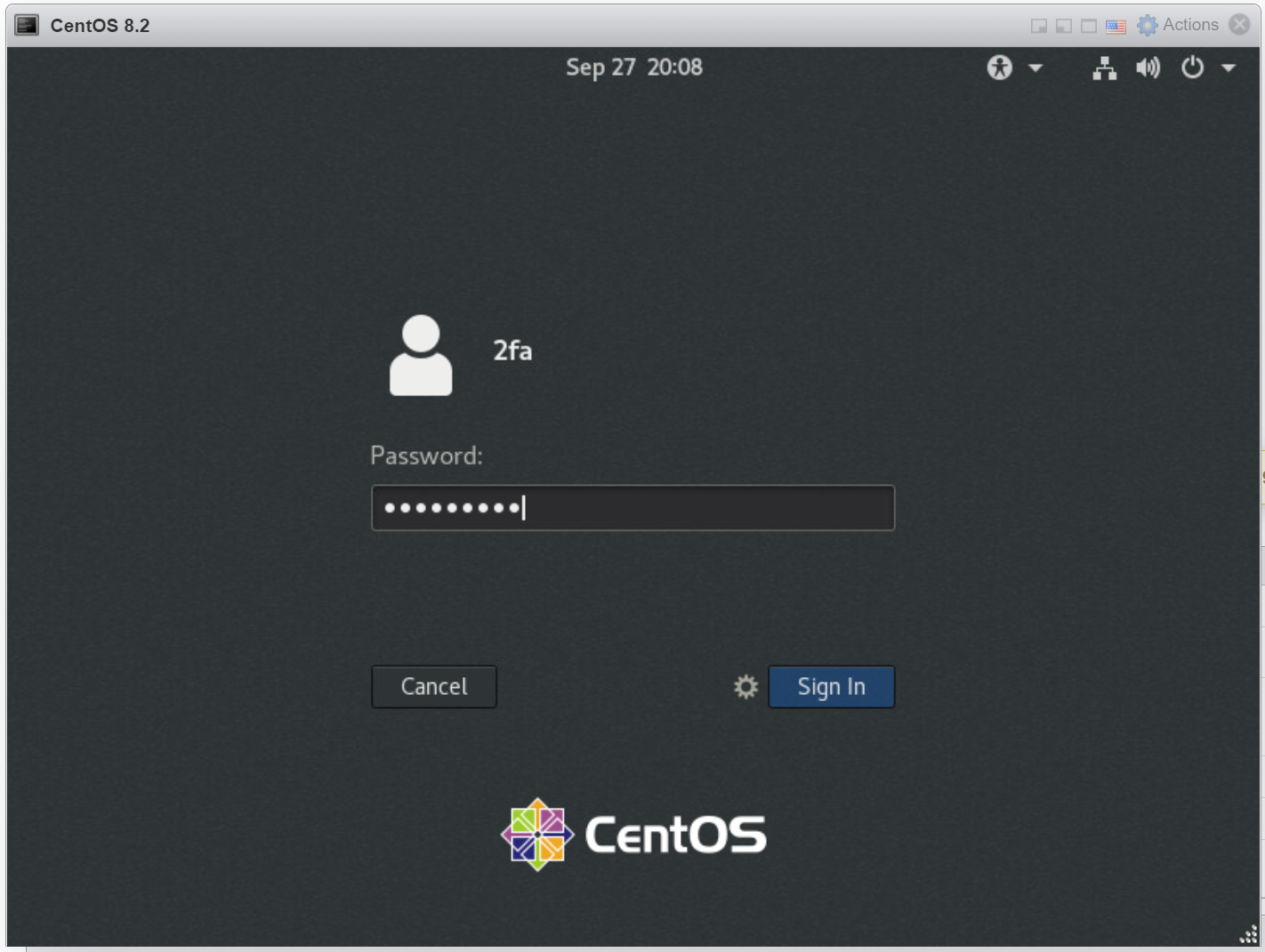
You are promoted prompted to enter your password
Enter your AD password, click "Sign In"
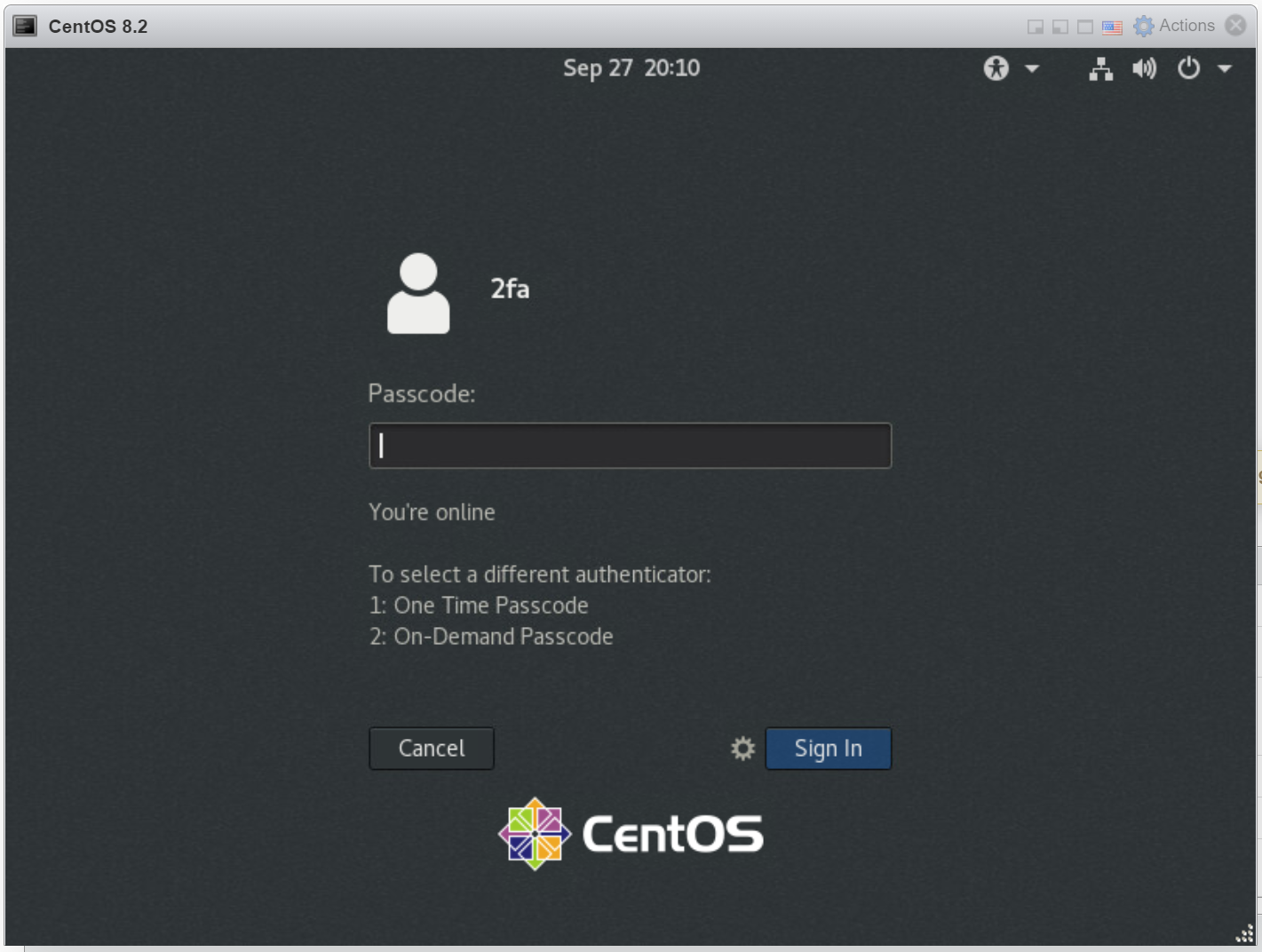
You are prompted to enter your passcode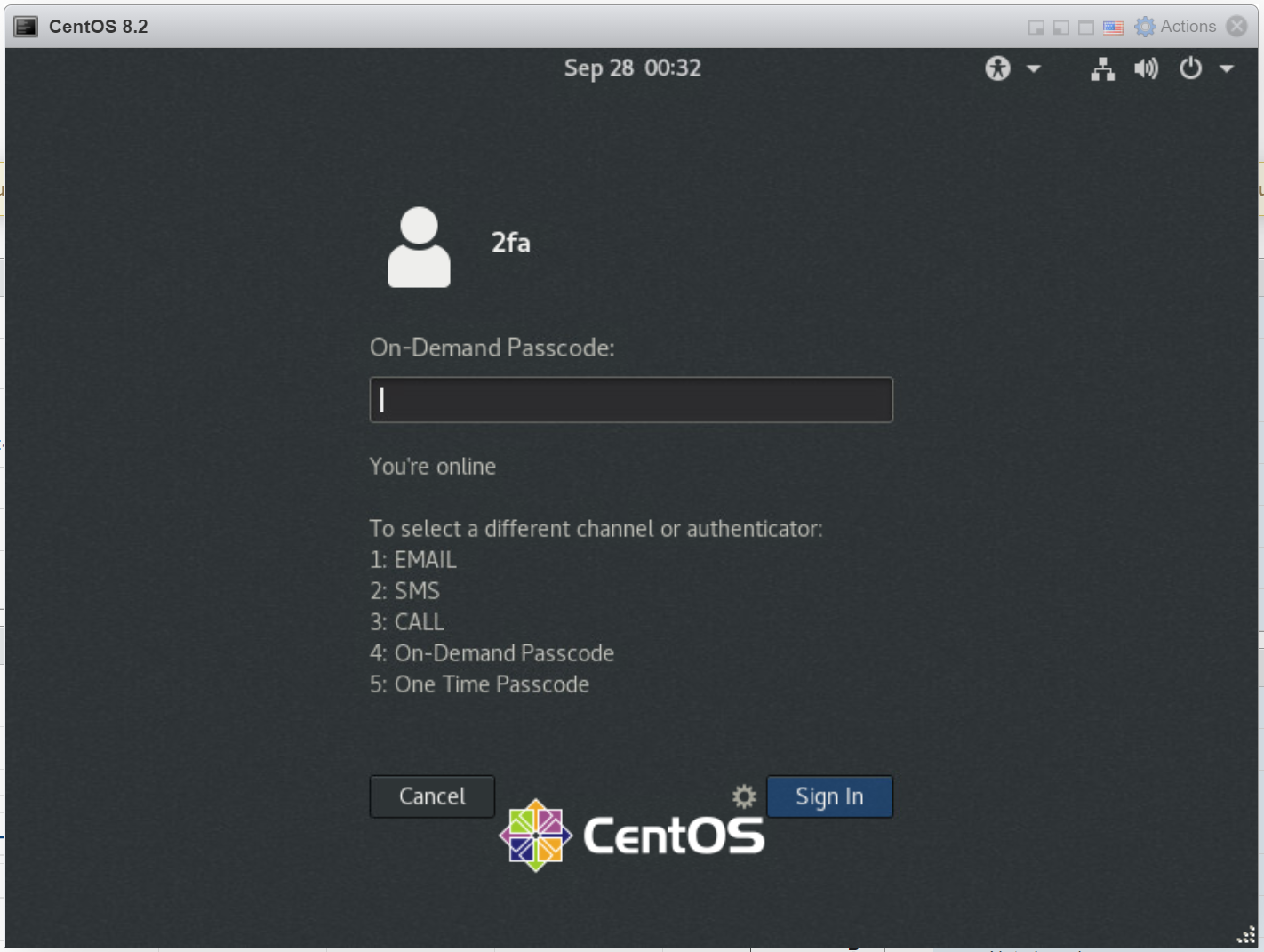
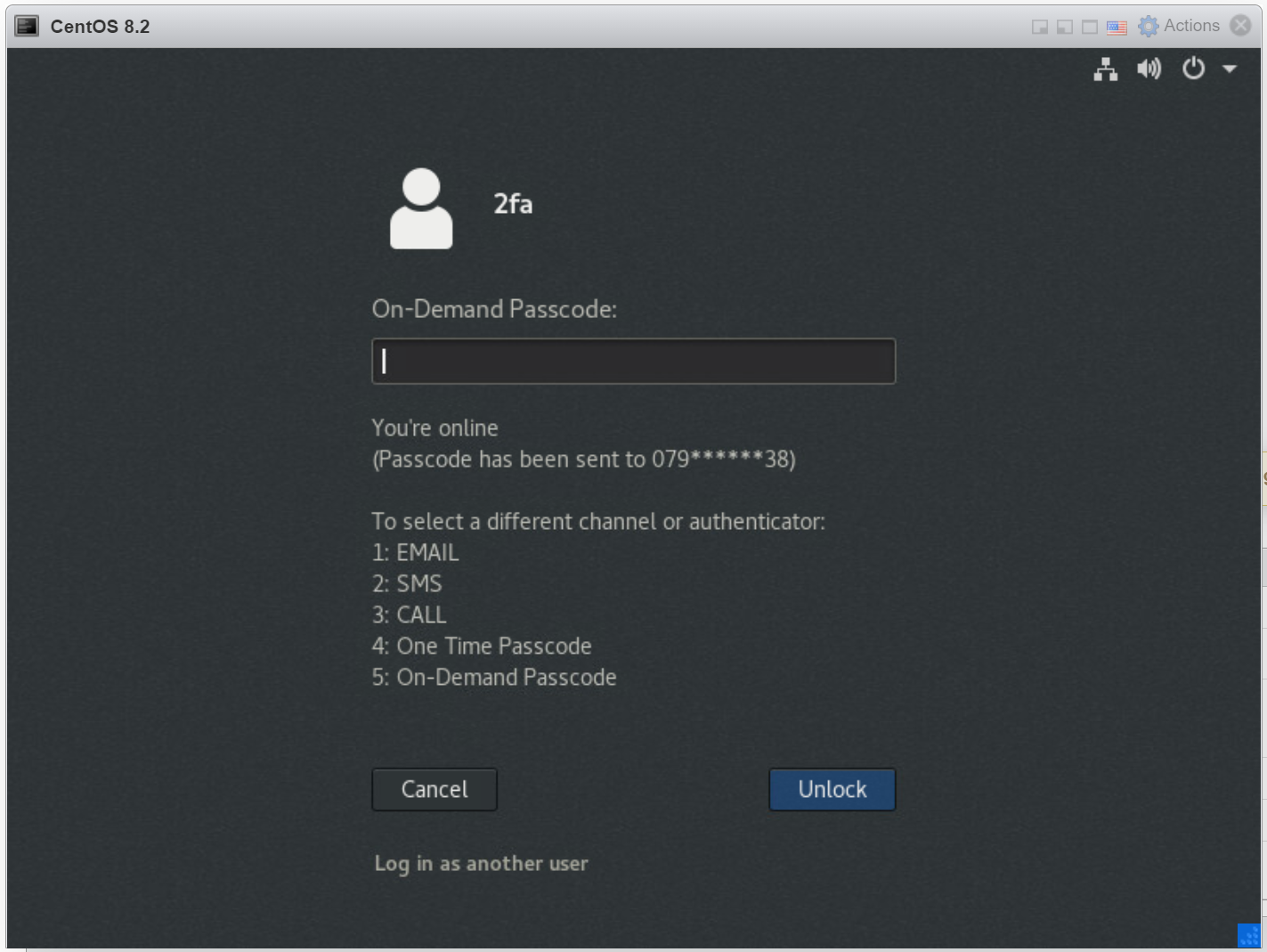
Below the passcode box, a list of authenticattors available to you is listed.
The first one in the list is the current authenticator. If you need to select a different authenticator, enter the number of the authenticator and press Enter.
In this example, On-Demand Passcode is not the current authenticcator. We need to enter "2" and select it
Now, On-Demand Passcode is the current authenticator:
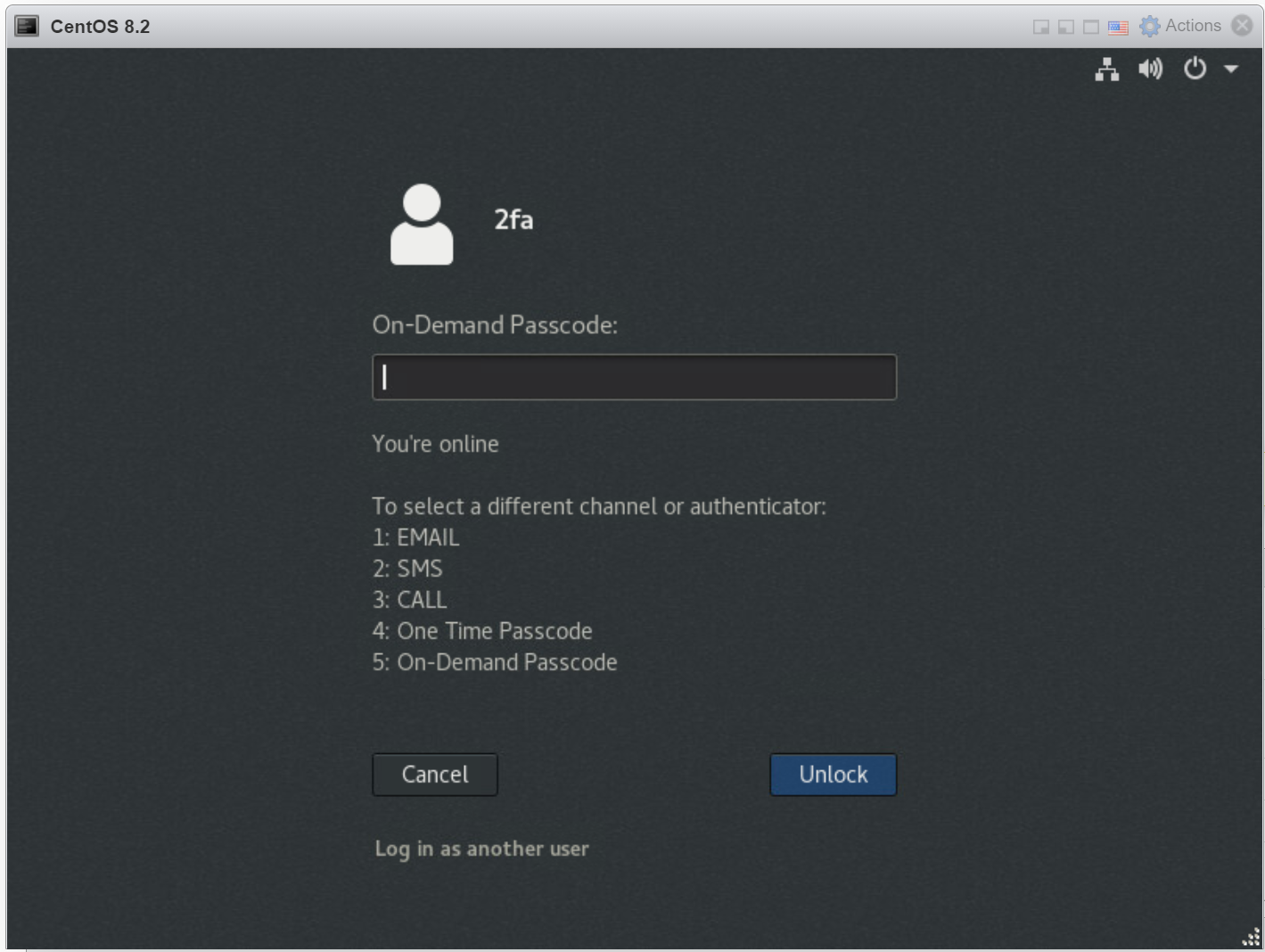
Below the passcode box, a list of message channels is listdisplayed, as well as authenticatorthe list of authenticators.
Next, you need to select the channel that you want the passcode to be recevied received by.
For instance, enter "2" if you want to receive passcode by SMS
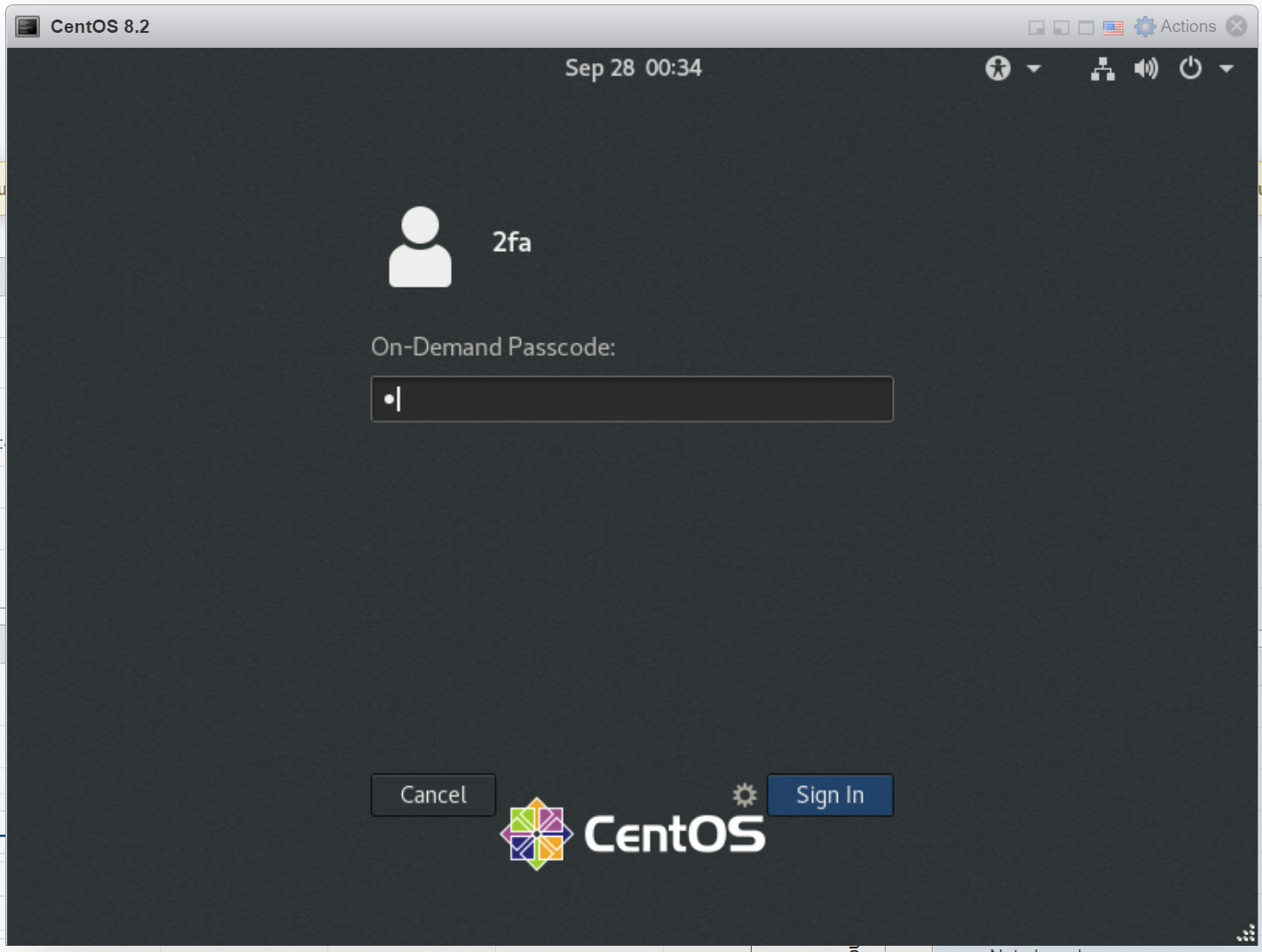
A passcode will be sent to you by SMS
You are now prompted to enter an on-demand passcode
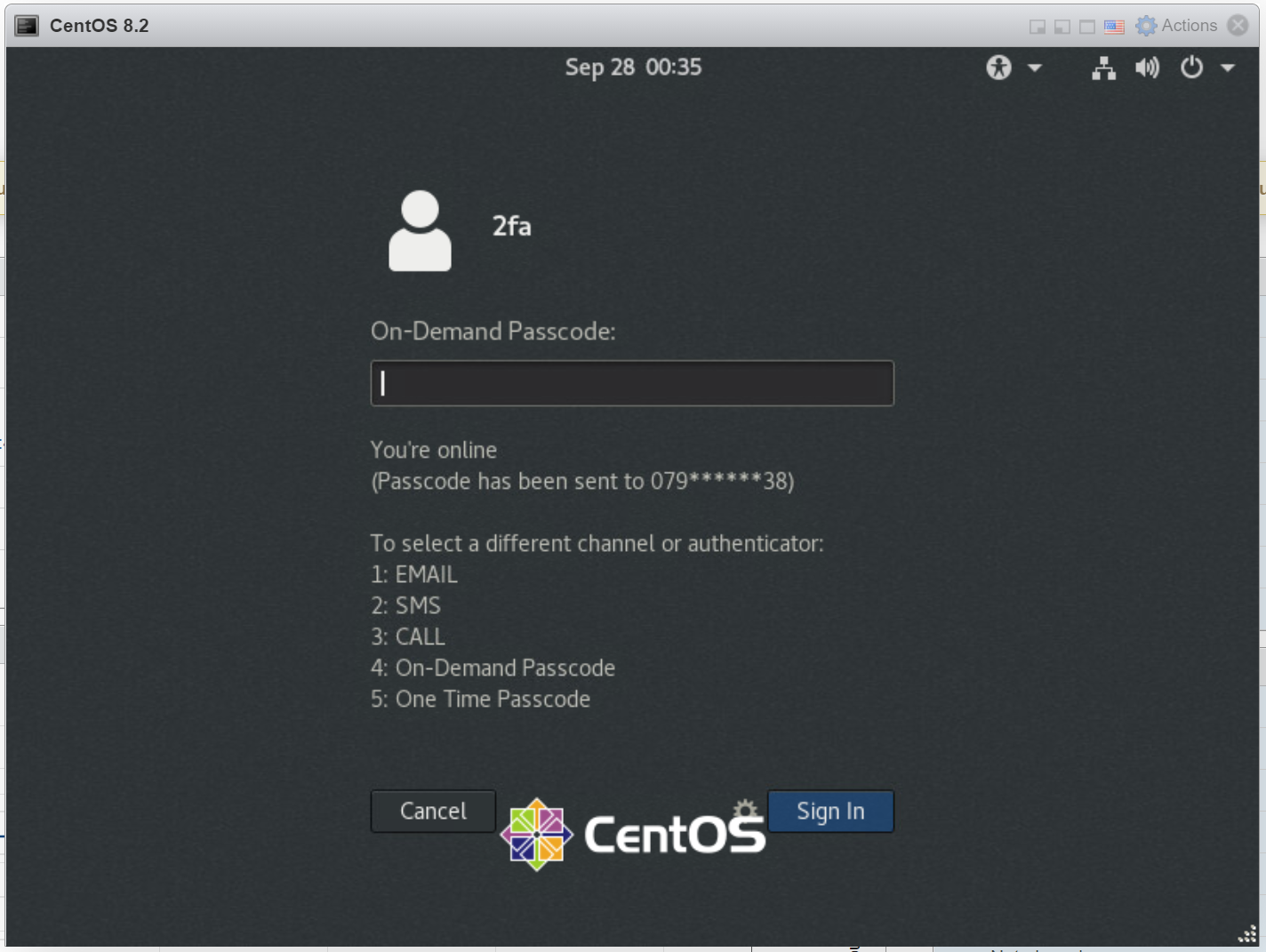
Enter the passcode that you have recevied: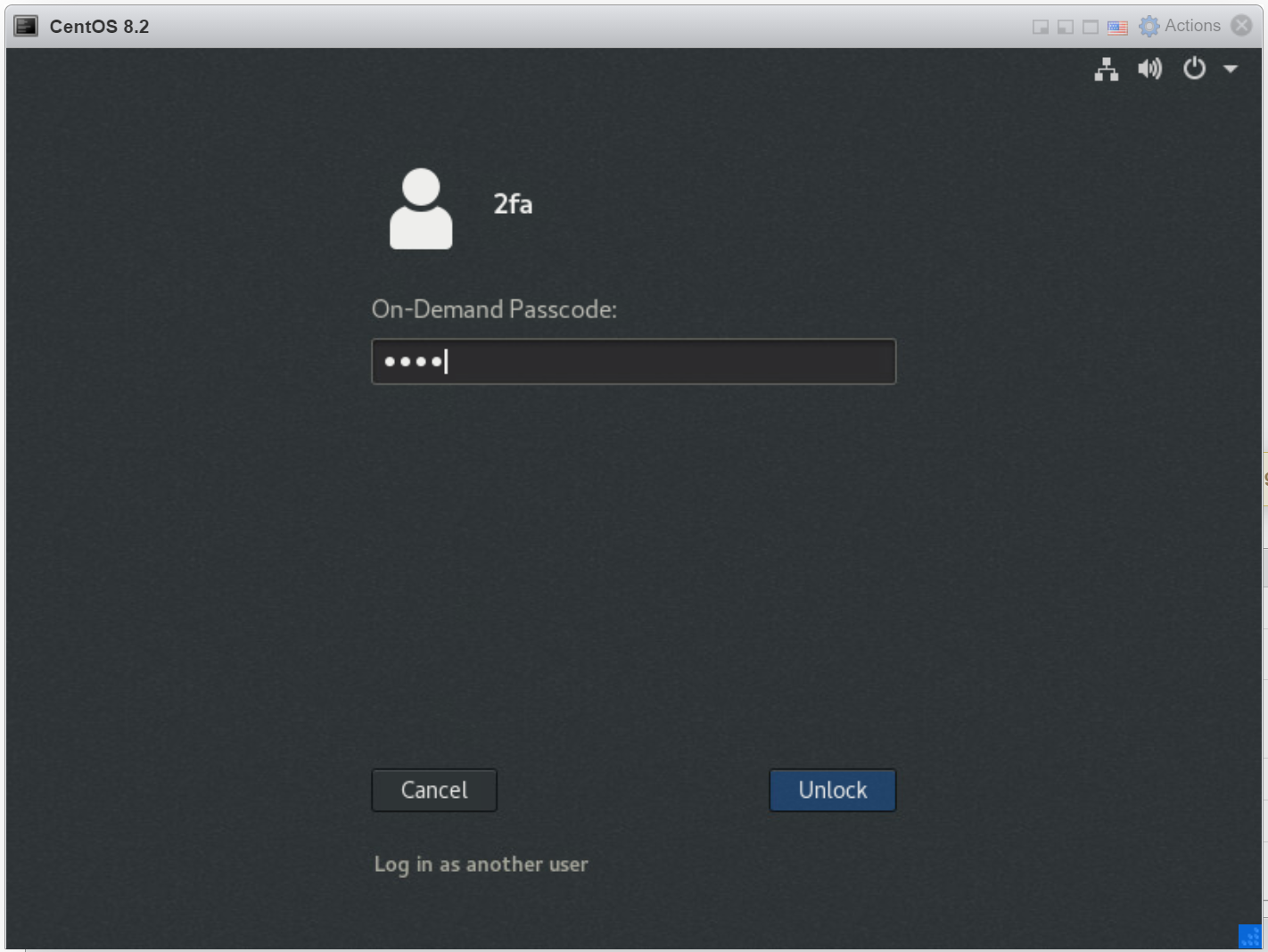 received.
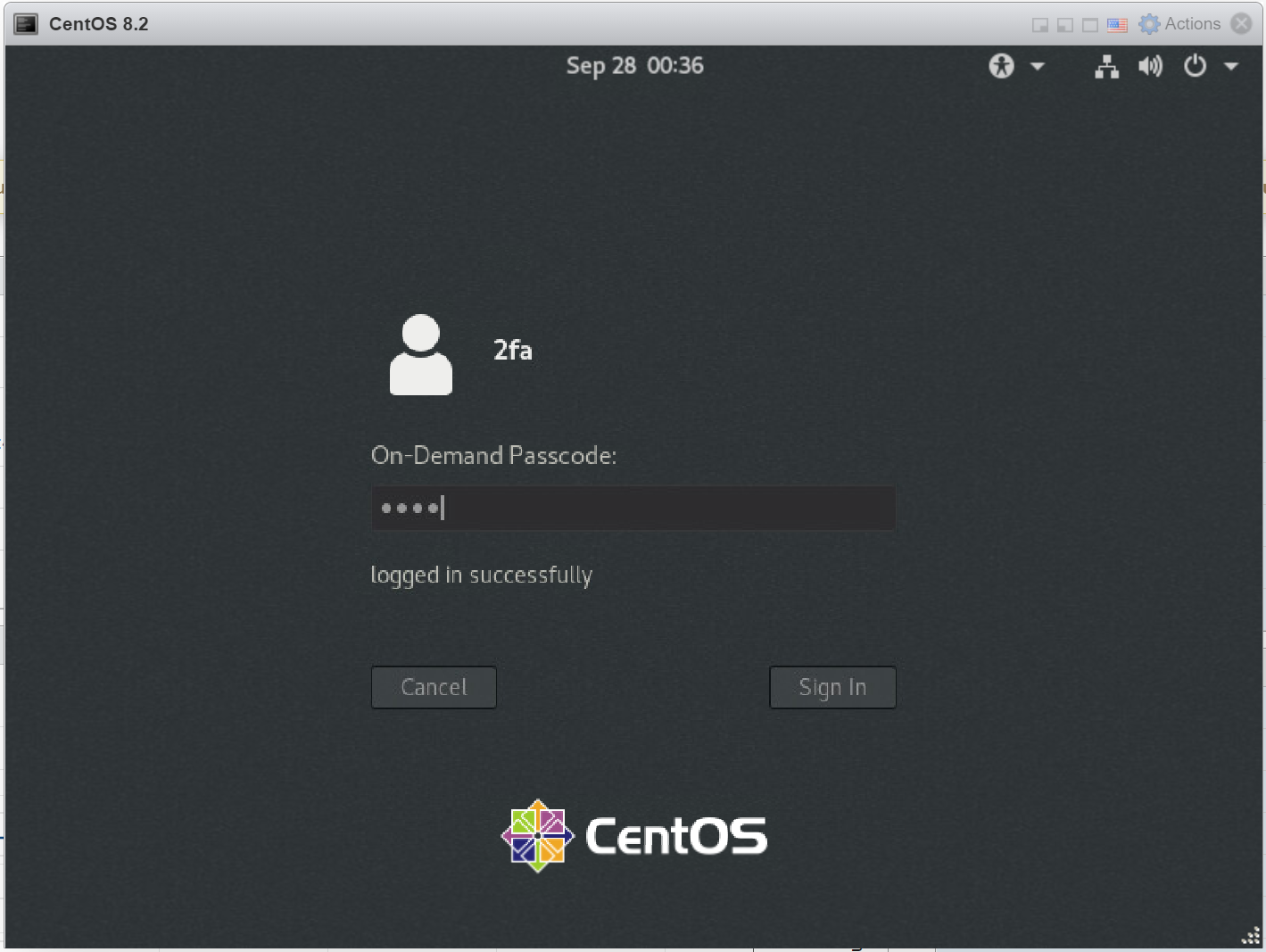
If the passcode entered is correct, you are logged in successfully
...