Licenses are assigned on a per-user bases, and are considered as consumed if user is considered active, and has tokens assigned to them.
What qualifies as an active user, and how do you check it ?
To check the status of a user navigate to "Directory | Users", Select the domain of the user then click "SEARCH" and you will be presented with a list of users for the selected domain;
...
If any of the tokens listed are active, then the users will be consuming a license.
Also In the case of an inactive token being created,...
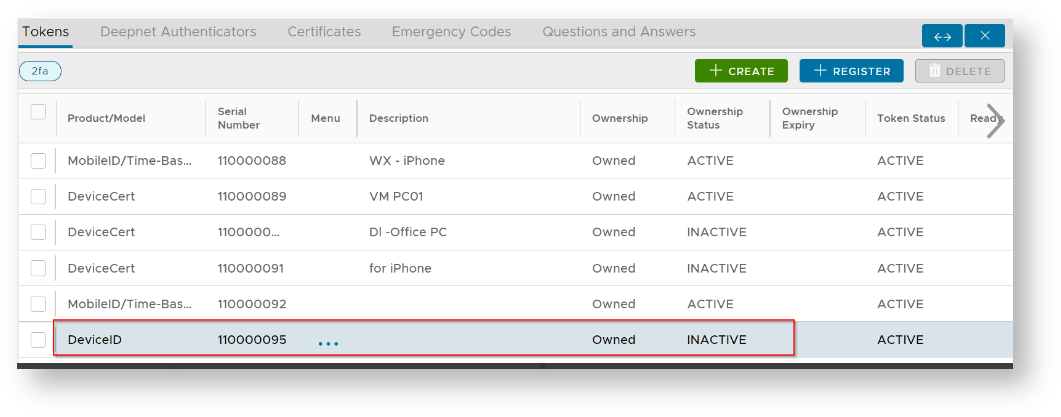
For example, during the registration of a DeviceID token, this will also count toward license consumption.
What can cause a user to be consuming a license, and how do we check who are consuming licenses ?
In addition to active tokens being assigned to a user, a user may also consume a license if they have any Question and Answer details or certificates stored against the user. Both can be checked by examining the content of the "Users Use License" report;

If a user has non-zero values in either of the columns "Tokens", "Q&A" or "Certificates", then they will be consuming a license.
If the initial lines of this report contain entries where the First and Last names are blank, then it is probable that this users were deleted in the external directory. If this is the case and these users are still consuming user licenses, then the licenses may be freed up by running the task "Clear deleted LDAP users".
...
| title | Deployment for RADIUS Integration |
|---|
...