...
Autologon is easy enough to use. Just run autologon.exe, fill in the dialog, and hit Enable.
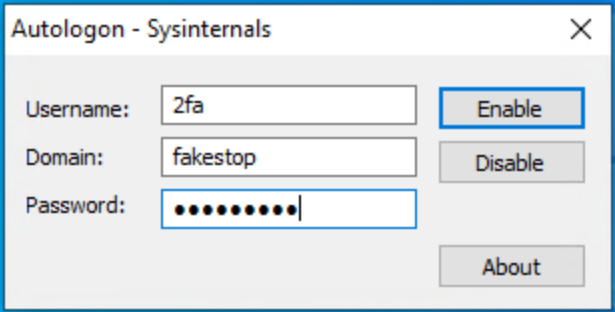
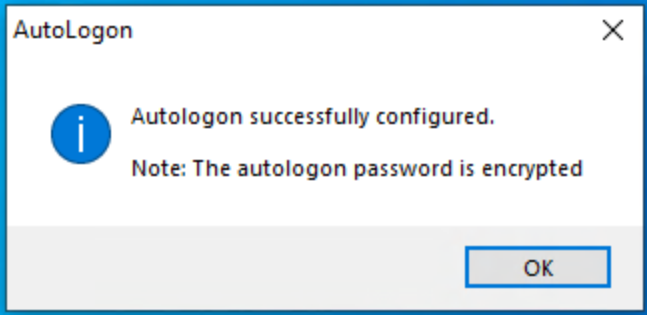
You can also pass the username, domain and password as command-line arguments:
autologon user domain passwordMake sure that you have provided the correct credentials, as the Autologon tool The next time the system starts, Windows will try to use the entered credentials to log on the user at the console. Note that Autologon does not verify the submitted credentials, nor does it verify that the specified user account is allowed to log on to the computer.
The next time the system starts, Windows will try to use the entered credentials to log on the user at the console. (If To turn off auto-logon, hit Disable. Also, if the shift key is held down before the system performs an autologon, the autologon will be disabled for that logon. You can also pass the username, domain and password as command-line arguments:autologon user domain password).
Note: When Exchange Activesync password restrictions are in place, Windows will not process the autologon configuration.
...