...
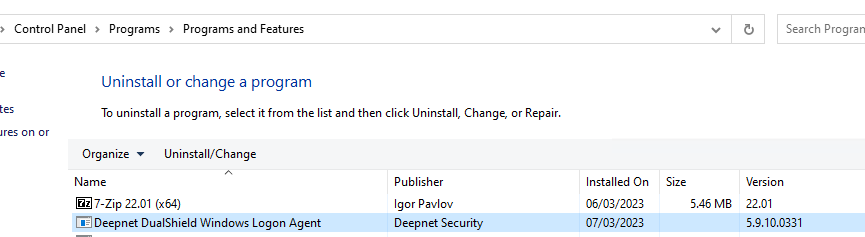
4. Uninstall Windows Logon Agent 5.x
5. Open Windows Command Prompt (Run as Administrator), run the following commands.
...
6. Import back the Registry Key that you exported earlier
7. Start the Windows Logon Agent (G2) service
...
...
4. Uninstall Windows Logon Agent 5.x
5. Open Windows Command Prompt (Run as Administrator), run the following commands.
...
6. Import back the Registry Key that you exported earlier
7. Start the Windows Logon Agent (G2) service
...