...
| Table of Contents | ||
|---|---|---|
|
Pre-Programmed Token vs Programmable Token
There are 2 types of OATH hardware tokens, pre-programmed and programmable tokens.
Pre-Programmed Tokens
Pre-programmed tokens are the tokens programmed at the factory by the manufacturer, and they can be used out of the box. Deepnet Security provides several pre-programmed OATH hardware tokens such as SafeID/Classic, SafeID/Enterprise, SafeID/Mini, etc.
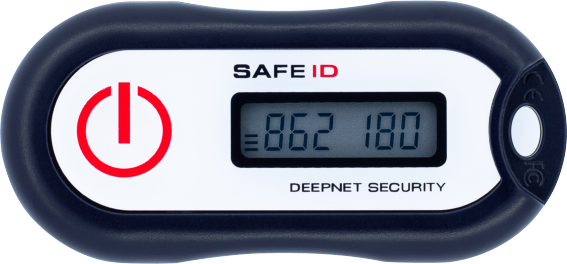
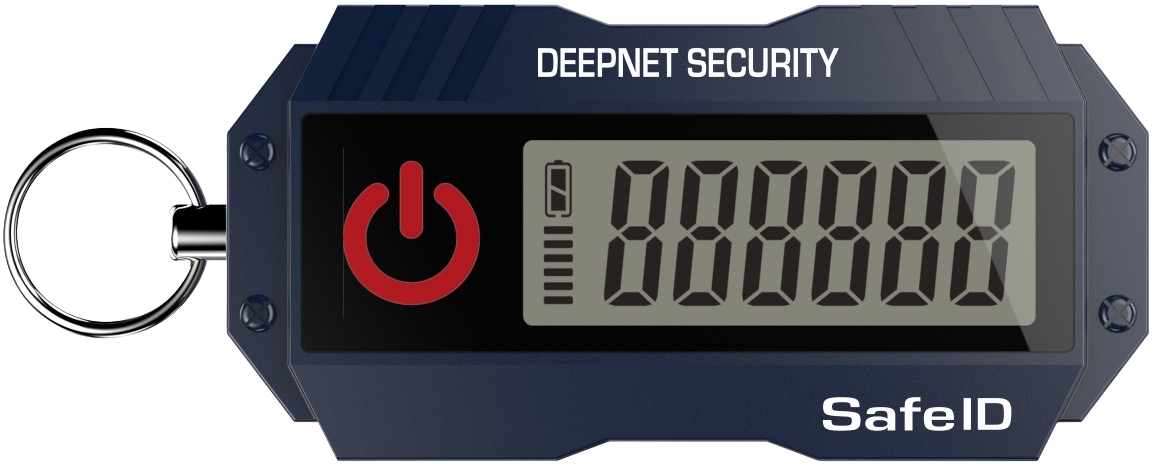
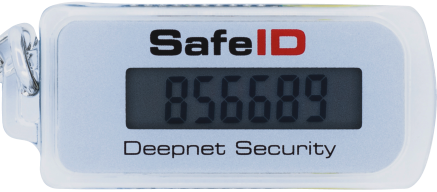
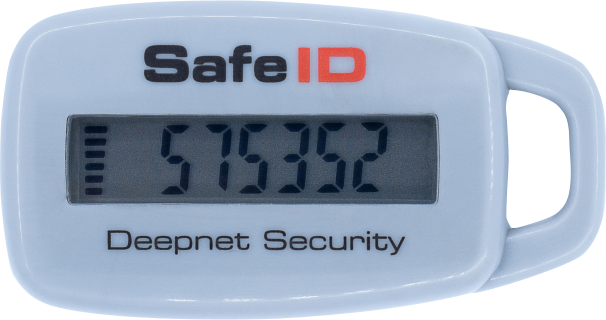
Click here to see the complete list of SafeID pre-programmed tokens.
Programmable Tokens
Programmable tokens are designed to be programmed by customers and users. Deepnet Security provides several programmable OATH hardware tokens such as SafeID/Diamond and , SafeID/Pro, SafeID/QRPinPad etc.
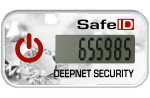
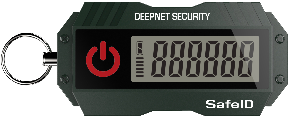
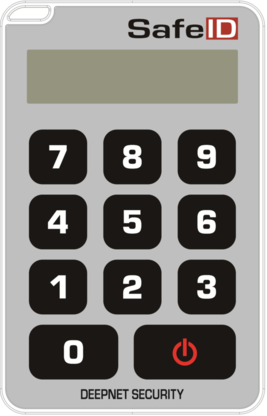
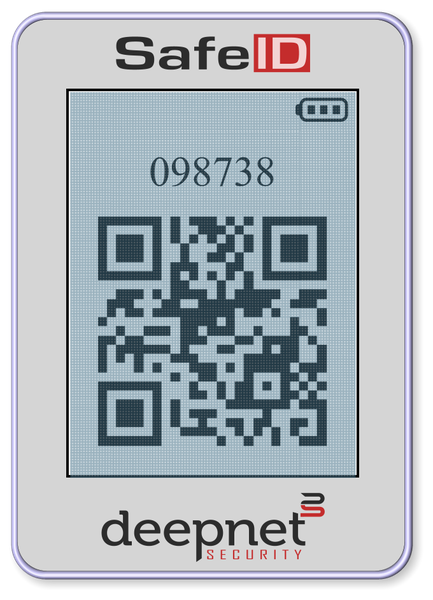
Click here to see the complete list of SafeID programmable tokens.
Azure AD Premium License vs Basic (Free) License
Azure AD has a Basic (Free) license and two Premium Licenses, P1 and P2. You have to select the right type of hardware token according to the type of Azure AD license that you have. If you have Azure AD Premium (P1 or P2) license, then the pre-programmed token would be the first choice for you. If you have the Azure AD Basic (Free) license, then you have to use the programmable token.
...
- If you have Office 365 E3/E5 subscription only, then you do not have an Azure AD premium license
- If you have Office 365 E3/E5 plus EMS (Enterprise Mobility & Security), then you have an Azure AD premium license
- If you have Microsoft 365 E3/E5, then you have an Azure AD premium license
| Office 365 | Office 365+EMS | Microsoft 365 | ||||
|---|---|---|---|---|---|---|
| E3 | E5 | E3 | E5 | E3 | E5 | |
| Azure AD Premium P1 | ✔ | ✔ | ||||
| Azure AD Premium P2 | ✔ | ✔ | ||||
If you are not sure which Azure AD license that you have, click here to find out.
Set up OATH pre-programmed hardware tokens with Azure MFA
| Expand | ||||||
|---|---|---|---|---|---|---|
|
Set up OATH programmable hardware tokens with Azure MFA
| Expand | ||||||
|---|---|---|---|---|---|---|
|