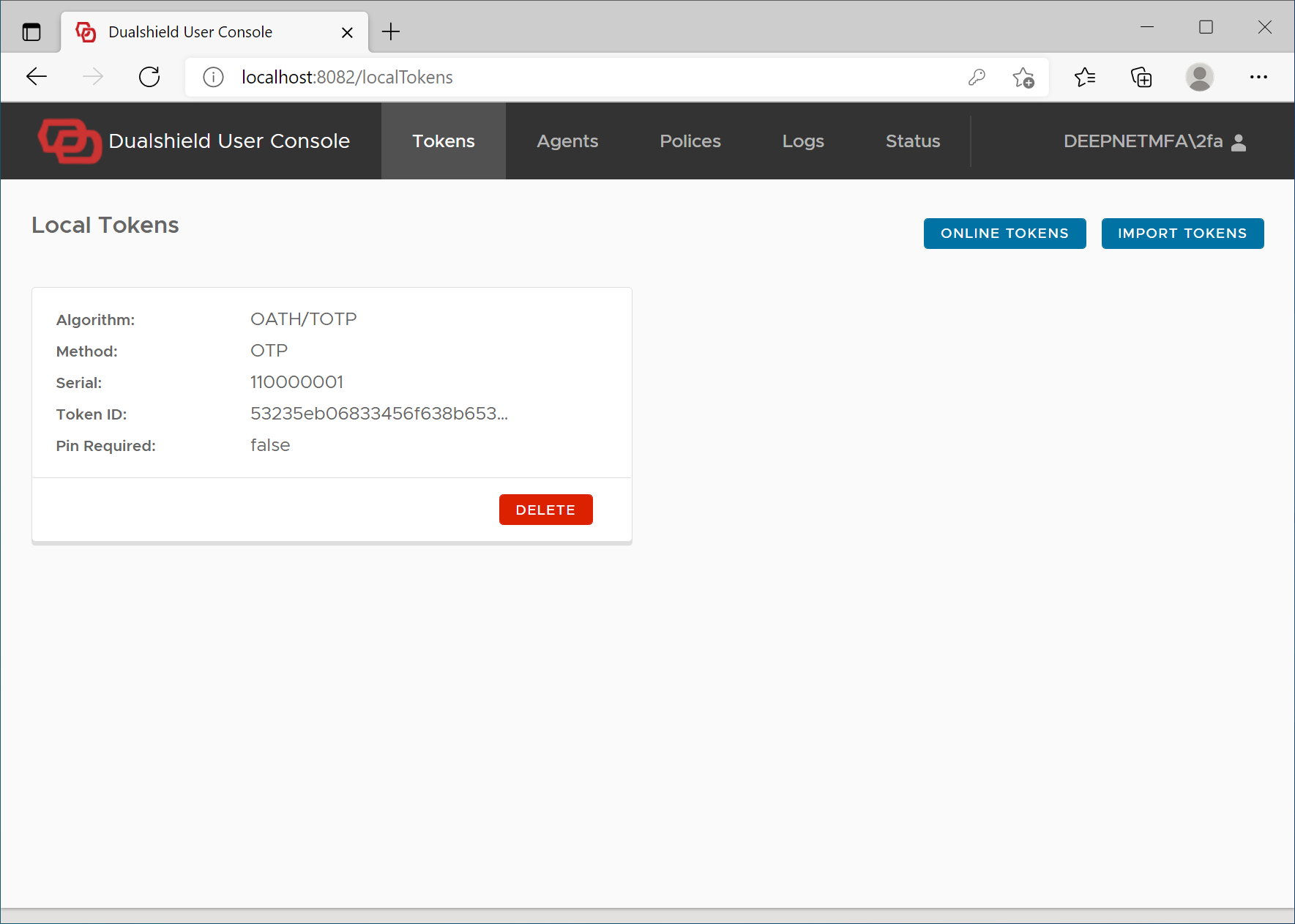
If for In some reason, the automatic download option is not desirable, then users must be asked to download offline tokens manually by themselves.
To download tokens, users must log in to their domain network first, then visit the Computer Logon User Console on http://localhost:8082
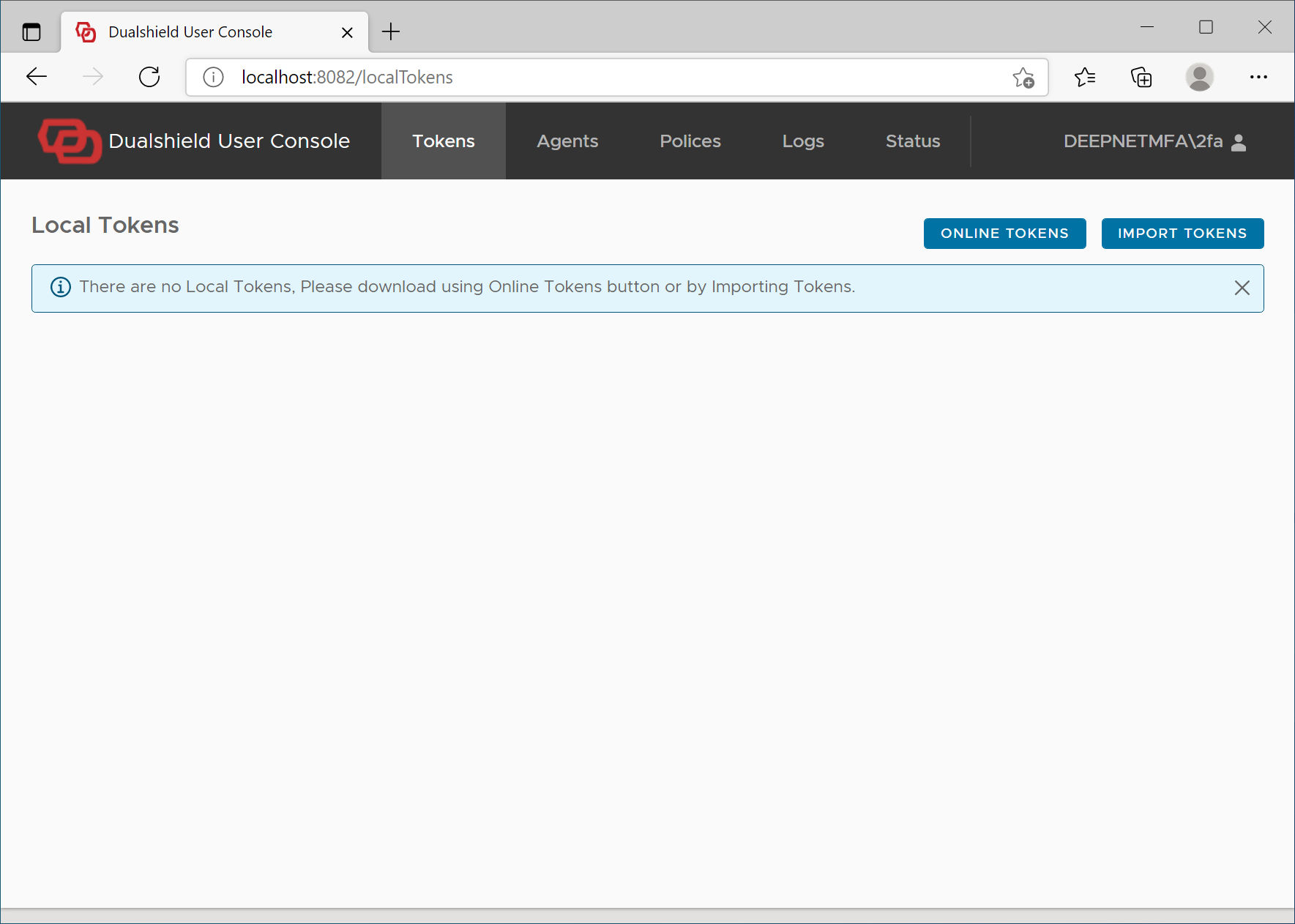
Click the button: Online Tokens
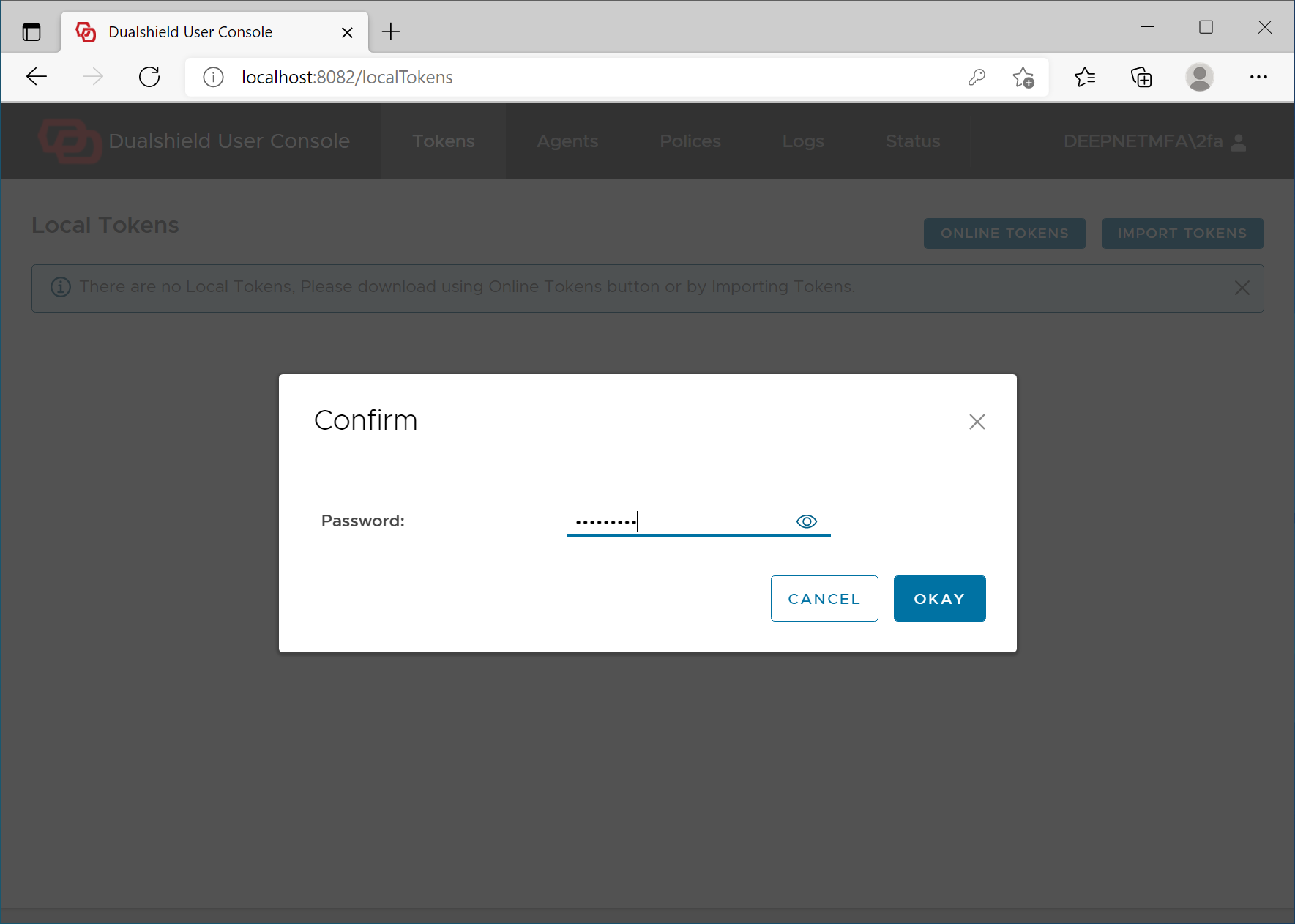
Enter your AD password to verify yourself
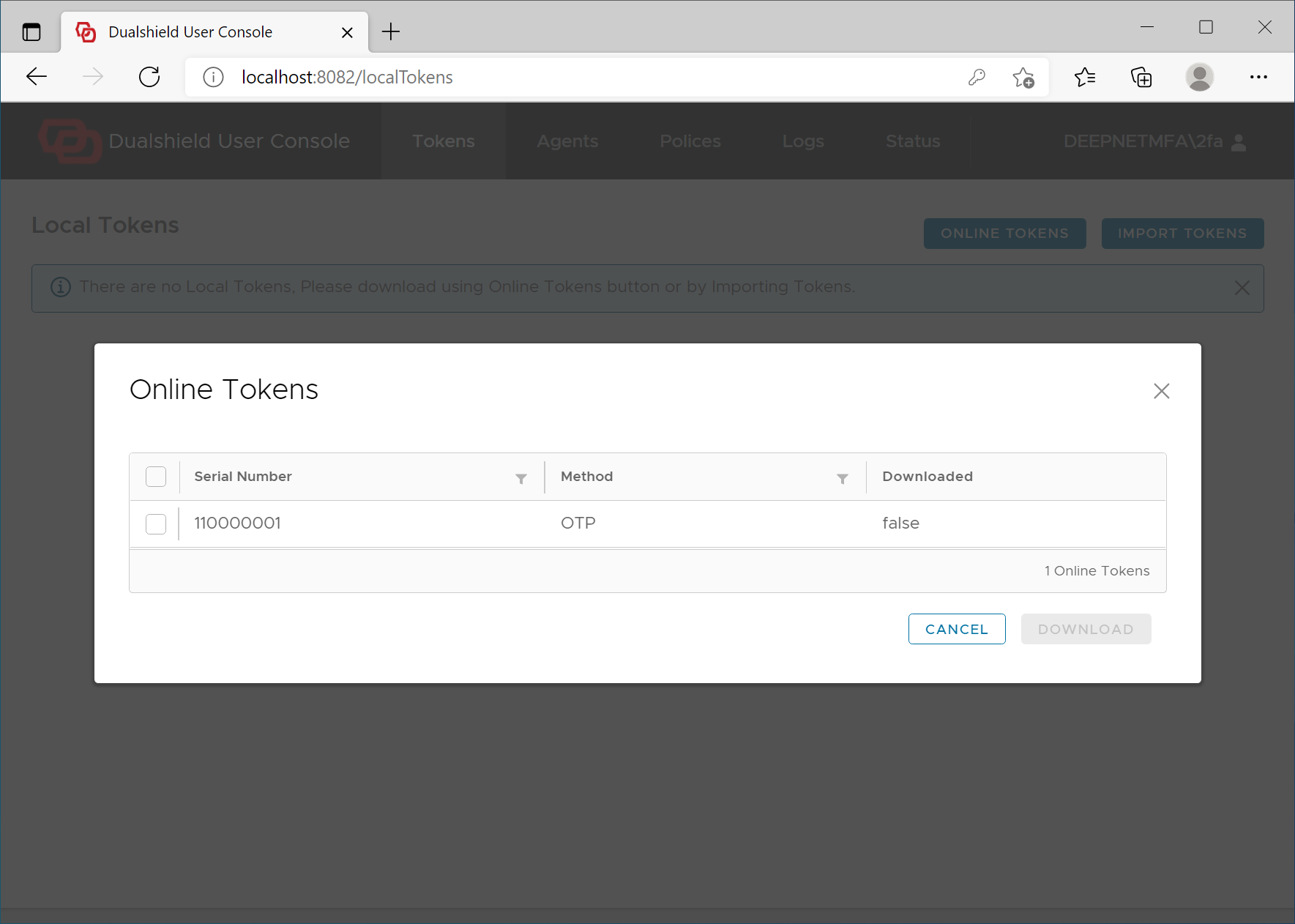
Select the token that you want to download for offline logon
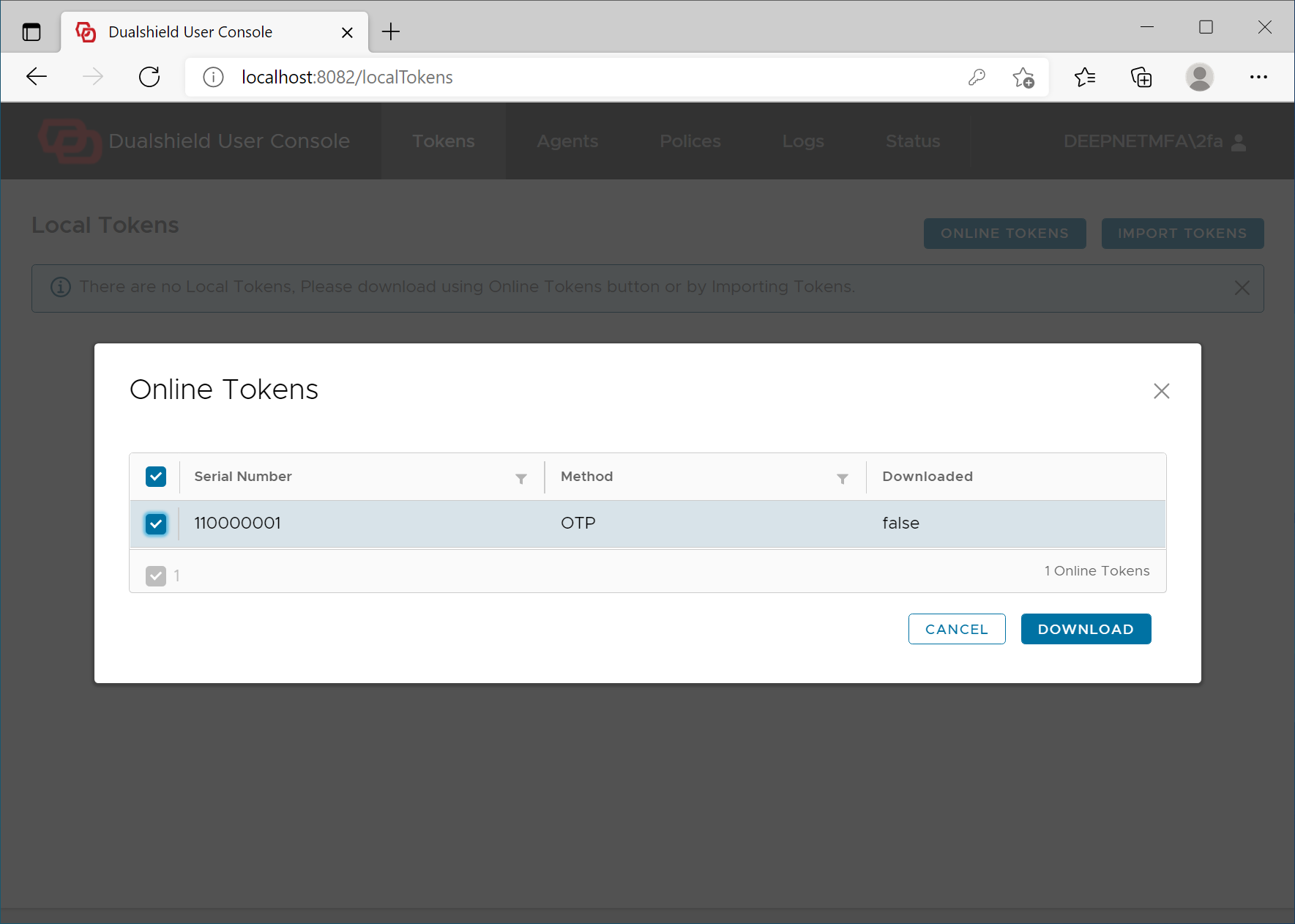
Click the button Download
cases, user might have to manually import tokens for offline logon.
| Include Page | ||||
|---|---|---|---|---|
|