...
- Create a data-format file, name it with the file extension ".fmt", e.g. DB3DB5.FMT. Copy the content below to the file:
| Code Block | ||
|---|---|---|
| ||
10.0
7
1 SQLCHAR 0 1 "\"" 0 first_double_quote  Latin1_General_CI_AI
2 SQLCHAR 0 39 "\",\"" 5 ip_from ""
3 SQLCHAR 0 39 "\",\"" 6 ip_to ""
4 SQLCHAR 0 2 "\",\"" 3 country_code Latin1_General_CI_AI
5 SQLCHAR 0 255 "\",\"" 4 country_name Latin1_General_CI_AI
6 SQLCHAR 0 255 "\",\"" 7 region_name Latin1_General_CI_AI
7 SQLCHAR 0 255 "\"\r\n" 2 city_name Latin1_General_CI_AI
|
...
8 SQLCHAR 0 20 "\",\"" 8 latitude ""
9 SQLCHAR 0 20 "\"\r\n" 9 longitude ""
|
*Make sure that there is a carriage return after the last row.
...
| Code Block | ||
|---|---|---|
| ||
BULK INSERT [dualshield_database_name].[dbo].[ip2location_db3_ipv6] FROM 'FILE-PATH-TO\IP2LOCATION-LITE-DB3DB5.IPV6.CSV' WITH ( FORMATFILE = 'FILE-PATH-TO\DB3DB5.FMT' ) GO |
* replace "dualshield_database_name" with the name of the DualShield database. By default, it is "DualShield"
* replace "FILE-PATH-TO" with the actual file path where the downloaded file is saved, e.g. "c:\downloads"
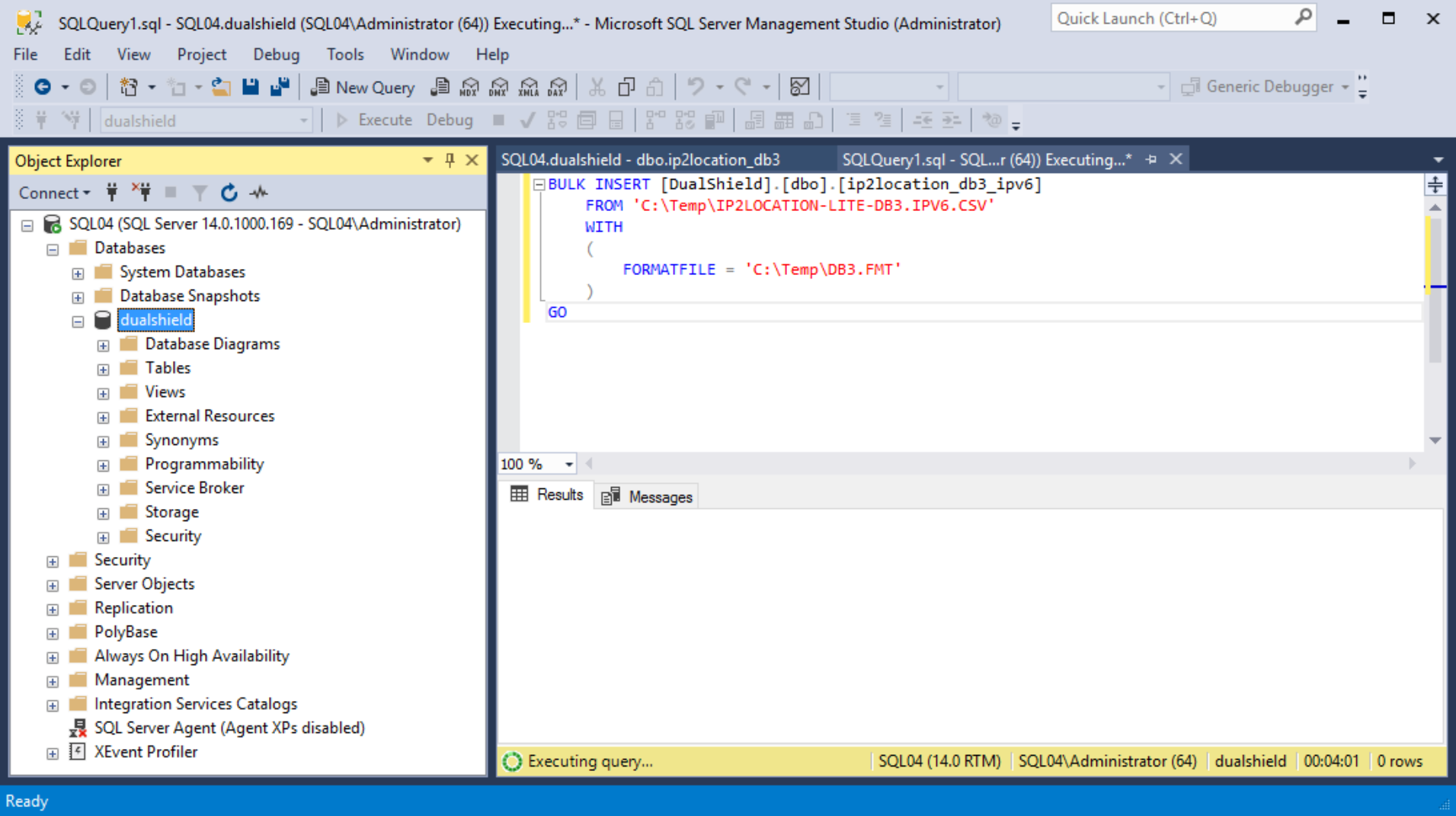
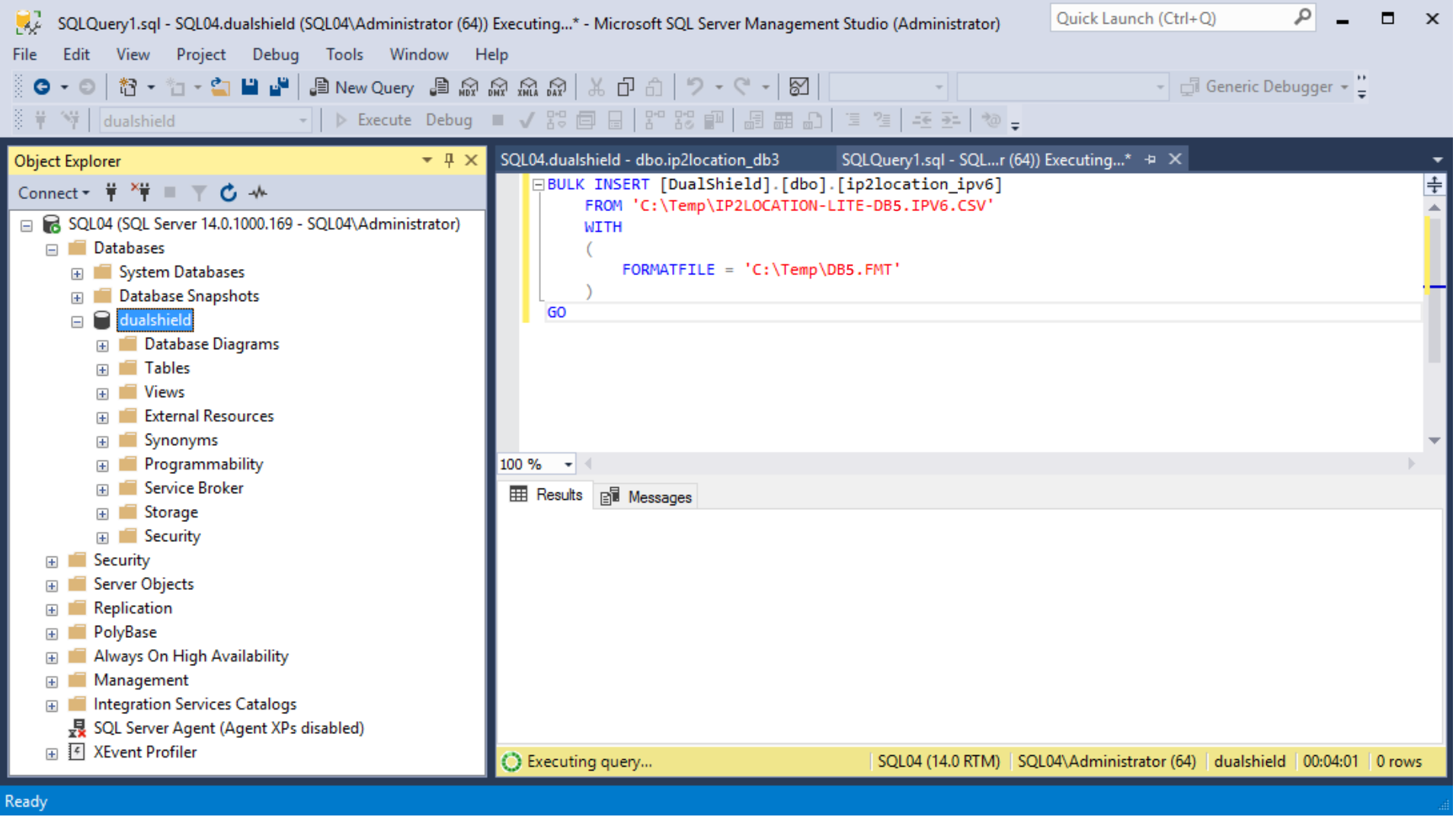
* Please note that it can take 5 - 30 minutes to import the data depending on the performance of the machine, as there are nearly 5 millions of records to be imported.
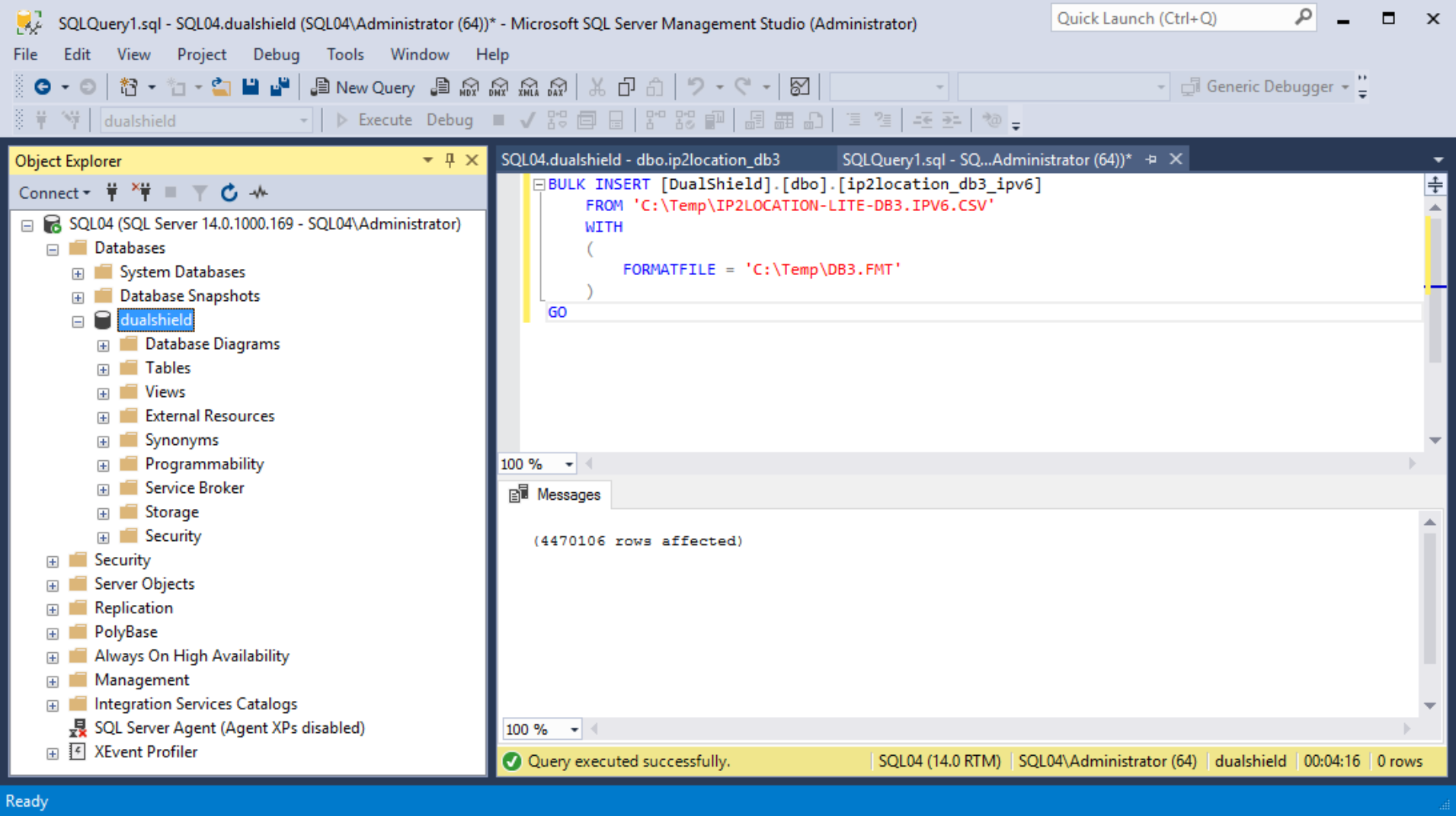
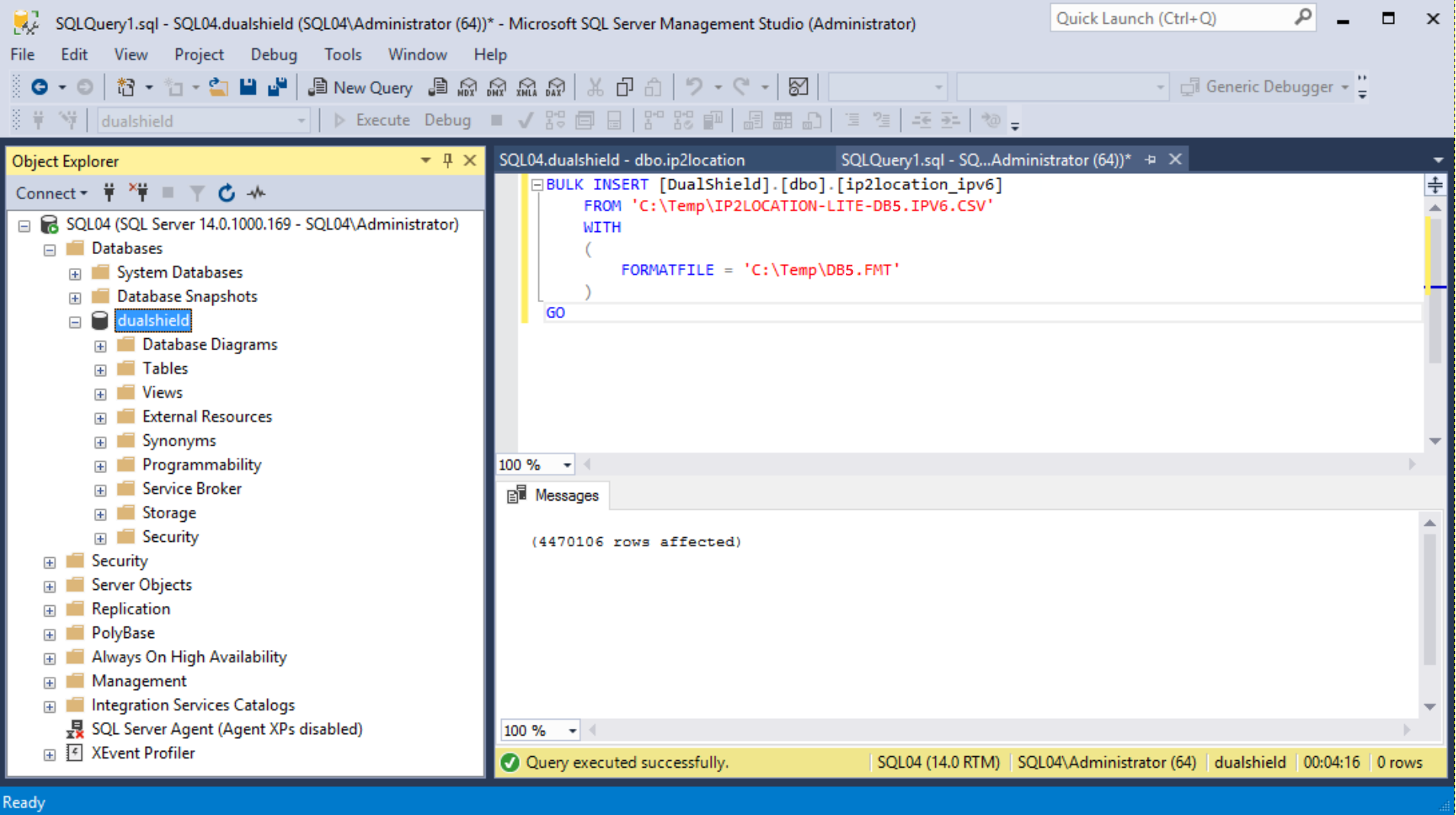
Process Data
After the data has been successfully imported, execute the script below
| Code Block | ||
|---|---|---|
| ||
update ip2location_db3_ipv6 set
ip_from = (REPLICATE('0', 39 - LEN(ip_from)) + ip_from),
ip_to = (REPLICATE('0', 39 - LEN(ip_to)) + ip_to); |
Again, this process will take some time depending on the machine power.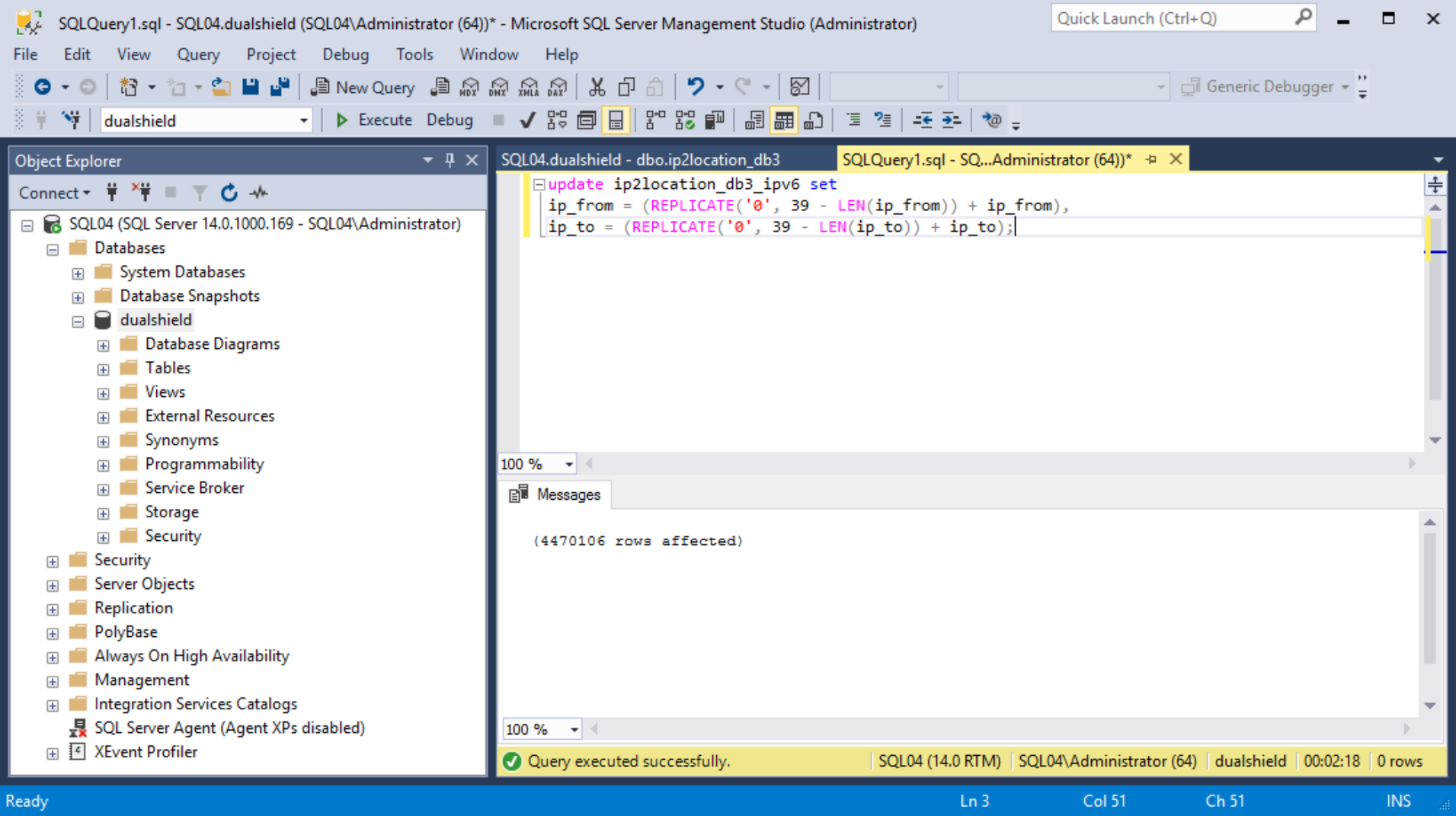
Note:
* For dualshield version < 8.0, the name of the table in the database is called "ip2location_db3_ipv6"