his This guide describes how to add the Dualshield SSO as a SAML WS-Federation Claims Provider in the ADFS server.
| Table of Contents |
|---|
Add Claims Provider
Launch the ADFS Management console
...
In the Claims provider trust identifier box, enter the Entity ID of your DualShield SSO server, e.g. urn:deepnet:dual:idp:sso:mfa.fakestop.com
| Expand | ||||||
|---|---|---|---|---|---|---|
| ||||||
|
Click Next
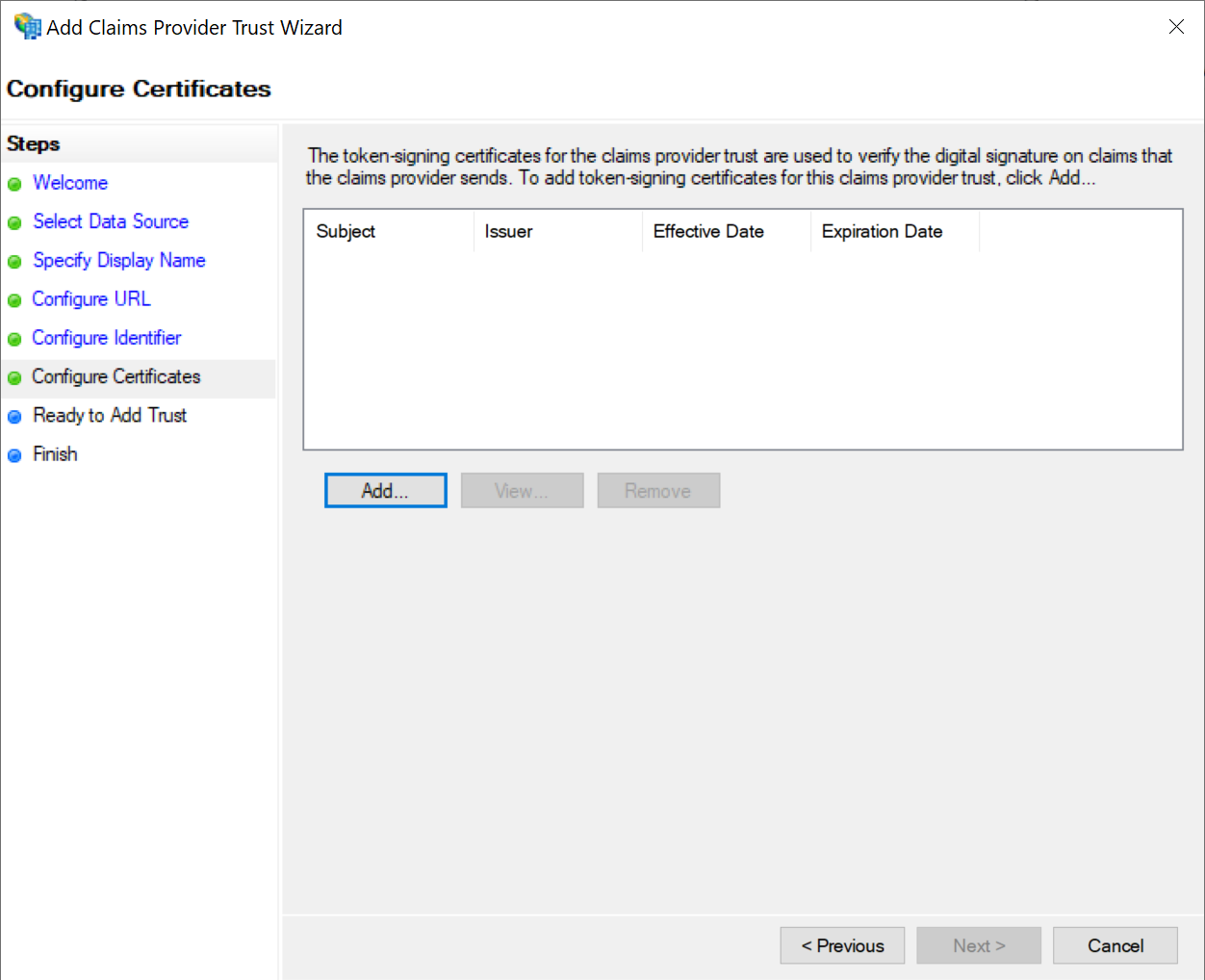
Click the Add button to import the IdP certificate of your DualShield SSO
| Expand | ||||||
|---|---|---|---|---|---|---|
| ||||||
|
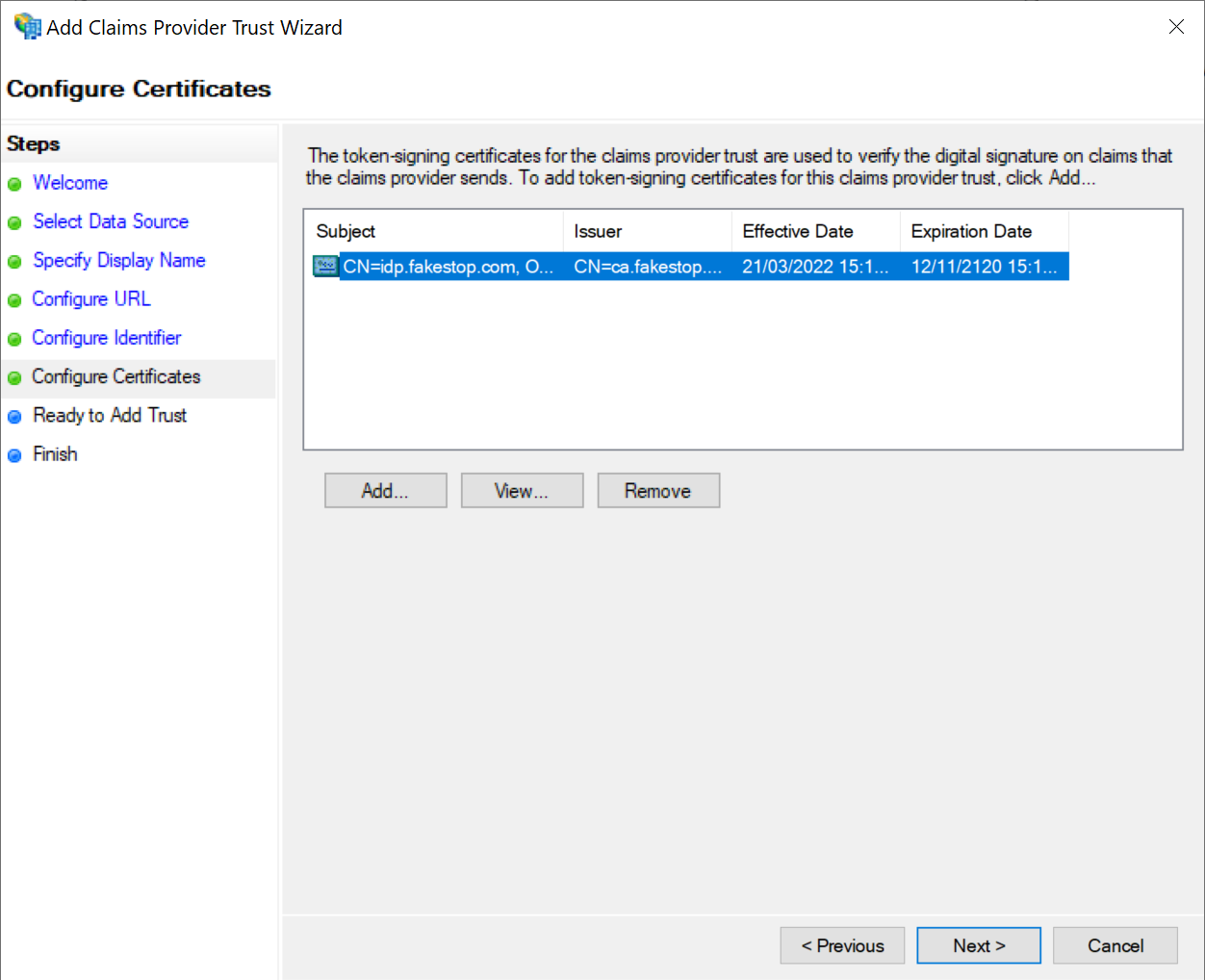
Click Next
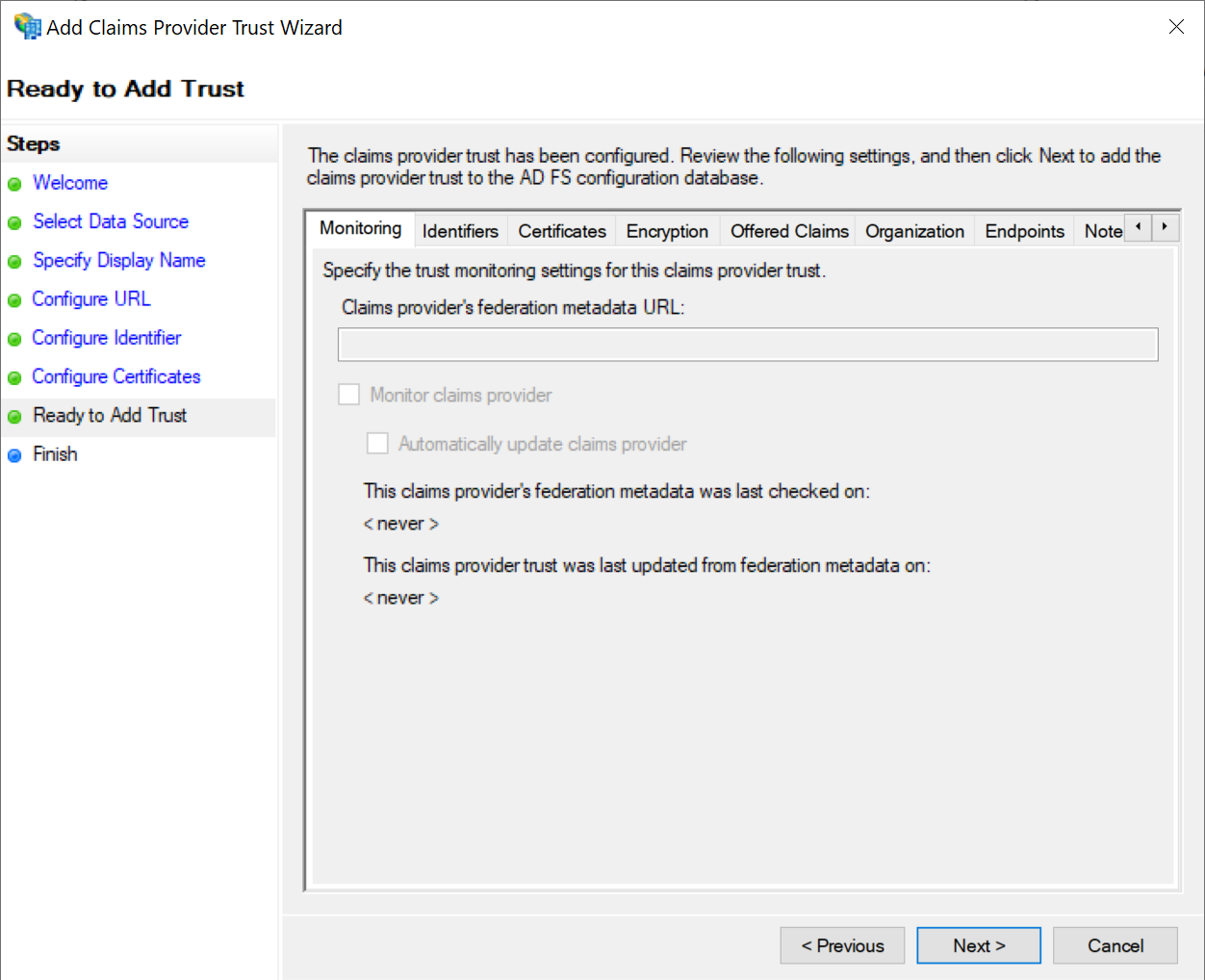
Click Next
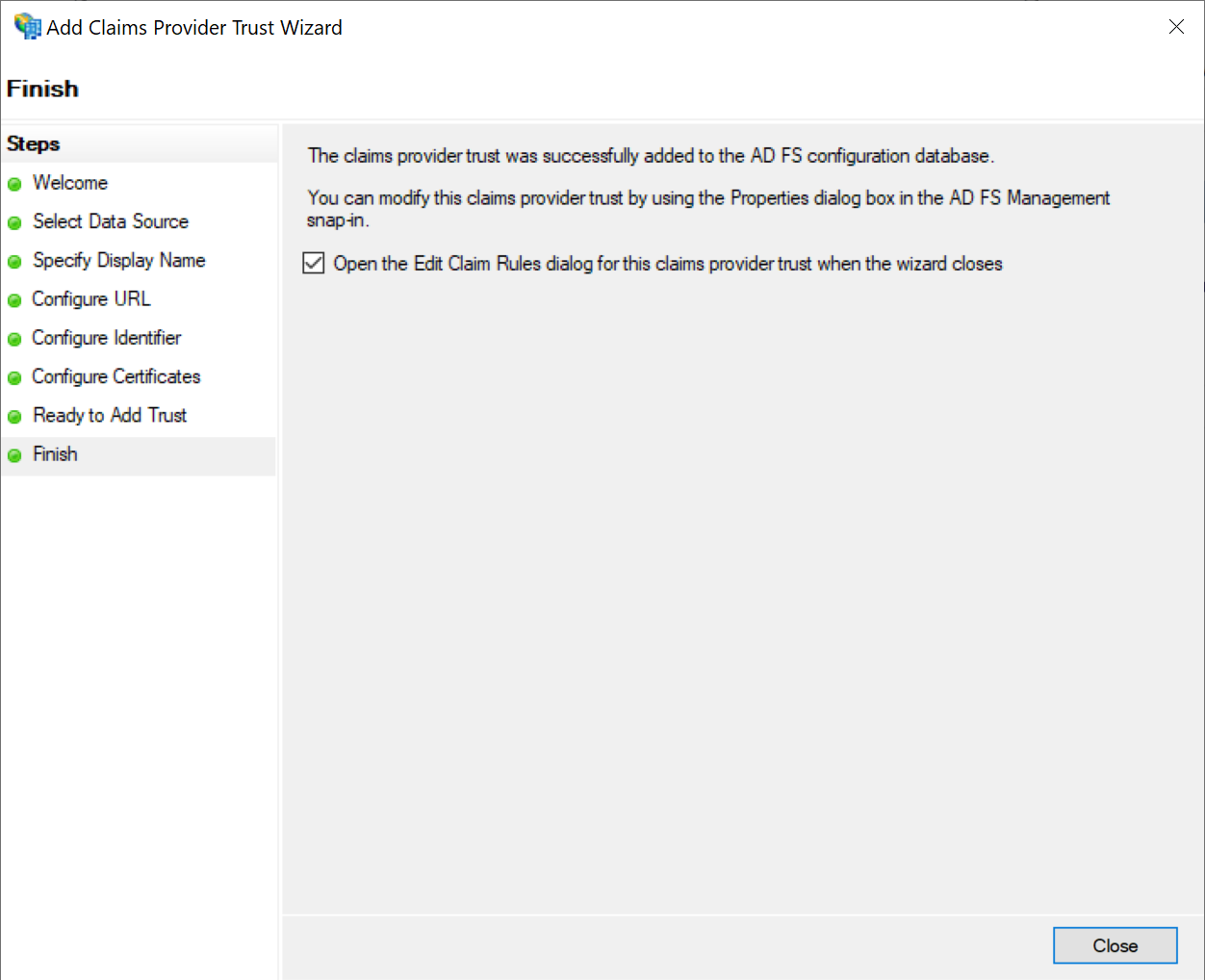
Click Close
Configure Claims Provider
After the DualShield claims provider has been added, it needs to be configured
| Include Page | ||||
|---|---|---|---|---|
|