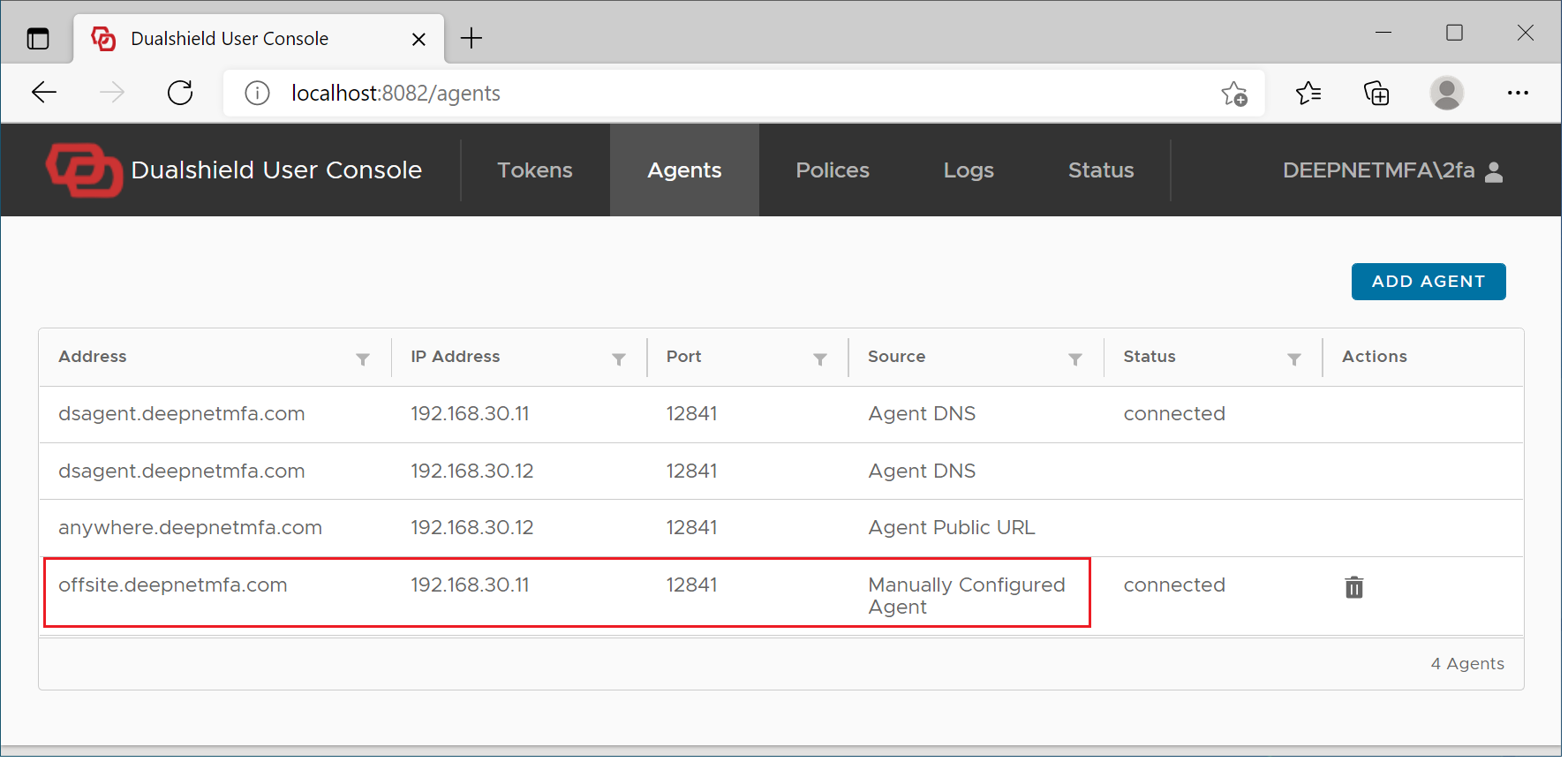
There are some cases where users will have to set up the off-site MFA logon manually.
| Include Page | ||||
|---|---|---|---|---|
|
Visit the User Console at http://localhost:8082
Select "Agents"
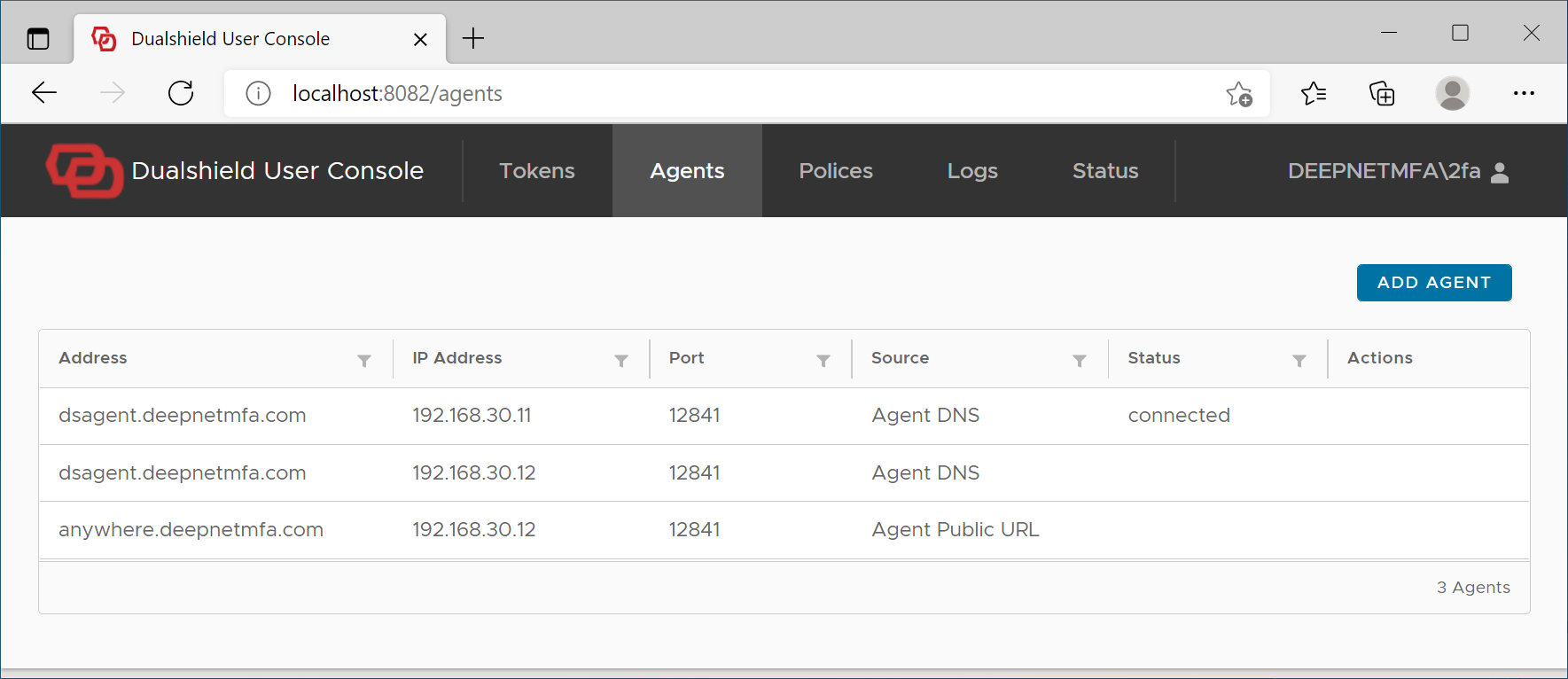
Click "Add Agent" button
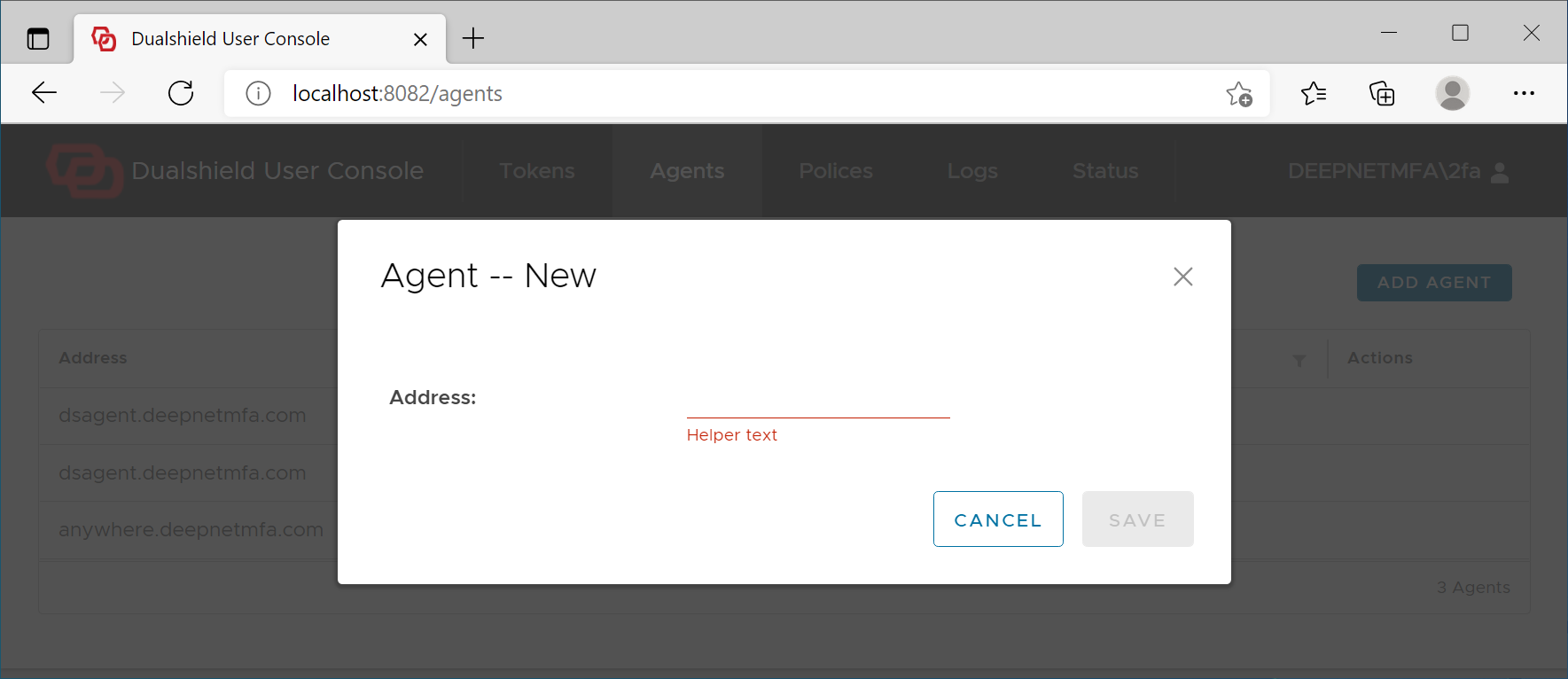
Add the Agent's address
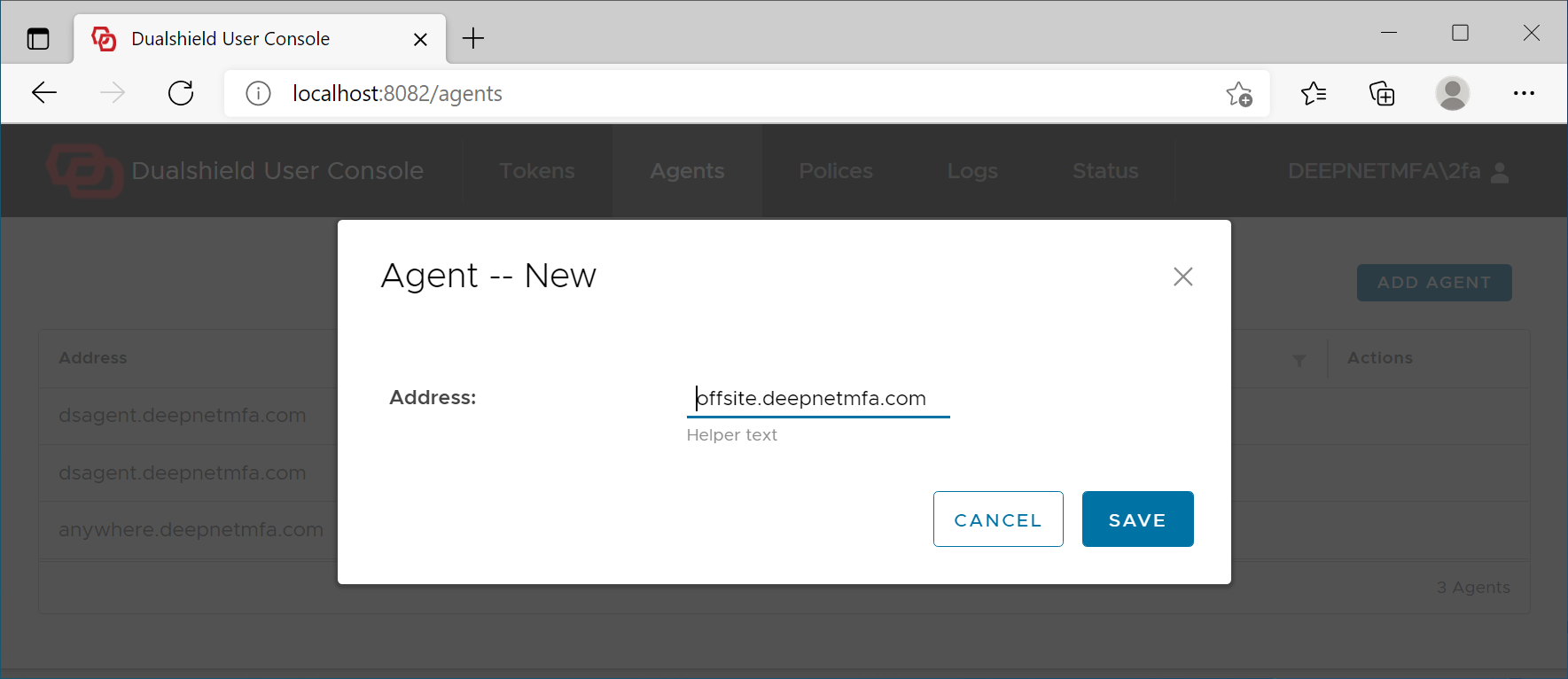
Click Save
If the Agent's address is correct, then it will be added to the logon client