In the IIS console, select the web application to be configured, e.g. "OWA"
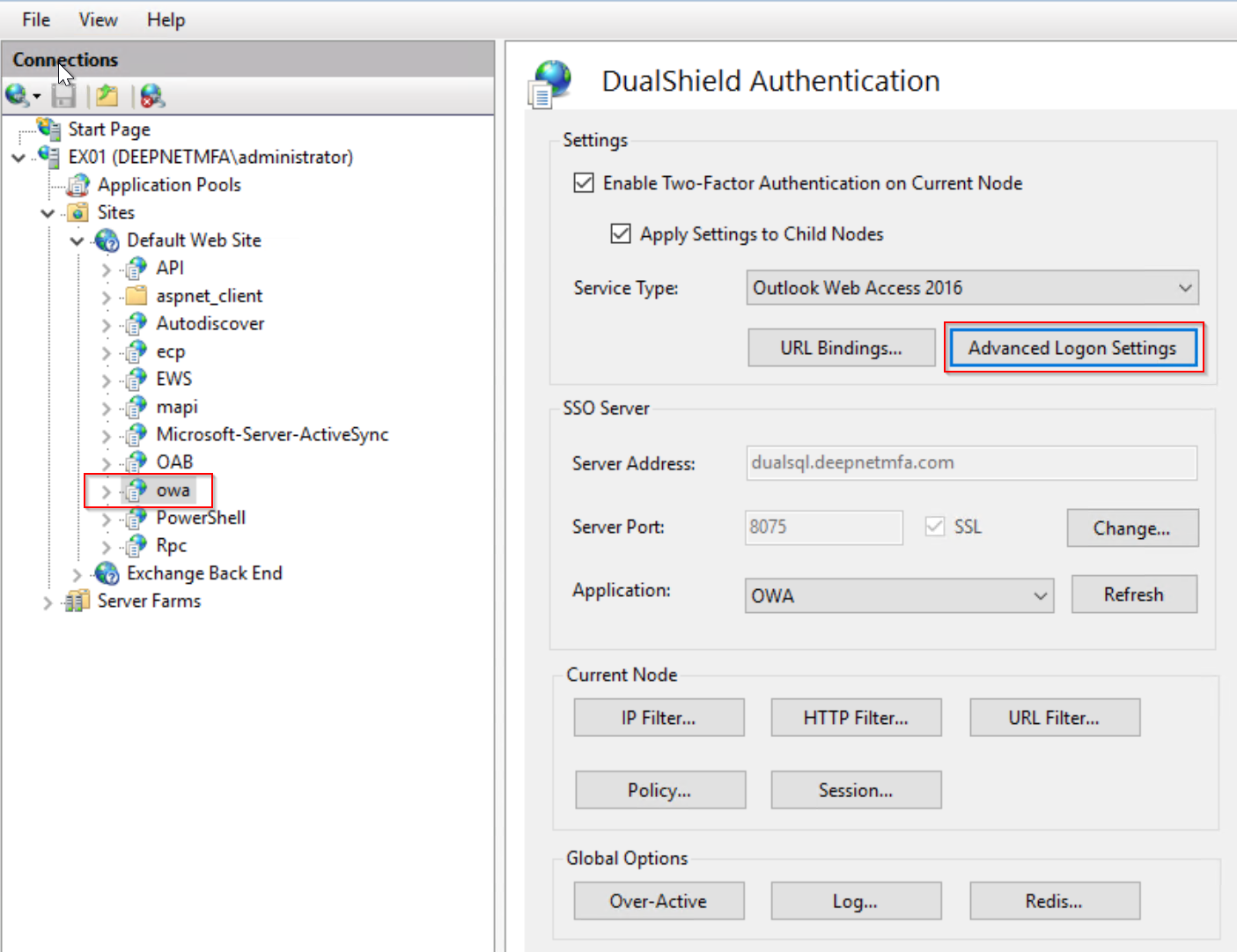
Click the "Advanced Logon Settings" button.
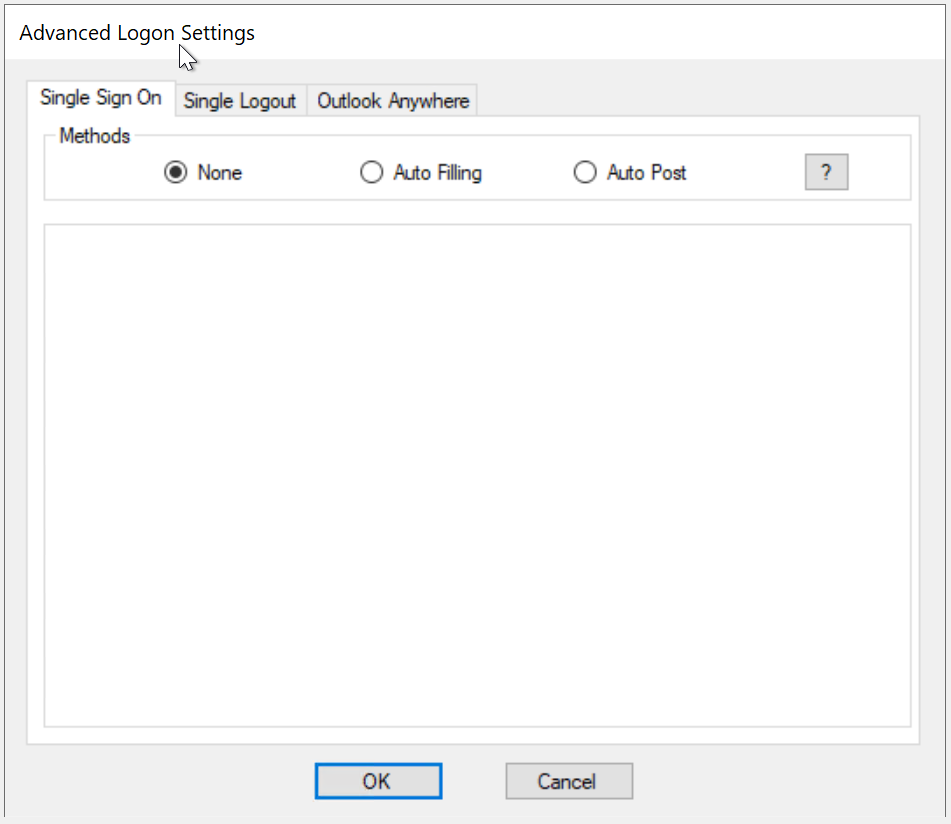
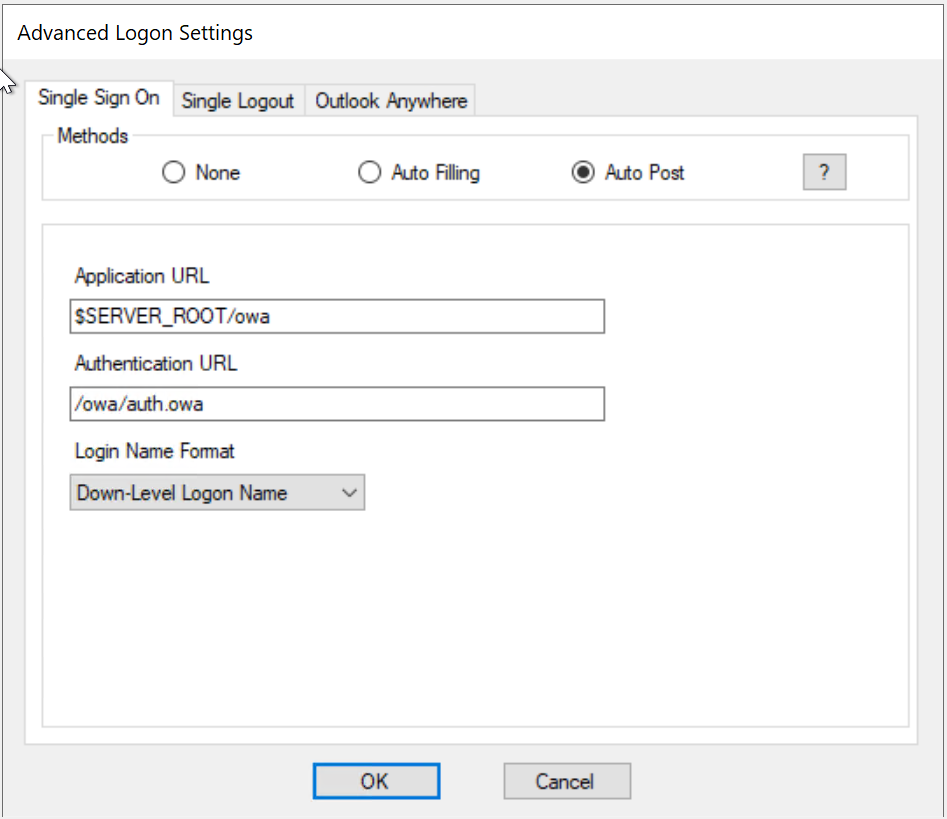
To enable Single Sign-On by Auto-Post, tick the option "Auto Post"
Unable to render {include} The included page could not be found.