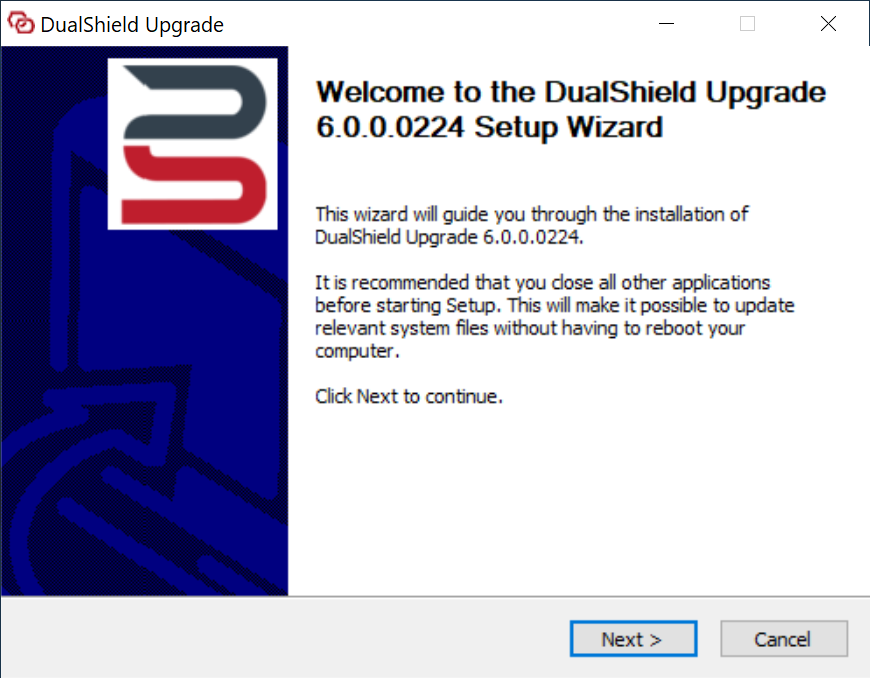
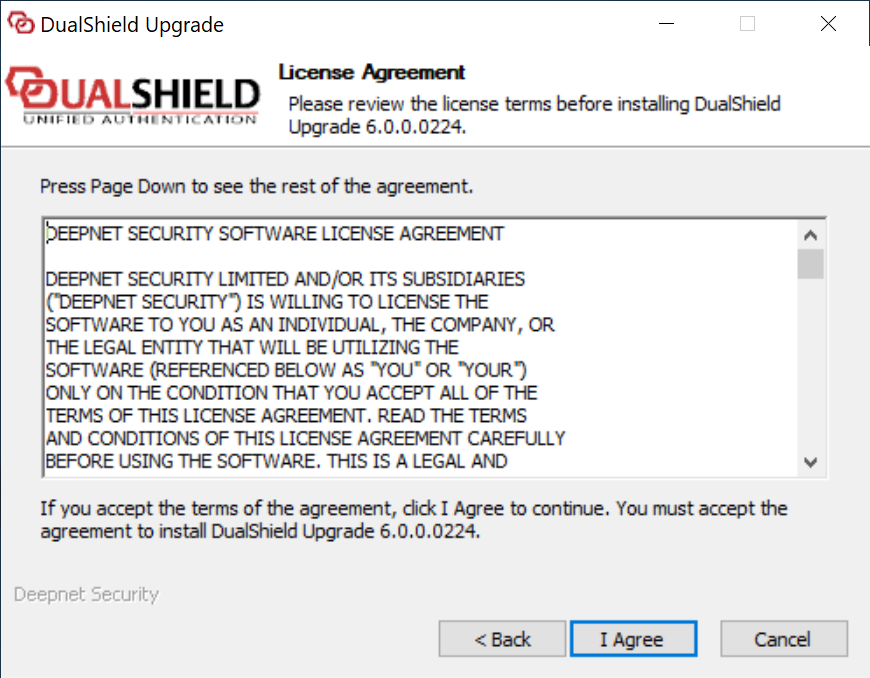
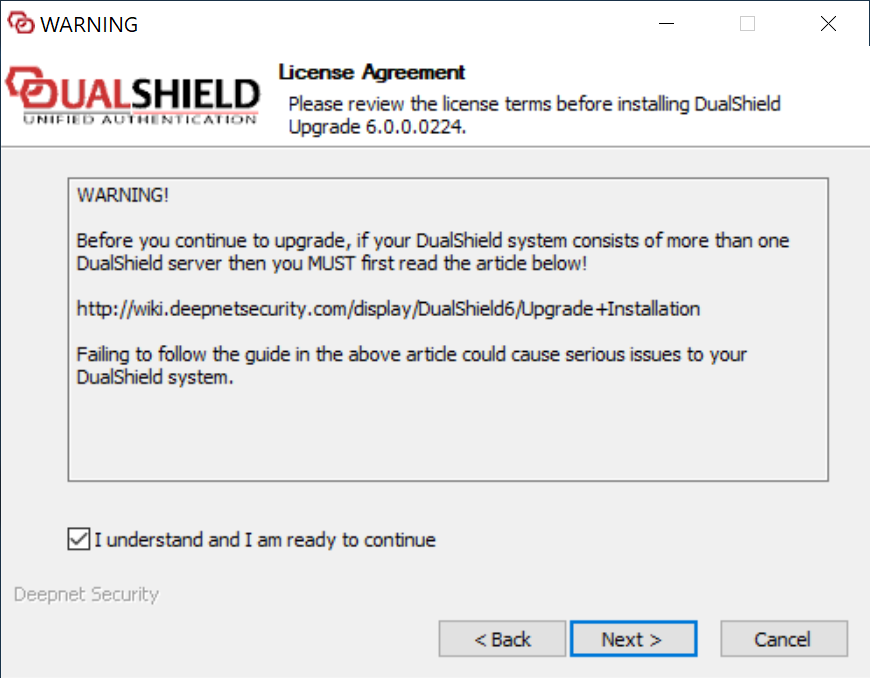
You can upgrade a DualShield frontend server on top of the current installation. This process is called In-Place Upgrade installation.
In-Place upgrade will only update the existing legacy components in the server. It will not provide you the options to add the new generation of those components. In other words, the frontend will be upgrade to the latest version 5.9.9 instead of 6.x
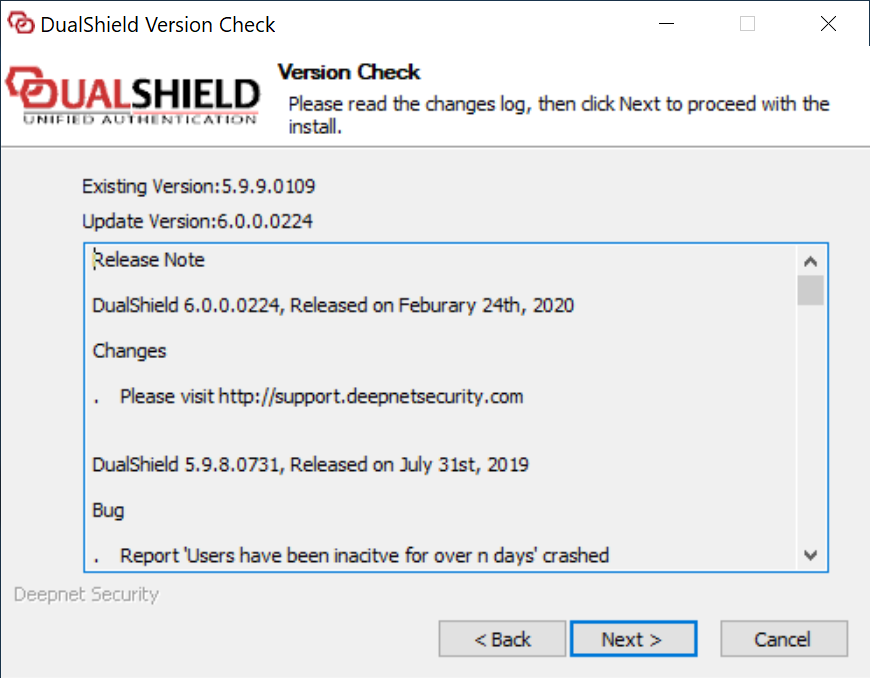
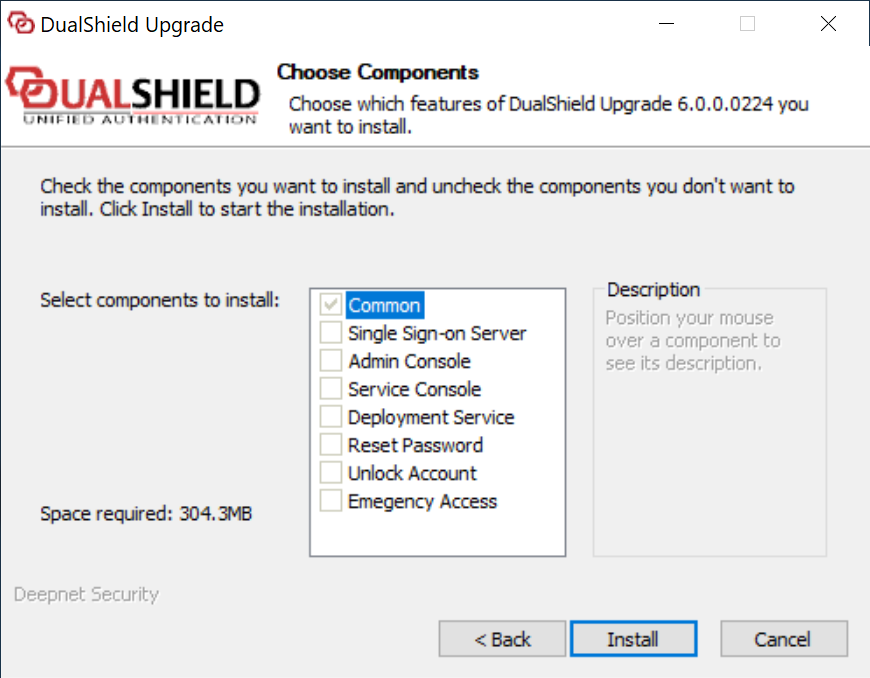
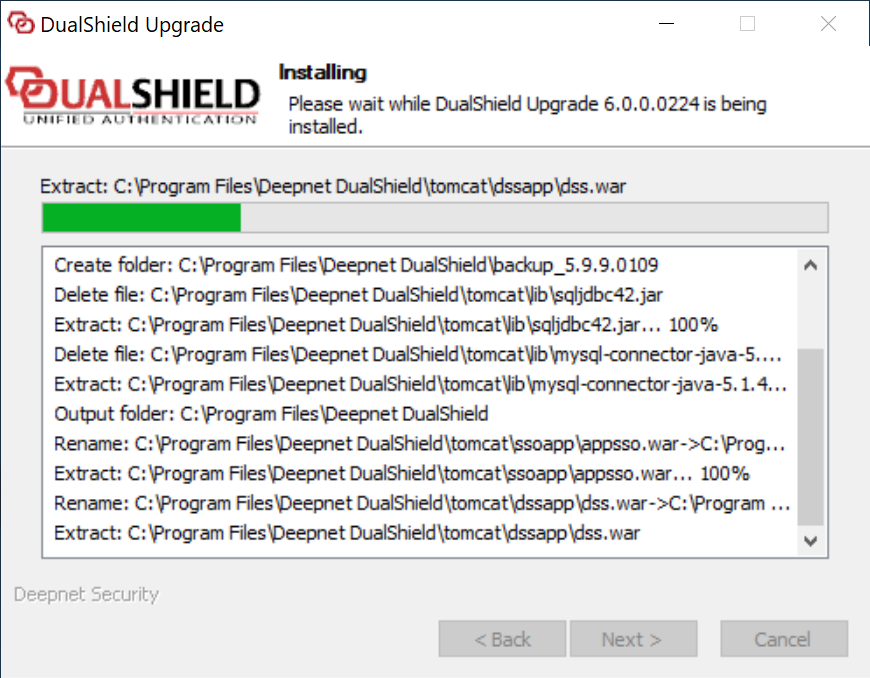
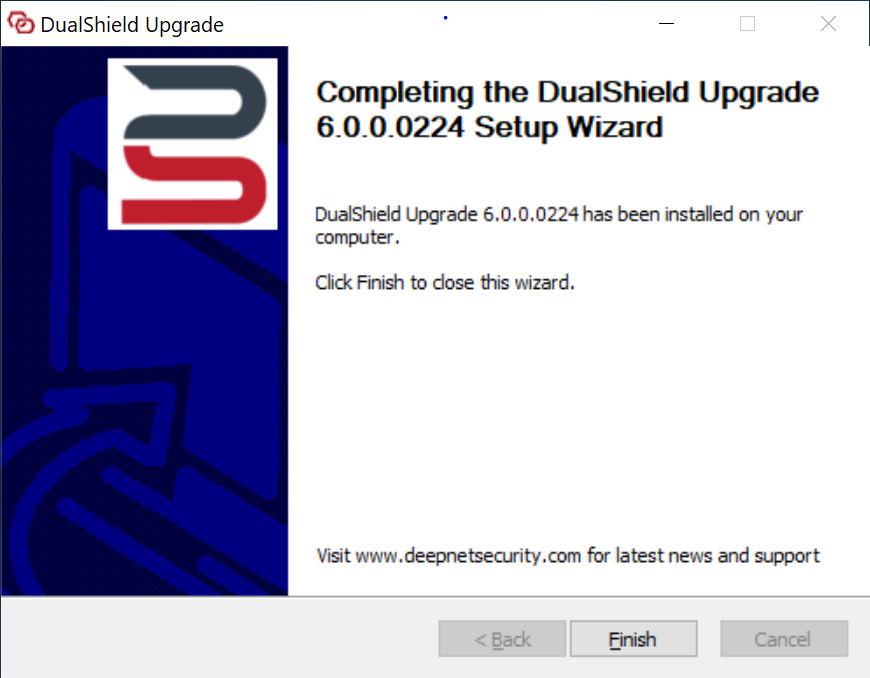
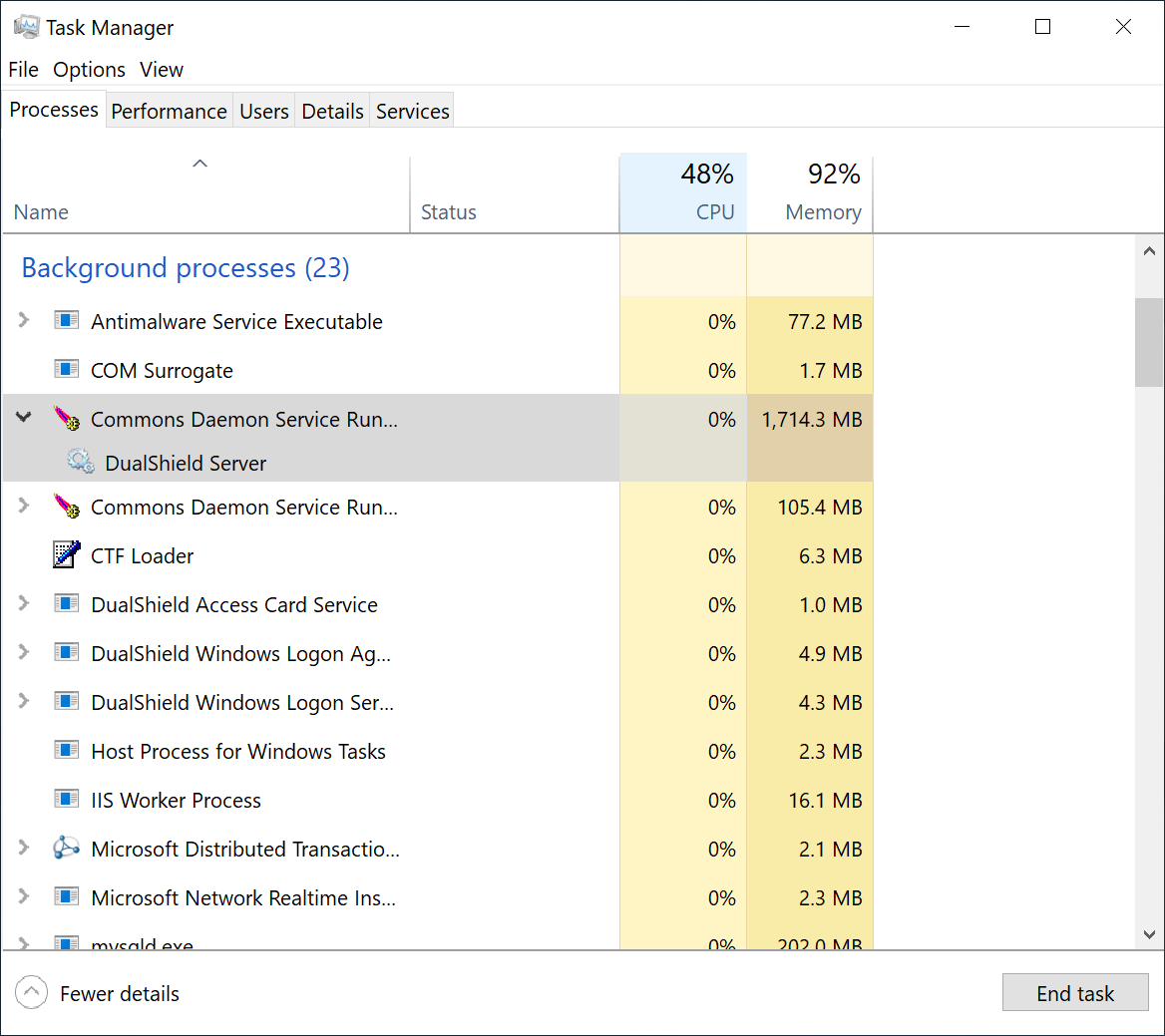
To wait for the DualShield server to be fully loaded and monitor the its initialisation progress, launch the Windows Task Manager and check the process called DualShield Server which is often a sub-process of Commons Daemon Service Runner, as shown below:
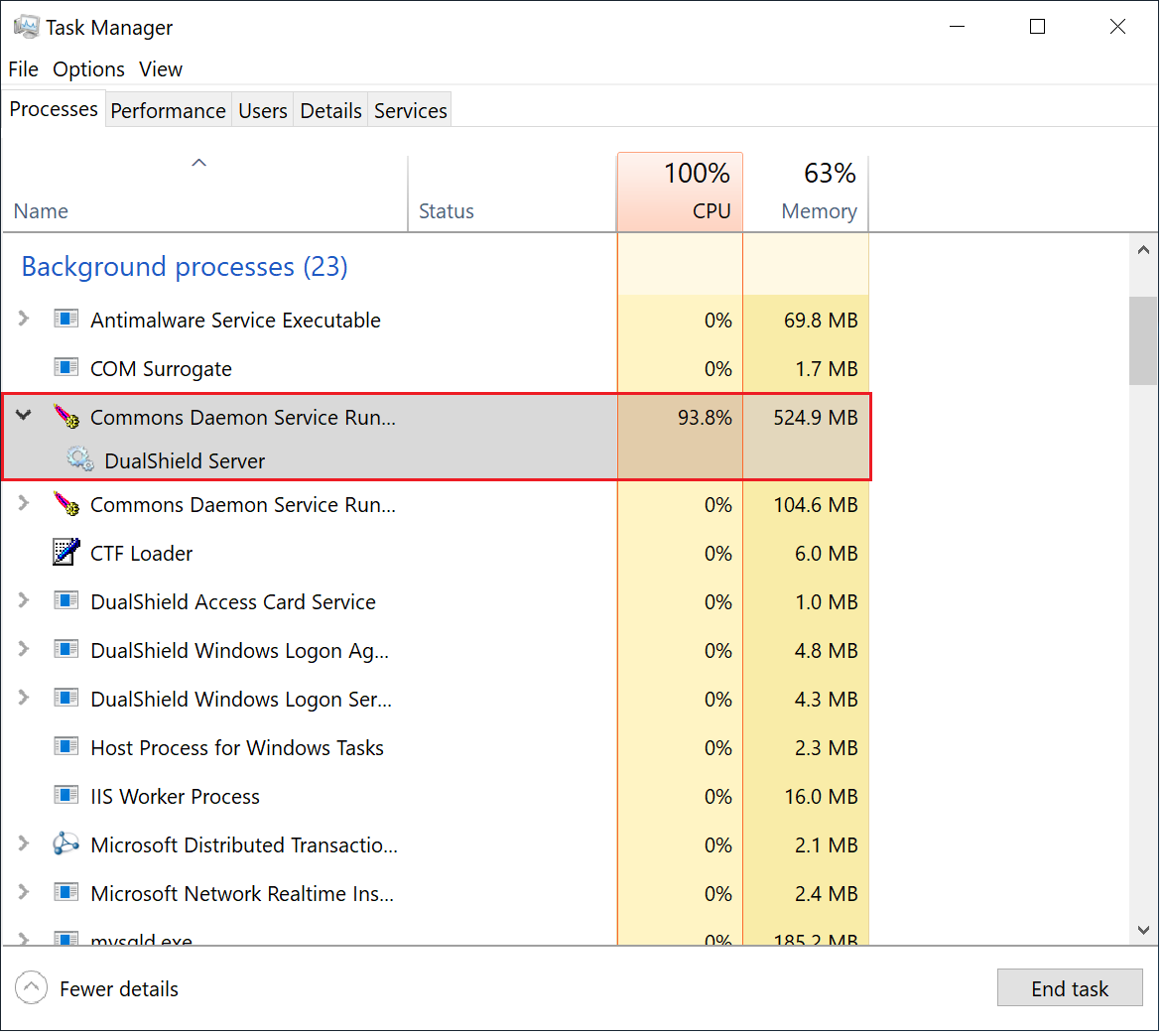
During the initialisation process, the CPU usage of the DualShield Server process will go up and down, and the Memory consumption will continue to increase.
When the CPU usage drops to zero or slightly above zero, and the memory consumption reaches close to 1.8GB for the backend or 550MB for the frontend, that's the indication that DualShield is fully loaded and ready for operation.