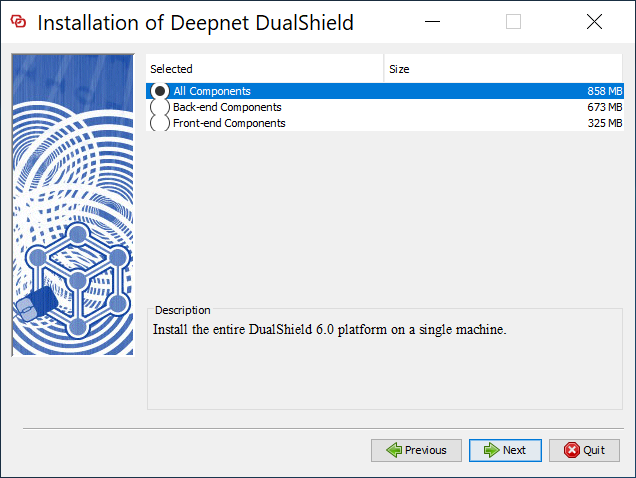
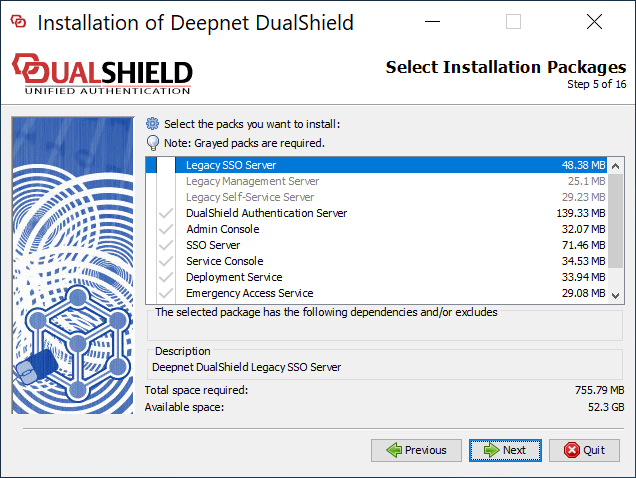
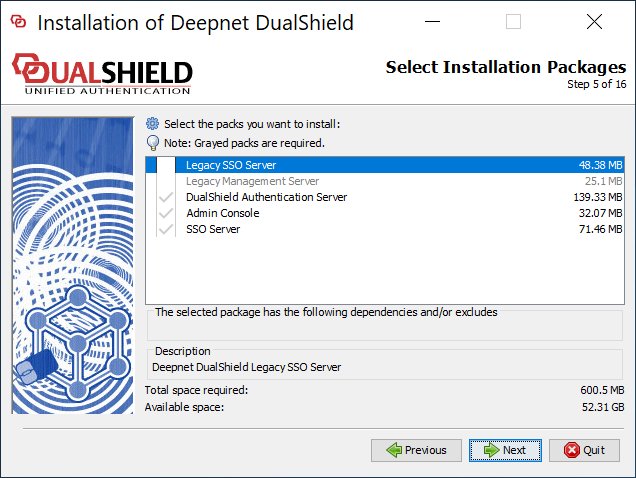
This instruction is for installing a fresh new instance of the DualShield backend server or all-in-one server.
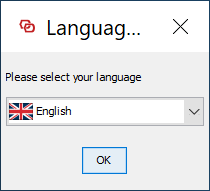
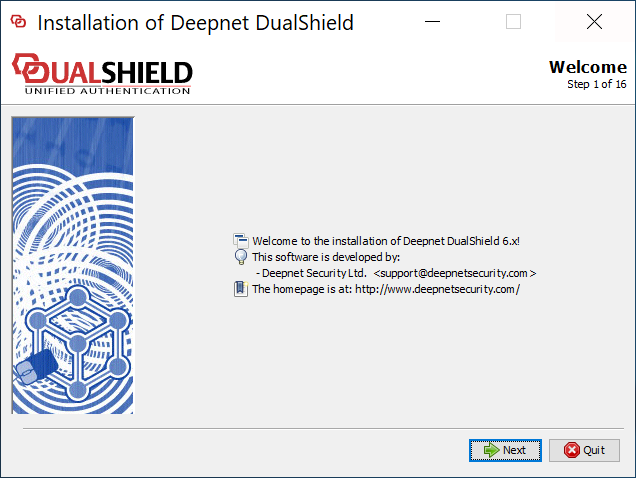
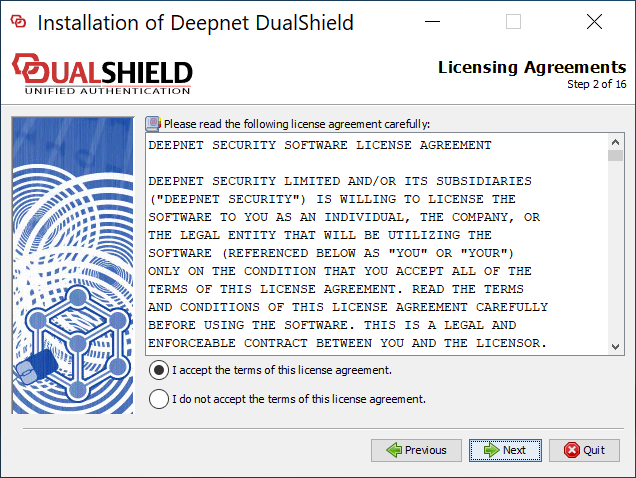
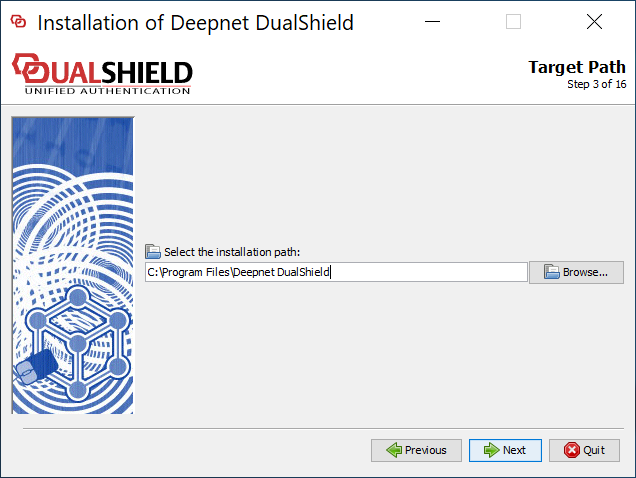
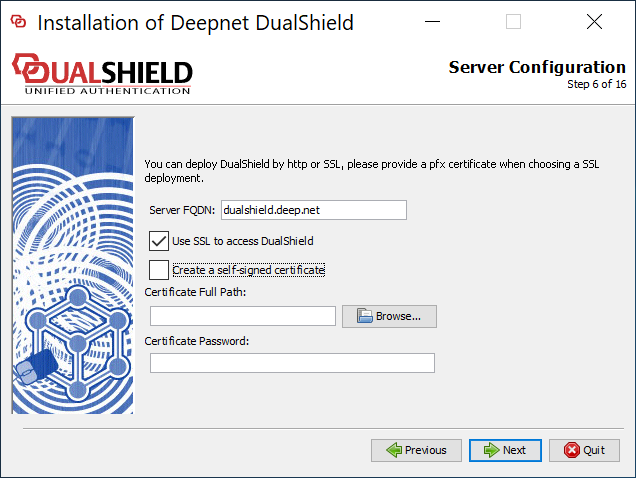
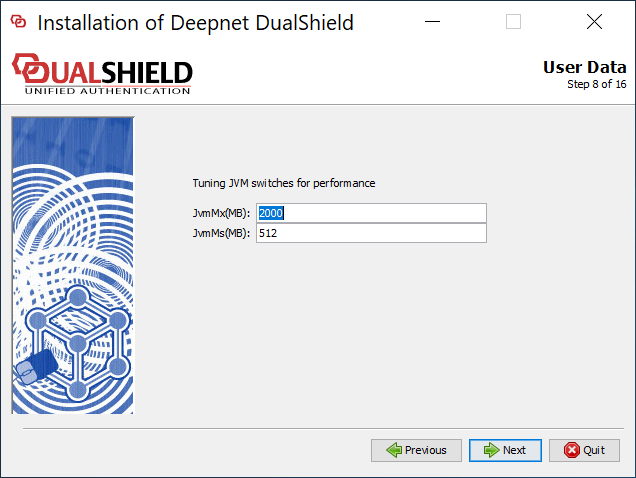
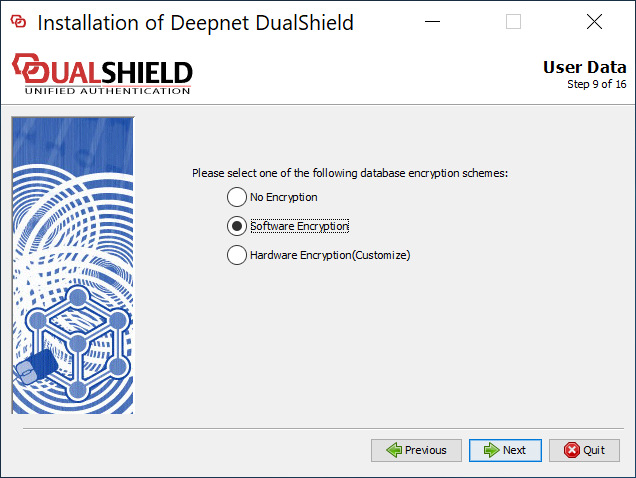
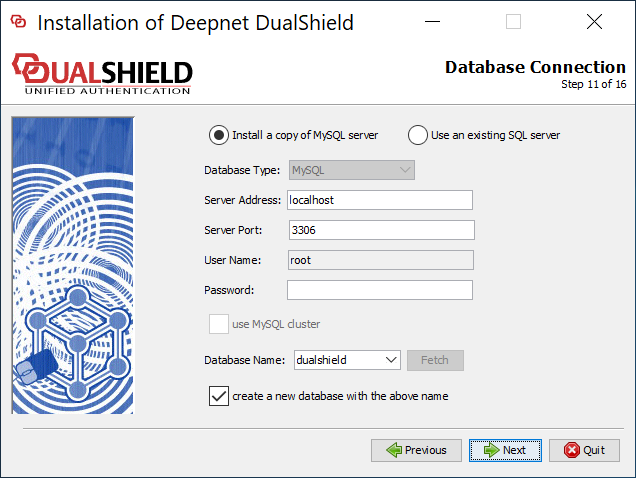
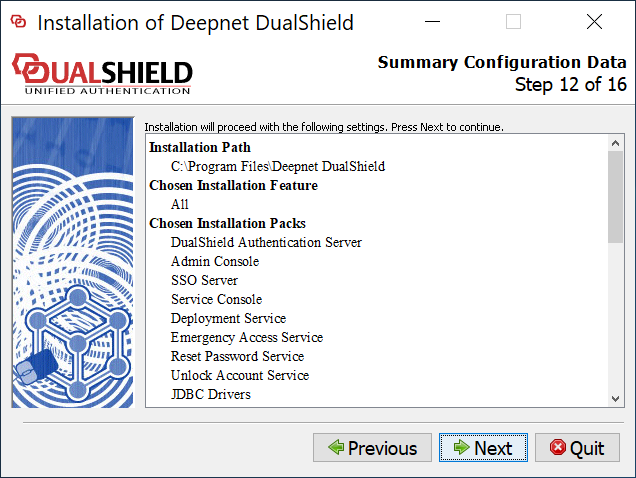
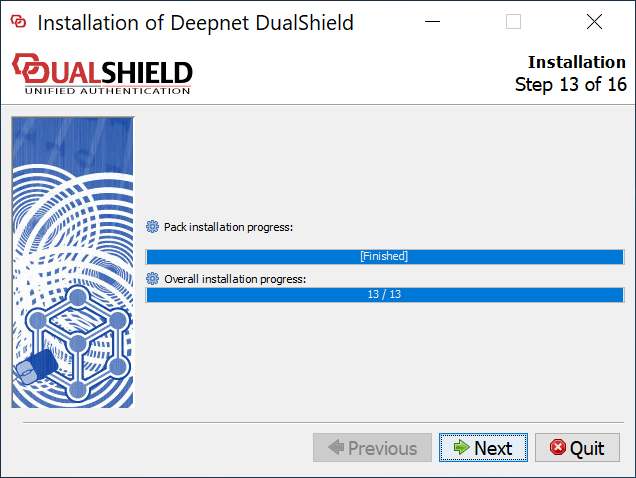
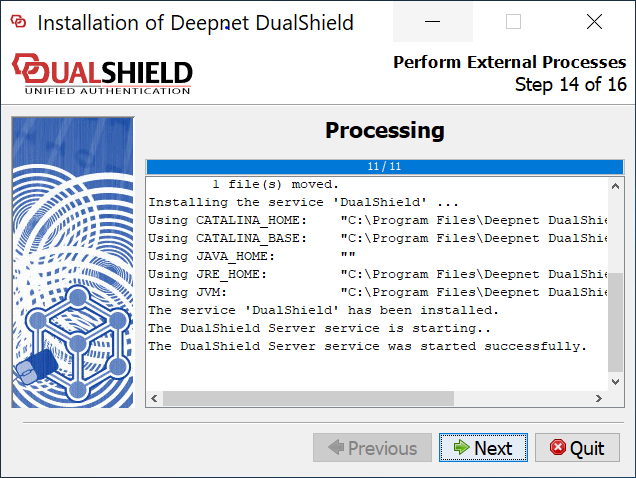
To start the installation, execute "DualShieldSetup64-6.0.0.xxxx-signed.exe", where xxxx is the build number.
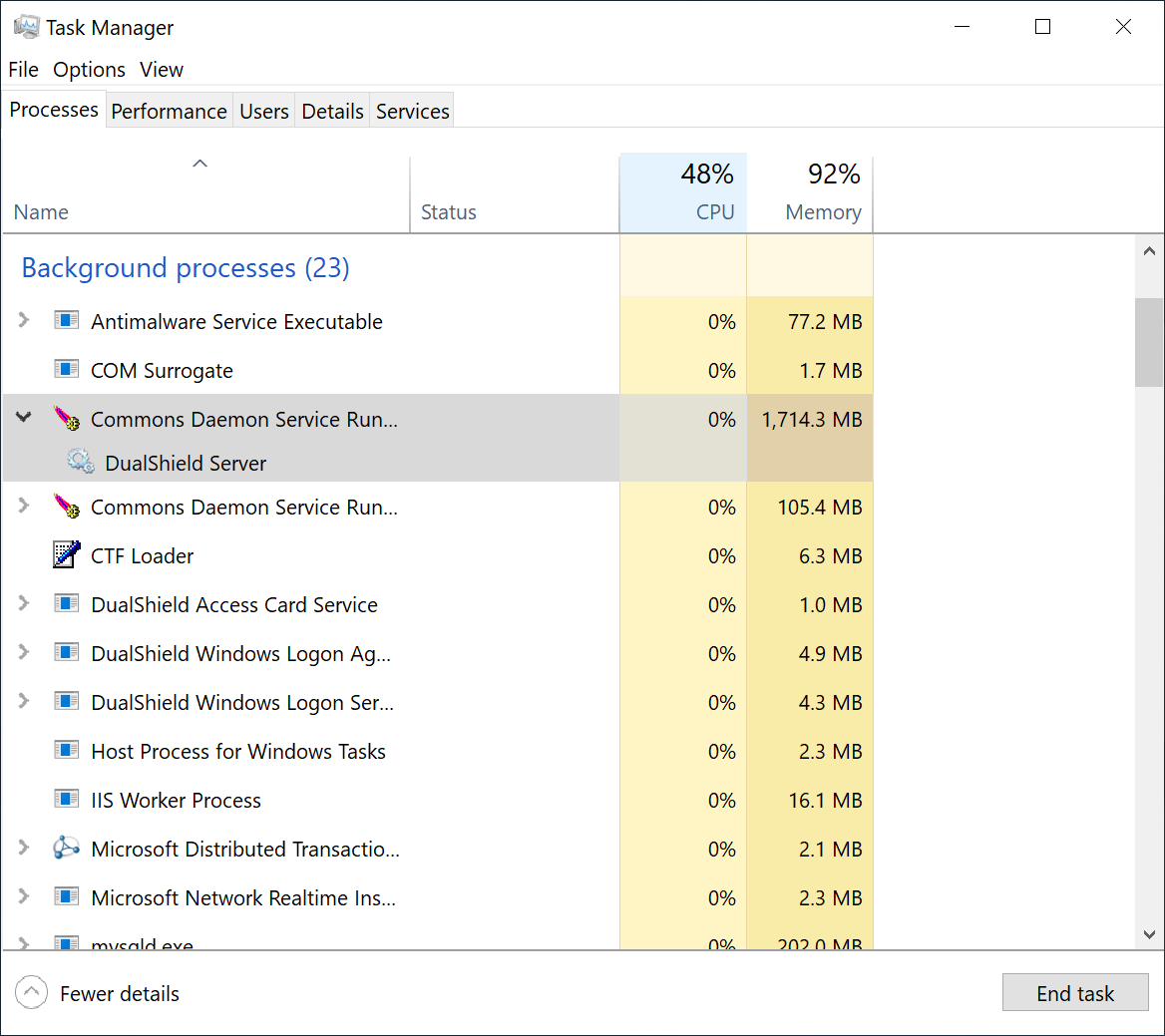
To wait for the DualShield server to be fully loaded and monitor the its initialisation progress, launch the Windows Task Manager and check the process called DualShield Server which is often a sub-process of Commons Daemon Service Runner, as shown below:
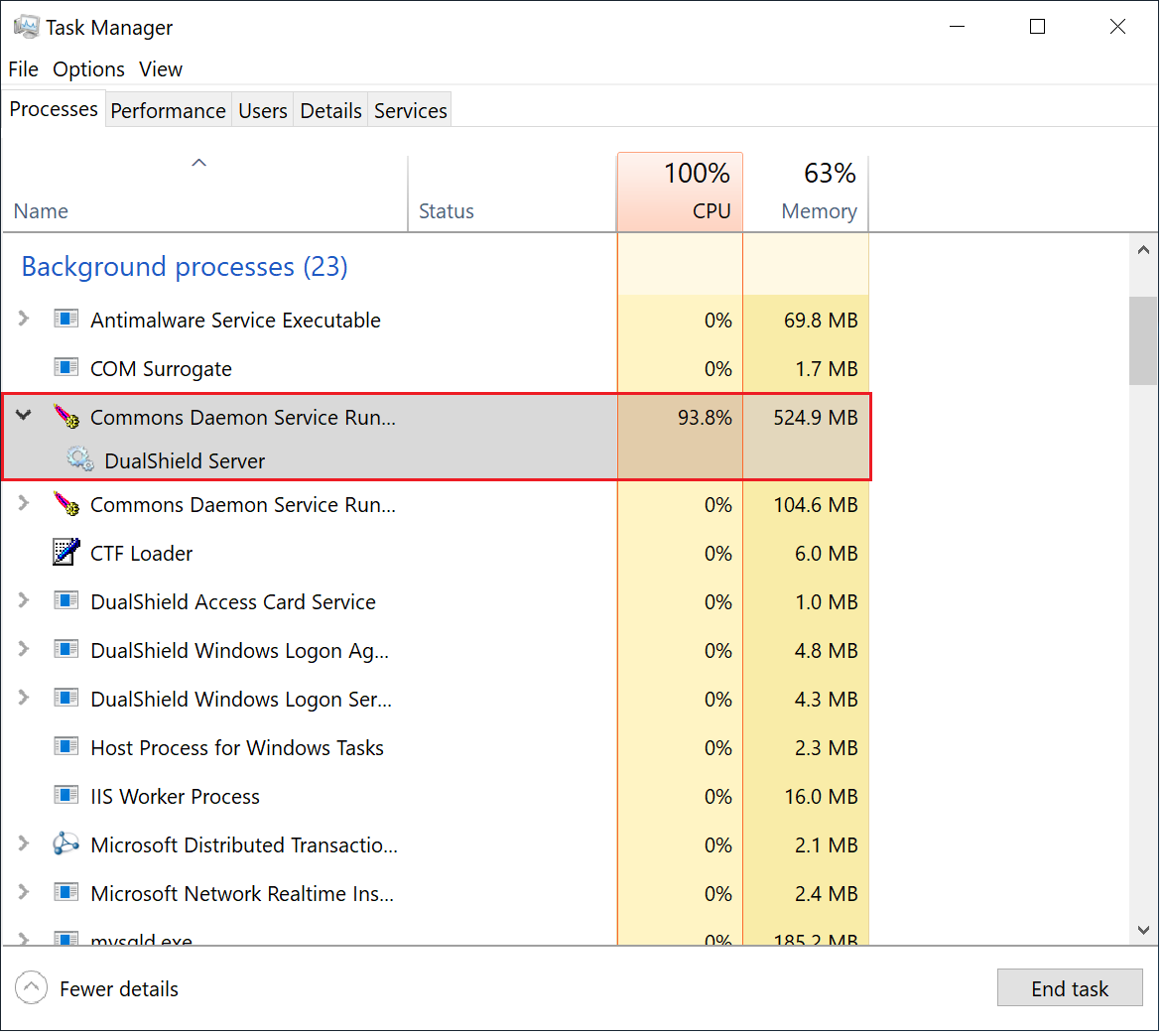
During the initialisation process, the CPU usage of the DualShield Server process will go up and down, and the Memory consumption will continue to increase.
When the CPU usage drops to zero or slightly above zero, and the memory consumption reaches close to 1.8GB for the backend or 550MB for the frontend, that's the indication that DualShield is fully loaded and ready for operation.