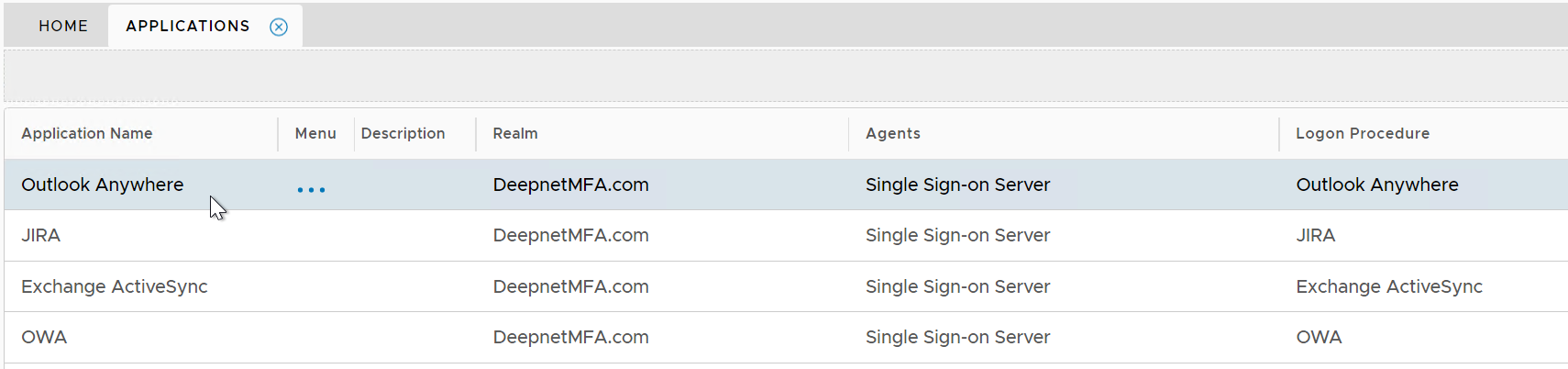
If you are new to DualShield, then you might want to first refer to the general instruction on how to build an application in DualShield.
Complete the following steps to build an application for Excahnge ActiveSync.
Create logon procedure for Exchange ActiveSync
Create application for Exchange ActiveSync
Publish application for Exchange ActiveSync

Click the context menu icon "..." of the application, e.g. "Office 365" to access its context menu

select "Agents" in the context menu

select the authentication agent on which the application is to be published, e.g. "Single-Sign-on Server"

Click "SAVE" button to save the settings
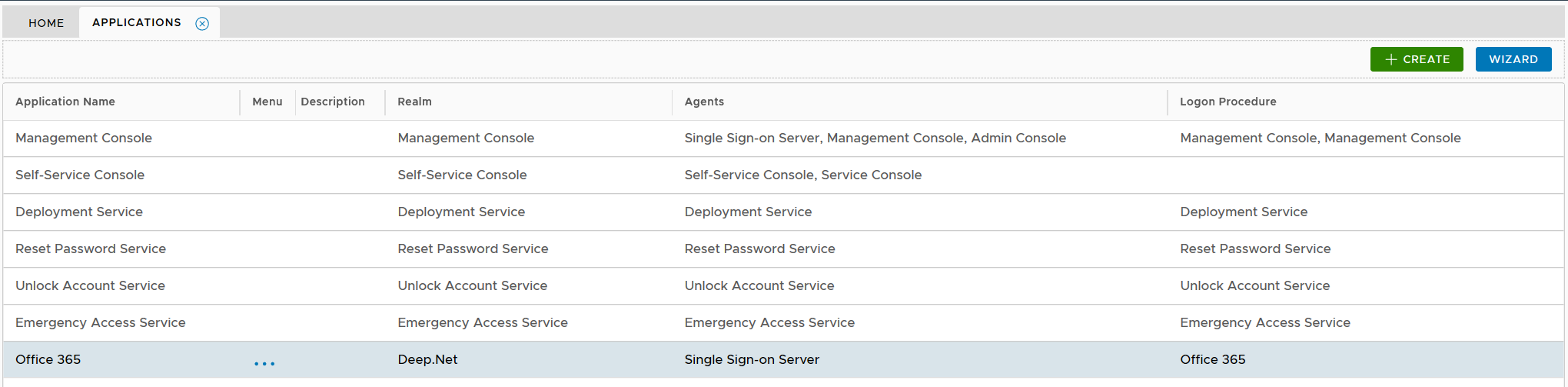
The Outlook Anywhere application has to be published on one or many Single Sign-On (SSO) servers.
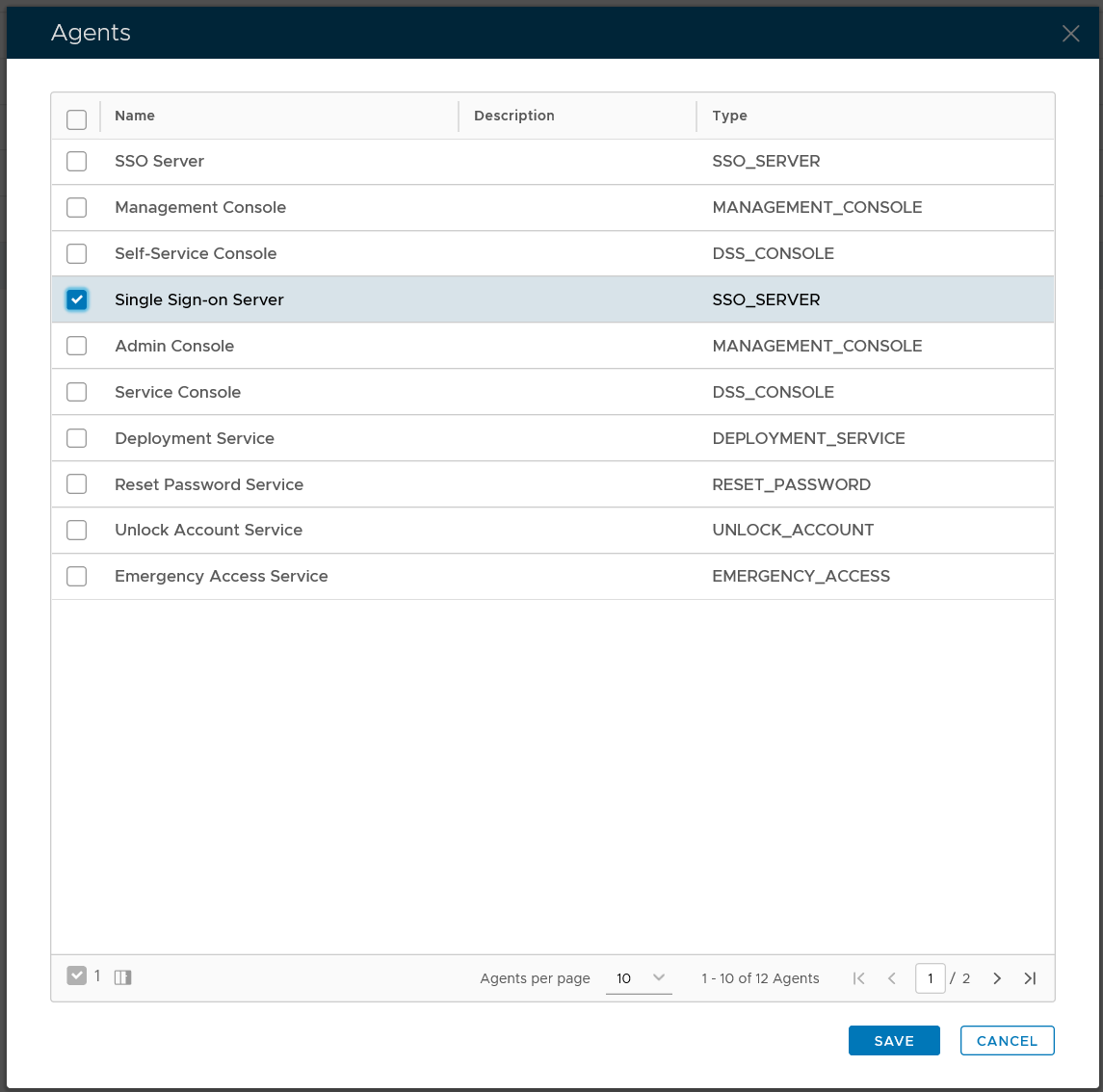
You might see two SSO servers in your DualShield platform, one called "SSO Server" and the other called "Single Sign-on Server". The so-called "SSO Server" is the legacy SSO server in DualShield 5 and the "Single Sign-on Server" is the new SSO server in DualShield 6.