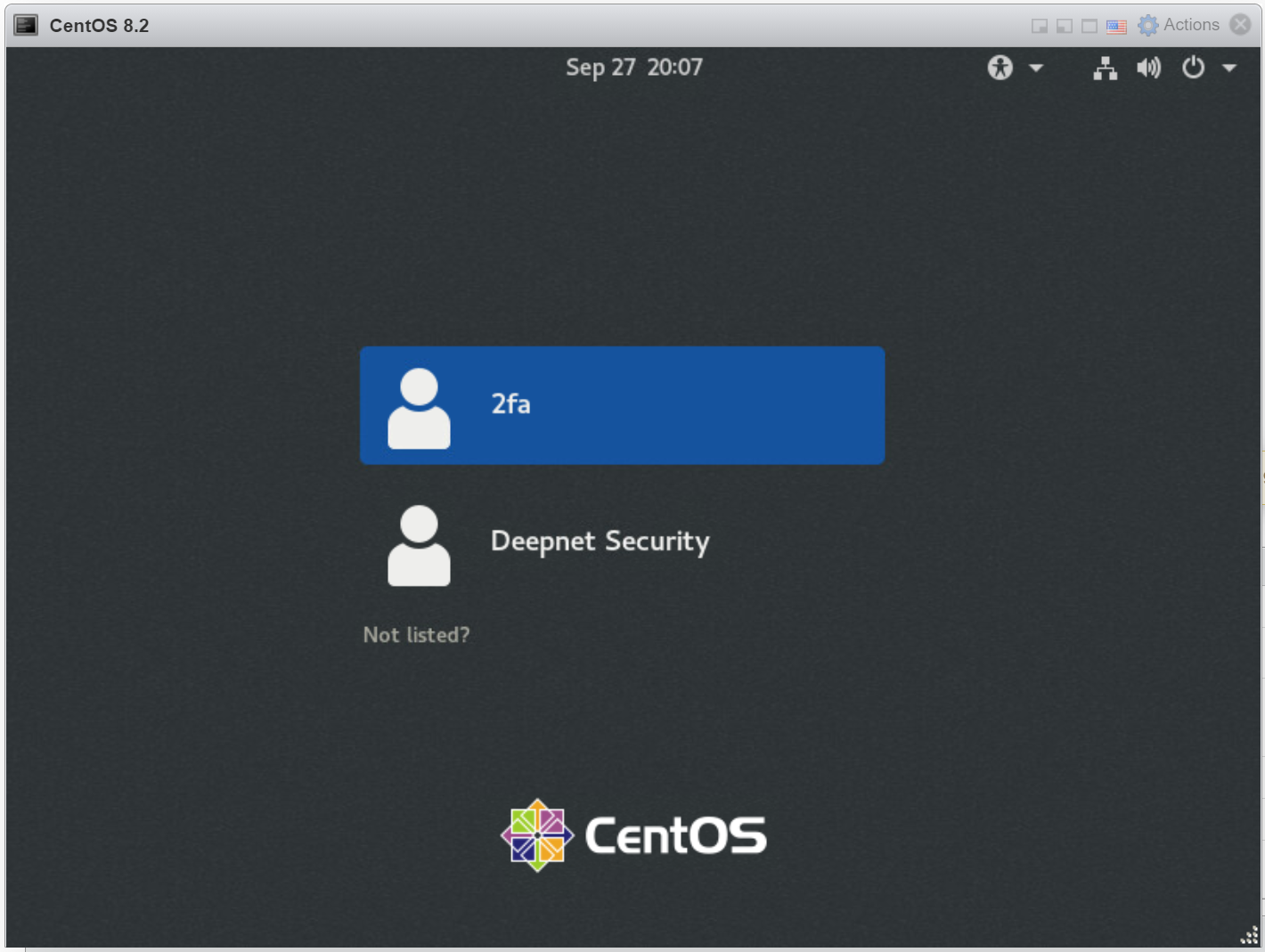
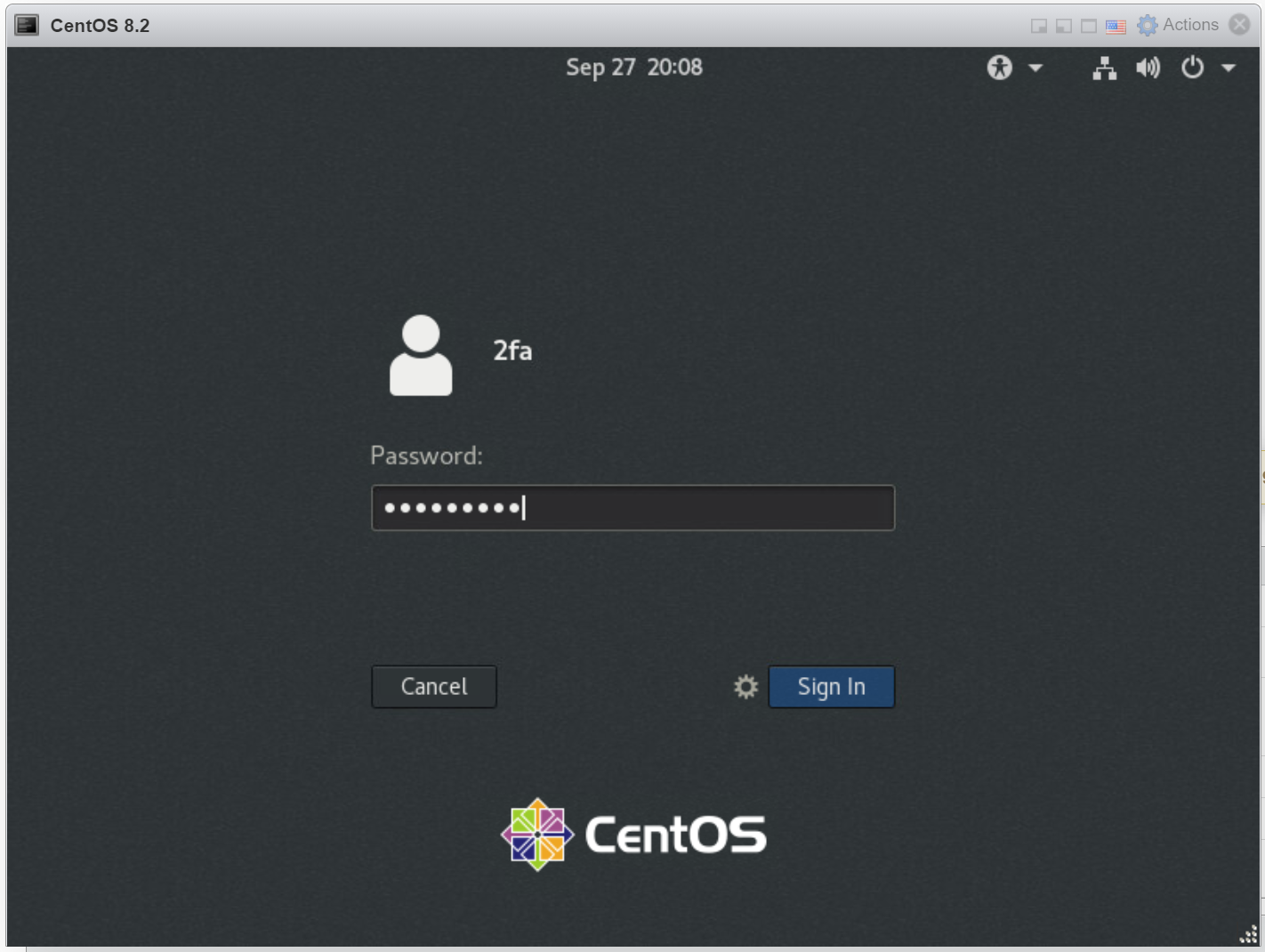
You are promoted to enter your password
Enter your AD password, click "Sign In"
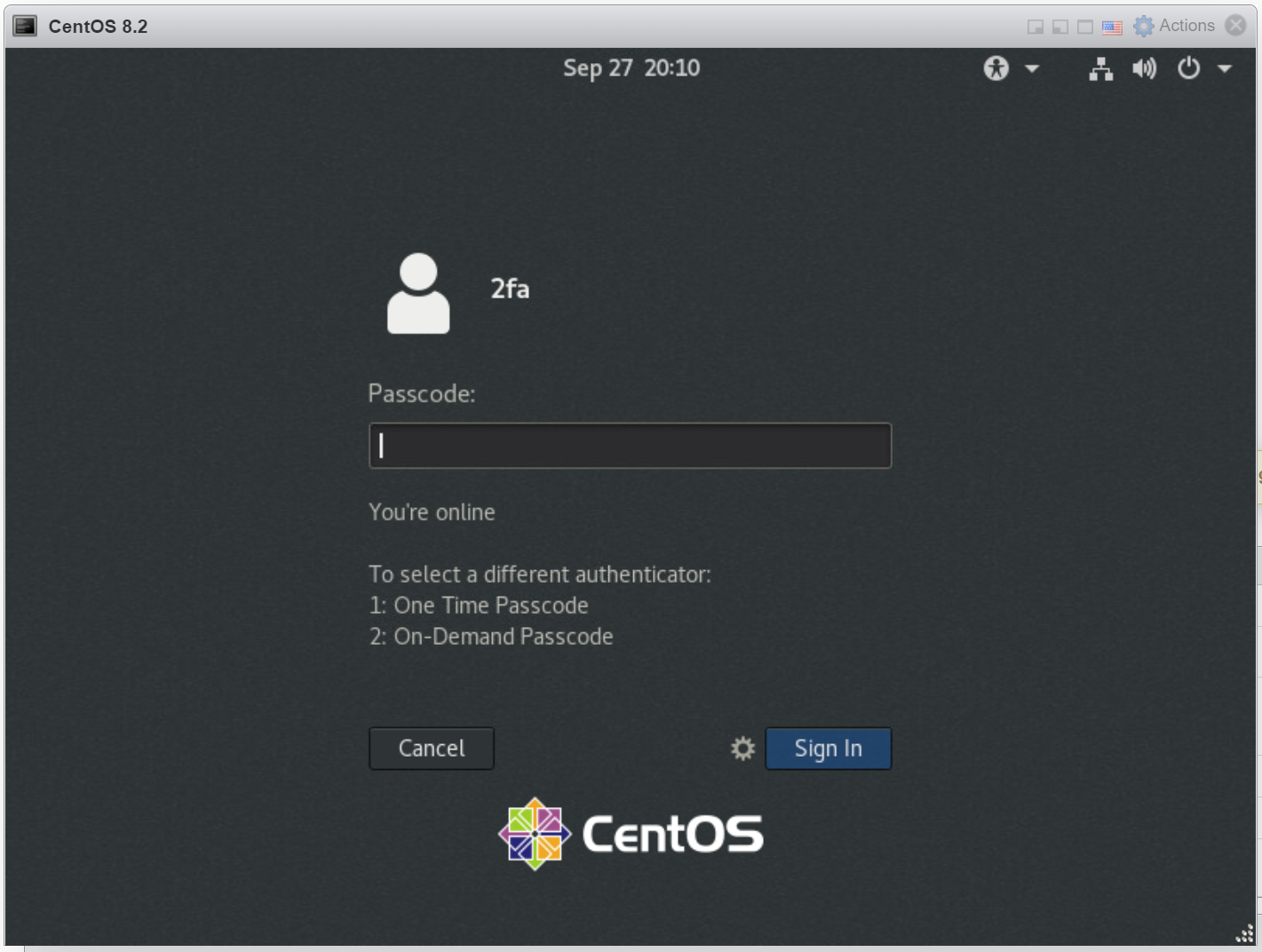
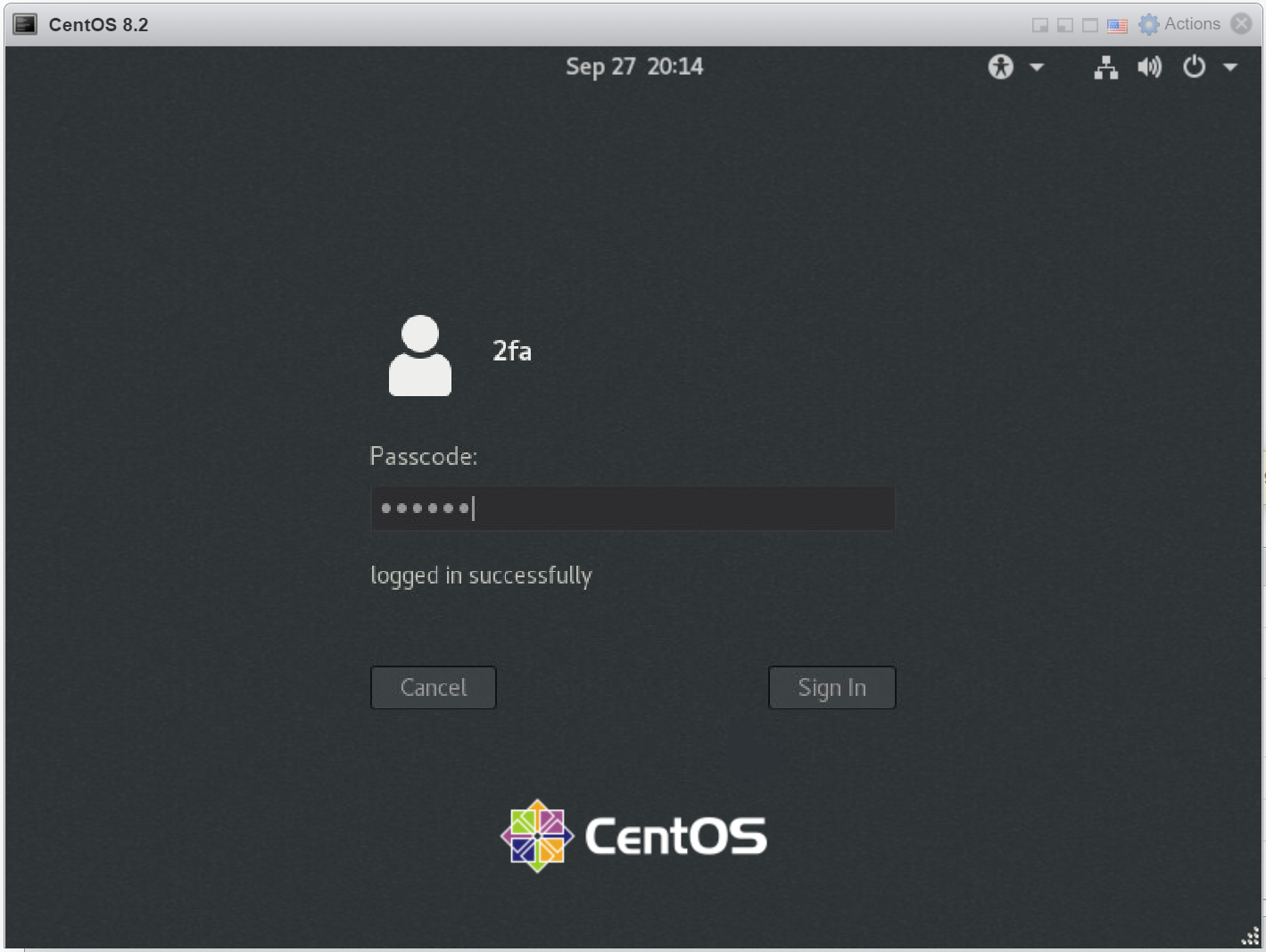
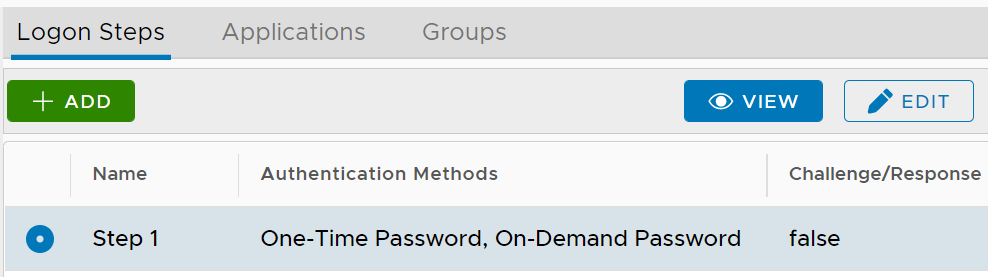
You are prompted to enter your one time passcode
(Below the passcode box, a list of authenticators available to the user is listed. The first one in the list is the current authenticator)
Enter a passcode generated from your OTP app or keyfob
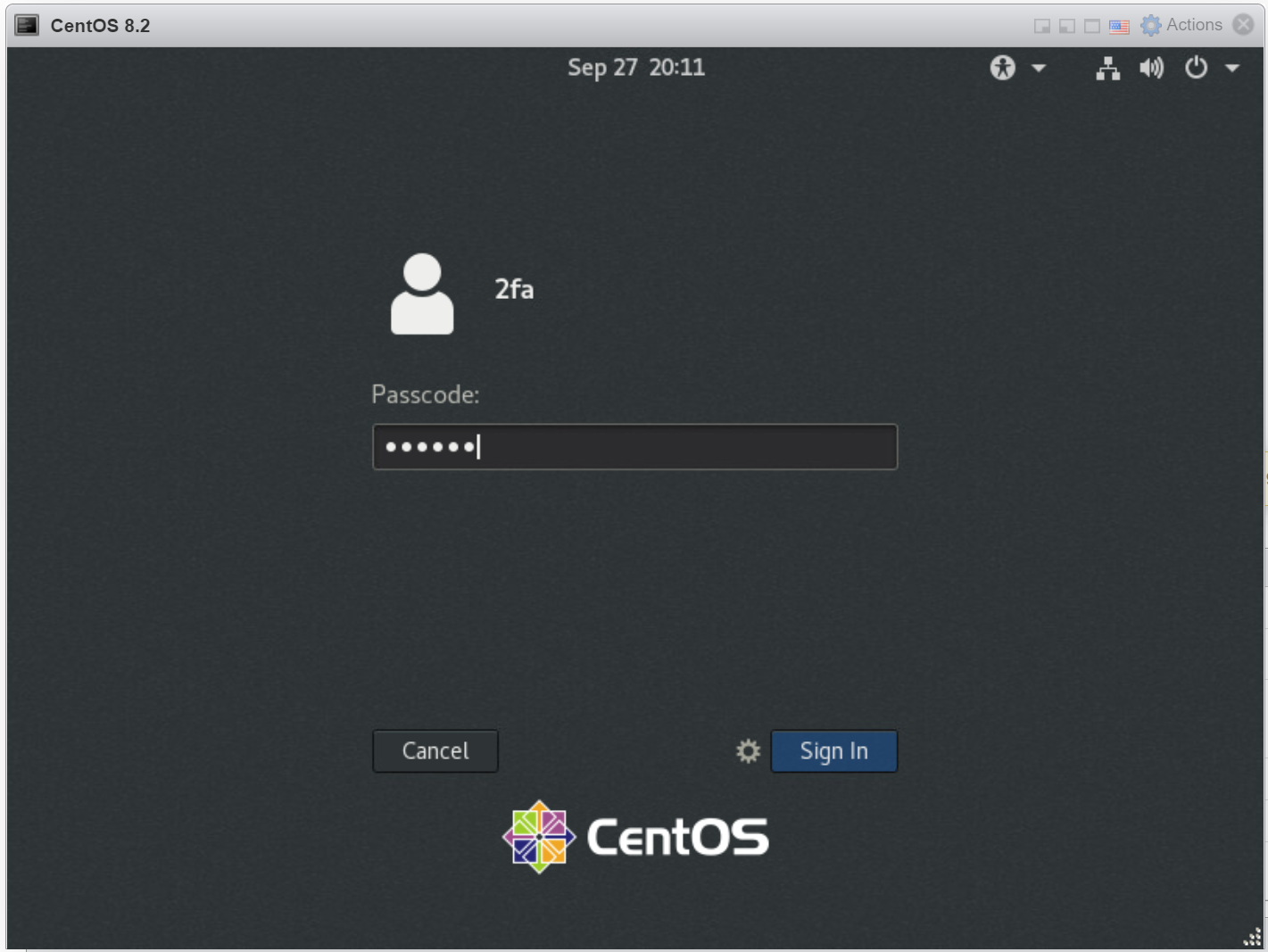
If the passcode entered is correct, you are logged in successfully