To use computer fingerprint, users must first register their devices into their accounts. For this section, we will use Device Onboarding by activation code (as that is the most common type of registration) and the application will be Self Service Console.
In a web browser, navigate to the application URL in this case self-service console.
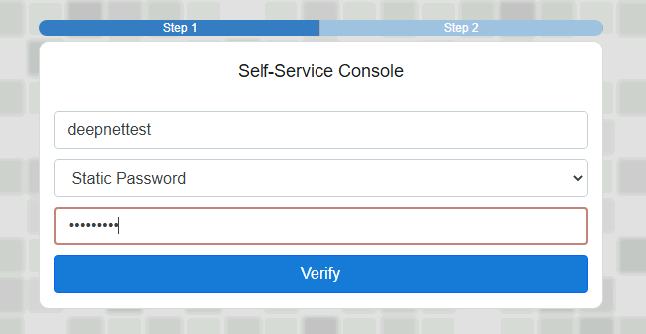
In this example, Static Password is the first Factor. Enter AD Username and Password and click on Verify.
This will then take you to the second factor, which is the Computer Fingerprint. You may then get an Access-Request prompt, like this...
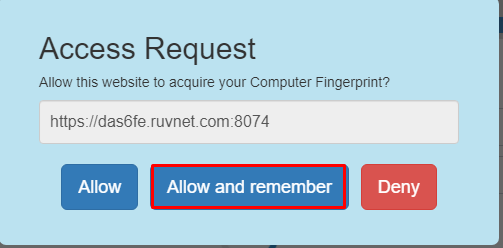
If you see this, click on Allow and Remember. You should then be presented with the following prompt...