Access can be allowed or denied depending on location. From an entire country to a city. There are in fact two Access Control - Location policies. Access Control - Location and Access Control Location(IPV6)
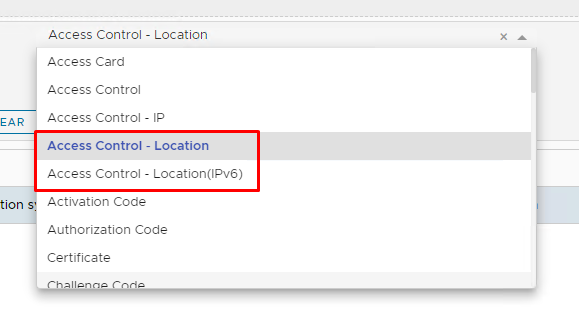
They both do the same thing, except one uses IPv4ocation addresses, the other IPv6Location addresses
Before you can create the policies you first need to download and import an IP geolocation database.
For IPv4 please follow the instructions in this wiki: How to import IP2Location-IPV4 Geo Location database into DualShield
For IPv6 please follow the instructions in this wiki: How to import IP2Location-IPV6 Geo Location database into DualShield
Once imported you can then follow the next steps to create the new policies..
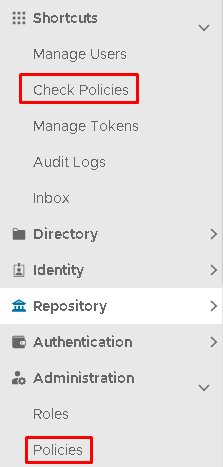
In the Administration Console, the policies can be accessed via either under Shortcuts>Check Policies
or
Administration>Policies
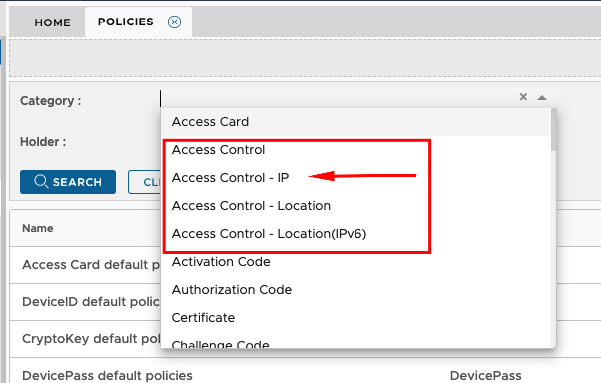
In the Category dropdown, you will see four Access Control policies. Select Access Control - IP
Click Search
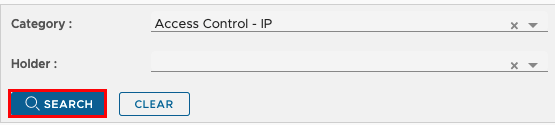
A list of Access Control policies will appear underneath, If you have not yet created one then only the default system policy will display.
The default policy allows system-wide access to all applications at any time, by all users.
Do Not Delete or Edit the default system policy. Making any changes to this policy could result in you not being able to access the Administration Console even using the System Admin account.
It is best practice to create a seperate policy.
Click the Create button on the top right.

| Option | Value |
|---|---|
| Category | Access Control - IP |
| Holder | Domain |
| Domain | Select your domain |
| Name | Specify a name that describes the policy |
| Description | (Optional) |
| Enabled | Check to enable the policy |
| Application | Specify Application(s) or leave blank if the policy applies to all applications |
| Access | Allowed |
| IP Addresses dropdown | Click once on this to view options in the drop-down |
| IP Addresses | Type in a single or a range of IP addresses |
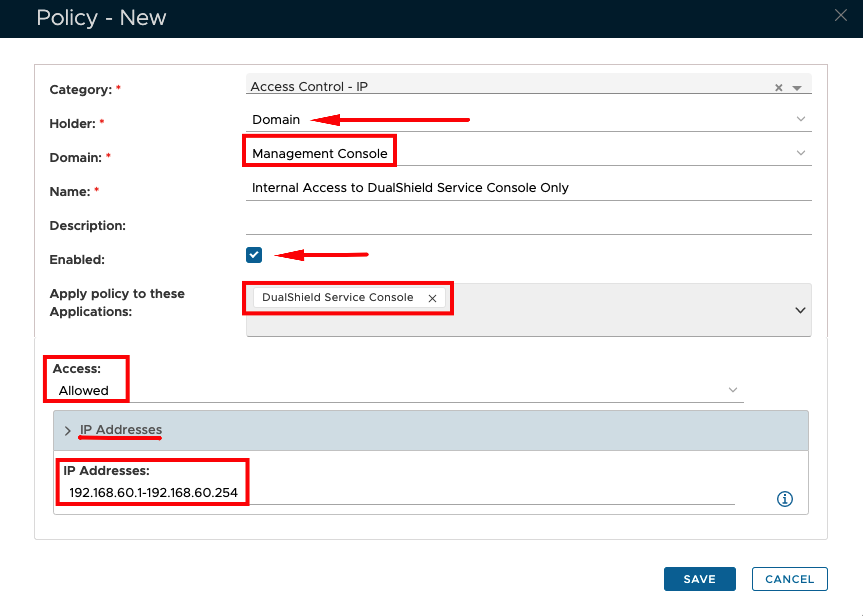
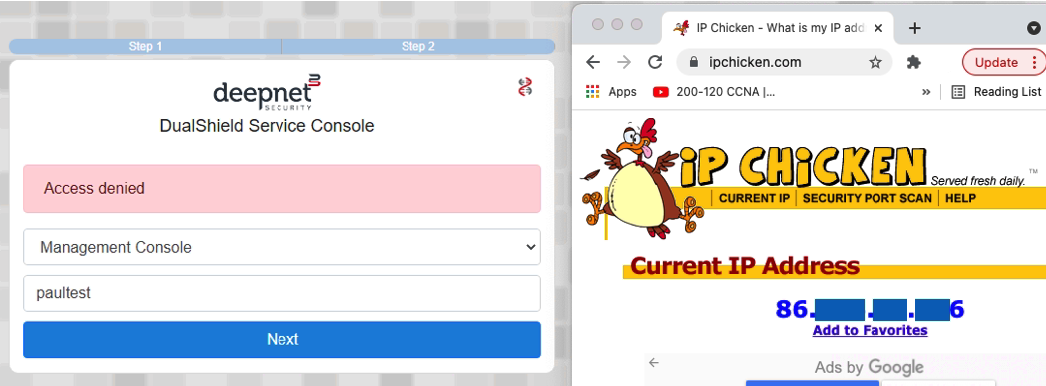
After setting up the policies as above, if an attempt is made to log on to Dualshield Service Console from a PC that is outside of the scope of the IP range set, then access will be denied.