In the DualShield Admin Console, navigate to "SSO | Service Providers"
Click the "REGISTER" button
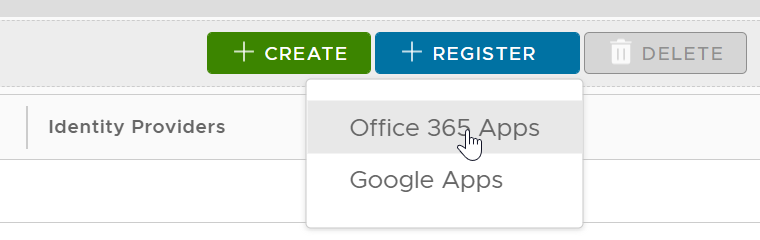
Select "Office 365 Apps"
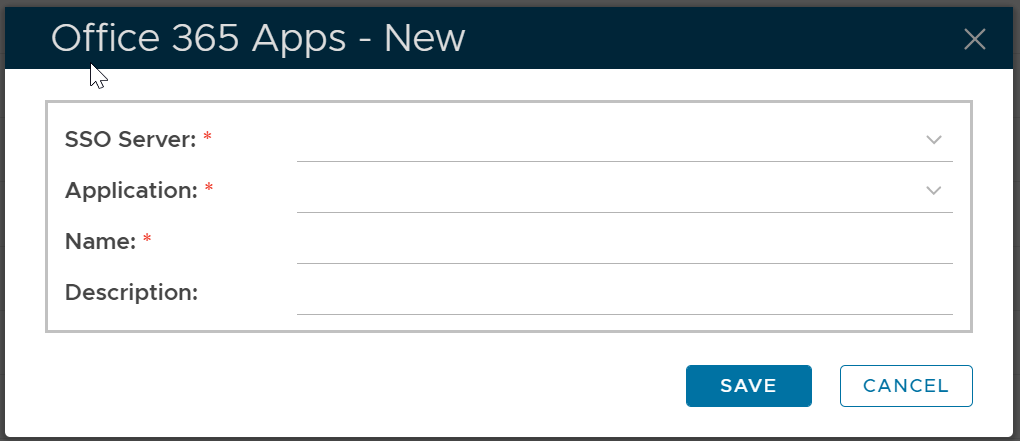
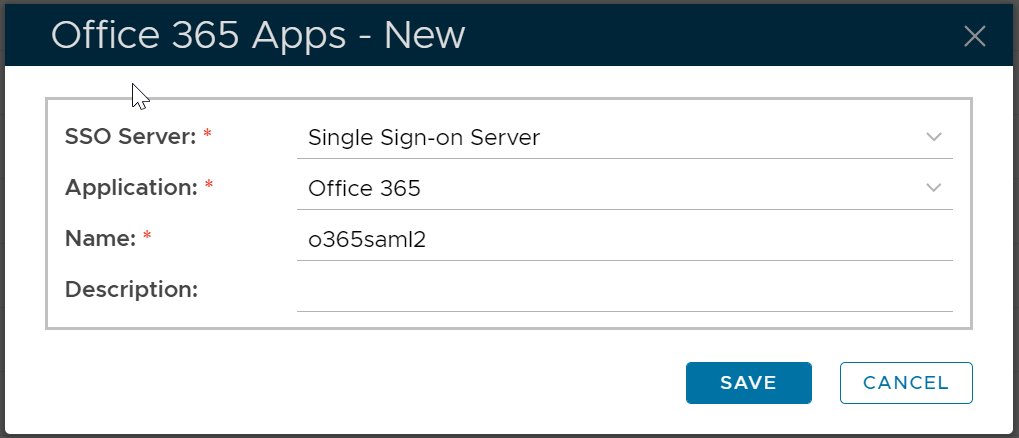
Fill in the form, e.g.
Click "Save"
In the DualShield Admin Console, navigate to "SSO | Service Providers"
Click the "REGISTER" button
Select "Office 365 Apps"
Fill in the form, e.g.
Click "Save"