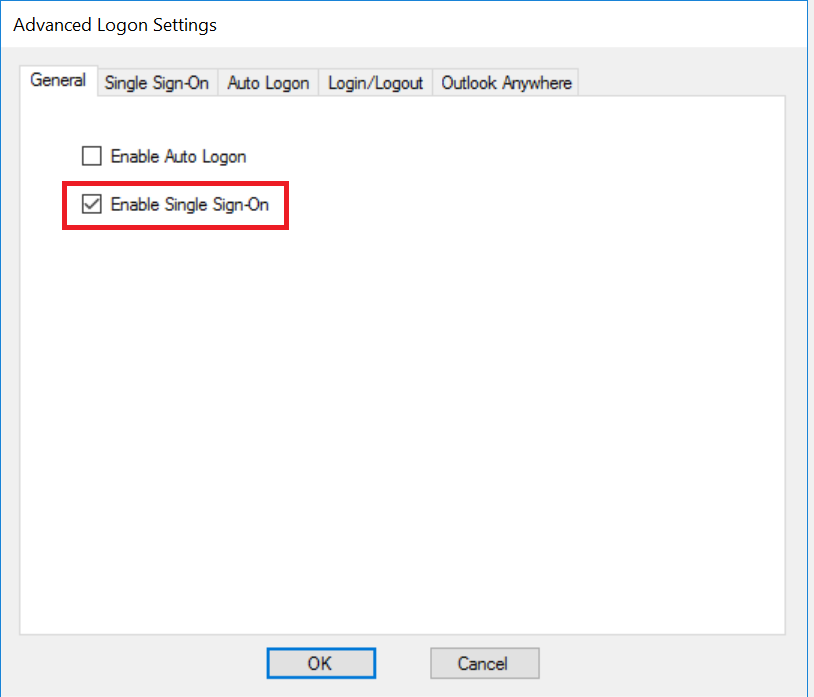
To enable Single Sign-On, tick the option "Enable Single Sign-On" in the General tab
Then, click the "Single Sign-On" tab
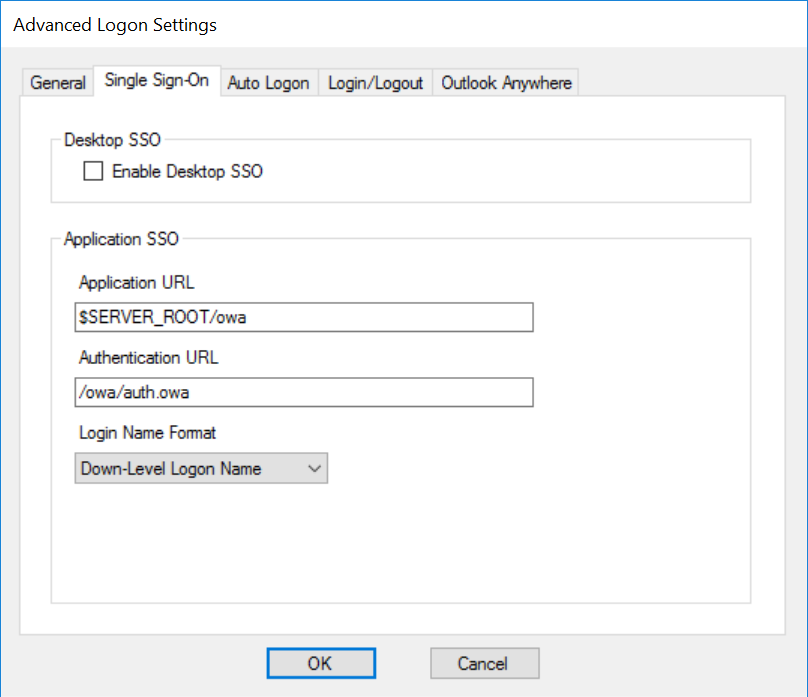
If the web application is one of the pre-configured server types such as OWA, then usually there is no need for any further configuration in this tab.
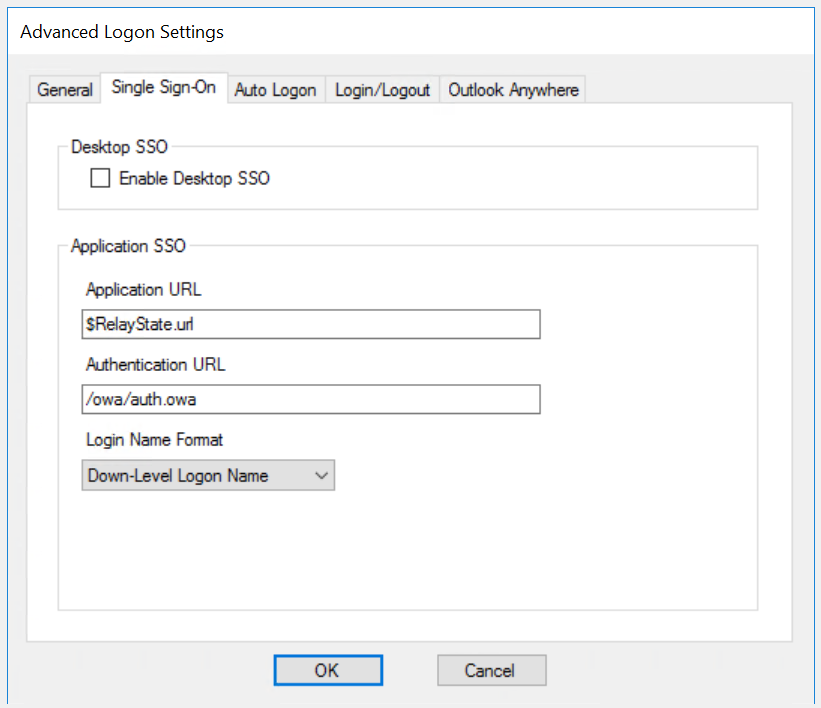
However, if you use Exchange Control Panel (ECP) Web UI, then you must change the Application URL.
| Enable Desktop SSO | If the web application is to be accessed by users from domain joined desktops or laptops, you can enable SSO from the desktop logon to web logon |
| Application URL | When OWA is enabled with MFA, the ECP web UI is automatically enabled with MFA too, as ECP uses OWA as its logon process. If you use ECP web UI, then you must replace the Application URL with the text below: $RelayState.url |
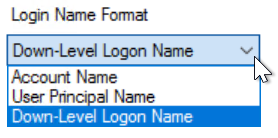
| Login Name Format | Select the appropriate login name format that your application server accepts.
|
Click "OK" to save the settings