Configure SAML Role Permission
The “Administer Configuration SAML” role permission is required to use SAML to access Secret Server. To grant a user this permission from an administrator account:
Go to Admin > Roles. The Roles page appears.
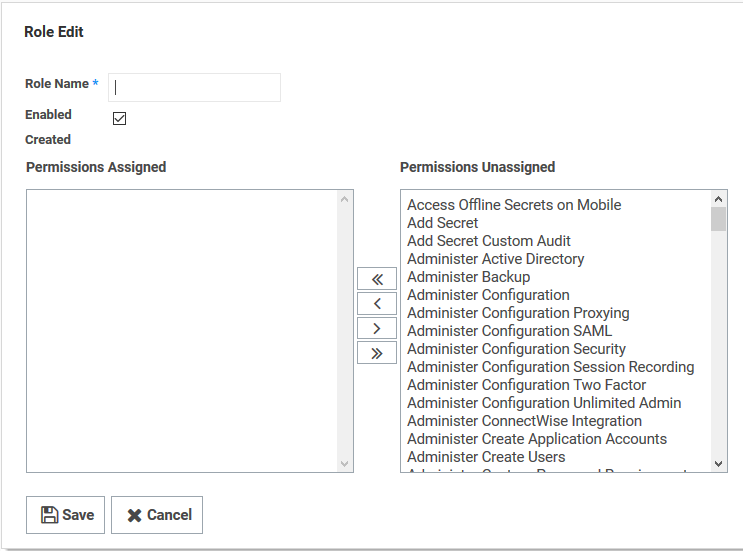
Click the Create New button. The Role Edit page appears:
Type the name, such as
SAML, in the Role Name text box.Click to select the Enabled check box.
Click Administer Configuration SAML in the right side Permissions Unassigned list box.
Click the < button to move the permission to the other side.
Click the Save button.
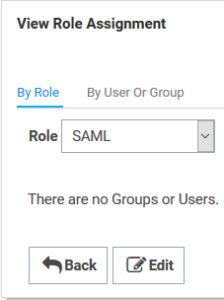
Click the Assign Roles link of the newly created role. The View Role Assignment page appears
Click the Role dropdown list to select the role you just created.
Upload the Idp Certificate file
In order to do this, you need to convert the 'crt' file that was downloaded in the previous section to a 'cer' file.
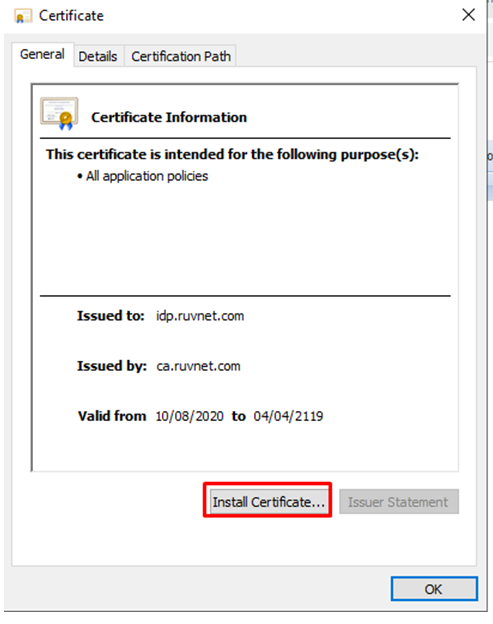
To begin, Open the crt file and install the Certificate to your personal folder in Certificate manager
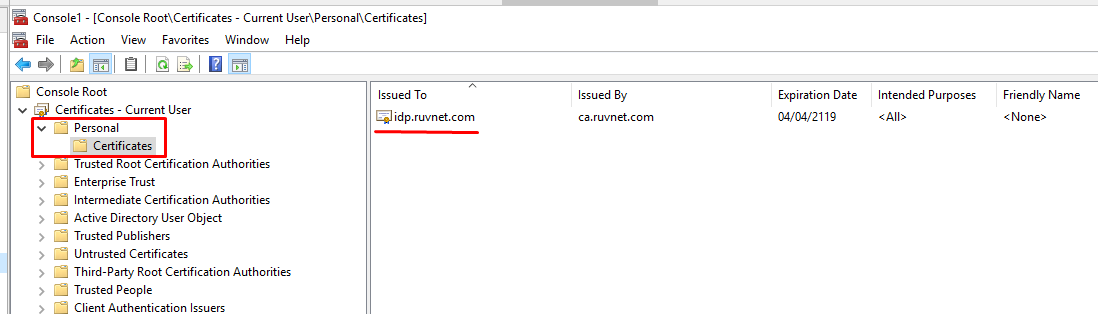
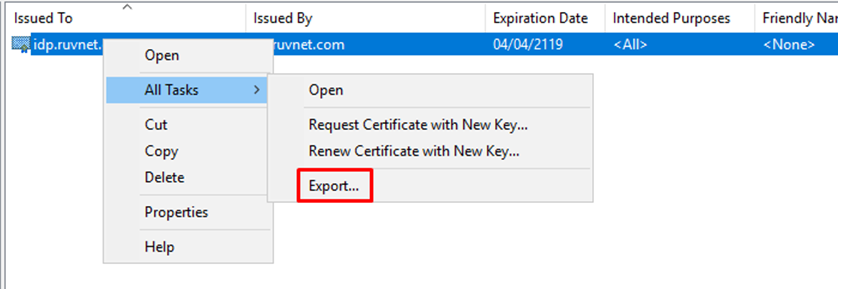
Once installed the Certificate needs to be exported
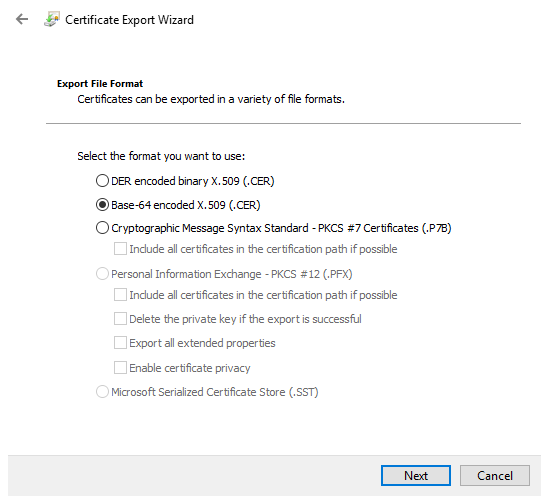
Export it as a Base-64 encoded X.509 (.CER)
You will also need to download the IdP Certificate
Upload the exported CER file.
