Adding a standard backgrounds
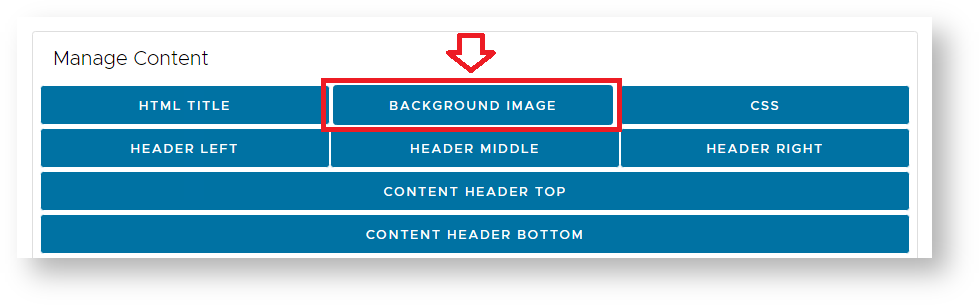
The single sign on background can be customised using the "BACKGROUND IMAGE" option of the UI Customisation page.
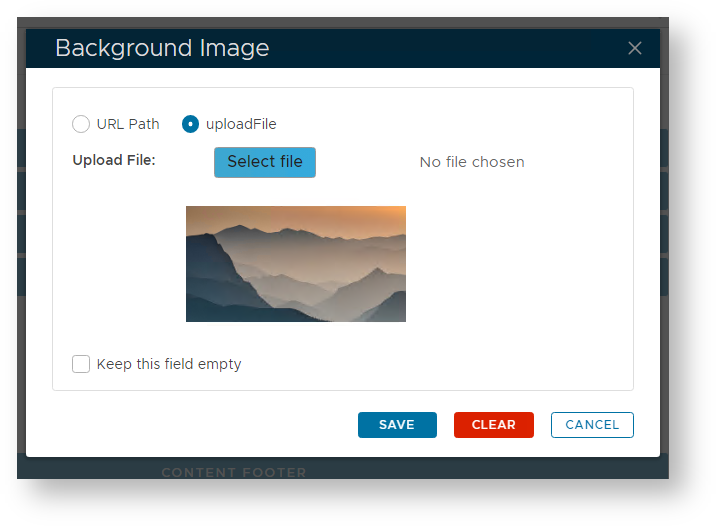
A window will open titled "Background Image", deselect "keep this field empty", then either upload the required background, or point to where the image is hosted;
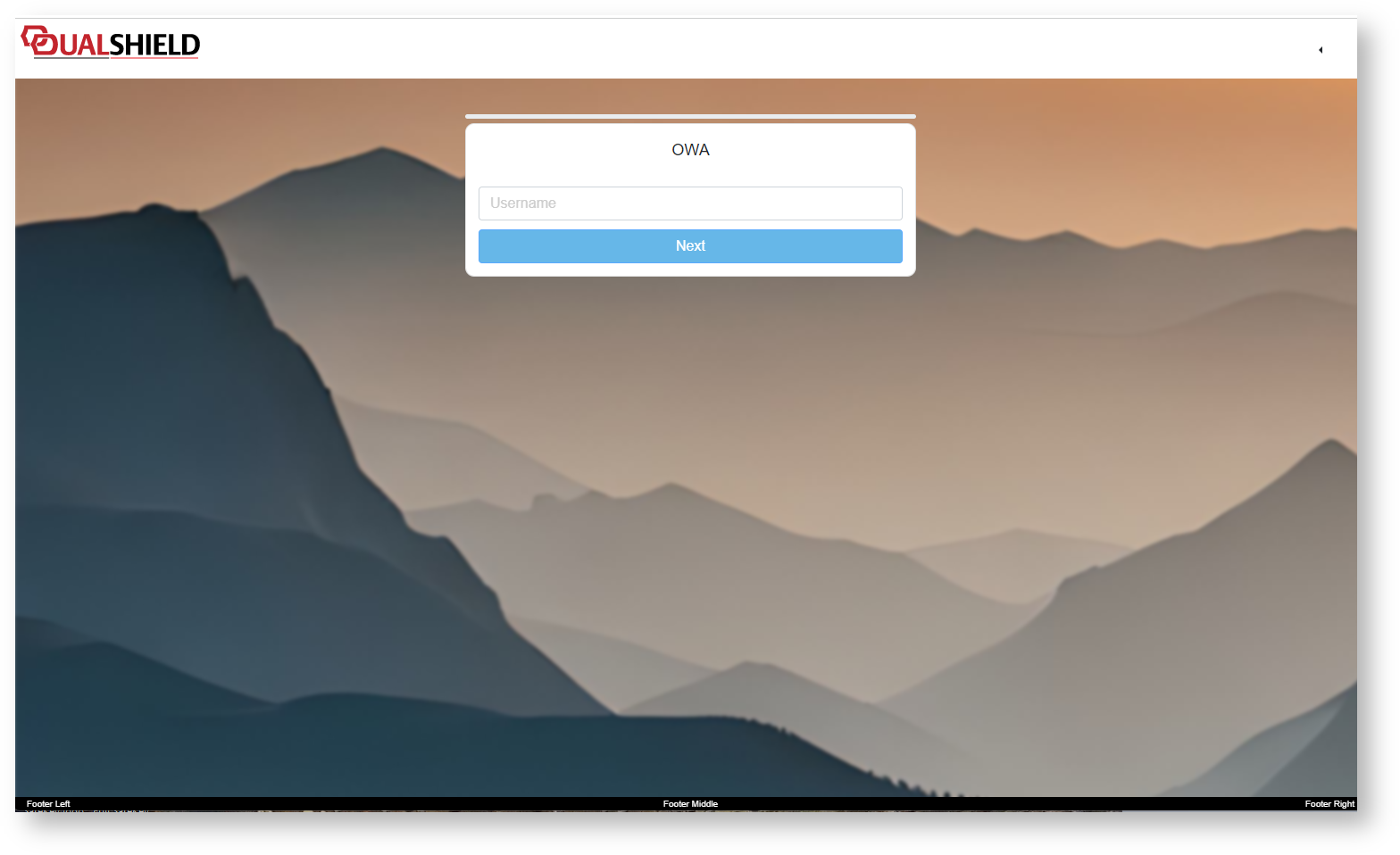
After clicking "SAVE", then saving your customisation you will find that this image will now become a background image to your single sign-on page;
Resizable Backgrounds
Whislt the basic method above will provide background images to your SSO Logon Page, there are a number of limitations to what you can do with the background image, and we have often been requested to offer resizable background images.
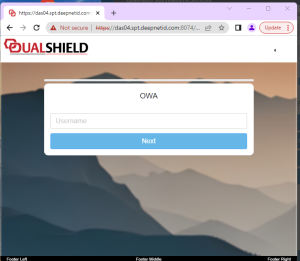
If we limit ourselves to the default method of changing backgrouds we will find that any resizing of the input window will not resize the background image (example below);
If a resizing background is required then instead of using the "BACKGROUND IMAGE" button to store our background we should place our image against "CONTENT HEADER TOP" and include some CSS script in the section ".content-header-image" using the "CSS" button.
The following is an example of CSS script that will act as a resizing background image to our SSO form;