The purpose of this task is to check if the database is out of sync, and if so an error "E_DATABASE_SERVER_SYNC_ERROR" will be raised in the audit logs.
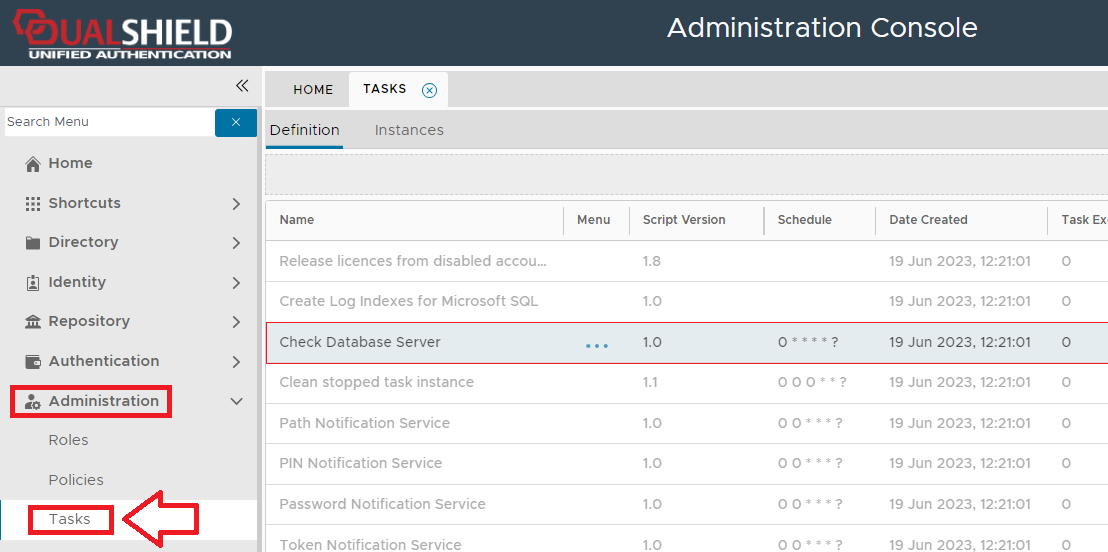
The task can be found by navigating to "Administration | Tasks", then scrolling down to the task "Check Database Server";
This task does not use any task parameters.
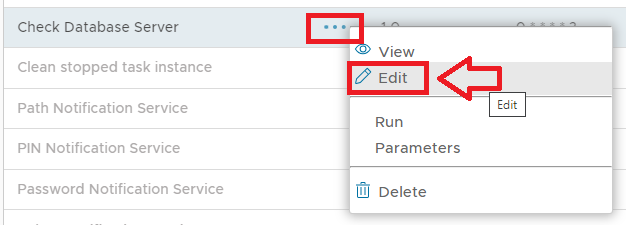
The task can be edited by left clicking on the context menu of the task and selecting "Edit";
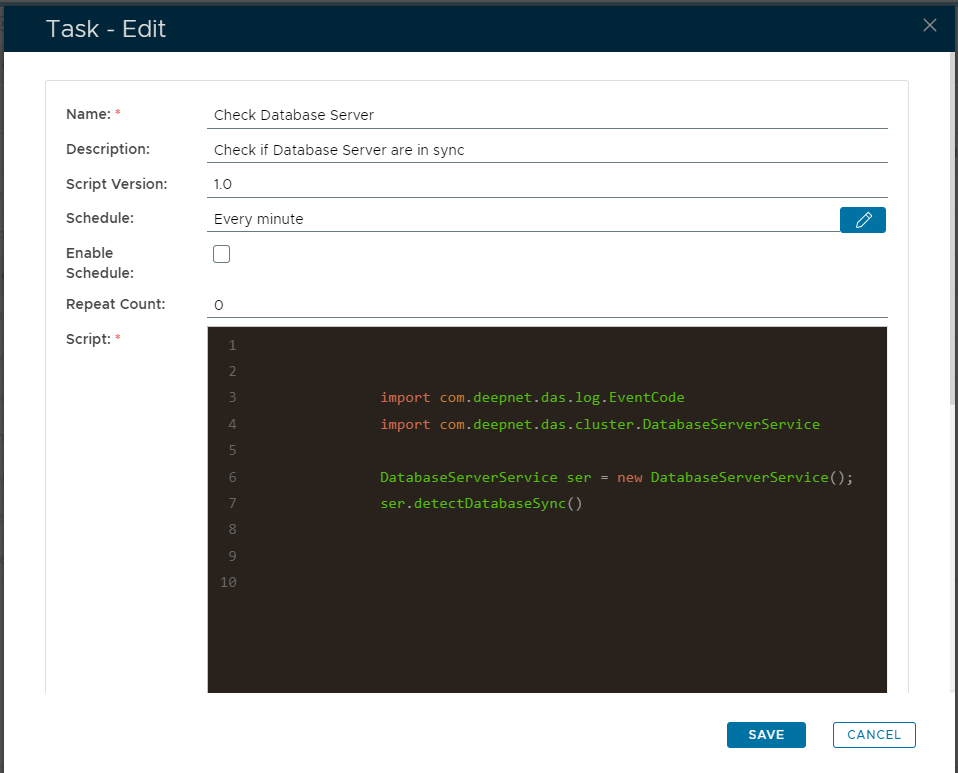
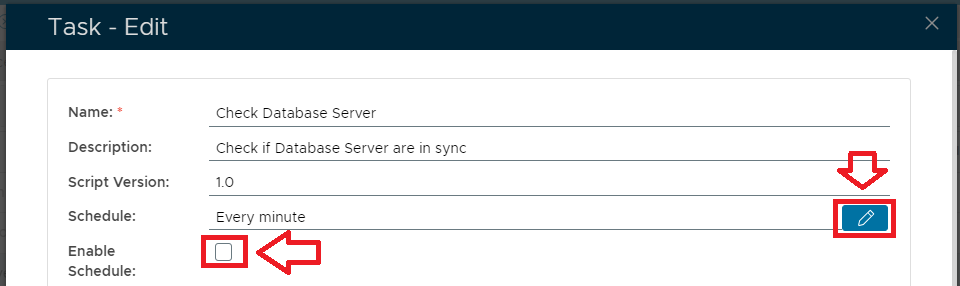
A new window will now open titled "Task - Edit";
|
Select the "Enable Schedule" checkbox to ensure the task schedule is activated, then use the pencil icon (" ") to specify the time and frequency settings for automated task execution.
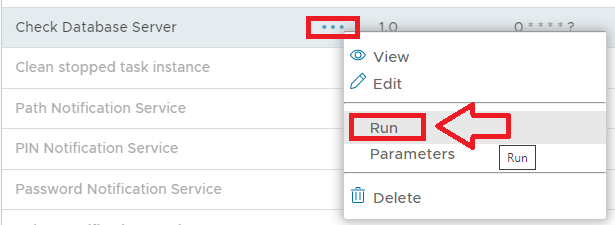
The task can be run manually from the management console by left click on the context menu of the task, then selecting "Run";
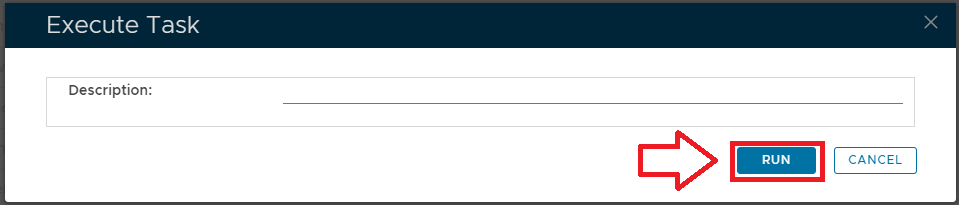
A new window will open titled "Execute Task" will then open (the window will be populated with the default task property values);
|
To execute the task click the  button.