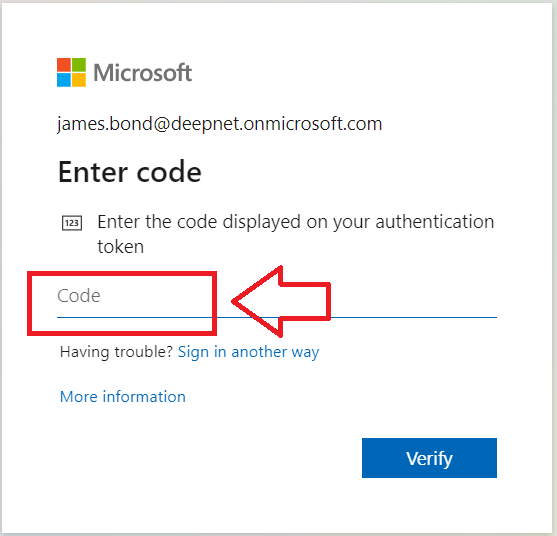
When a user is logging in to a protected application using the authentication method "One-Time Password" (or OTP), the user will be required to produce a numeric password (typically 6 or 8 digits long) in response to a prompt (the example below is an example of an OTP prompt produced by Office 365 during authentication);
In order to supply the required OTP code the user will need to generate the code using one of the follow solutions;
The available solutions all require a unique component (seed data/secret), and combine this data with a value that is generated either using an internal clock (for time based TOTP solutions), or an internal counter (for event based HOTP solutions). Since the seed/secret is also stored in the authentication server, then both sides will need to have a copy of the seed and time/counter parameters in order to be able to calculate the required OTP codes (when the user provides the OTP code the authentication server is able to confirm if the code was generated by someone in possession of the device that generated the code (hence this is an authentication solution of the type "something you have").
When time based authentication is used (TOTP), then the current time provided by the clock is used by the algorithm to generate the required OTP code (specifically it will calculate how many 30/60 second time windows have passed between a specific date in history and the reported time).
When accessing an application that include OTP authentication as a authentication method option, you will be prompted to enter you code (typically by an on-screen prompt as per the following example;
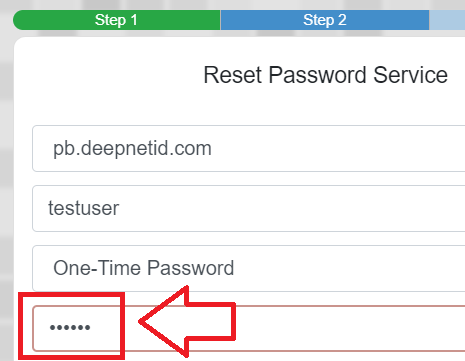
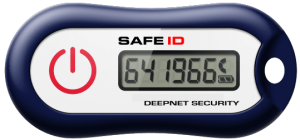
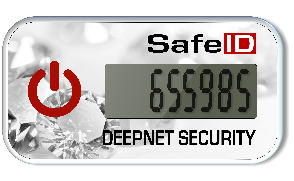
In order to supply the requested code you will need to either be in possession of one of the hardware devices that produces the required code.
You will normally need to power on the token before the current OTP code is displayed, simply copy the code displayed on the hardware token and access will normally be granted (examples below);
|
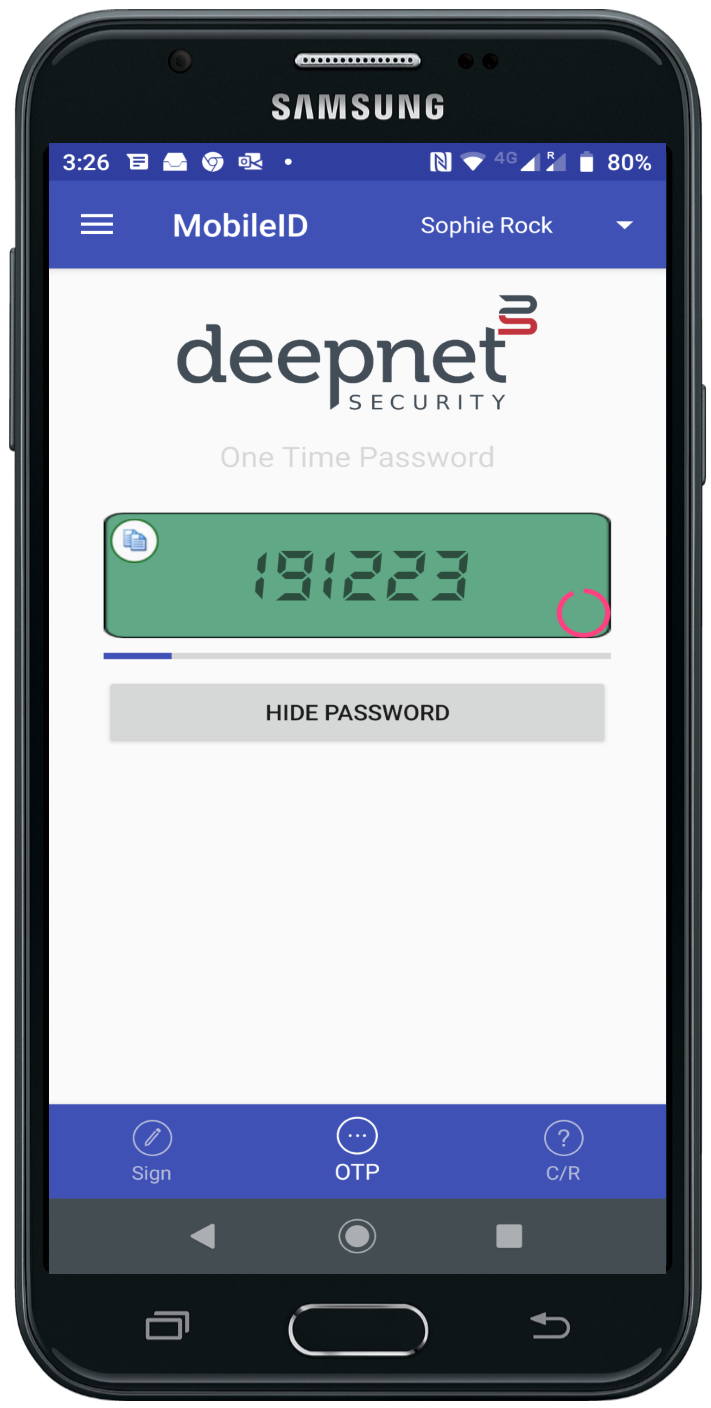
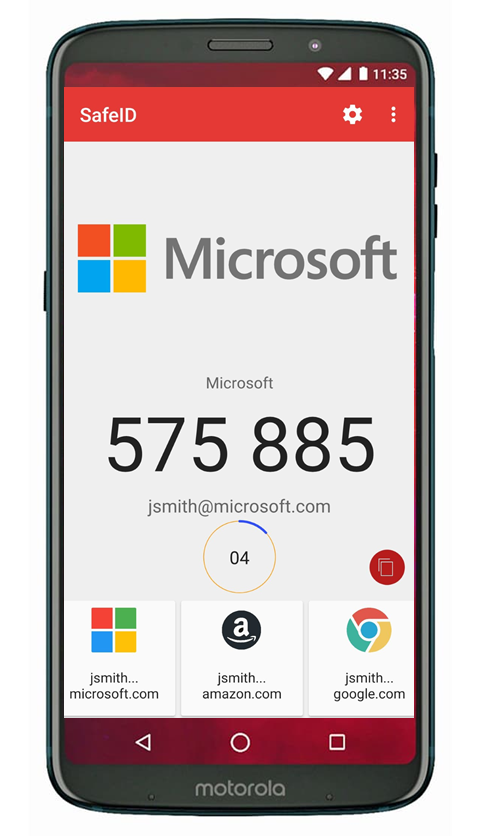
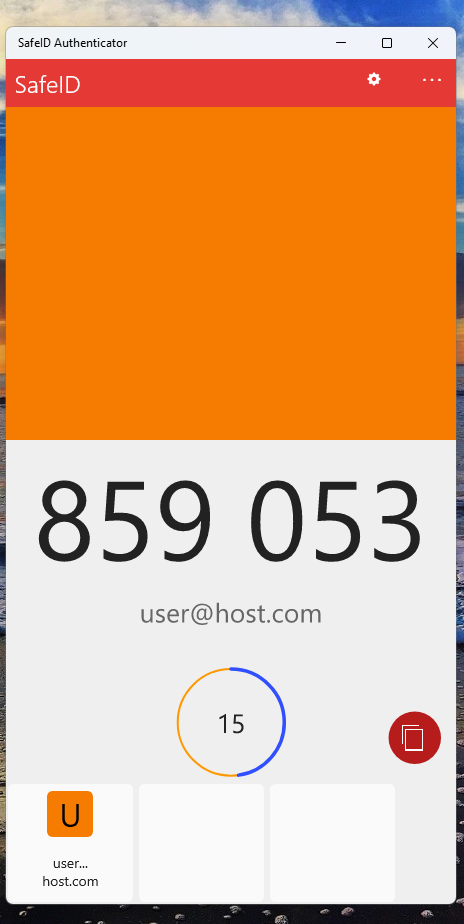
To obtain the required code from an authentication app you would first start the app on your mobile phone/pc app, and in cases where you have more than one token on the app you would first select the required token, and possibly request the OTP code to be generated (see examples below);
|
When using an app or a hardware token if the code produced is time based then the generated OTP code can be affected by time drift.
OTP codes created using a time-based solution (e.g. using a SafeID/Classic token) will obtain the current time using an internal clock that updates its time based upon oscillations of a quartz crystal. The crystal allows the device to keep relatively accurate time, but you can still expect the clock to drift by approximately one second every three days. Over the space of a year this drift can vary, but you expected time drift would be in the order of a couple of minutes.
If you are using the clock of a non-network connected PC or laptop, then the expected drift will be more likely to be 6 minutes per year or more. For networked computers this drift can be mitigated by ensuring that the computers clock is synchronised either with internet time, or with the time on the domain controller.
Time drift is not expected on mobile devices as they tend to have clocks synchronised with the mobile network carrier (and therefore should be expected to be within a few seconds of true time).
Time drift on the authentication server is also possible, but can be resolved by ensuring the servers clock is synchronised with an external reliable time server.
If the difference reported by the clocks on the client and on the server differ by more than the size of the time window (normally 30 or 60 seconds), then the OTP code generated by the client will not match the OTP code generated by the authentication server, and authentication may fail.
When the OTP code generated by a hardware token is failing to be accepted by the authentication server, it is possible to check the extent of any existing time drift using the following procedure;
There are two main solutions to resolve issues caused by time drift;
When authentication apps are used to produce the OTP code (such as SafeID authenticator and MobileID authenticator), then the clock is provided by the host computer, and when using an app on a PC, tablet or laptop, then the clock can normally be corrected by synchronising time with an internet based time server.
For hardware tokens (such as the SafeID range of TOTP tokens), the internal clock may only be corrected if the token is a programmable token, and can be corrected using the following procedure;
If you are not able to correct the clock on your device, then you need the server to account for your existing time drift, and this can often be achieve by performing a time synchronisation between the server and the token.
Time synchronisation for pre-programmed hardware tokens will occur either during the registration process of the token (for example when registering a token with azure), or using a separate process provided by the authentication server (where typically two consecutive OTP codes will be requested).
Given time drift occurs on hardware tokens regardless of use, we suggest registering you token with you authentication server within the first year of purchase. The majority of the hardware tokens we supply are programmed with 60 second time windows, and most authentication servers can deal with a few time windows of drift prior to registration. When registering older tokens with azure we suggest manual registration rather than bulk registration.
If your OTP codes are produced by an app running on windows, then ensure the clock on your computer is automatically synchronised with an external and reliable time server.