To upload SafeID tokens into Salesforce using Data Loader, follow the steps below
First, follow the link below to download the token file of your tokens
How to request token seed or secret file
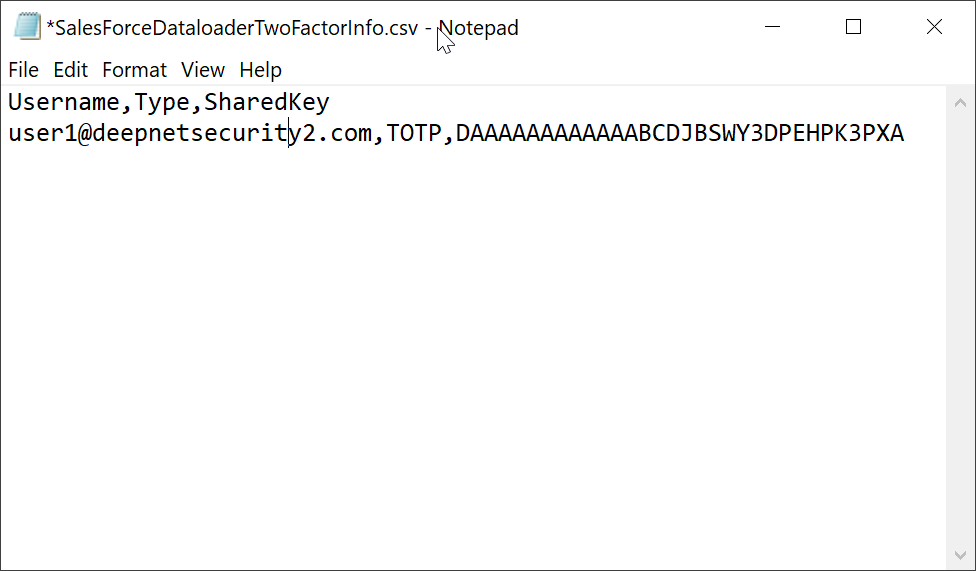
Then, open the token file in a text editor, such as Notepad (do not edit the token file using Excel)
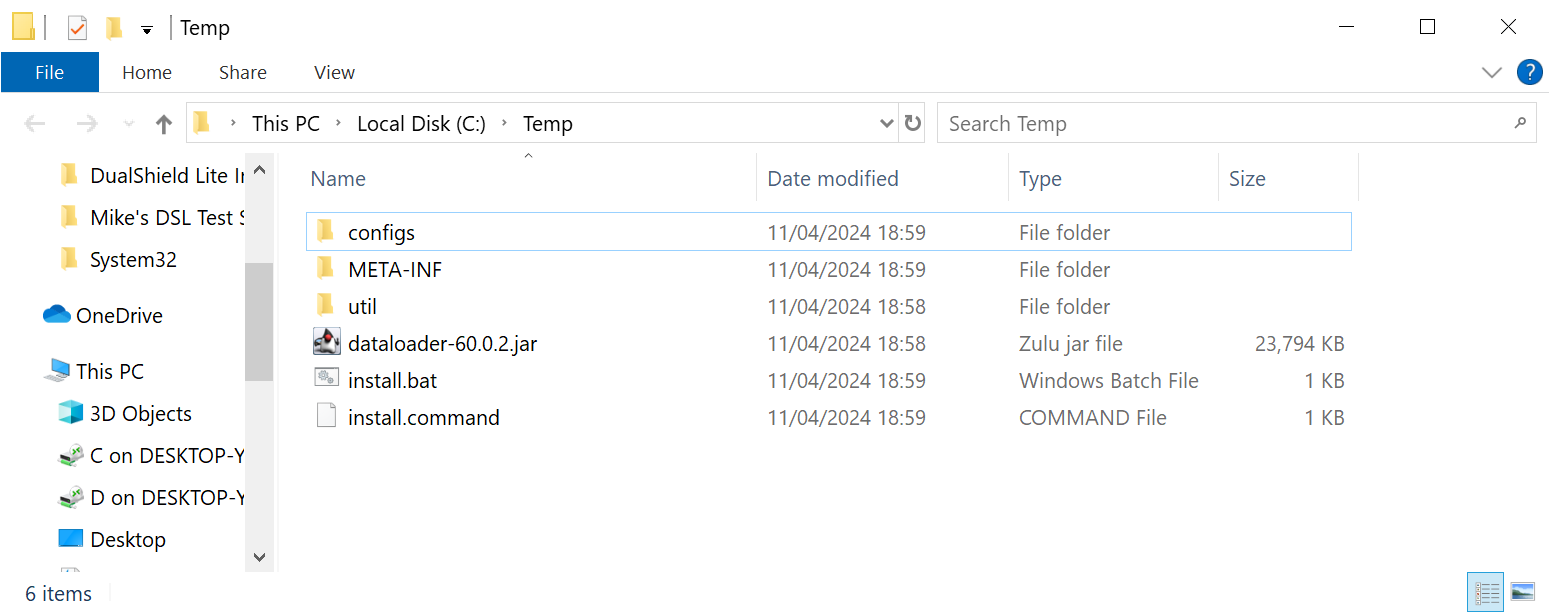
Download Zulu Java OpenJDK from https://www.azul.com/downloads/zulu Install the Java Open SDK Download Salesforce Data Loader from https://developer.salesforce.com/tools/data-loader Extract files from the zip to a temp folder
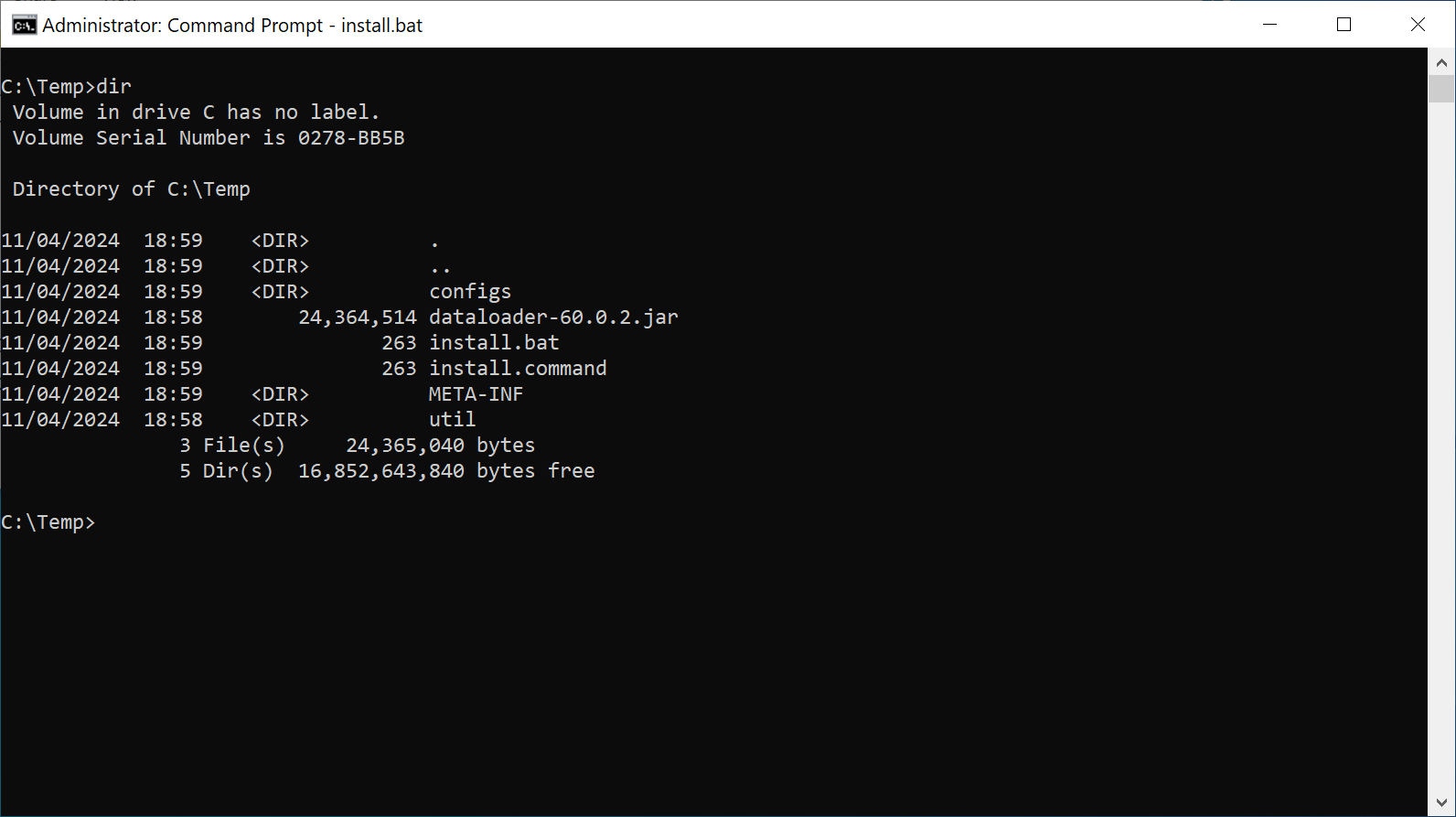
Launch the Windows Command Shell
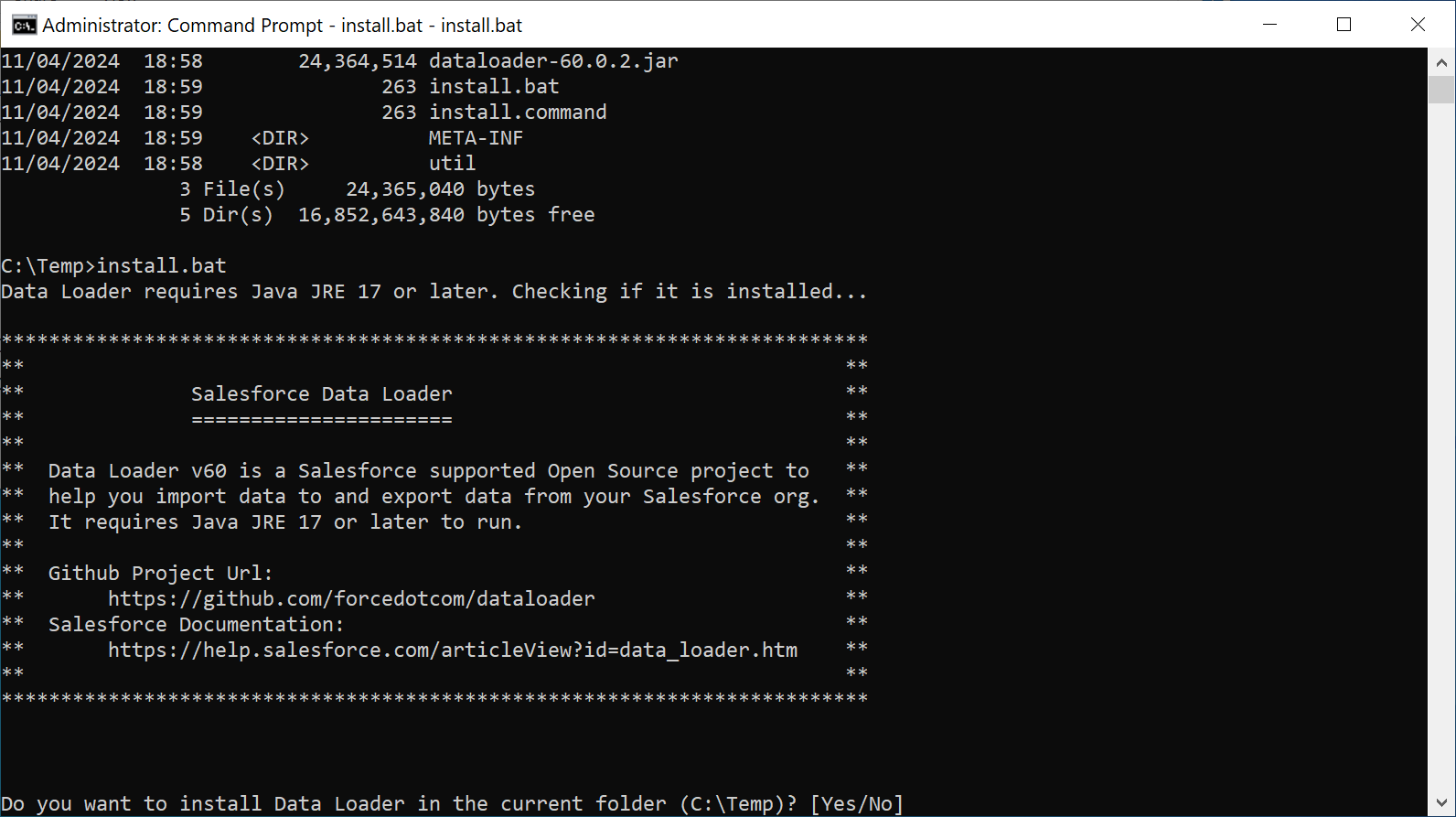
Run "install.bat"
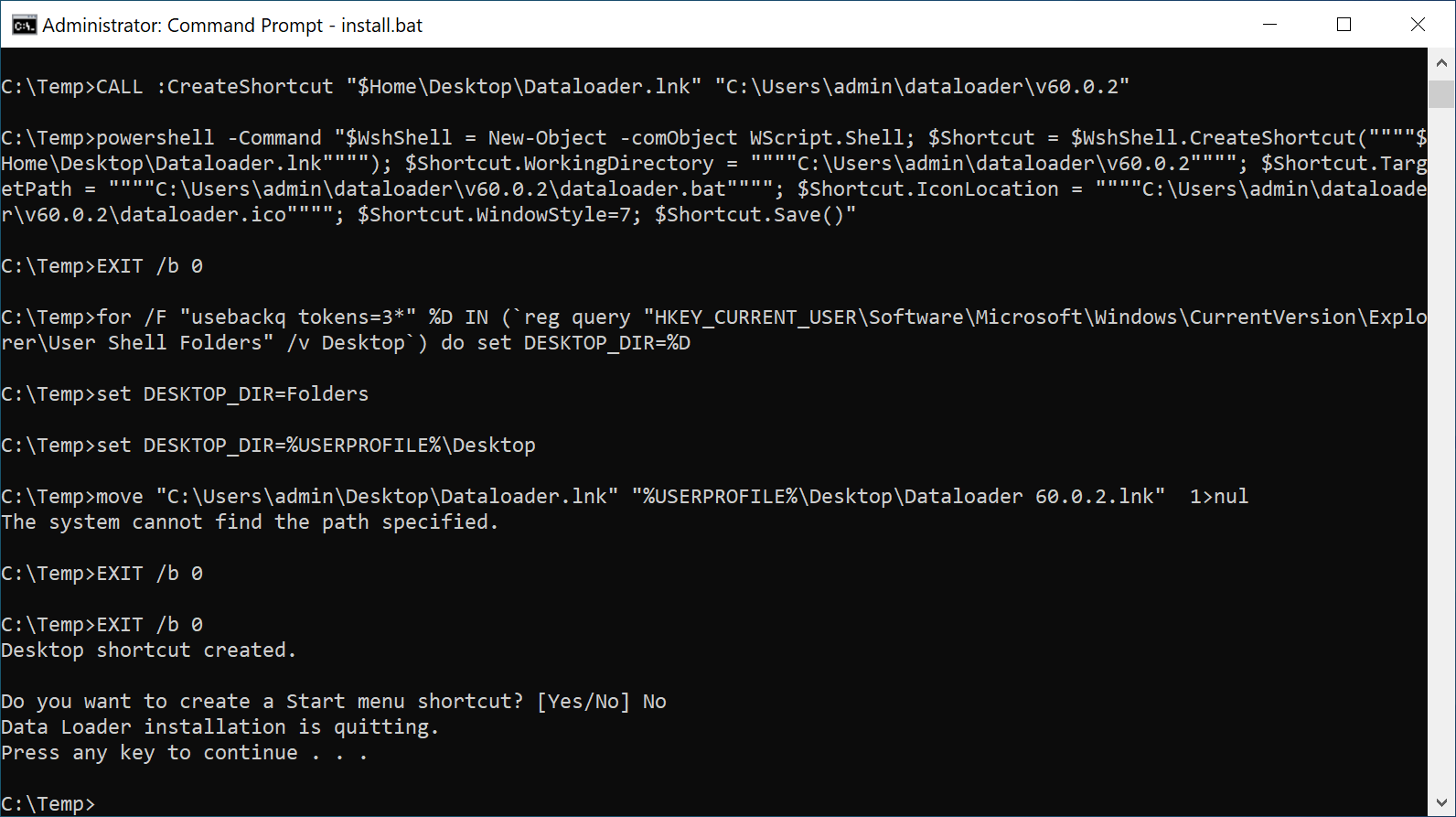
Follow the on-screen instructions to install the Data Loader
|