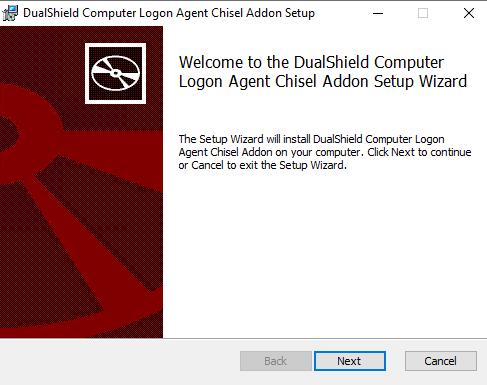
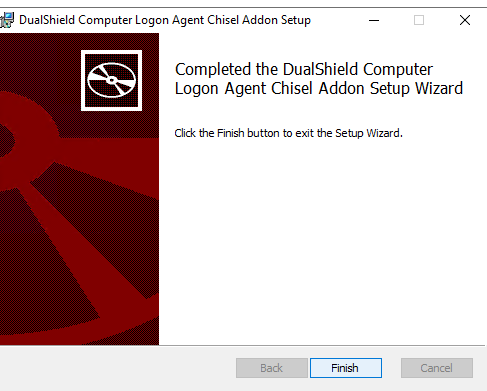
Run the computer-logon-chisel-agent-addon-installer-x.x.xx.xxxx.msi file and follow the on-screen prompts
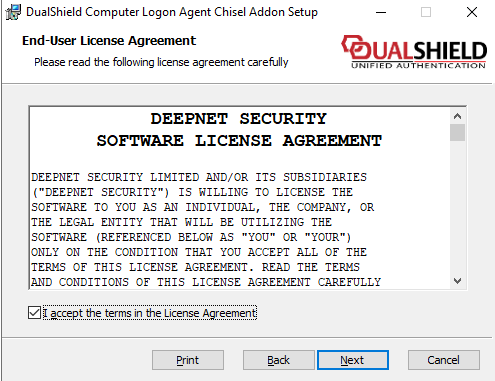
Click: Next and agree to the License
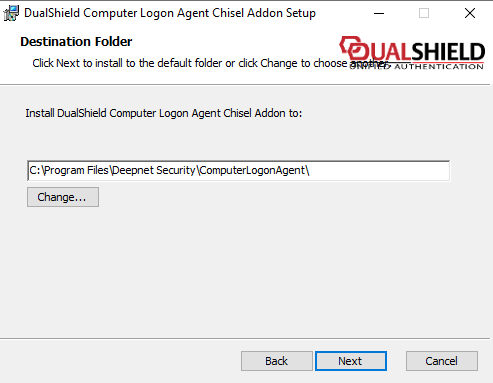
Click: Next
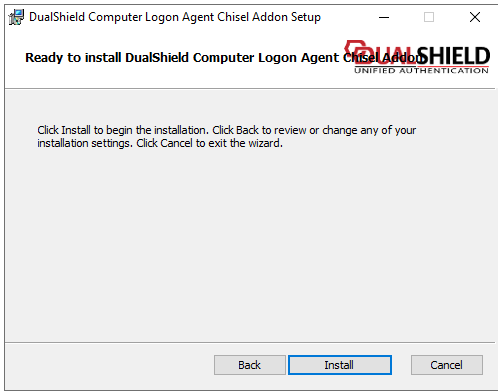
Click: Install and let it run through...
Click: Finish
Following installation of the Chisel Agent please check the following:
Check the DualShield Computer Logon Agent service is still running.
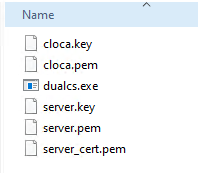
Make sure you can browse to C:\Program Files\Deepnet Security\ComputerLogonAgent\addon\dualcs and you can see the following files inside the folder..
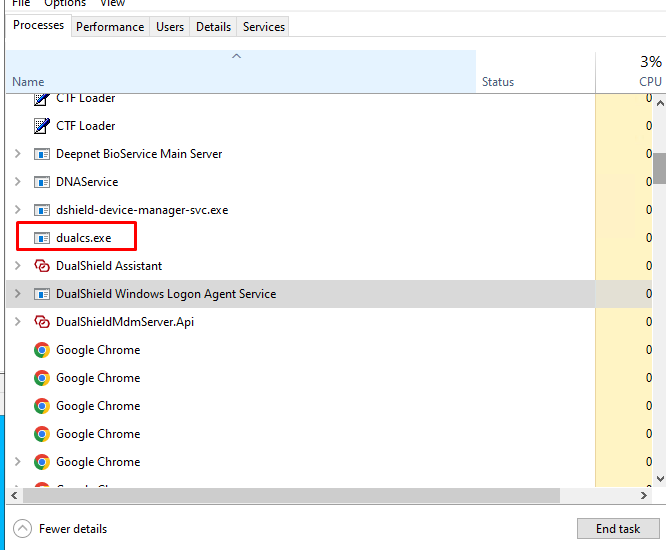
Launch Task Manager and check for a process called dualcs.exe