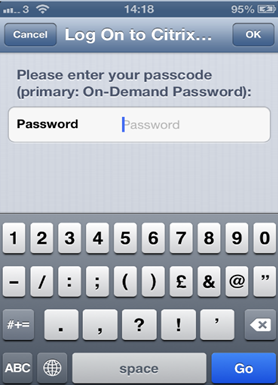
If you plan to deploy the on-demand password based authentication in your user base using Deepnet T-Pass, then you will have to configure your Citrix NetScaler to work in the Two-Step Logon mode. In the Two-Step Logon process, Netscaler will use your DualShield Radius server as the primary authentication server. Your DualShield server will be responsible for verifying both users’ AD password and one-time passwords. There should be no secondary authentication servers. Please note that for on-demand password you must use two-step logon, but for one-time password you can use either one-step or two-step logon.
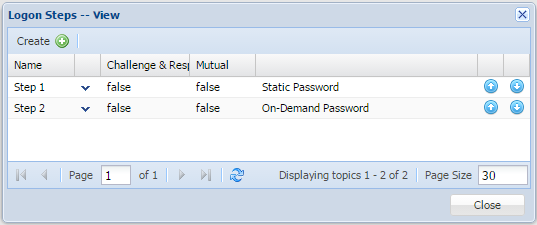
In the DualShield Management Console, edit the logon procedure for your NetScaler application. You will need to define two logon steps: the first step requires users to enter their static password (AD password), which will also trigger the DualShield server to send the user’s on-demand password. The second step will then ask users to enter their on-demand password.
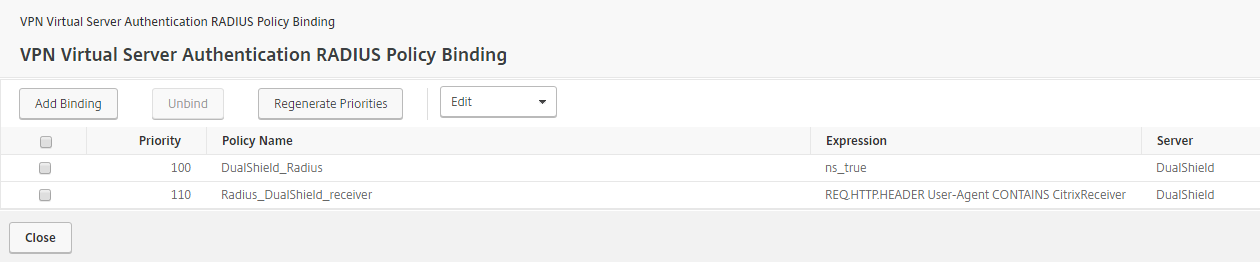
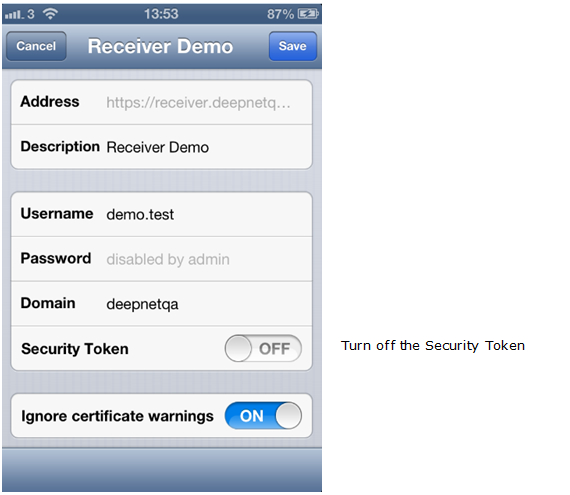
Navigate to the Citrix NetScaler Access Gateway logon page:
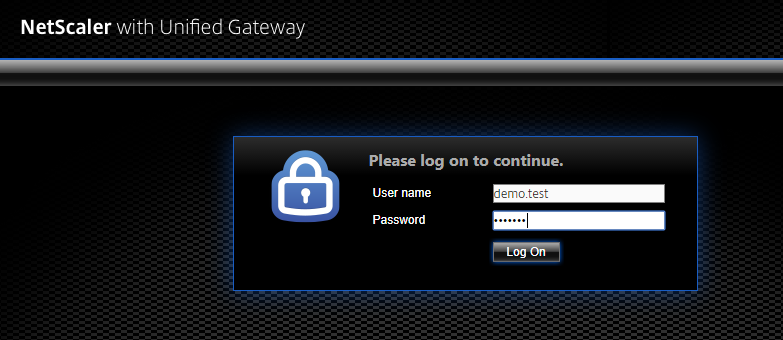
Enter your username and your AD password.
Your DualShield server will send an on-demand password via the delivery channel defined in your T-Pass policy, e.g. SMS text message or email message.
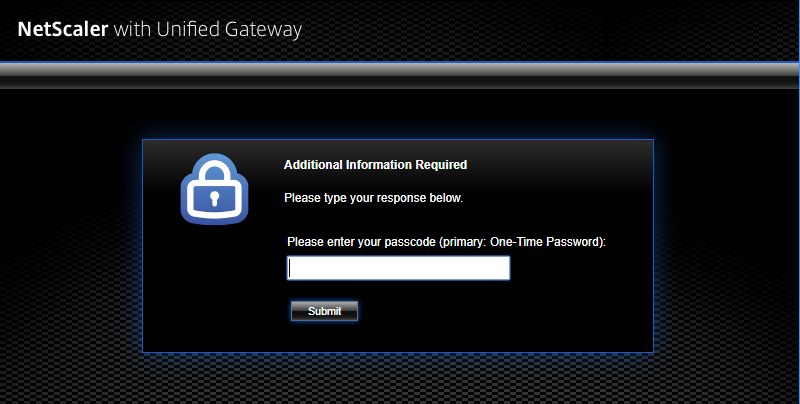
NetScaler will then prompt you to enter your T-Pass one-time password:
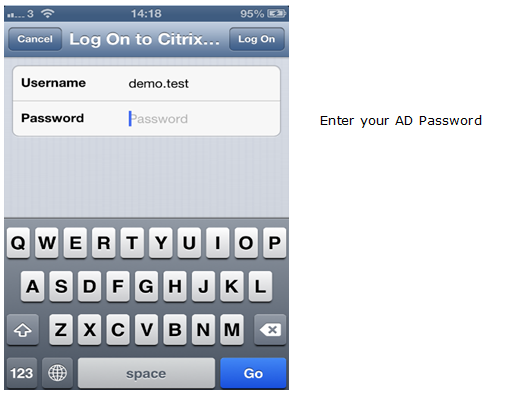
Once your AD password is authenticated, DualShield Server will send an on-demand password via the delivery channel defined in your T-Pass policy.
Citrix Receiver will then prompt you to enter your T-Pass one-time password.