- Install the frontend server
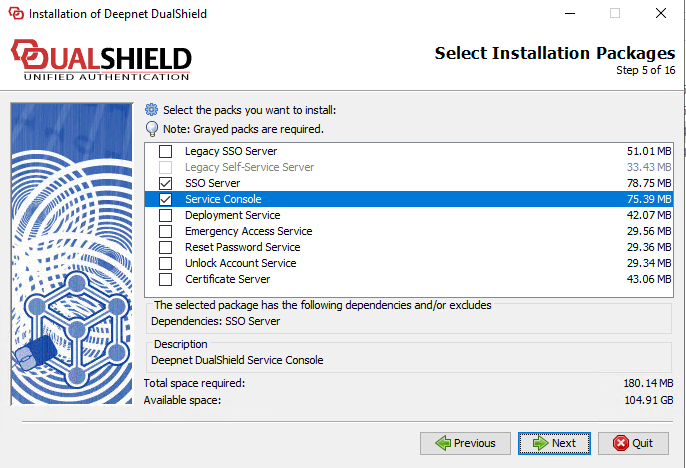
- Modify the Frontend server.xml file, locate to DSS, change port to 443.
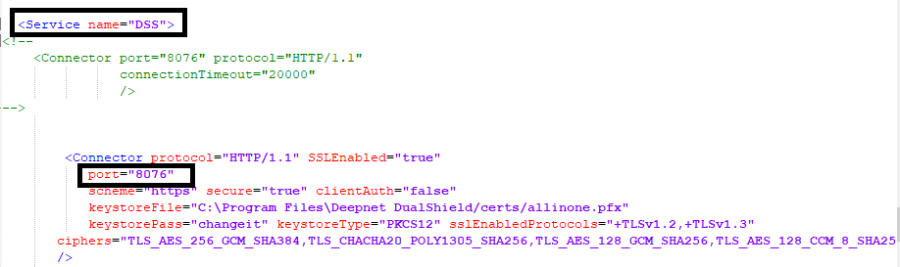
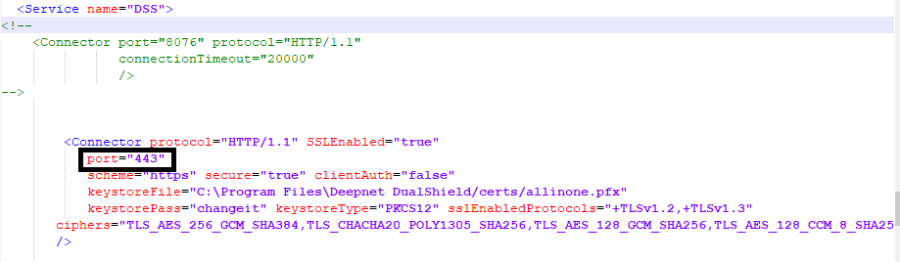
- Save the server.xml file, and restart the dualshield service.
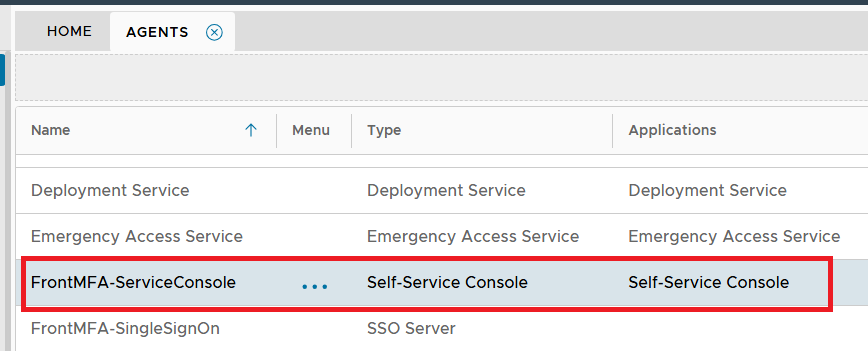
- Login DAC, navigate to new frontend agent: FrontMFA-ServiceConsole, and bind to the application.
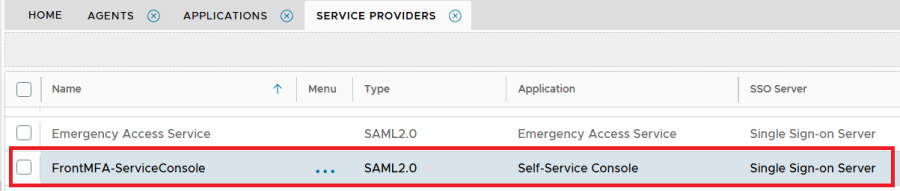
- Navigate to Service Providers: FrontMFA-ServiceConsole, modify the metadata, remove the port 8076.
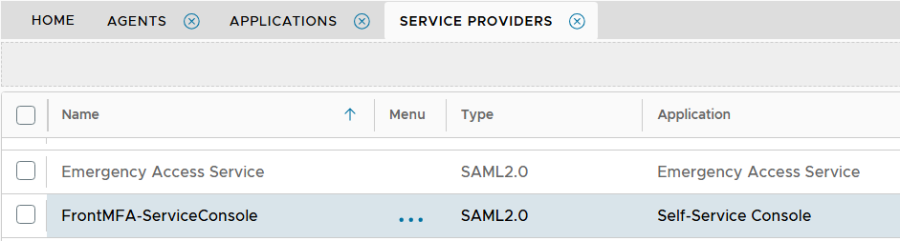
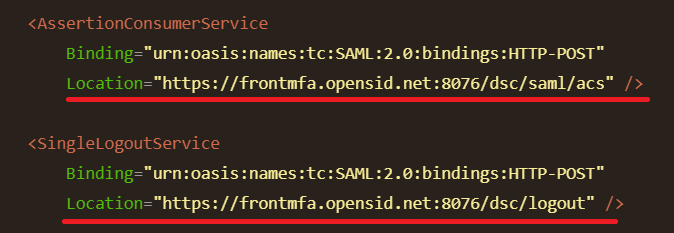
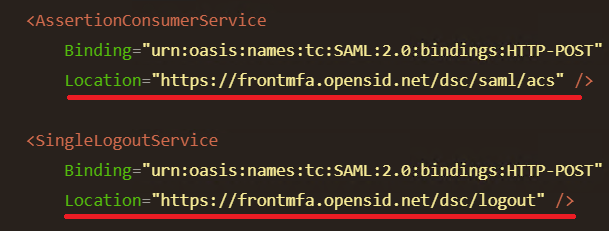
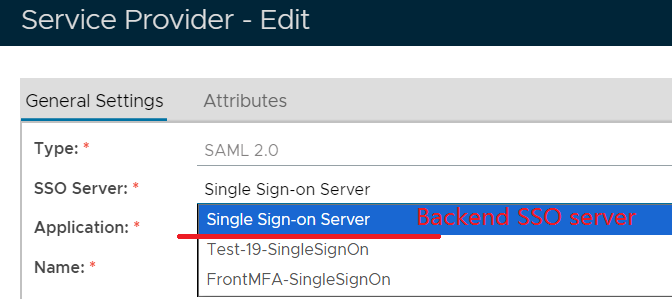
- On the Service Provider page, Change the SSO Server from Front SSO Server (FrontMFA-SingleSignOn) to Backend SSO server (Single Sign-On Server).
- Launch browser, navigate to https://frontmfa.opensid.net/dsc , it redirects to https://mfa.opensid.net/sso. Enter the user credential, after authentication, it goes back to https://frontmfa.opensid.net/dsc/...
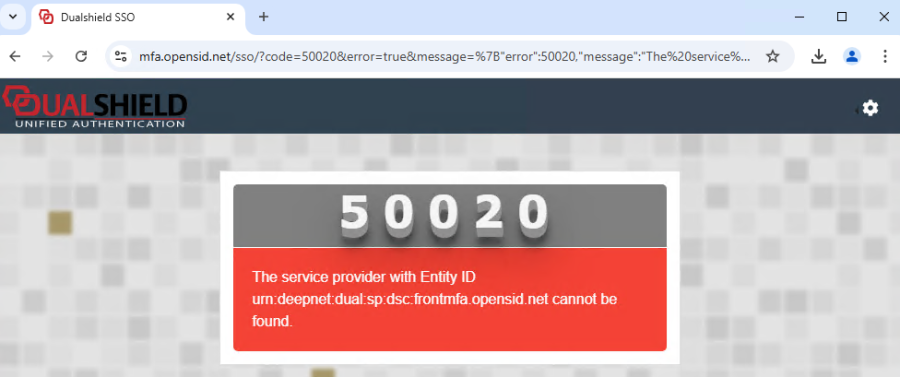
Other issue, during test, I had this error. Simply re-select the application in service provider page.
Here are test servers' details if you need to access.
Backend server IP: 192.168.12.44, qa/administrator/Deep&net123.
DAC FQDN: mfa.opensid.net, sa/Deep&net12;
Frontend Server IP: 192.168.102.13, this computer/administrator/deep&net1.
FQDN: frontmfa.opensid.net, test user: demo.test/Deep&net120