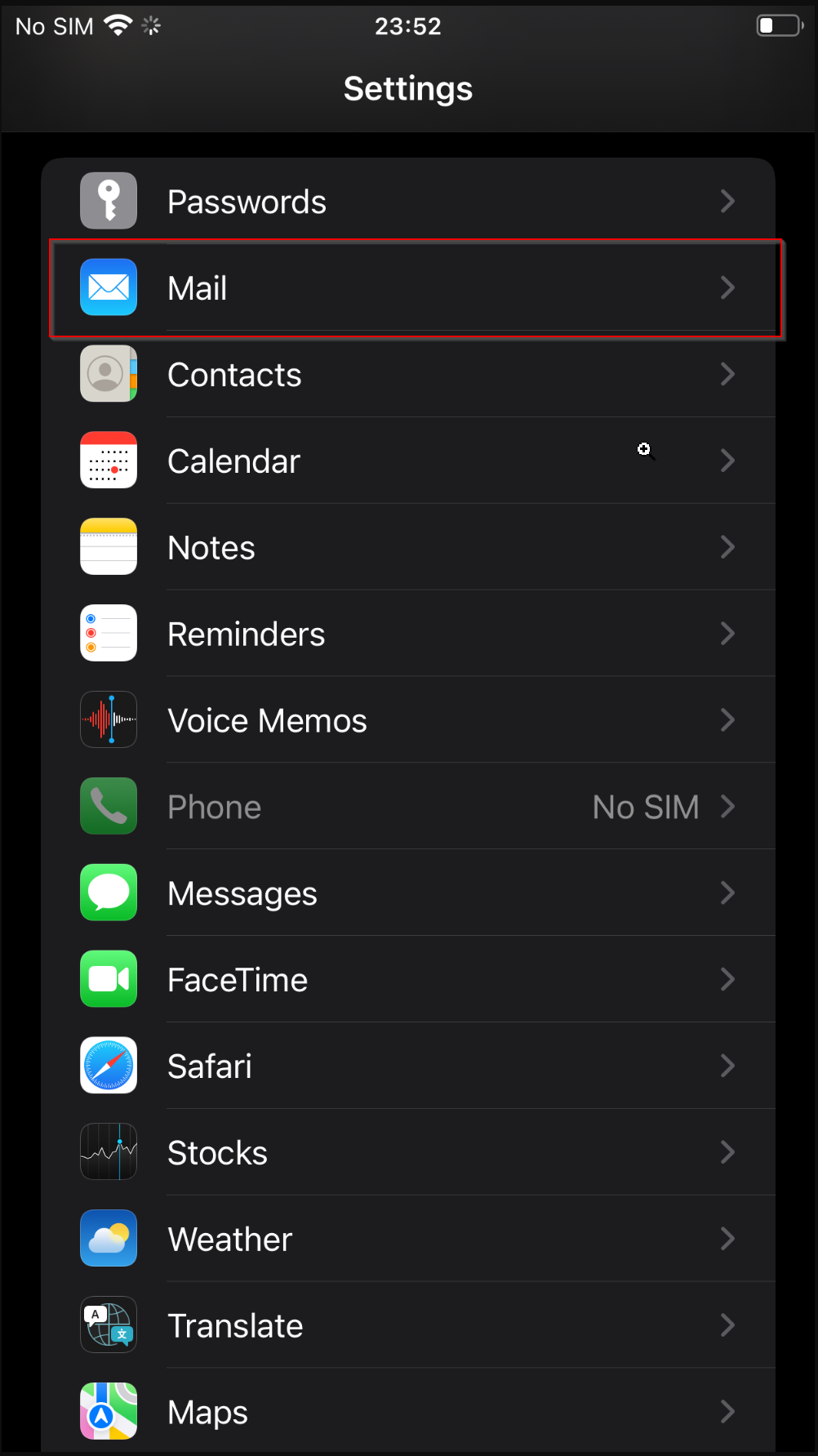
To check the Exchange Device ID on iOS devices, follow steps below:
1. Go to Settings.
2. Select "Mail"
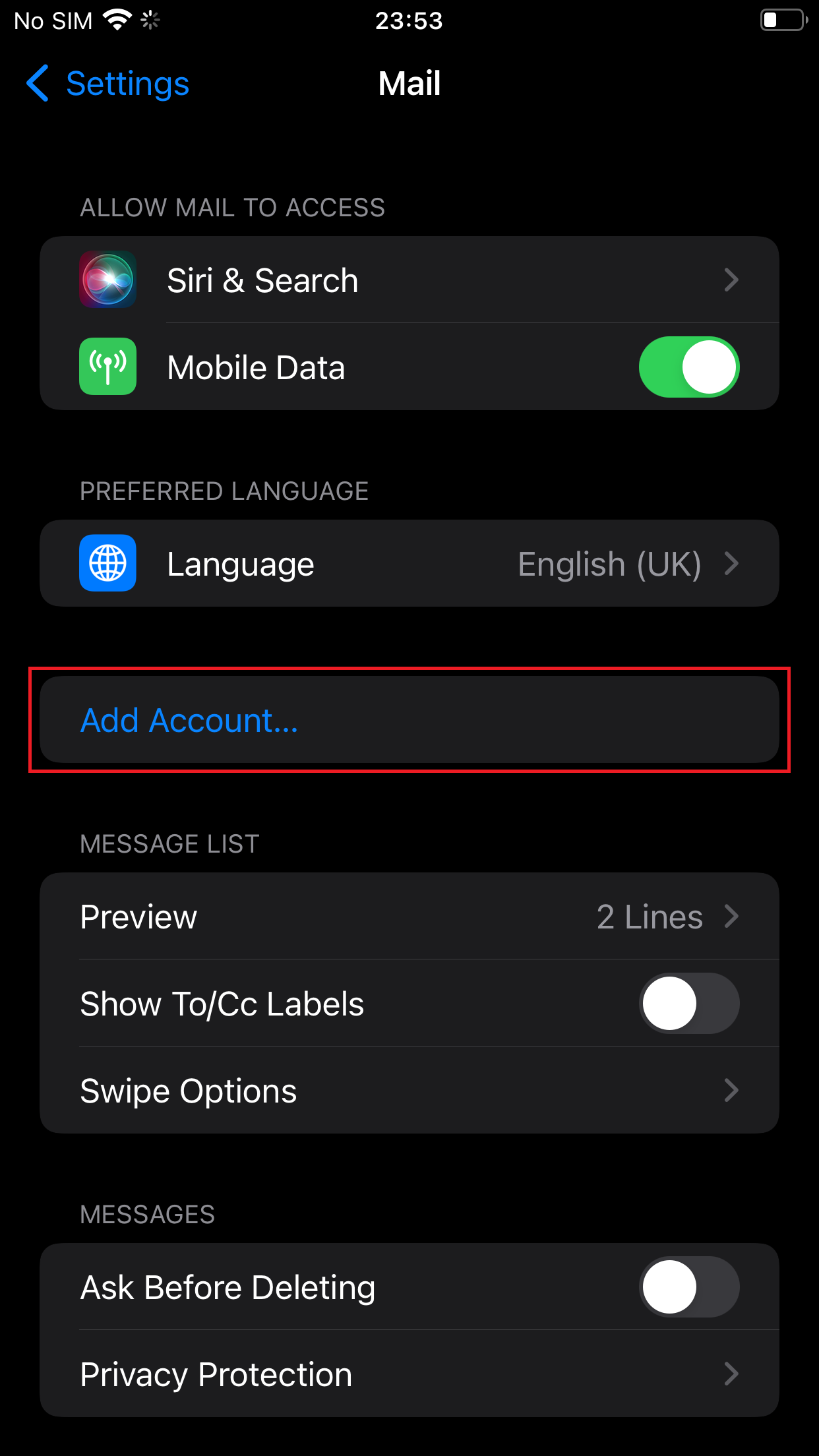
Select "Add Account"
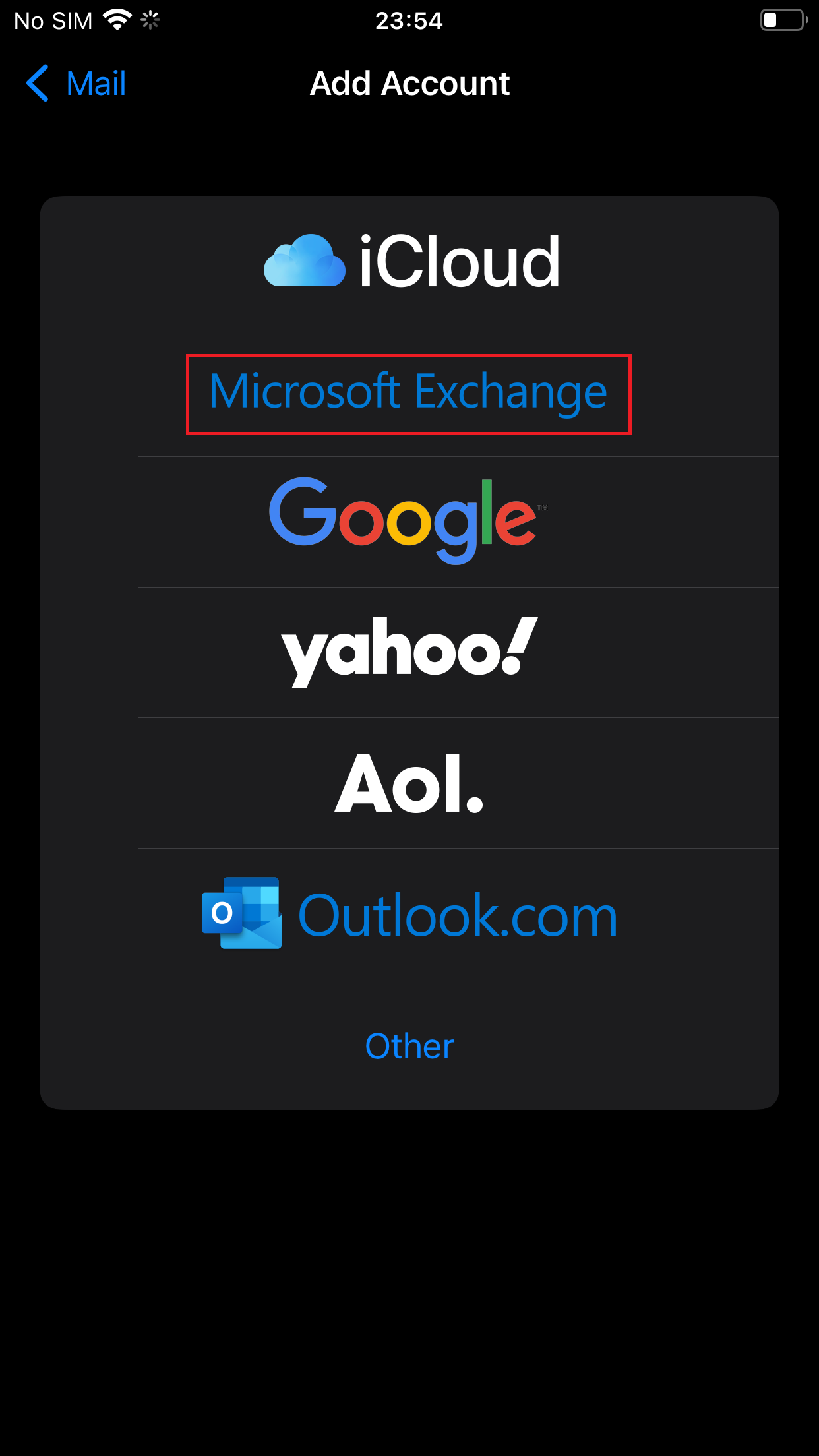
Select "Microsoft Exchange"
Your Exchange Device ID is at the bottom of your screen.
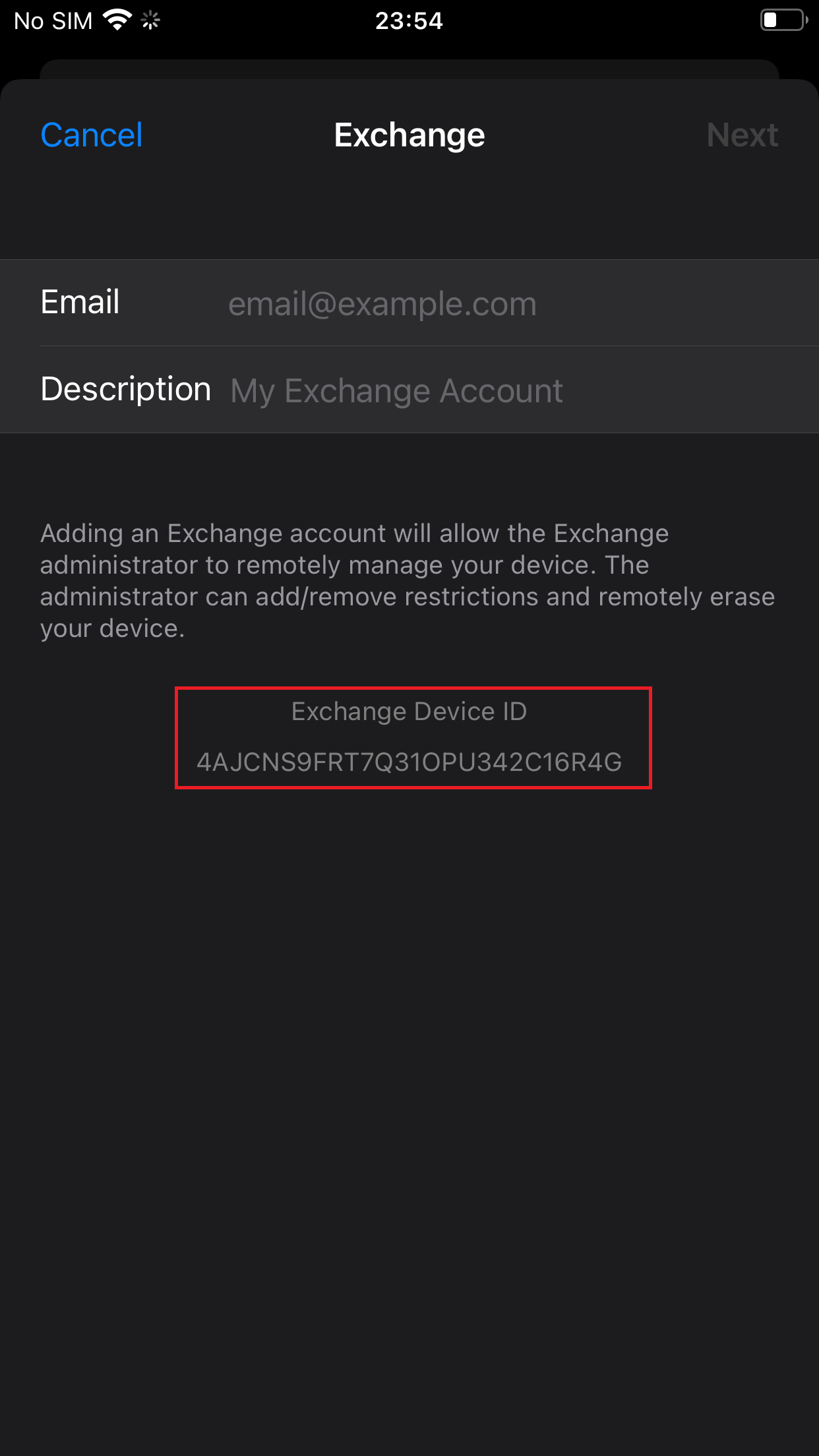
Note: If you restore your device to factory settings, then your Exchange Device ID will change.