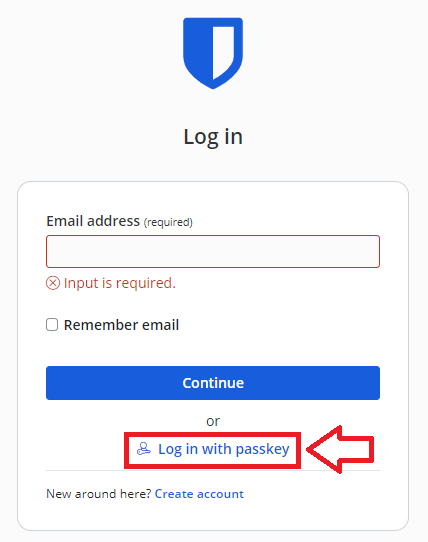
After navigating to "https://bitwarden.com/" and click on the "Log in" option, then at the login screen select "Log in with passkey";
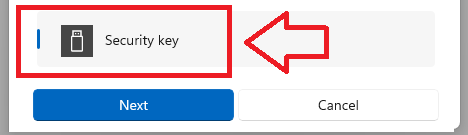
Select "Security key", then click 
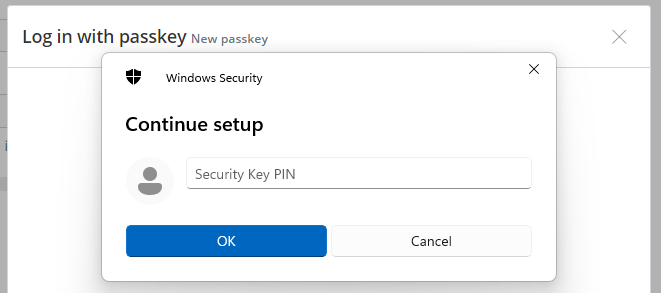
Enter the PIN code of your Fido key, then click  ;
;
You are now asked to touch the Fido key (and at this point you should see the light flashing on your Fido key);
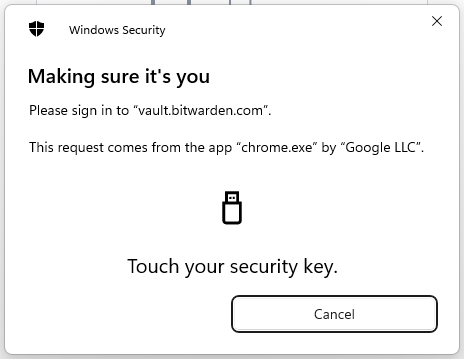
After touching the key you will gain access to your Bitwarden account