DualShield consoles such as the DualShield Admin Console (DAC), DualShield Service Console (DSC) etc are SAML Service Providers (SP). By default, those SPs are secured by the DualShield's own SAML IdP, i.e. the DualShield SSO.
In rare cases, some customers might wish to secure a DualShueld Console with a third-party IdP. This is achievable and relatively easy to configure in DualShield. The general idea is that you would add the third-party IdP as an external Identity Provider in DualShield, then configure the DualShield console to use the third-party IdP as its SAML IdP for authentication.
In this article, as an example. we will OKTA as the third-party IdP for the DualShield Service Console (DSC).
To configure OKTA as an IdP for DualShield Service Console is basicaly the same as configuring OKTA as an IdP for any other SAML applications. Bellow is the guide on how to set up a SAML application in OKTA:
https://developer.okta.com/docs/guides/saml-application-setup/overview/
An application called "dualshield6-dsc" is created as below:
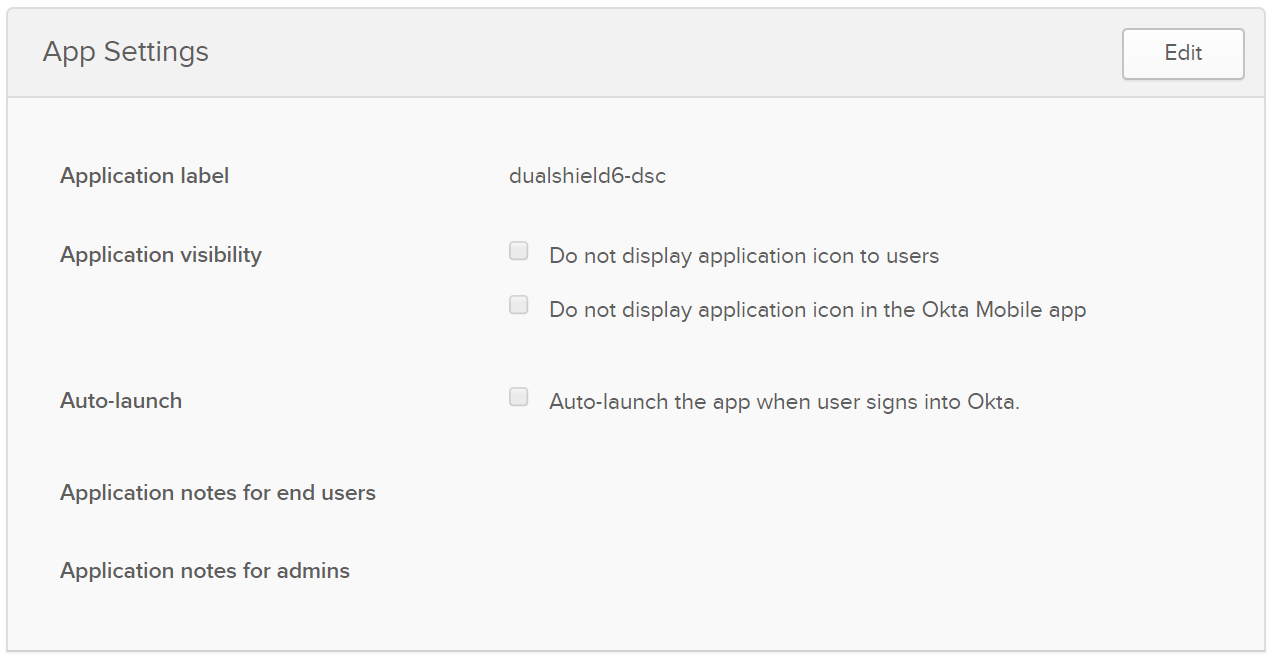
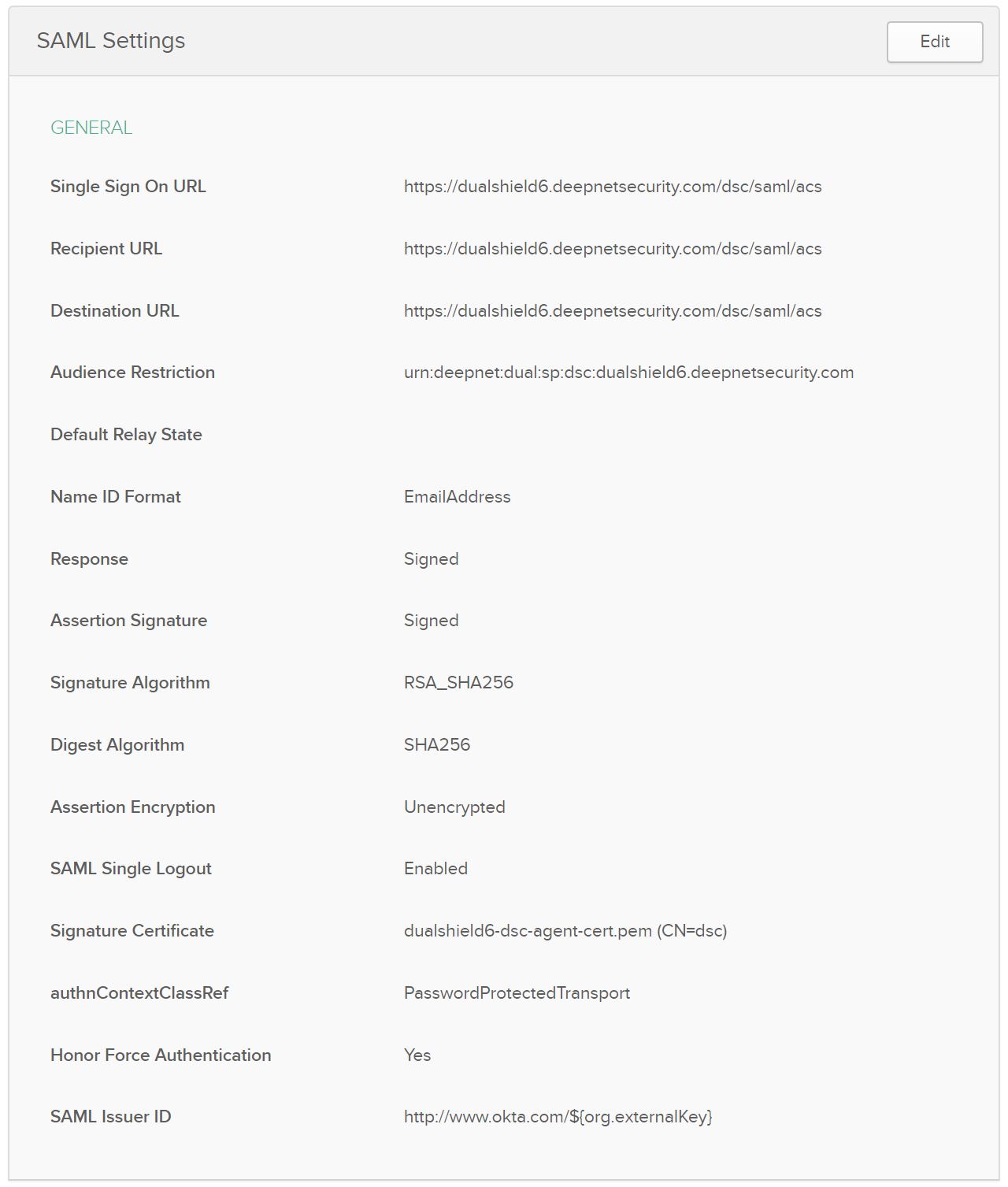
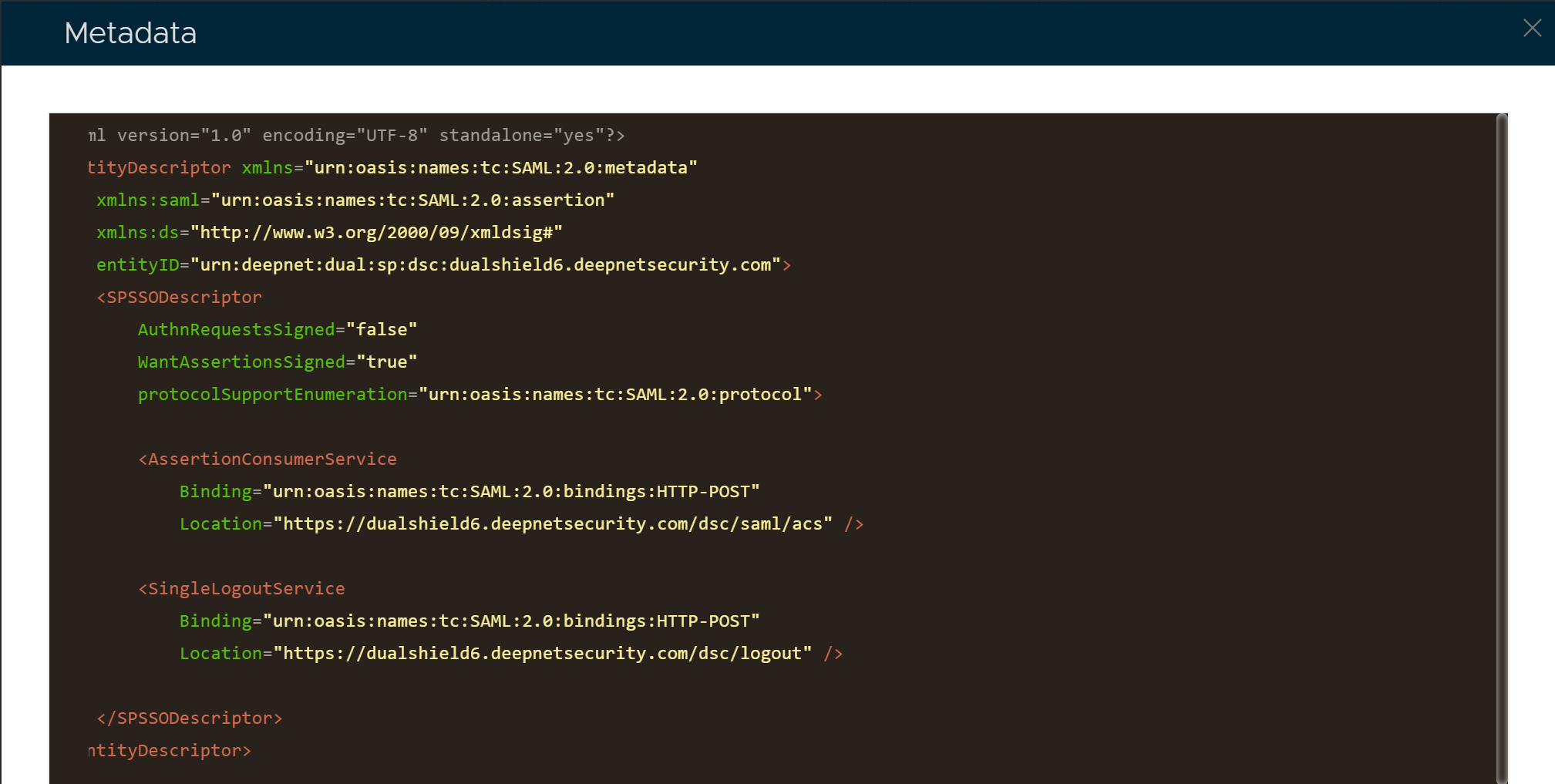
The key parameters are:
Those data can be extracted from your DualShield Admin Console.
Select "SSO | Service Providers" from the main menu
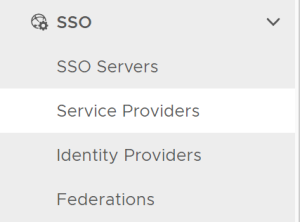
Click the context menu icon of "Service Console"
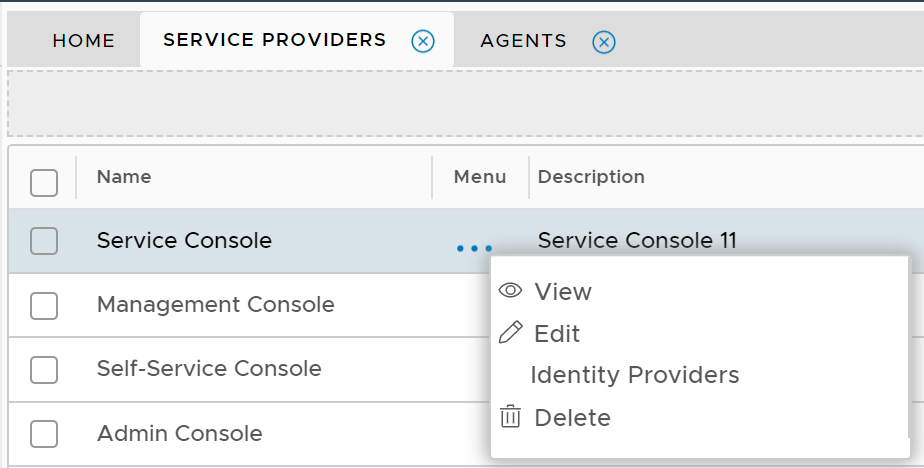
Select "View" in the context menu
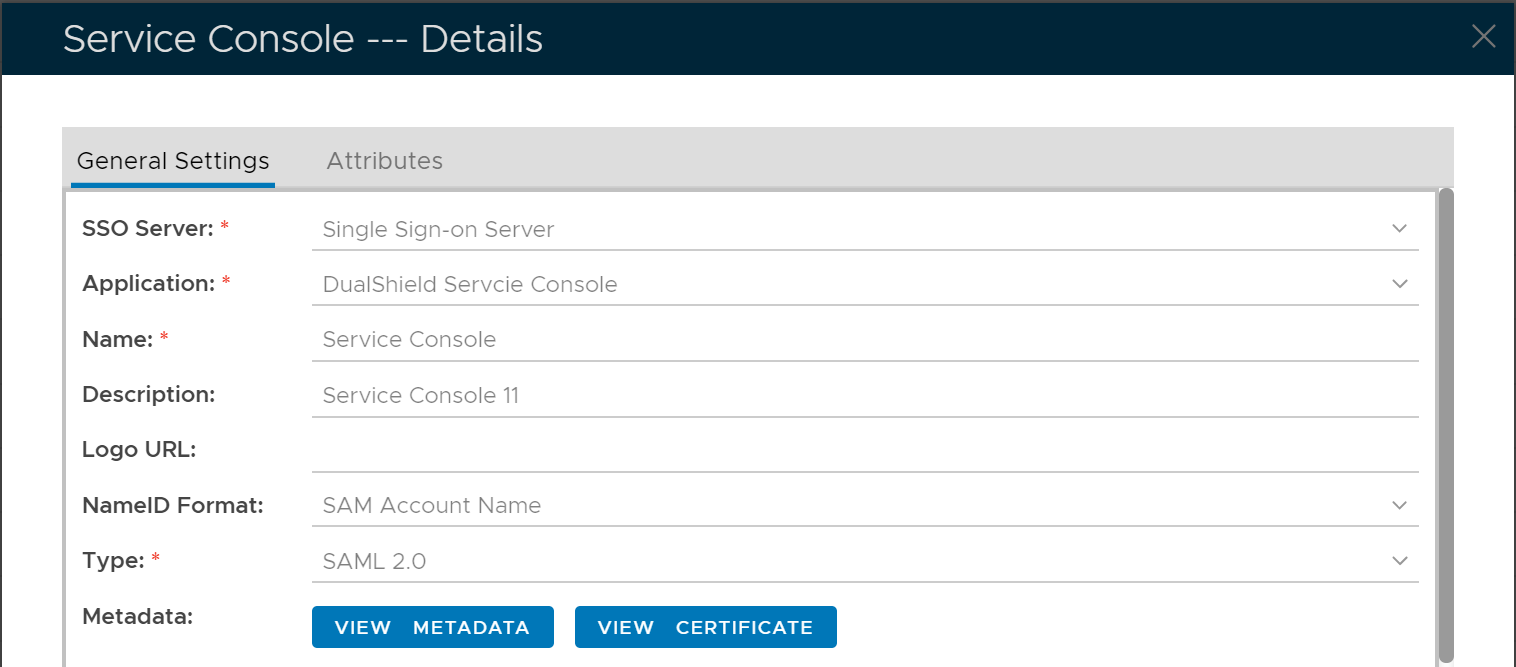
Click "View Metadata" button
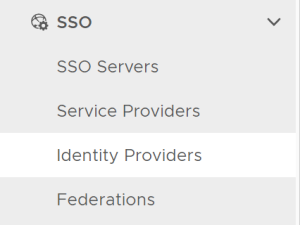
In the DualShield Admin Console, select "SSO | Identity Providers"
Click "Create" button

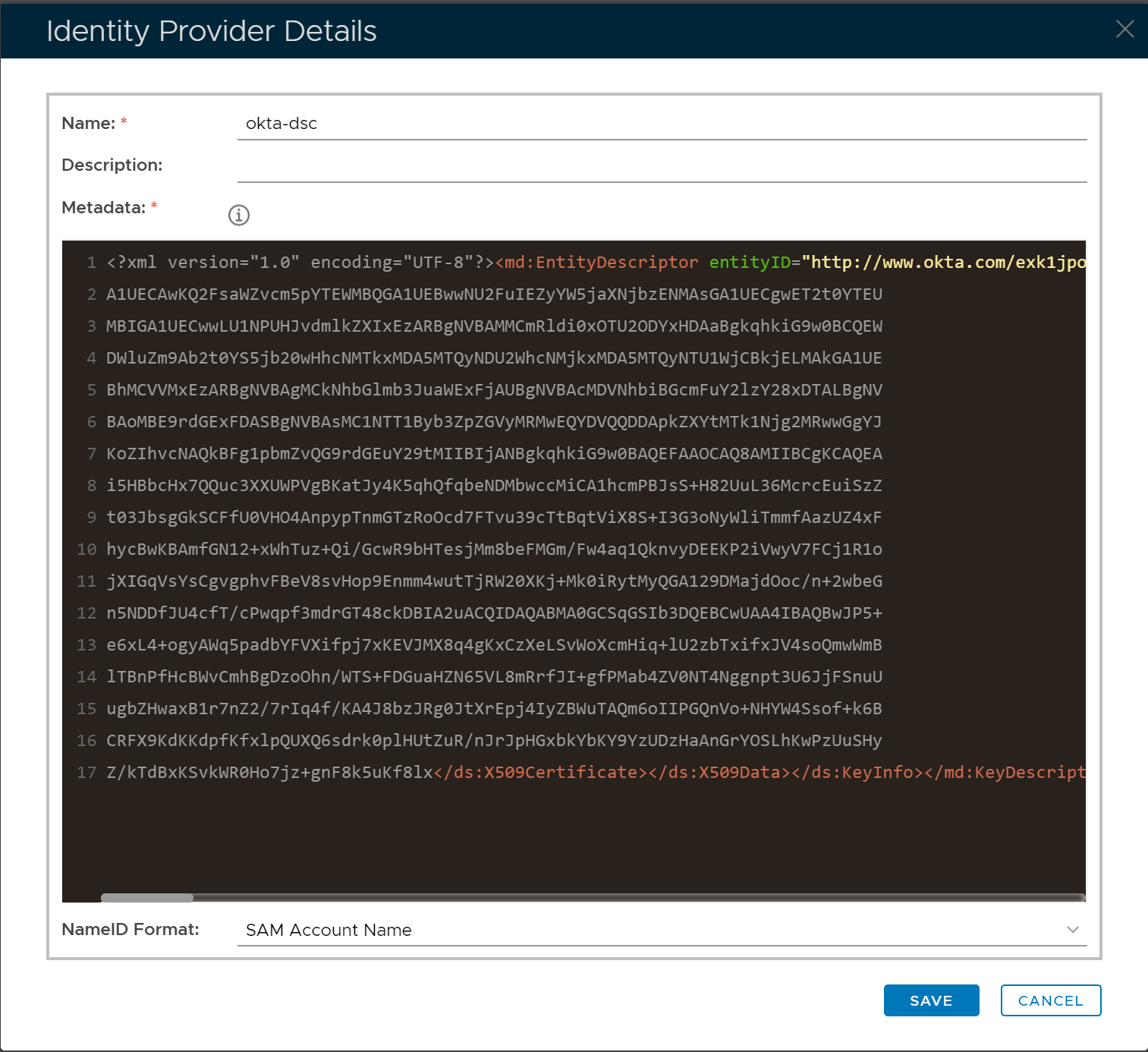
Select "SSO | Service Providers" from the main menu
Click the context menu icon of "Service Console"
Select "Identity Providers" in the context menu
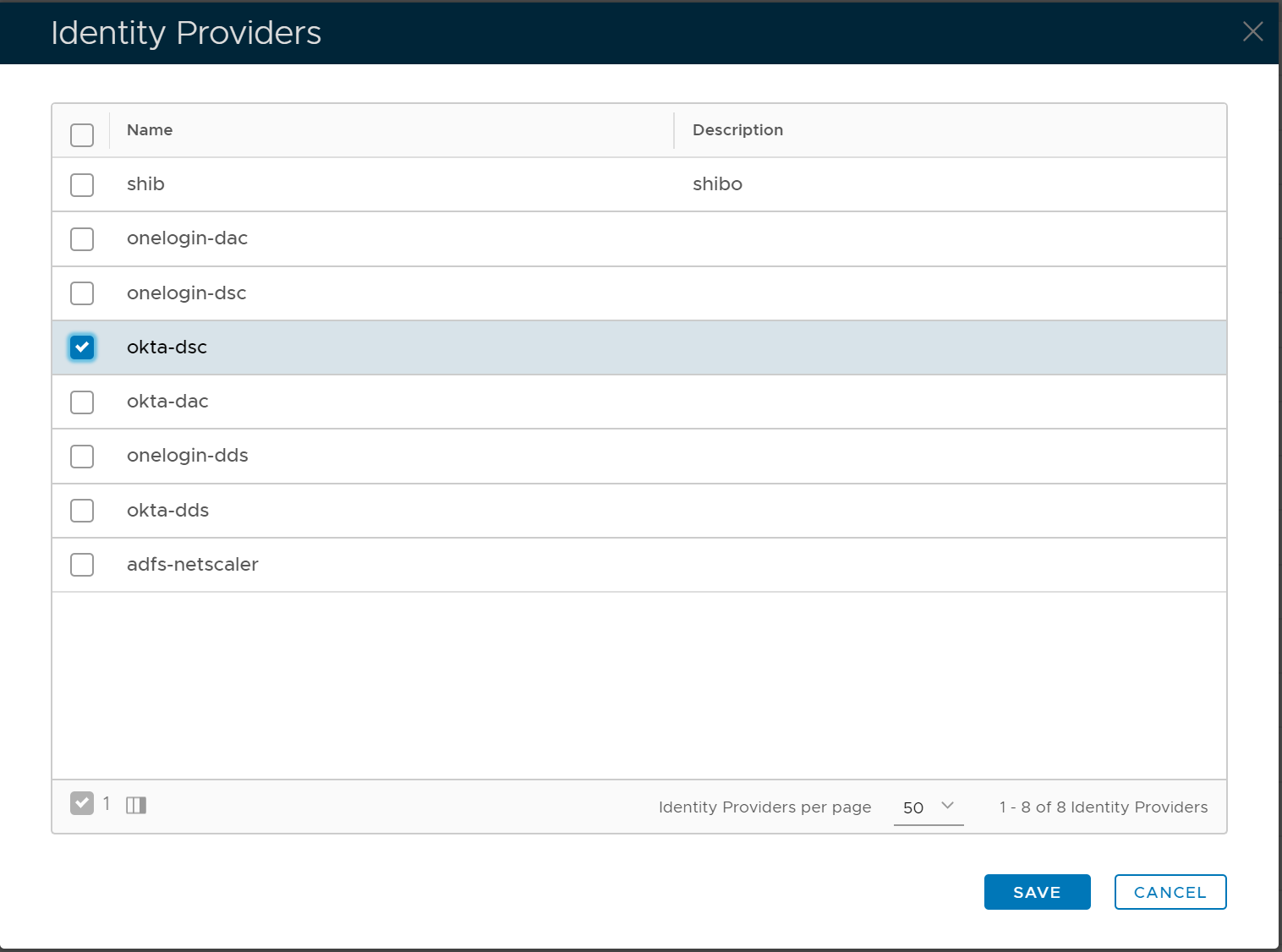
Select "okta-dsc" in the list and save it.
Now, if one attempt to sign into the DualShield Service Console, they will be authenticated by OKTA