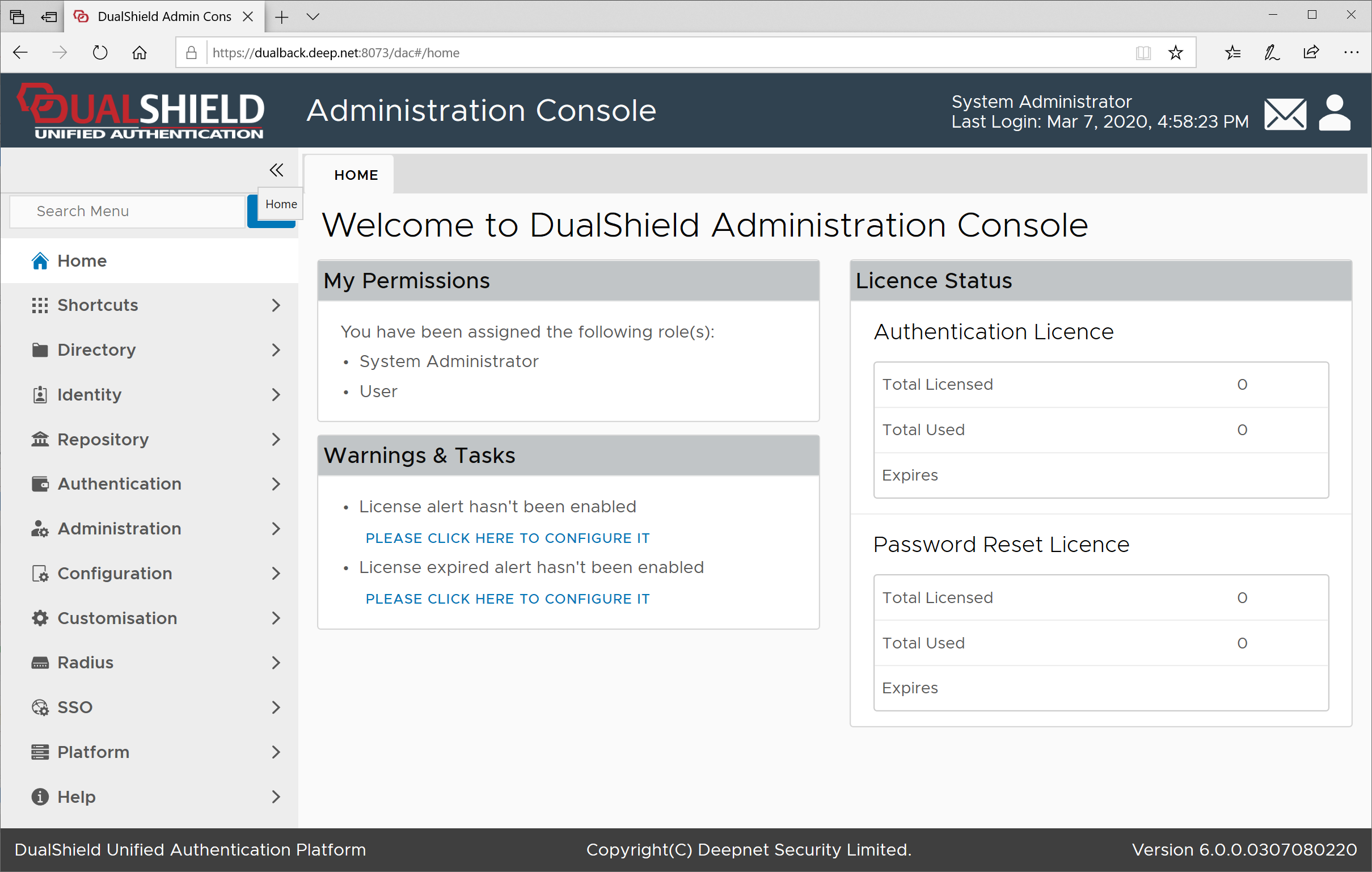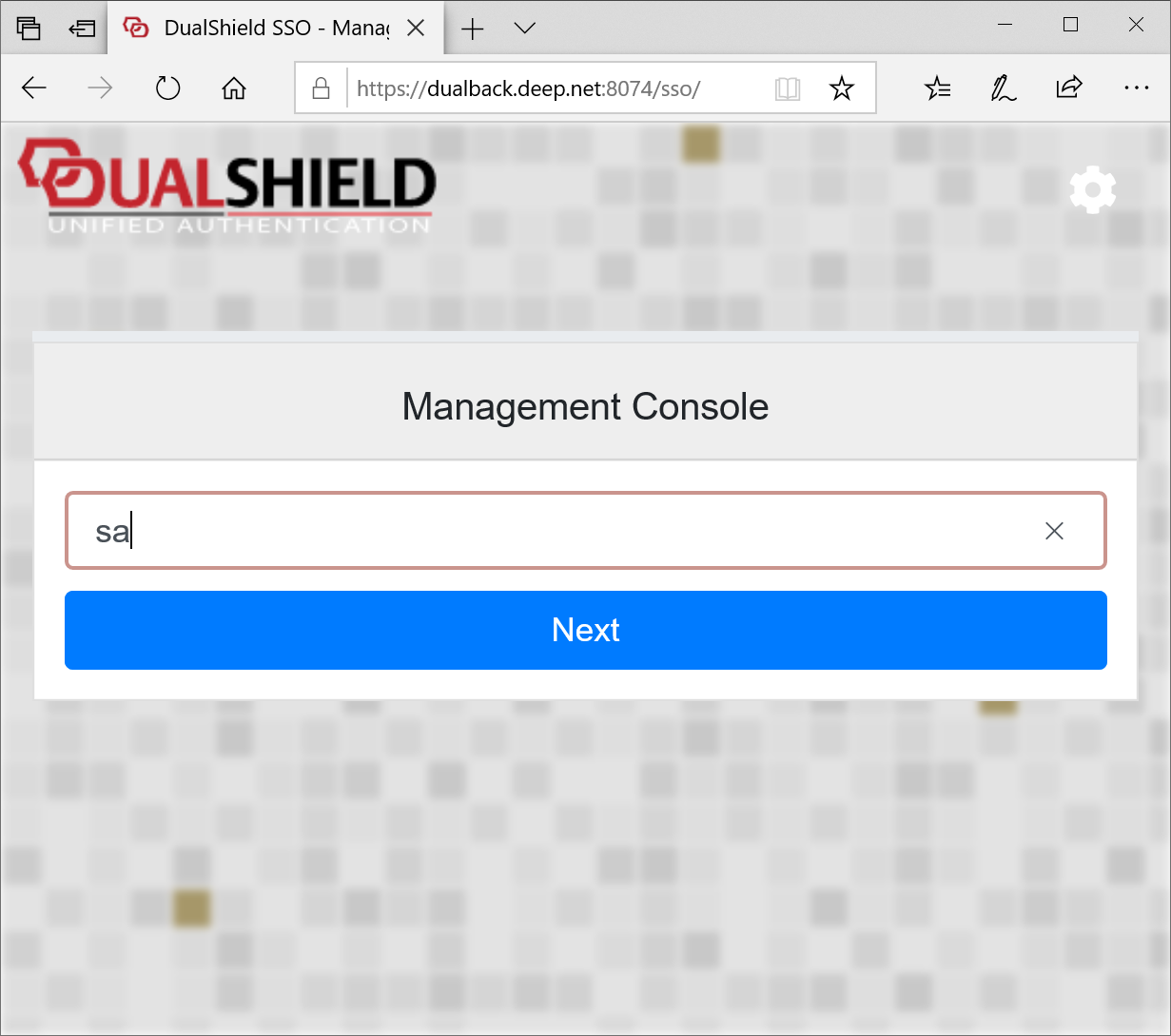
At the first time you login to the DualShield admin console, you will be asked to reset the password of the system administrator (sa) account.
The installer of the DualShield Server created a default system administrator account called "sa".
Enter "sa" as the login name:
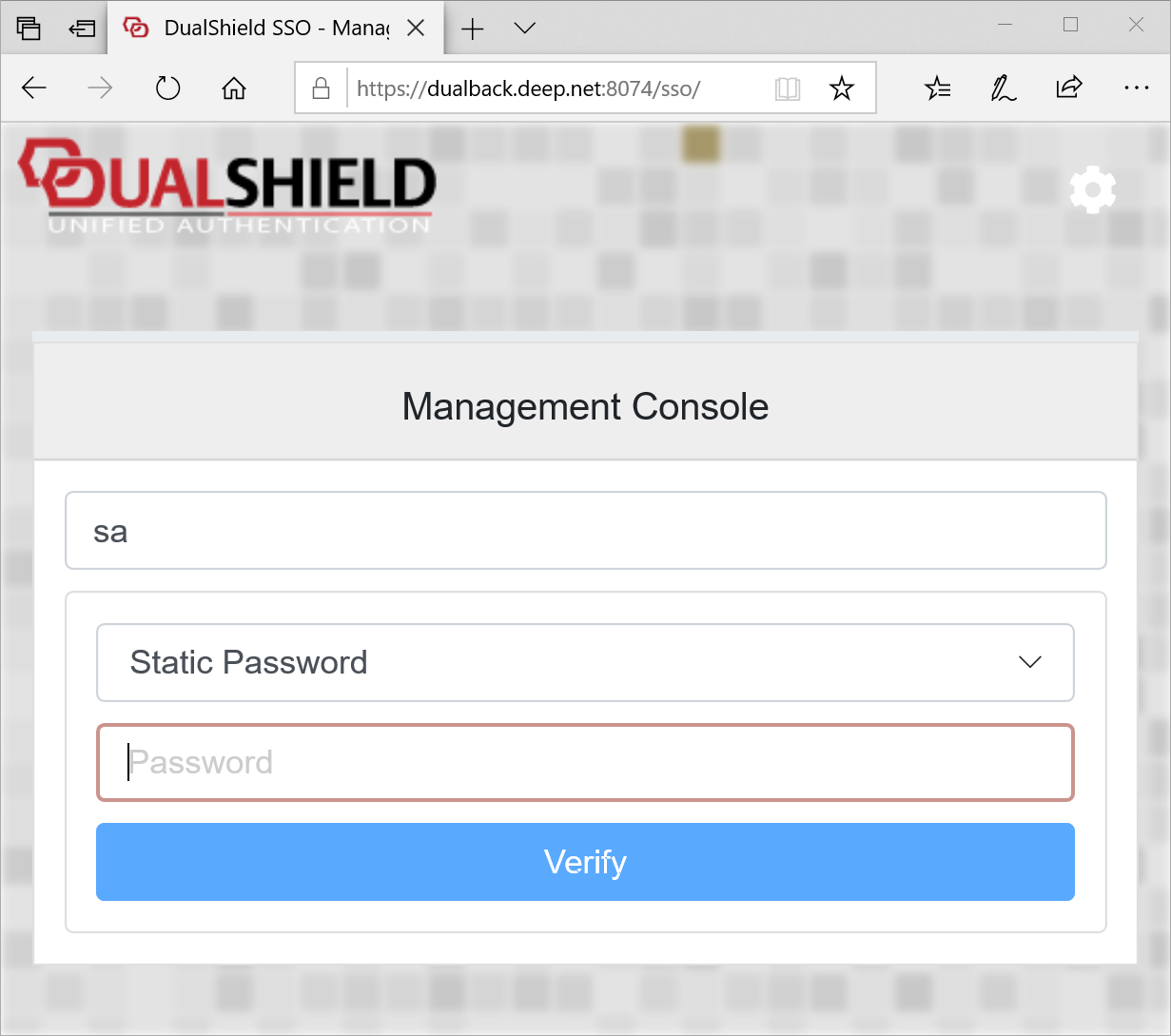
The default password for "sa" is "sa".
Enter "sa" as the Static Password:
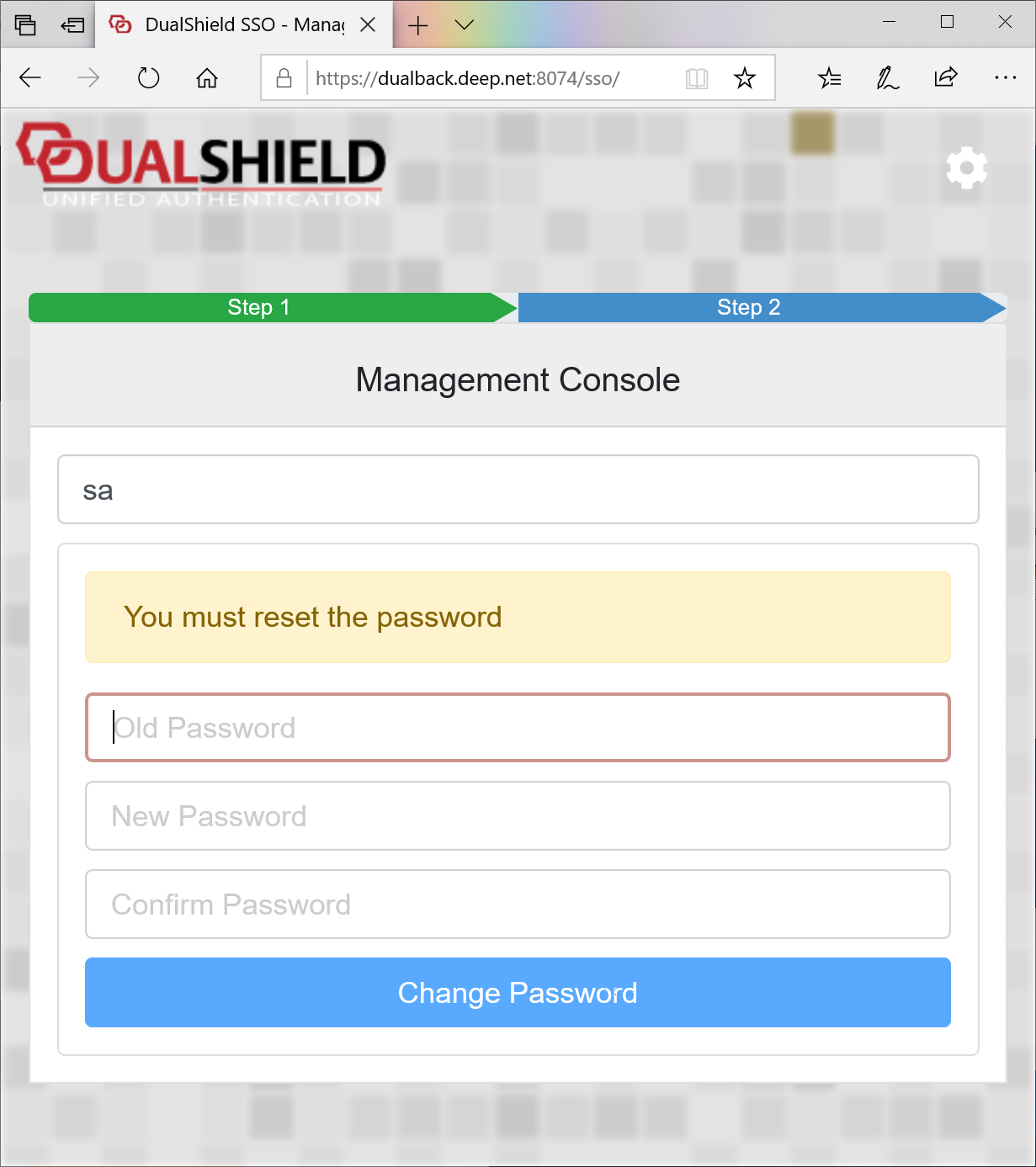
Now, you must change the password for the "sa" account.
You need to choose a password that meets the following password complecity policy:
Note: If you wish to change the password again or the the password policy, you will be alsol to do so after you have logged in.
Enter a new password and confirm it. Then, you are logged in: