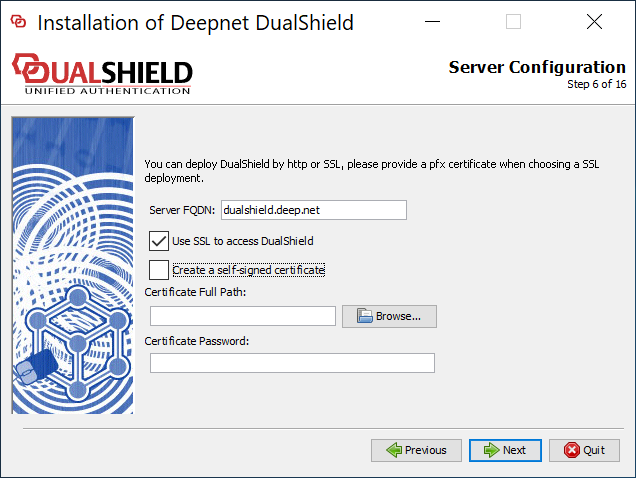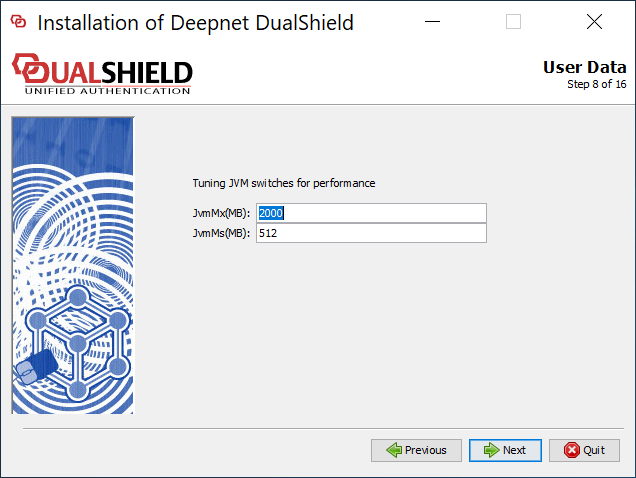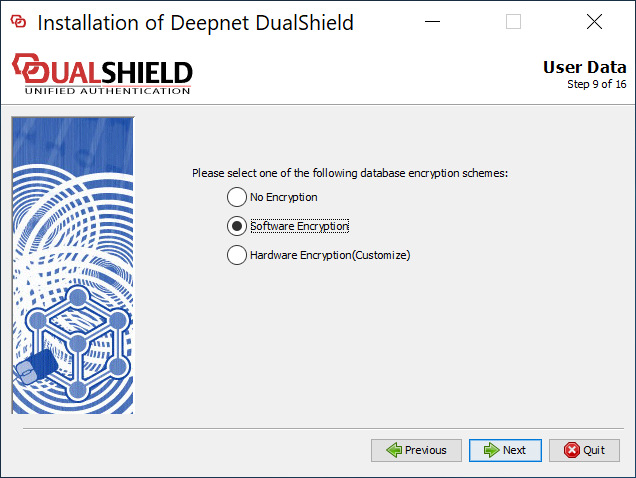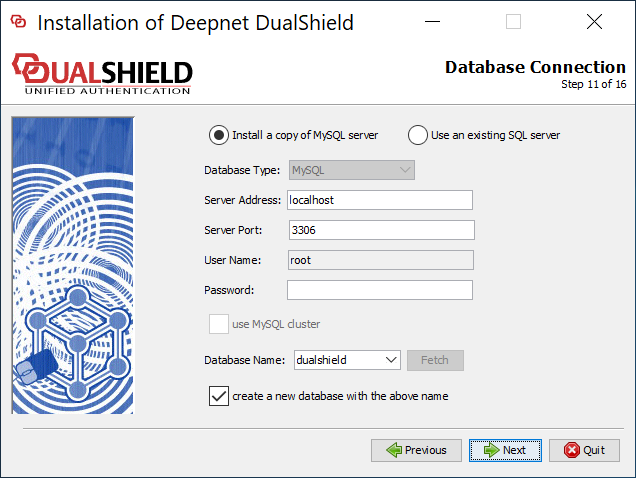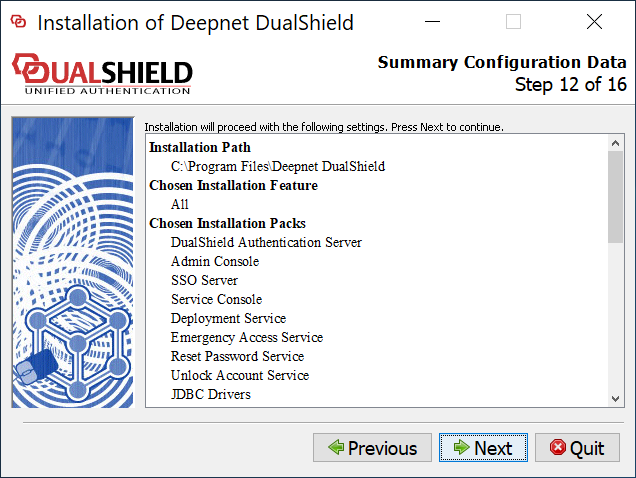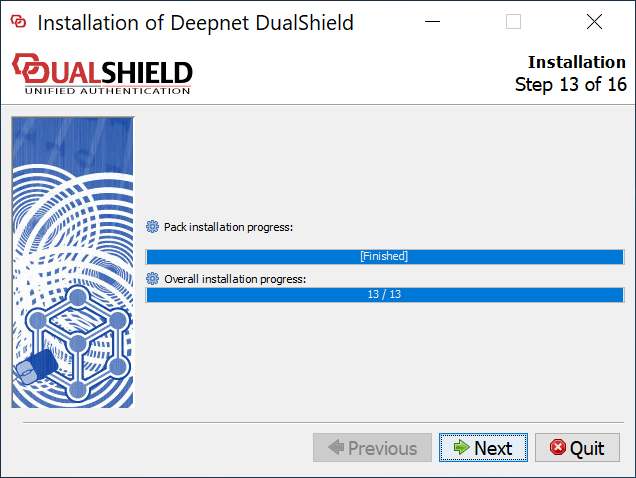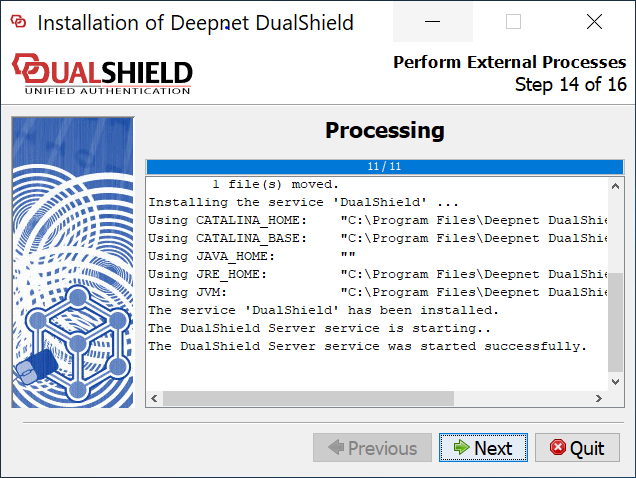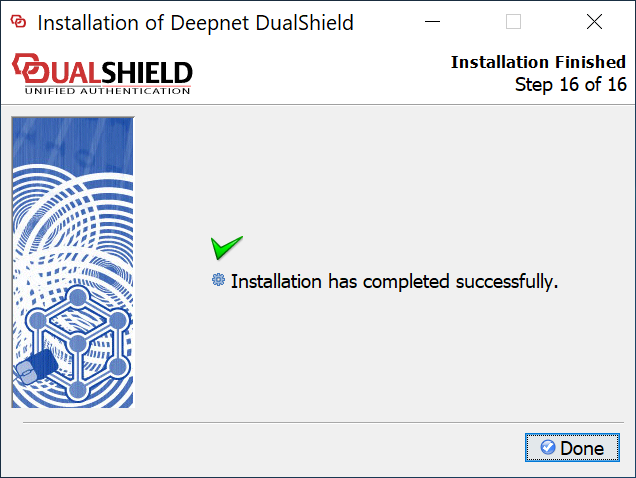
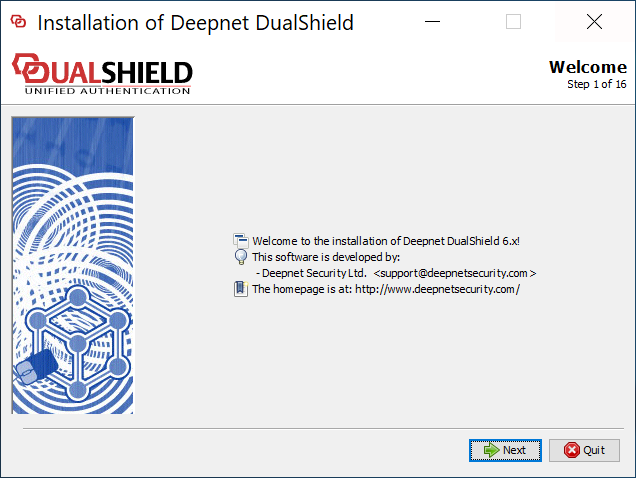
This instruction is for installing a fresh new instance of the DualShield backend server or all-in-one server.
To start the installation, execute "DualShieldSetup64-xxx.yyyy-signed.exe", where xxx is the version number and yyyy is the build number, e.g. "DualShieldSetup64-6.0.0.0228-signed.exe"
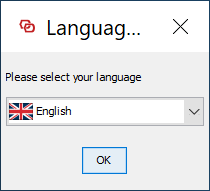
DualShield 6 supports multiple languages. However, in the first release, version 6.0.0, language translation has not yet been completed. Please select English for now.
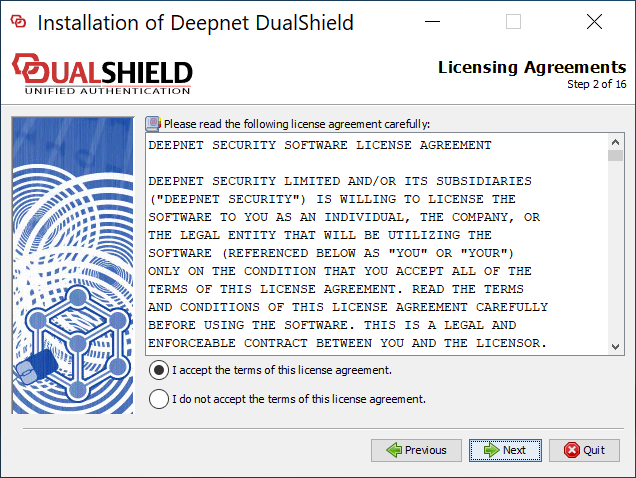
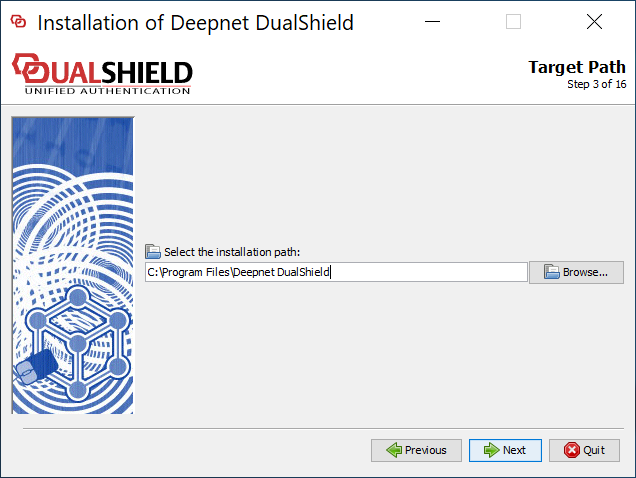
You may install DualShield on a different drive, in a different folder. However, it is recommeded to use the default drive and folder as suggested, for the sake of simplicity and transparancy in future communications.
| Option 1: All-in-One Server | Option 2: Slim Backend Server |
|---|---|
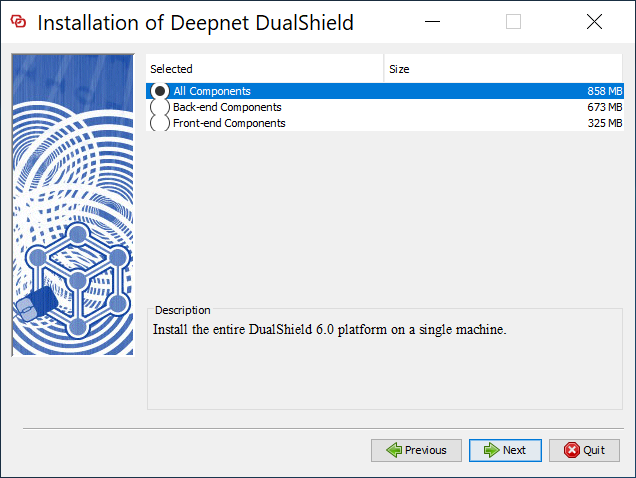
If you want to install a DualShield server that is to be used as both the backend and frontend, then you need to install all of its component. Select "All Components"
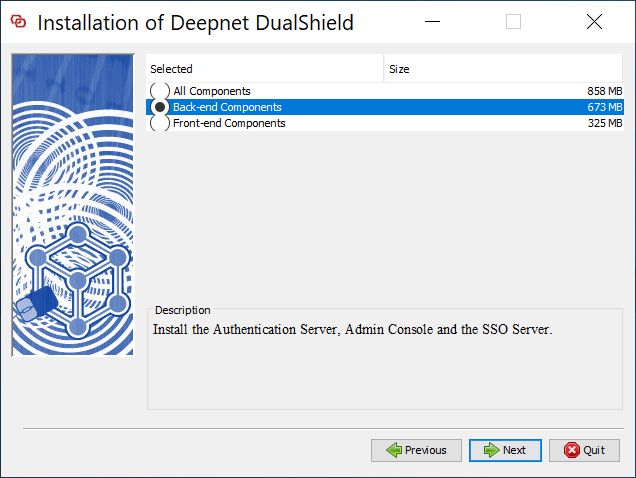
| If you want to install a DualShield server as a pure backend server without the end-user services, then you can keep it slim. Select "Back-end Components"
|
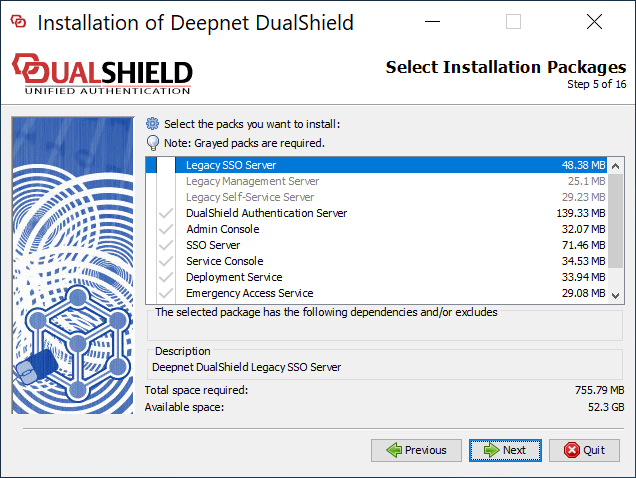
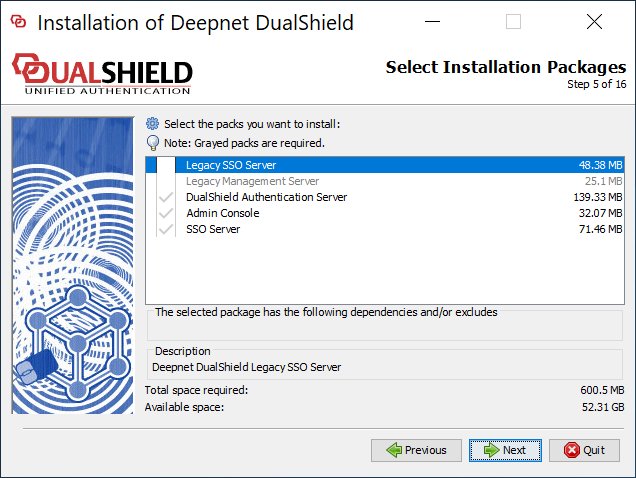
If you would like to install the legacy components, then select them. If you select lthe lagacy management server and/or self-service server, then you must also select the legacy SSO server.
| If you would like to install the legacy components, then select them. If you select lthe lagacy management server, then you must also select the legacy SSO server.
|