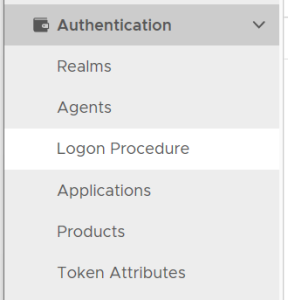
In the Admin Console, in the side panel, select "Authentication | Logon Procedure"
Click the "CREATE" button on the toolbar
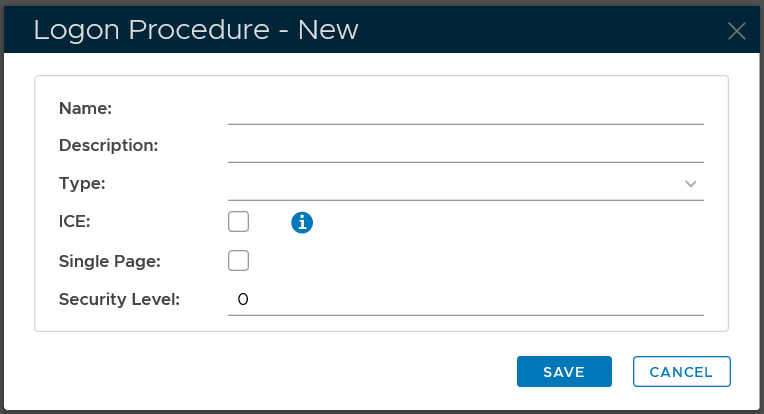
In the "Name" field, enter a name for this new logon procedue
In the "Type" field, select the type of the logon procedure from the drop list