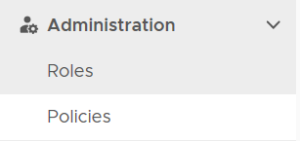
To create a policy, select "Administration | Policies" on the side panel,
then click the "CREATE" button on the toolbar to bring up the policy editor window.
|

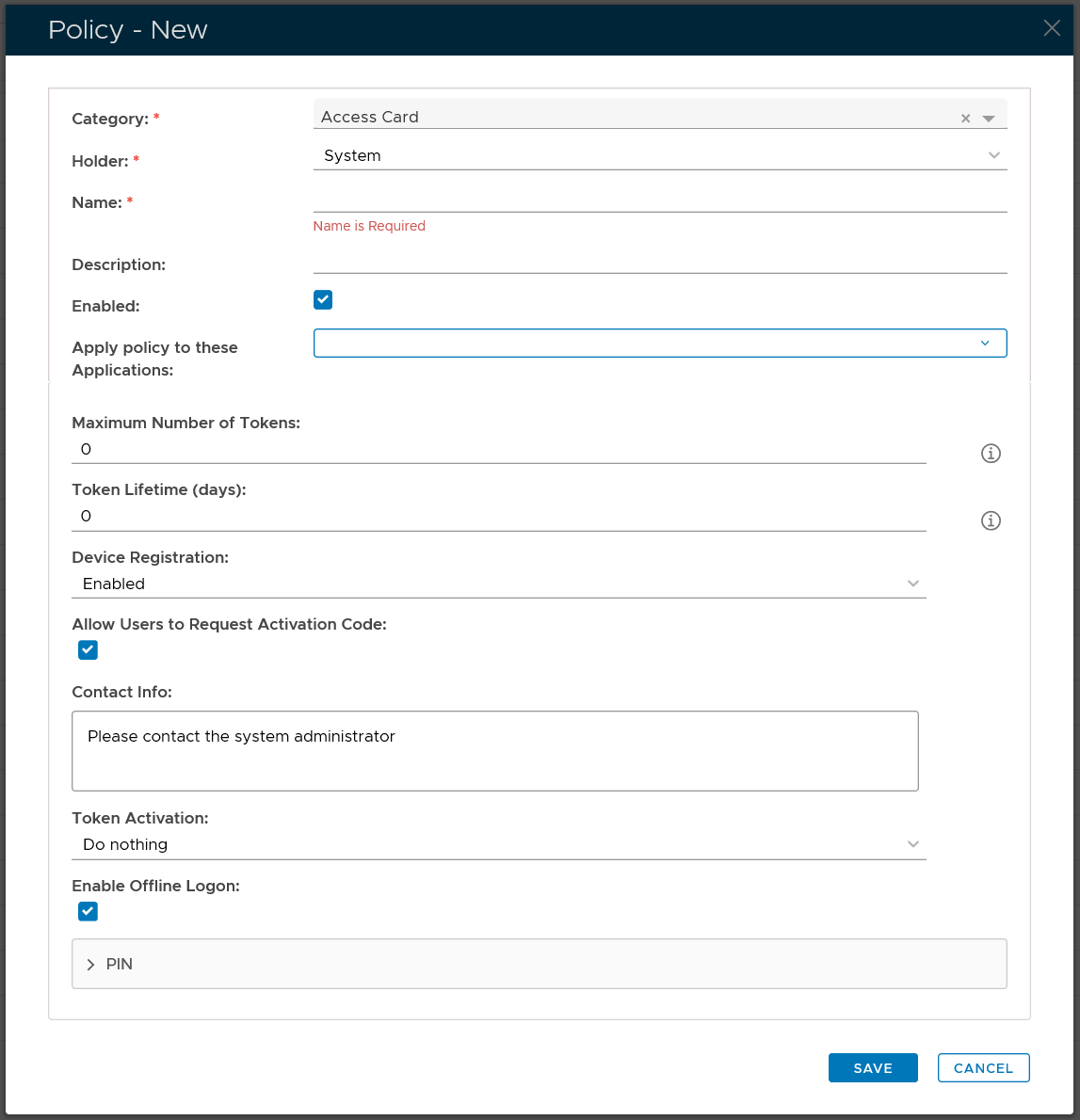
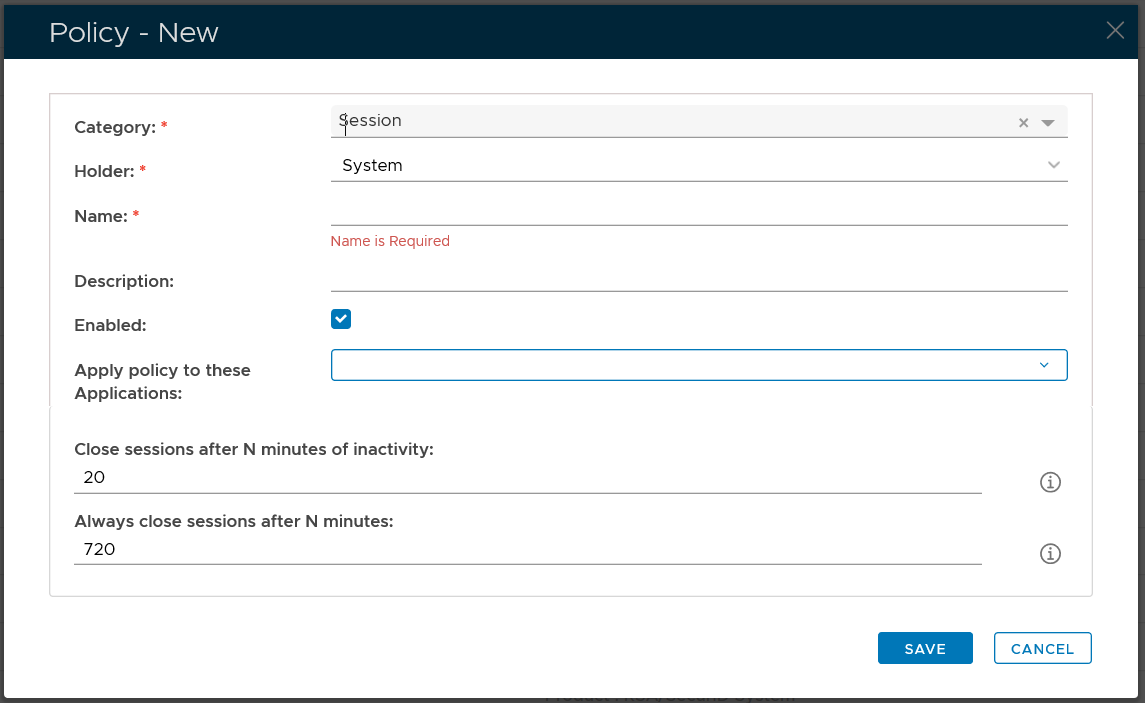
CategoryFirst, select the Category of the policy that you want to create, e.g. Session
|
Properties
Then, select the policy Holder which basically defines the scope of the policy
In the Name field, enter a unique name that describe this policy
Optionally, you can bind the policy to a specific applicaiton or a list of applications. To specify the application(s), select the field: Apply policy to these applications
If the field Apply policy to these applications is left empty, then the policy will be applied to all applications.