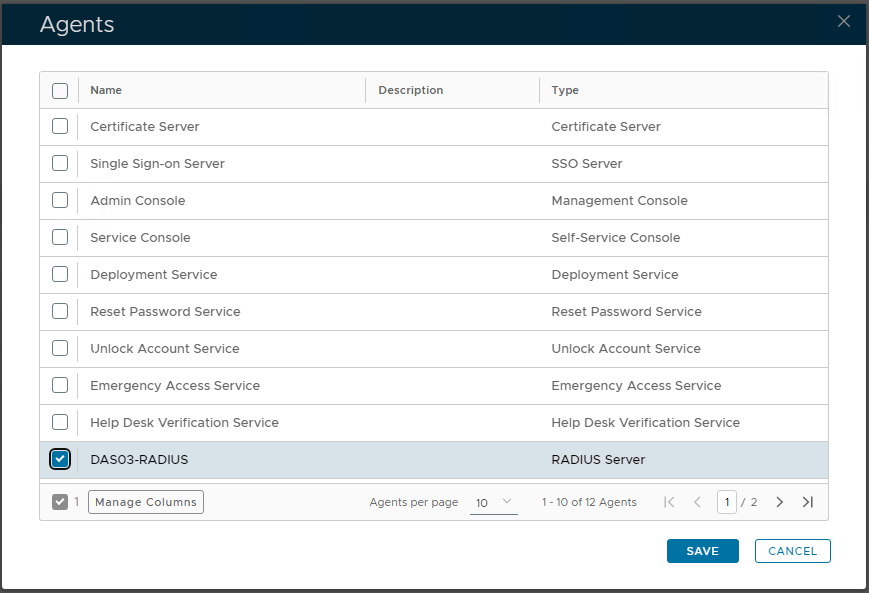
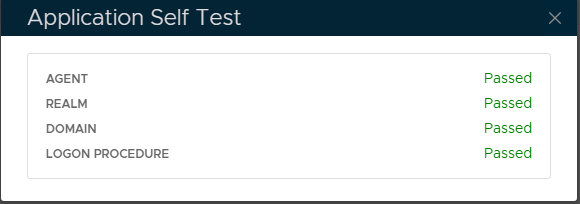
![DualShield MFA Platform > DualShield Configuration [CTX-RADIUS] > image-2024-11-28_10-49-33.png](/download/attachments/35946805/image-2024-11-28_10-49-33.png?version=1&modificationDate=1732790973554&api=v2)
![DualShield MFA Platform > DualShield Configuration [CTX-RADIUS] > image-2024-11-28_10-53-9.png](/download/attachments/35946805/image-2024-11-28_10-53-9.png?version=1&modificationDate=1732791192261&api=v2)
![DualShield MFA Platform > DualShield Configuration [CTX-RADIUS] > image-2024-11-28_10-55-50.png](/download/attachments/35946805/image-2024-11-28_10-55-50.png?version=1&modificationDate=1732791349751&api=v2)
![DualShield MFA Platform > DualShield Configuration [CTX-RADIUS] > image-2024-11-28_10-58-19.png](/download/attachments/35946805/image-2024-11-28_10-58-19.png?version=1&modificationDate=1732791500094&api=v2)
![DualShield MFA Platform > DualShield Configuration [CTX-RADIUS] > image-2024-11-28_10-59-15.png](/download/attachments/35946805/image-2024-11-28_10-59-15.png?version=1&modificationDate=1732791555606&api=v2)
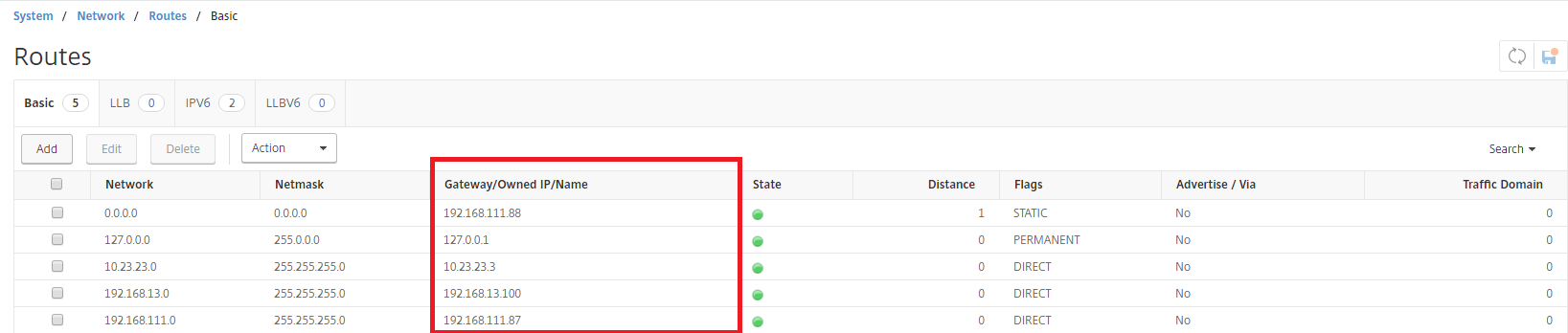
In the IP Address field, enter the gateway IP address of the subnet in which your Access Gateway resides.
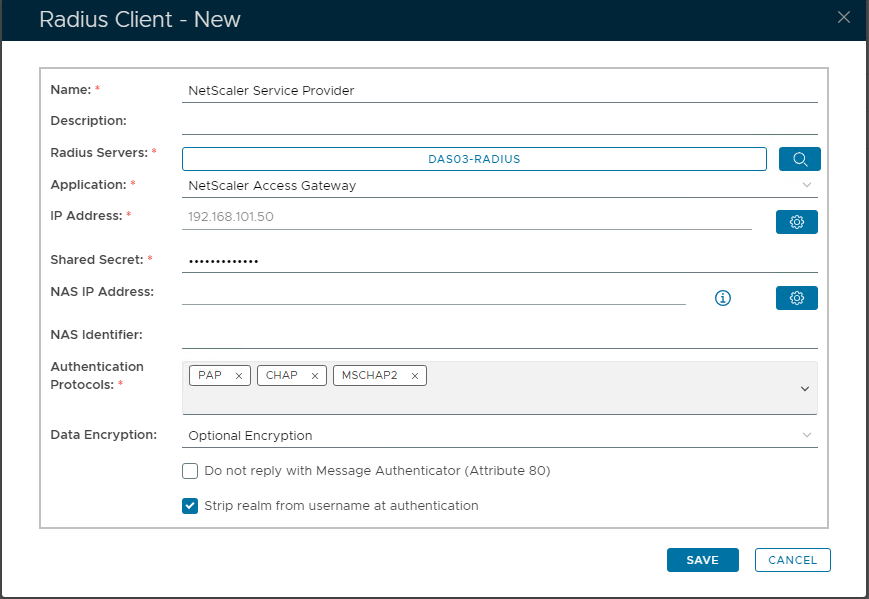
![DualShield MFA Platform > DualShield Configuration [CTX-RADIUS] > image-2024-11-28_11-2-31.png](/download/attachments/35946805/image-2024-11-28_11-2-31.png?version=1&modificationDate=1732791752221&api=v2)
If your Access Gateway's IP is 192.168.111.10 then it is in the subnet of 192.168.111.0. In this case, you need to enter the gateway IP of the subnet, i.e. 192.168.111.87.
|