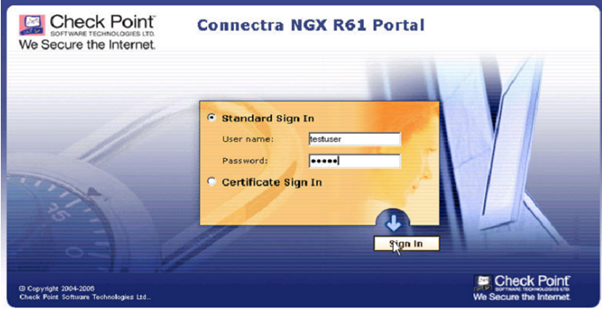
You can test the Connectra by logging into the user portal page. In this example, let’s use Depenet QuickID.
After providing the password, DualShield will verify your username and password. If the verification is successful, the Deepnet QuickID will send the user a one-time password (OTP) to the user’s mobile phone by SMS. This OTP will be used as the Response code.
In the meantime, on the logon screen, it will ask you to enter the Response code. Once you have received your OTP, enter it in the Response field.
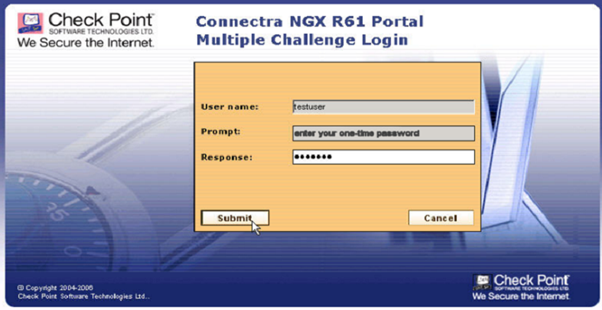
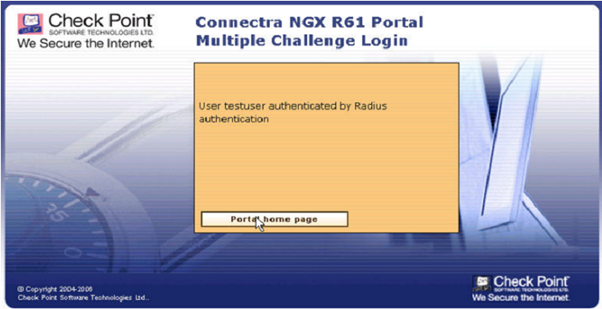
DualShield will then verify your one-time password. When then authentication is successful, you’ll received a confirmation message on the screen.