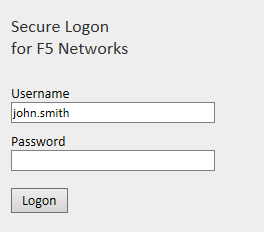
The user name and password will be submitted to the DualShield server to be verified. When the DualShield has successfully verified the user and its password, it will generate an one-time password and send it to the user by SMS or email.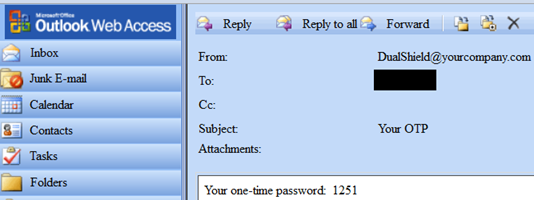
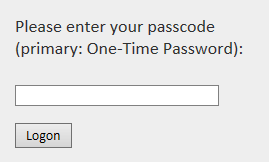
If you are planning to deploy the On-Demand Password authentication solution using the T-Pass authenticator, then the recommended implementation is to use Radius challenge and response. The user experience in the login process is shown below:
The user name and password will be submitted to the DualShield server to be verified. When the DualShield has successfully verified the user and its password, it will generate an one-time password and send it to the user by SMS or email.
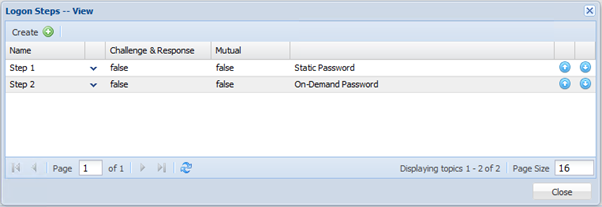
To implement Challenge & Response, all you have to do is to change the Logon Procedure in DualShield and make it a two-step logon as below: