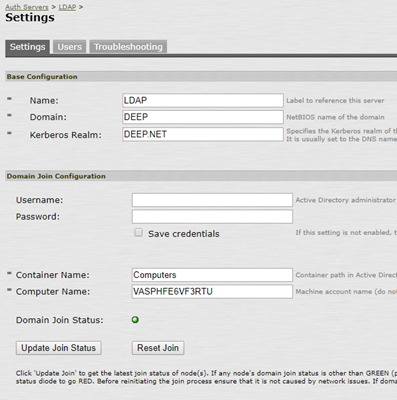
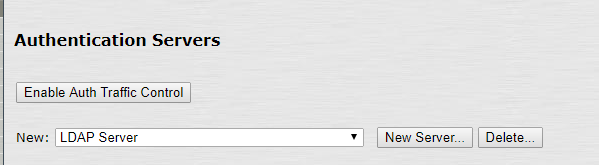
If you plan to deploy only the One-time password based authentication in your user base using OTP tokens such as Deepnet SafeID, MobileID, then you will configure your Juniper VPN in such way that it will use your AD as the primary authentication server and your DualShield as the secondary authentication server.
Your AD will be responsible for verifying users’ AD passwords and your DualShield will be responsible for verifying users’ one-time passwords only.
In the DualShield Administration Console, edit the Logon Procedure for your Juniper VPN Application. You will only require One Logon Step, typically “One-Time Password” as the authentication method:
![DualShield MFA Platform > One-Step Logon [JNP-RADIUS] > image-2024-11-29_9-57-9.png](/download/attachments/35947494/image-2024-11-29_9-57-9.png?version=1&modificationDate=1732874229710&api=v2)
![DualShield MFA Platform > One-Step Logon [JNP-RADIUS] > image2019-12-5_11-36-11.png](/download/attachments/35947494/image2019-12-5_11-36-11.png?version=1&modificationDate=1587386106000&api=v2)
![DualShield MFA Platform > One-Step Logon [JNP-RADIUS] > image2019-12-5_11-38-31.png](/download/attachments/35947494/image2019-12-5_11-38-31.png?version=1&modificationDate=1587386106000&api=v2)
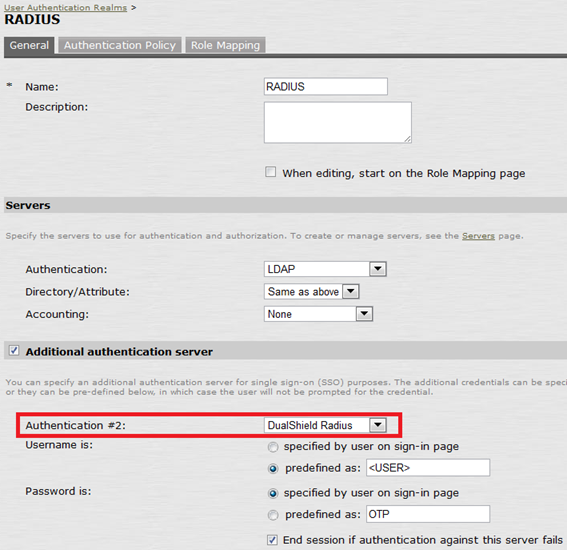
2. Edit User Authentication Realm
![DualShield MFA Platform > One-Step Logon [JNP-RADIUS] > Radius Configuration.png](/download/attachments/35947494/Radius%20Configuration.png?version=1&modificationDate=1587386106000&api=v2)
Set LDAP as the first authentication server and DualShield Radius as the Second authentication server.
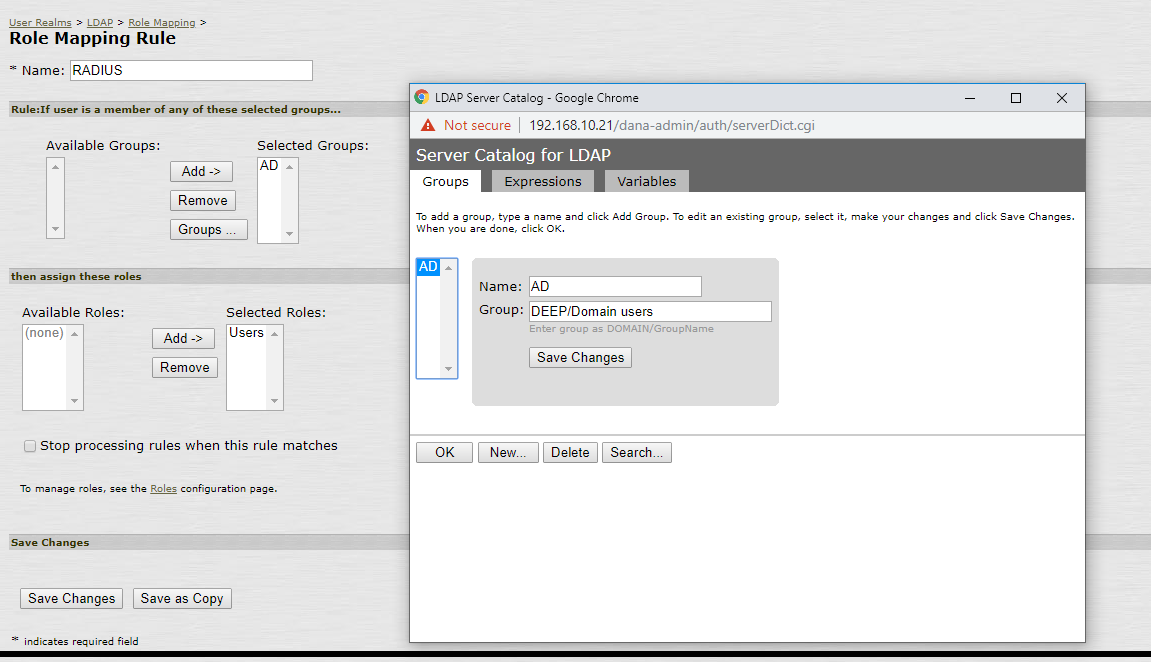
3. Define the Role Mapping, e.g.
![DualShield MFA Platform > One-Step Logon [JNP-RADIUS] > image2019-12-5_12-13-45.png](/download/attachments/35947494/image2019-12-5_12-13-45.png?version=1&modificationDate=1587386106000&api=v2)
![DualShield MFA Platform > One-Step Logon [JNP-RADIUS] > image2019-12-5_12-18-30.png](/download/attachments/35947494/image2019-12-5_12-18-30.png?version=1&modificationDate=1587386106000&api=v2)
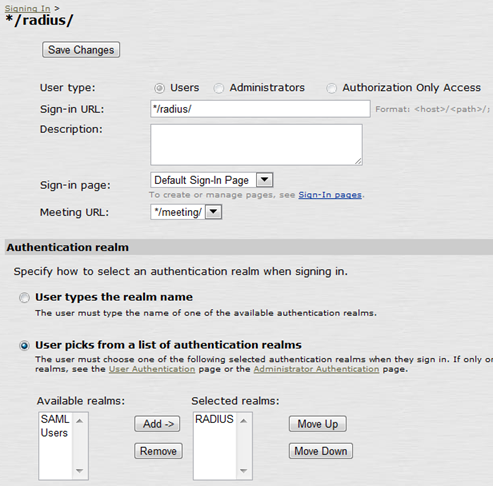
3. Under Signing In → Sign-in Policies create a new Signing URL:![DualShield MFA Platform > One-Step Logon [JNP-RADIUS] > Radius Configuration 3.png](/download/attachments/35947494/Radius%20Configuration%203.png?version=1&modificationDate=1587386106000&api=v2)
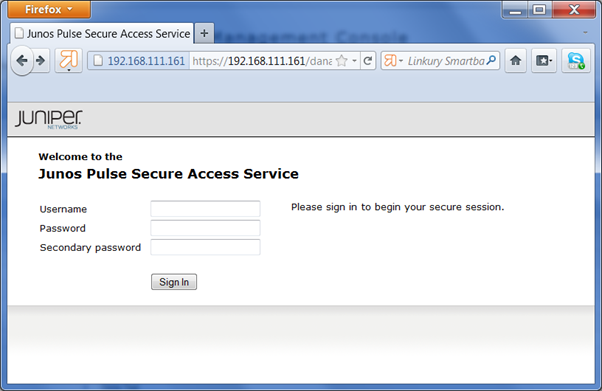
At logon, Juniper SA will present a logon form with the user name, password and the secondary password:
![DualShield MFA Platform > One-Step Logon [JNP-RADIUS] > Test Logon.png](/download/attachments/35947494/Test%20Logon.png?version=1&modificationDate=1587386106000&api=v2)
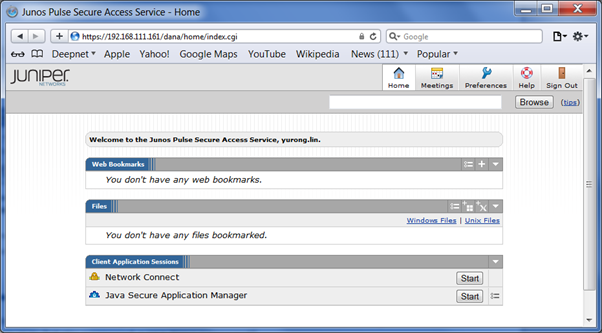
Enter your AD password in the "Password" field and an OTP in the "Secondary password" field.
![DualShield MFA Platform > One-Step Logon [JNP-RADIUS] > Test logon 2.png](/download/attachments/35947494/Test%20logon%202.png?version=1&modificationDate=1587386106000&api=v2)