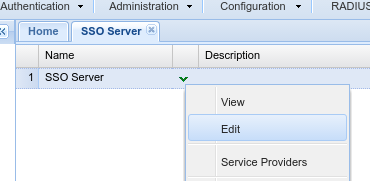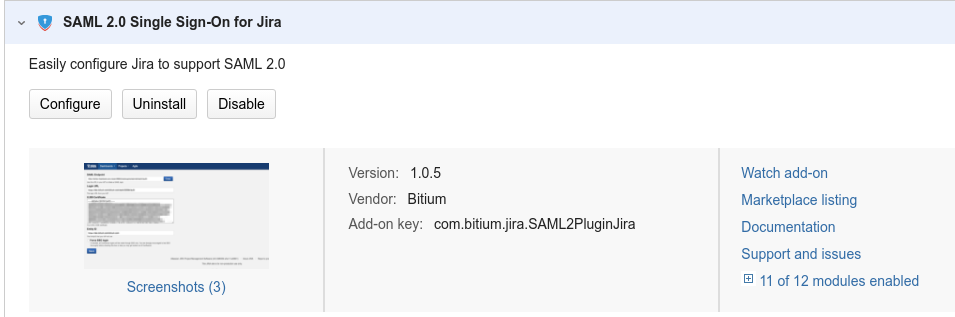
Click the "Configure" button on the SAML add-on:
This will bring up the SAML configuration window below:
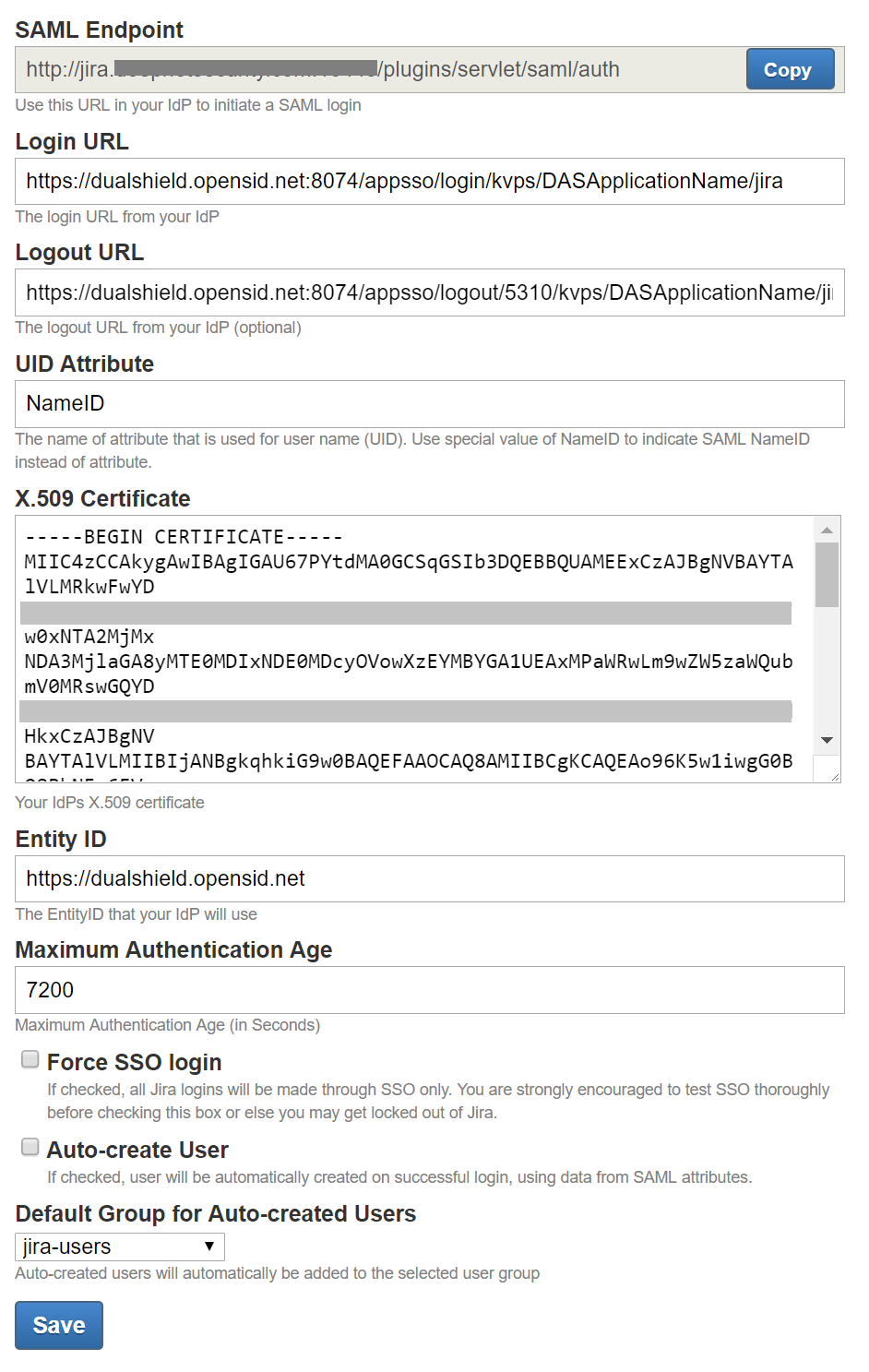
Now, you need to edit the following fields:
The login URL should be in the form below:
https://dualshield.acme.com:8074/appsso/login/kvps/DASApplicationName/xxxx
replace "dualshield.acme.com" with the domain name of your DualShield server, and "xxxx" with the application name created for JIRA in your DualShield server, e.g. "JIRA"
The logout URL should be in the form below:
https://dualshield.acme.com:8074/appsso/logout/5310/kvps/DASApplicationName/xxxx
replace "dualshield.acme.com" with the domain name of your DualShield server, and "xxxx" with the application name created for JIRA in your DualShield server, e.g. "JIRA"
Keep the default value, i.e "NameID"
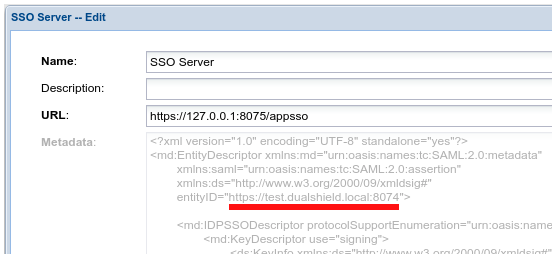
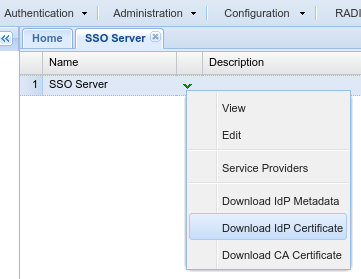
This is your IdP's certificate, i.e. the certificate of your Dualshield SSO server. You can download it from your DualShield server:
This is the EntityID of your IdP, i.e. i.e. the EntityID of your Dualshield SSO server. You can copy it from your DualShield server: