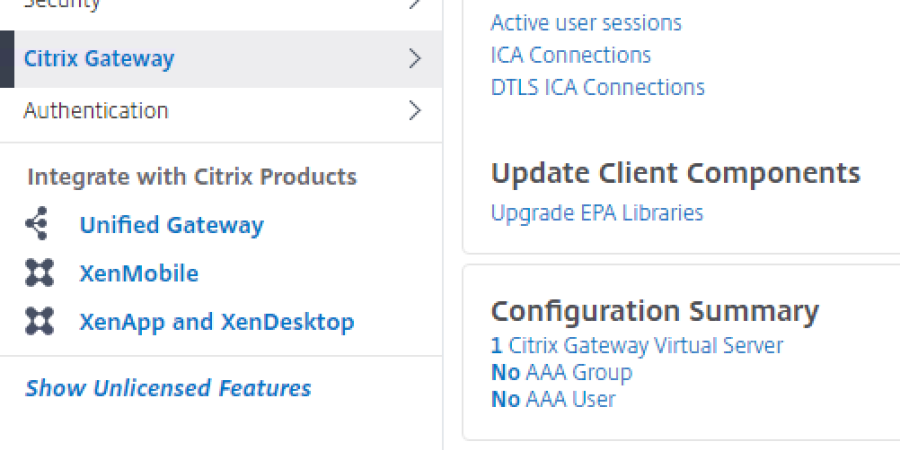
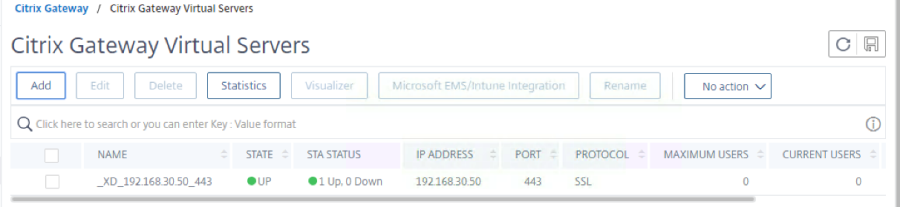
2. Click on the Virtual Server to edit
3. Locate Basic Authentication. (Please unbind any existing Primary Authentication policies that may already exist)
4. Click on + on the right.

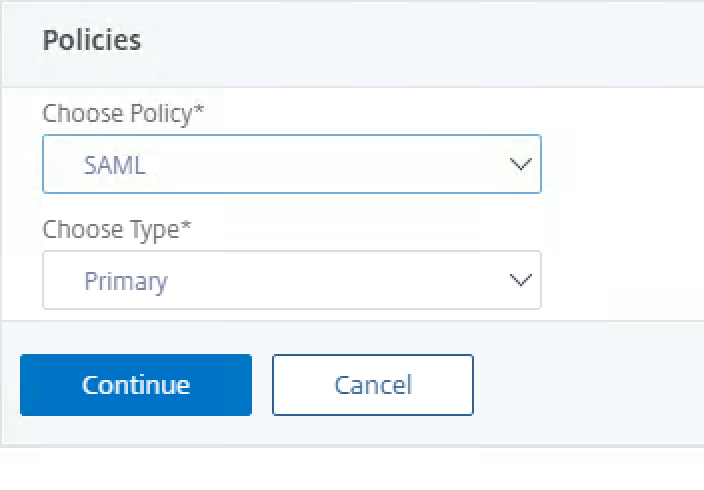
5. Choose SAML policy, keep it as Primary and click Continue:
6. Select the SAML Policy by clicking the > next to click to select:
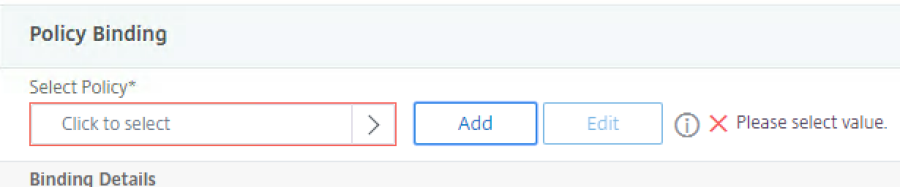
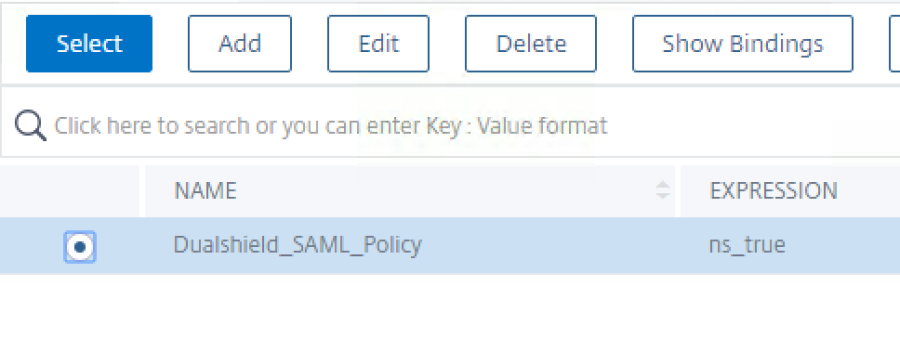
7. Choose the SAML Policy that you created earlier and click Select at the top:
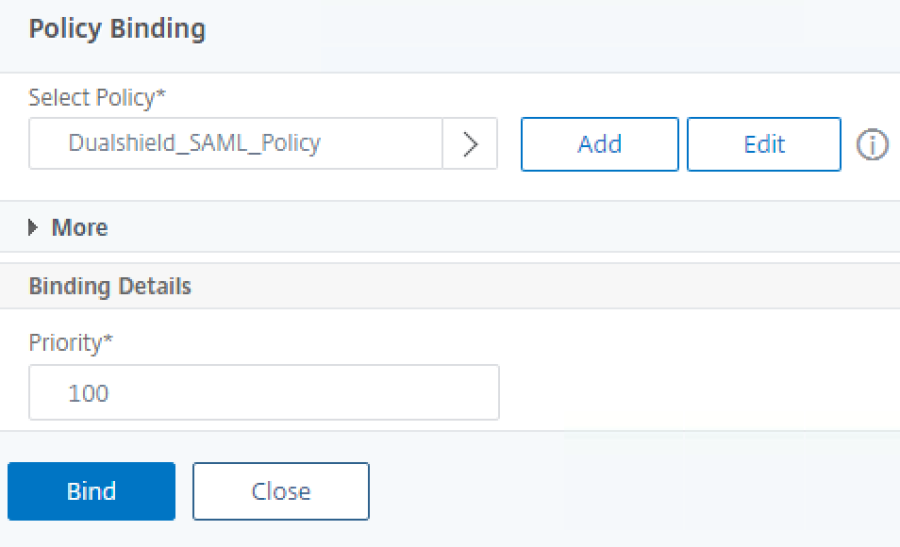
8. Click on Bind at the bottom:
9. Locate the Policies section:
10. Click on + on the right.

11. Choose Traffic as the policy type:
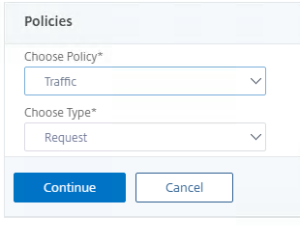
12. Select the Traffic Policy by clicking the > next to click to select:
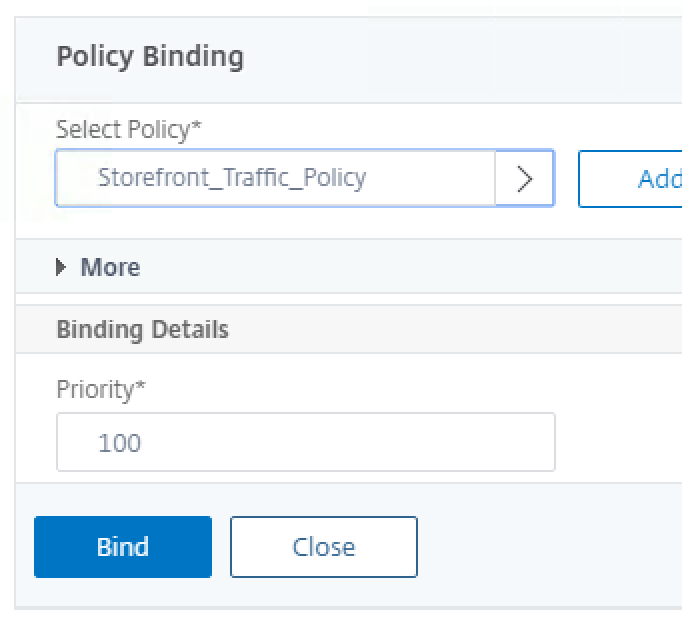
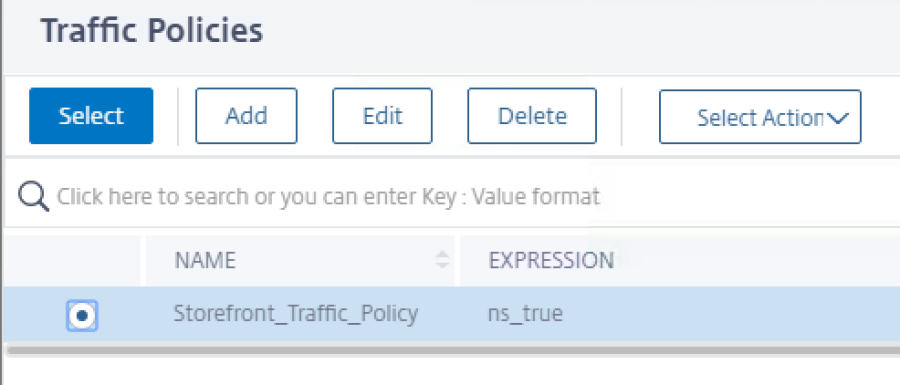
13. Choose the Traffic Policy that you created earlier and click Select at the top:
13. Click on Bind at the bottom: