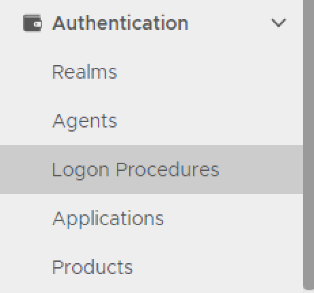
3. Click the "Create" button on the toolbar
4. Enter "Name" and select Web SSO as the type.
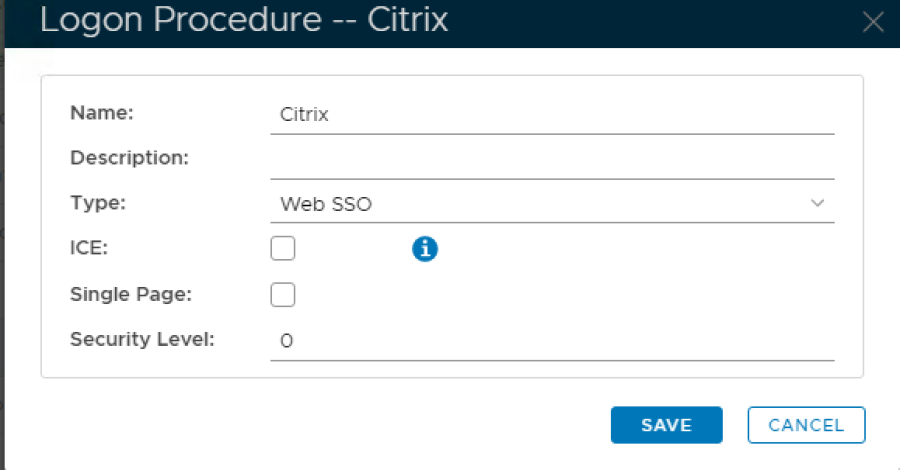
5. Click Save
6. Click the Context Menu icon of the newly create logon procedure, select Logon Steps
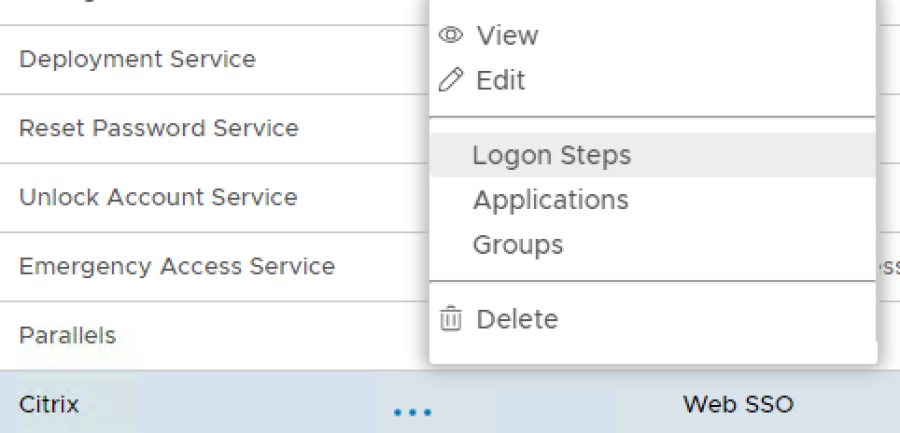
7. In the popup windows, click on Add
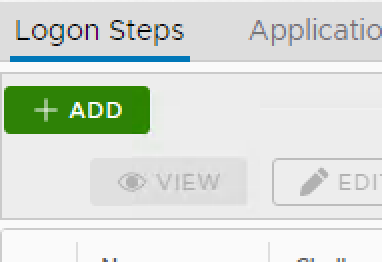
8. Select the desired authentication method, e.g. Static Password
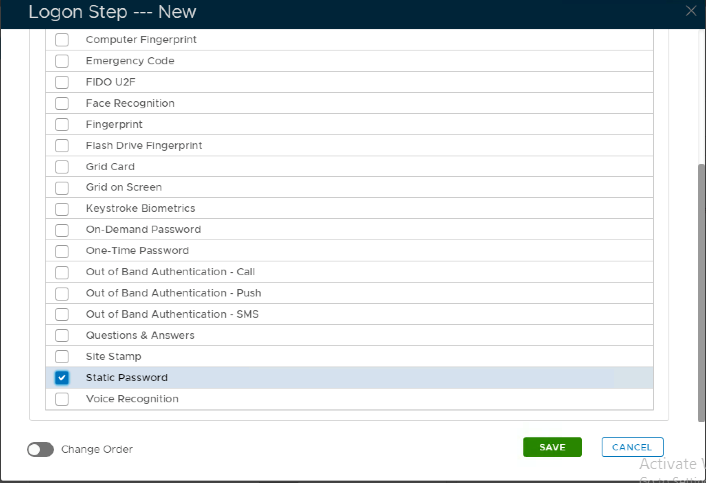
9. Click Save
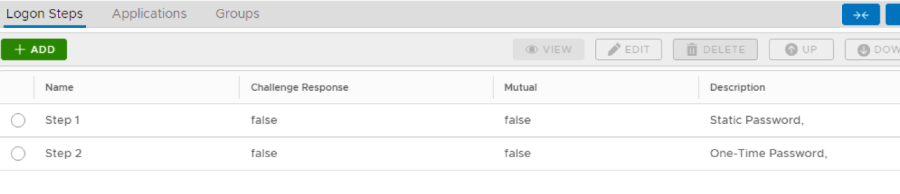
10.Repeat step 7-9 to add more logon steps if desired, e.g. One-Time Password.
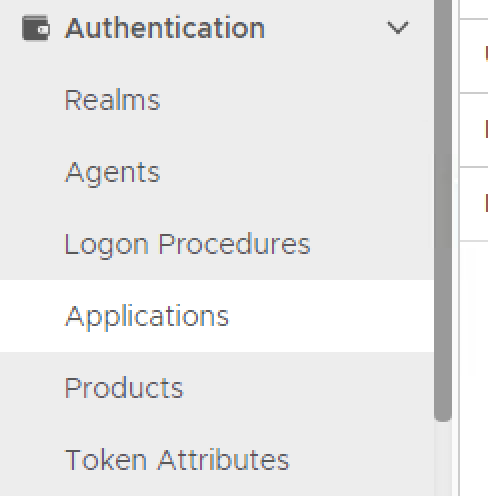
2. Click on Create

3. Enter Name
4. Select Realm from drop-down list and Logon Procedure from search button.
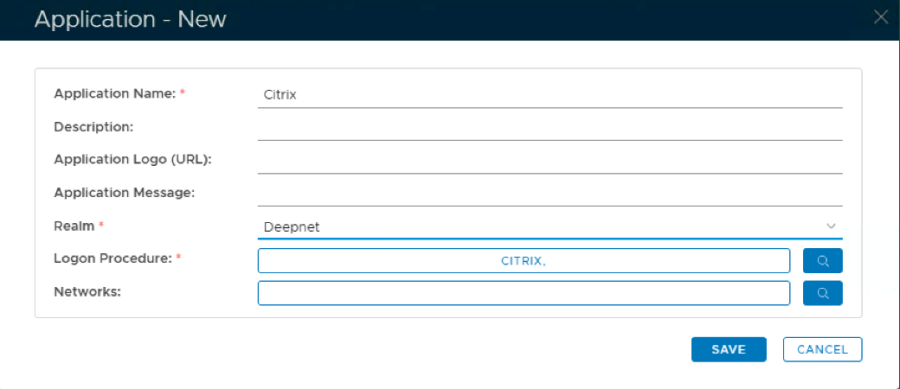
5. Click Save
6. Click the context menu of the newly created application, select Agents
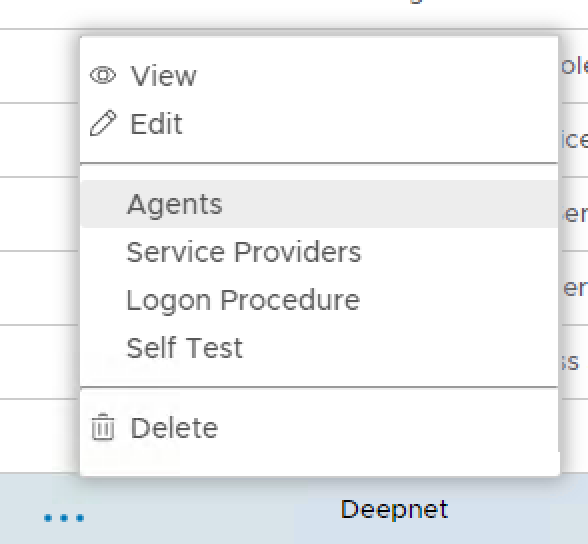
7. Select Single Sign-on Server
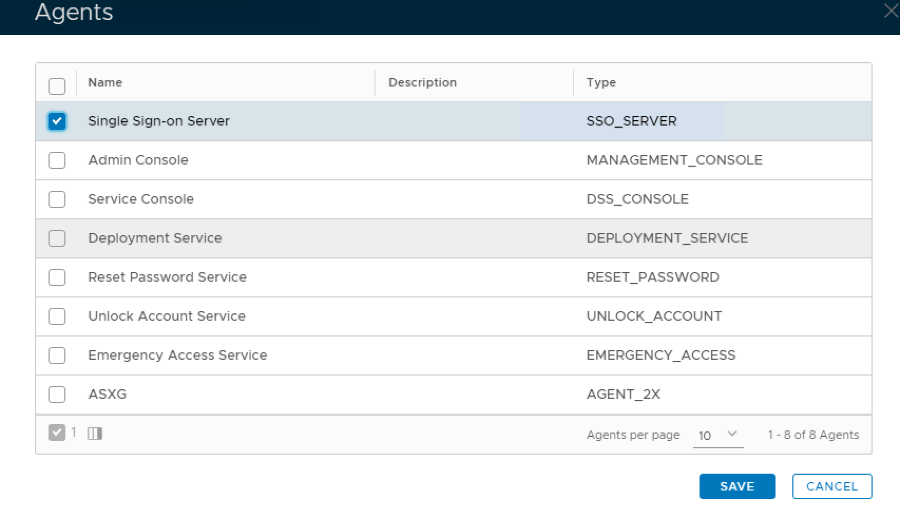
8. Click Save
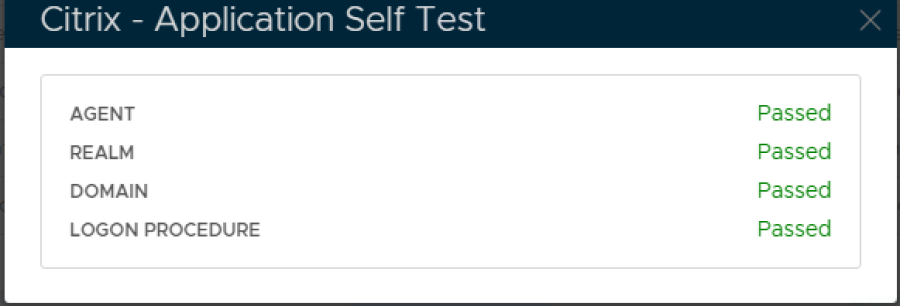
9. Click the context menu of the newly created application, select Self Test
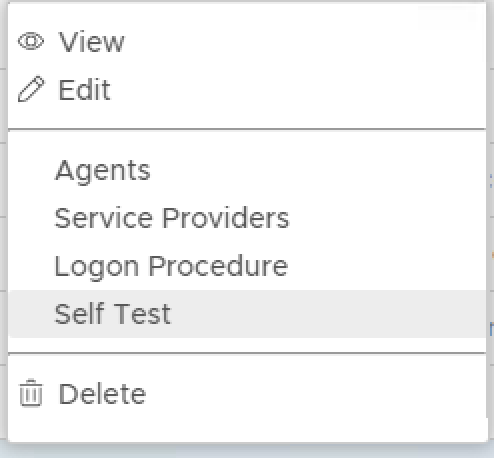
If configured correctly all the tests should pass, as below.