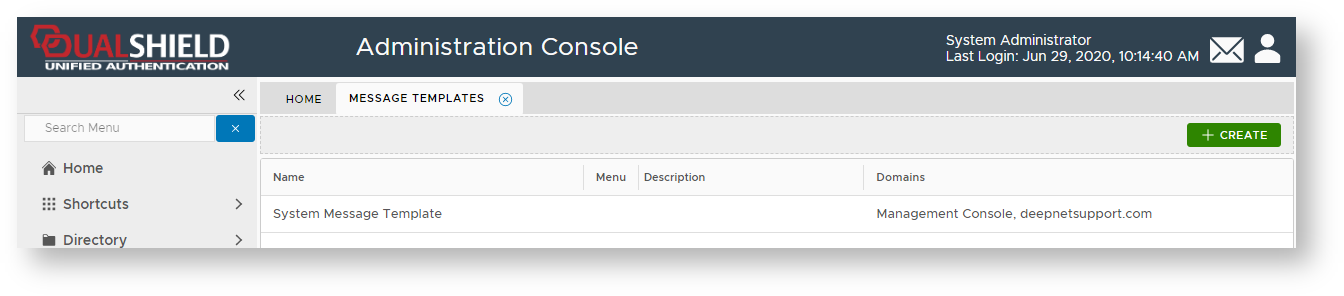
Using the Management Console, Navigate to "Customisation | Message Templates";

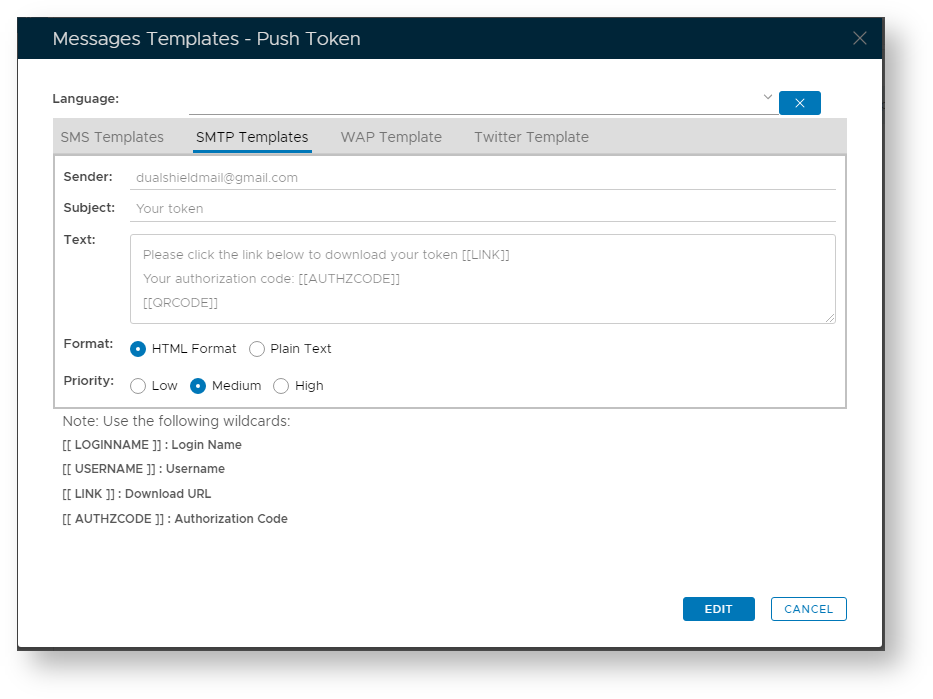
 IIf the authorization code is not required, then remove "Your authorization code: [[AUTHZCODE]]" from the message body.
The following procedure demonstrates how the system administrator can obtain token seed data prior to manual deployment to a user's mobile device or computer.
Using the Management Console, Navigate to "Customisation | Message Templates";
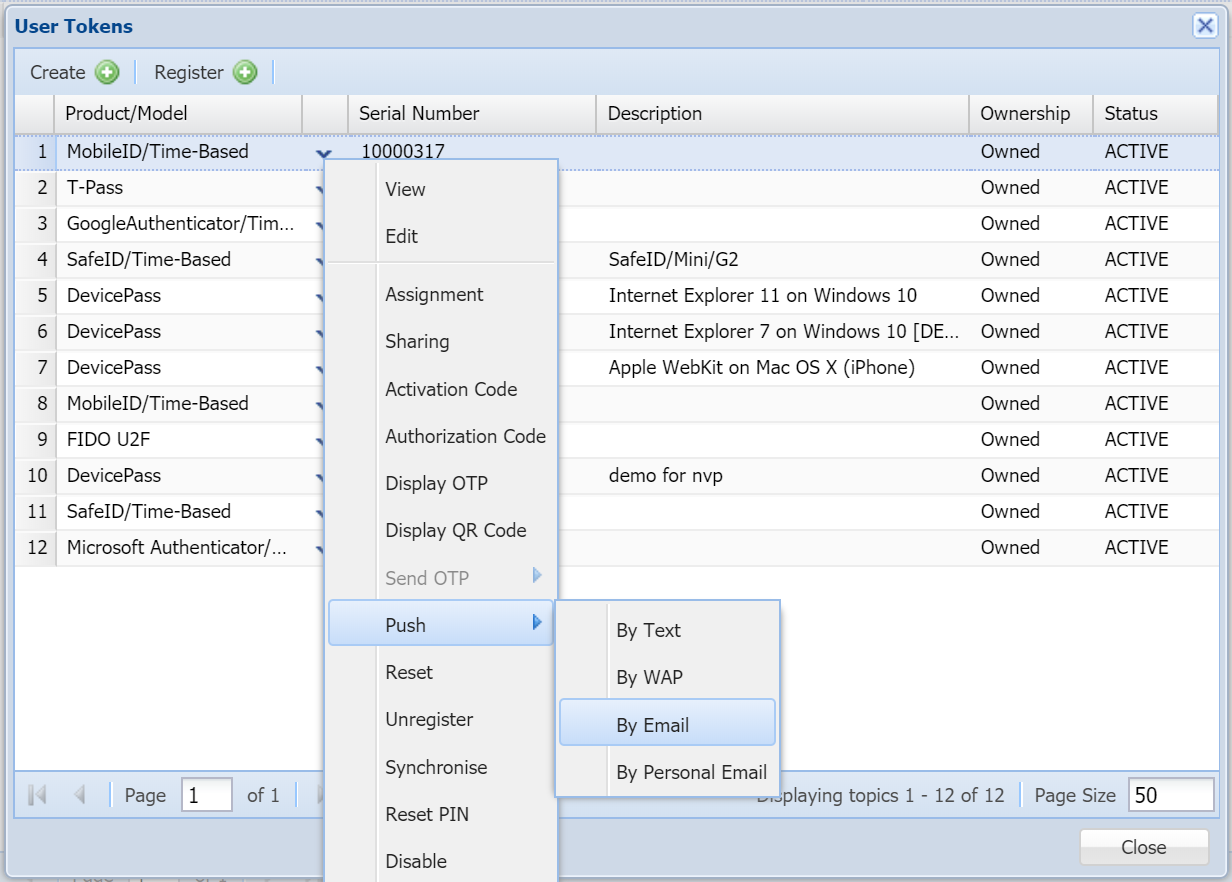
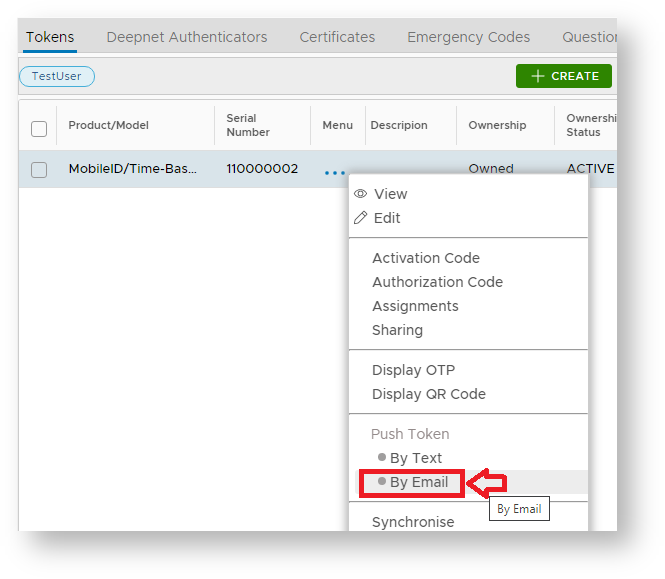
IIf the authorization code is not required, then remove "Your authorization code: [[AUTHZCODE]]" from the message body. To send out the token's QR code in an email, navigate to the user's token list. In the token's context menu, select "Push > By Email"