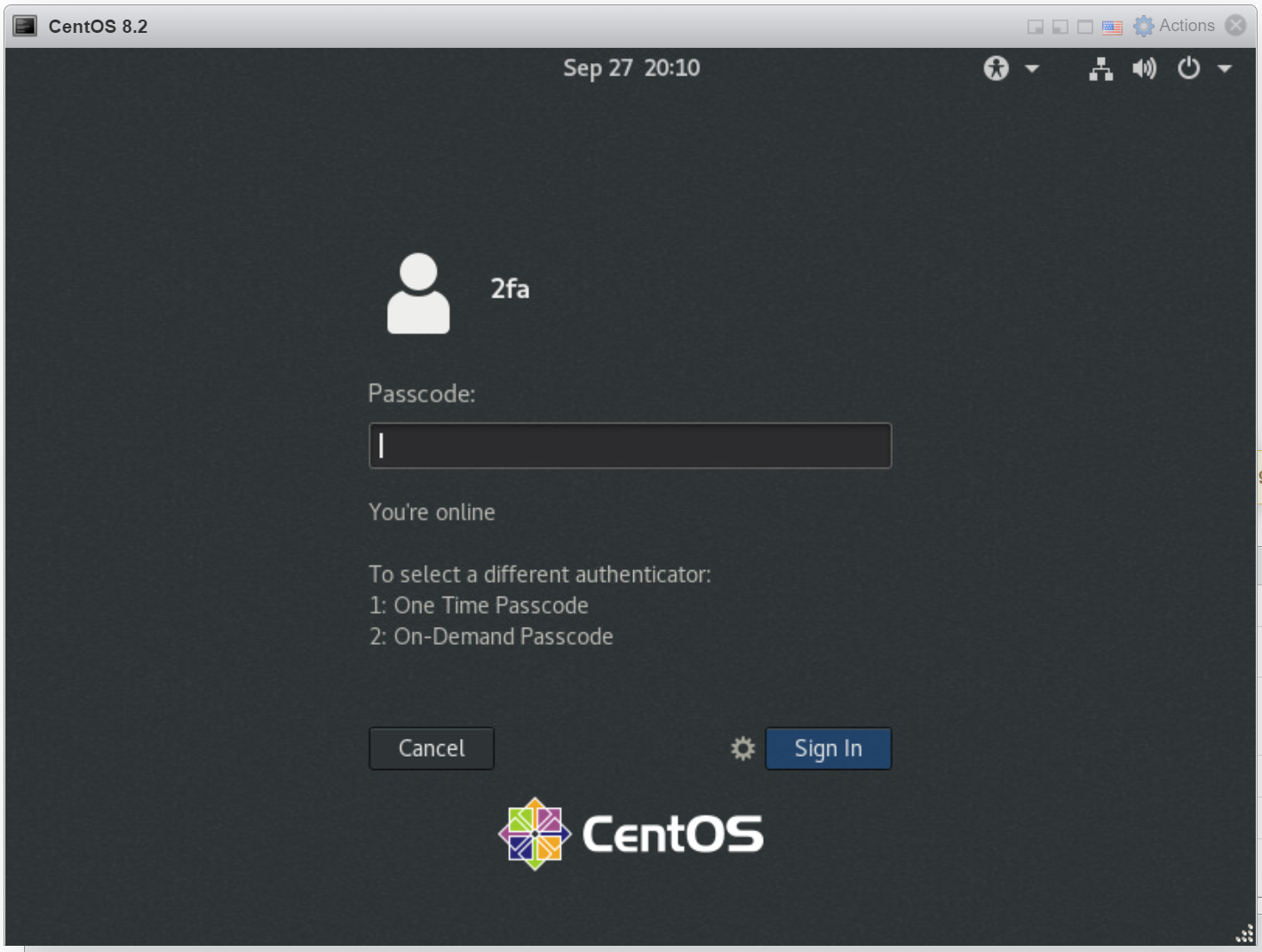
You are prompted to enter your passcode
Below the passcode box, a list of authenticattors available to you is displayed. The first one in the list is the current authenticator. In this example, the current authenticator is One-Time Passcode.
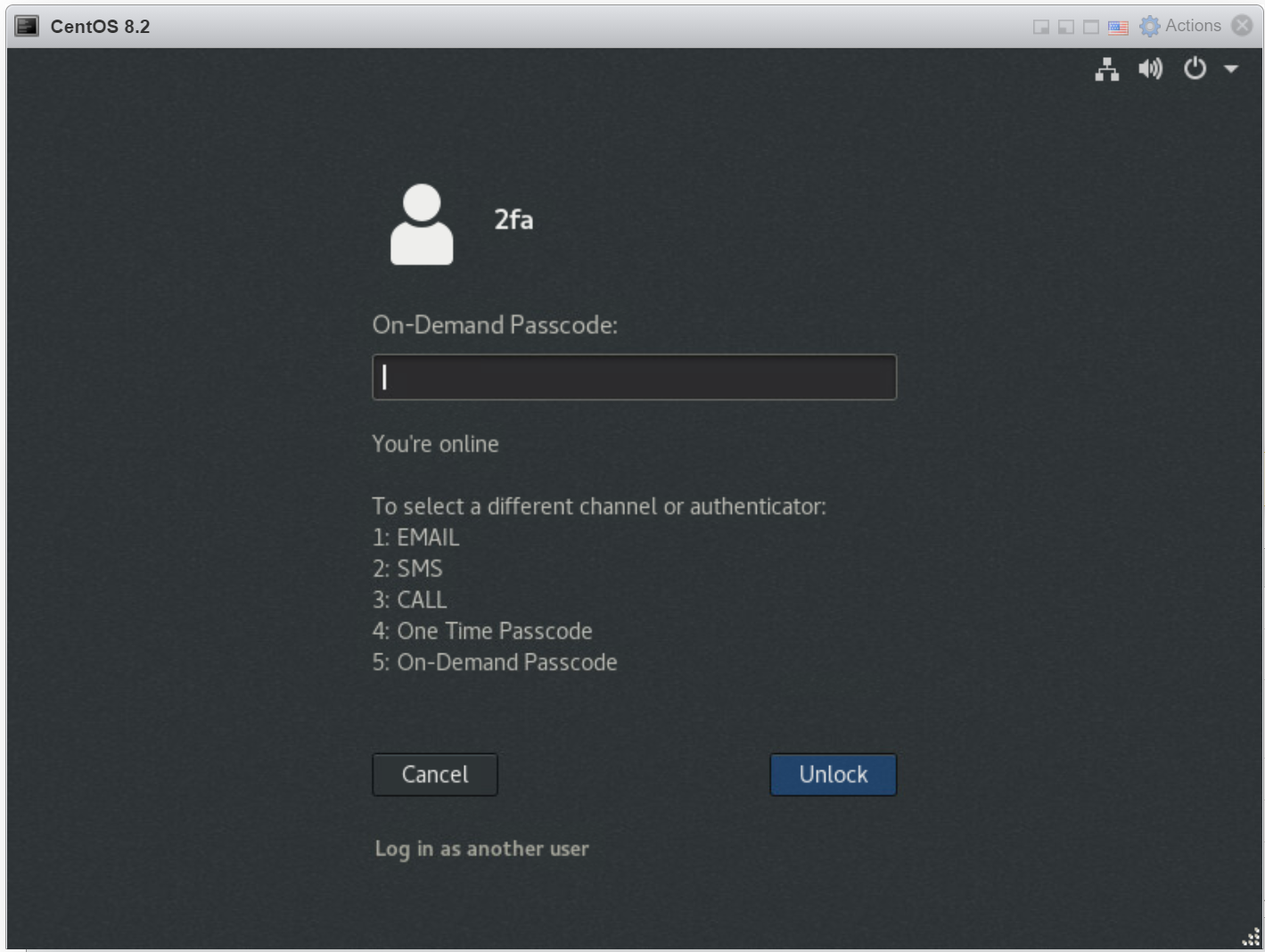
To select a different authenticator, enter the number of the authenticator and press Enter. In this example, On-Demand Passcode is No. 2 in the list. Therefore, we need to enter "2" and press Enter to select On-Demand Passcode
Then, On-Demand Passcode will become the current authenticator: