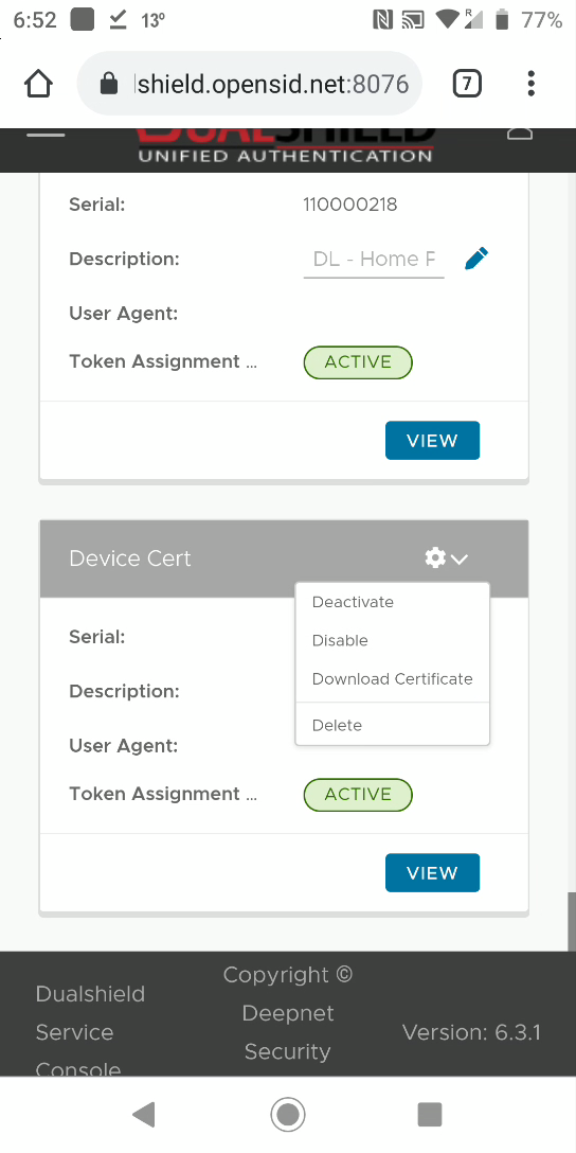
Navigate to the web page where you can download your SSL certificate
For instance, sign in to your DualShield Service Console, find the DeviceCert token, click "Download Certificate" from its context menu:
The certificate will be downloaded and saved in the Downloads folder
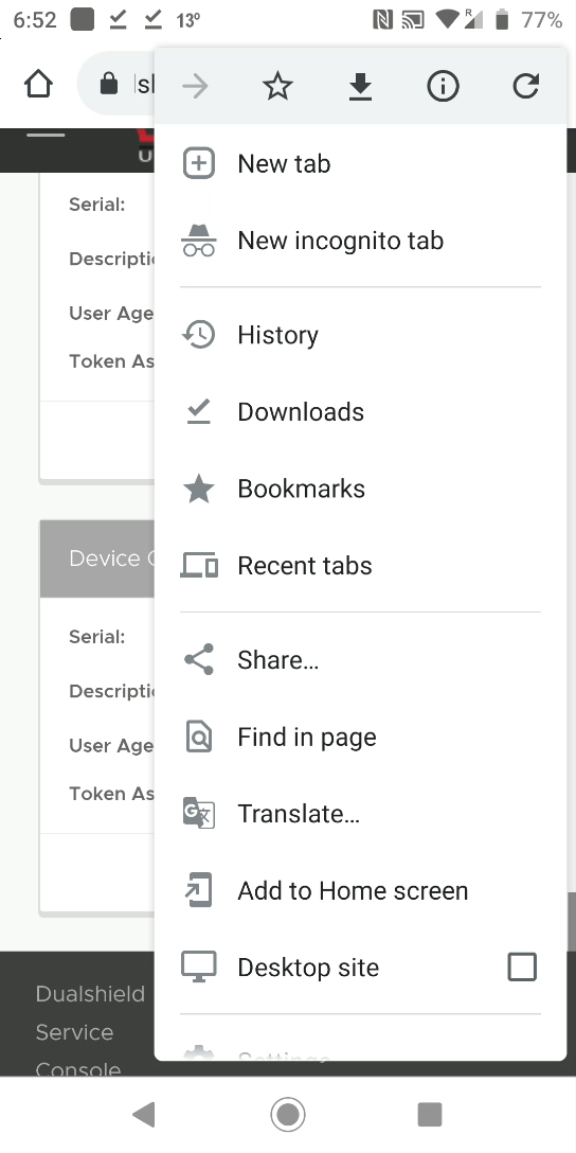
In the Browser's main menu. select "Downloads"
You should find your certificate in the folder
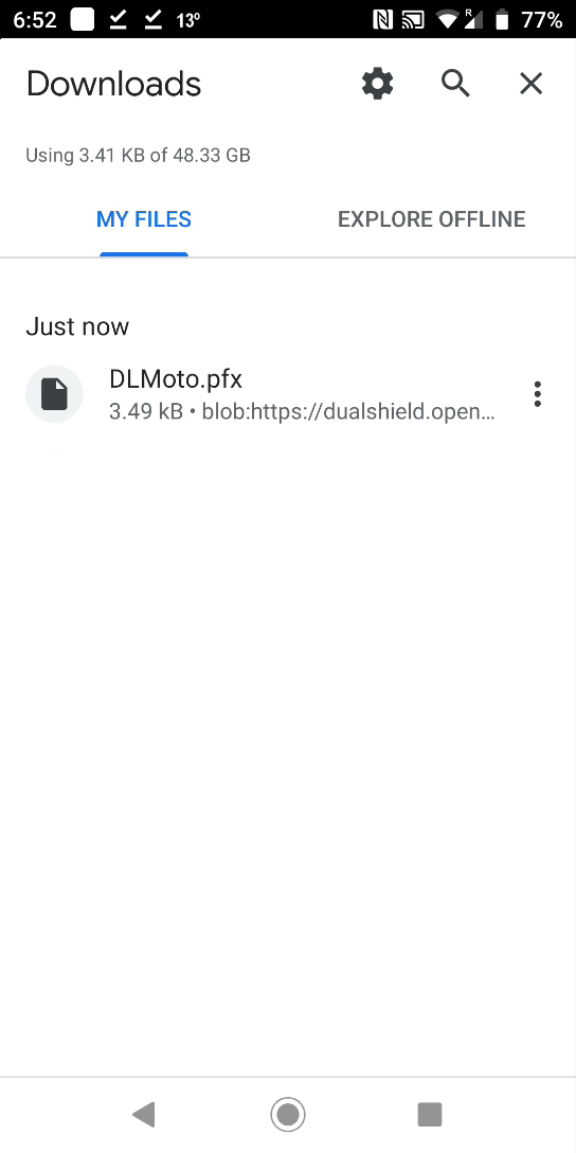
Click on the certificate

You can change the Certificate Name
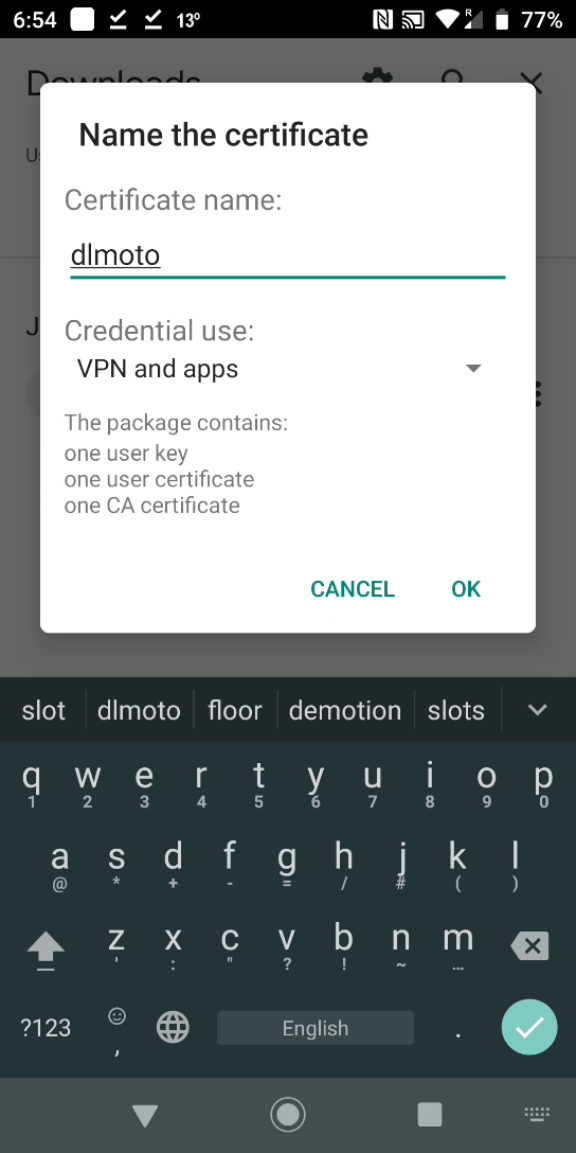
Click OK
You will be asked to enter the password of the certificate
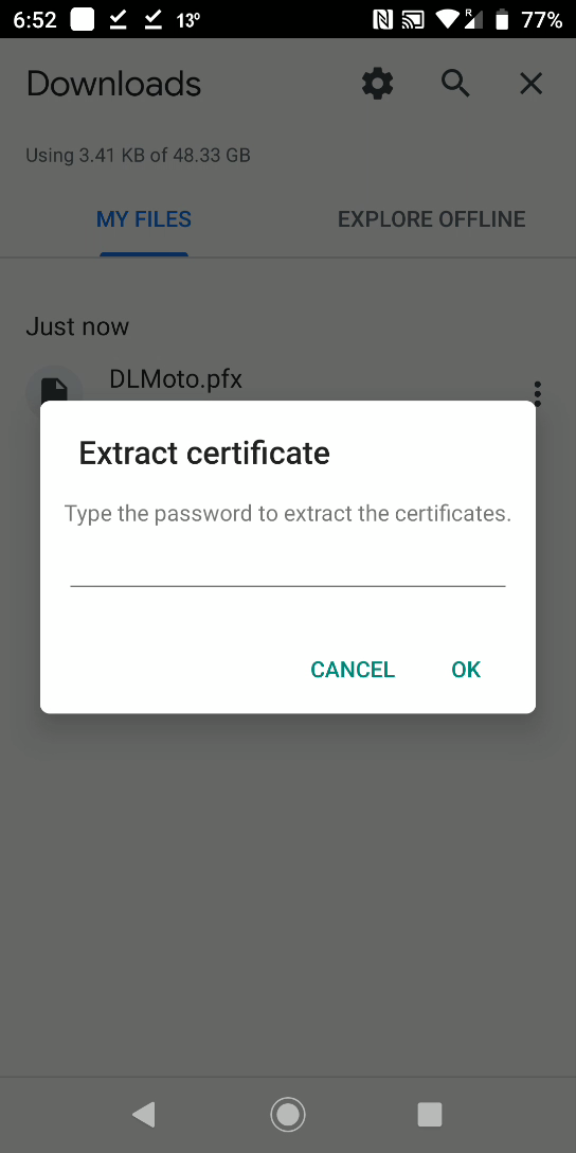
Enter the password
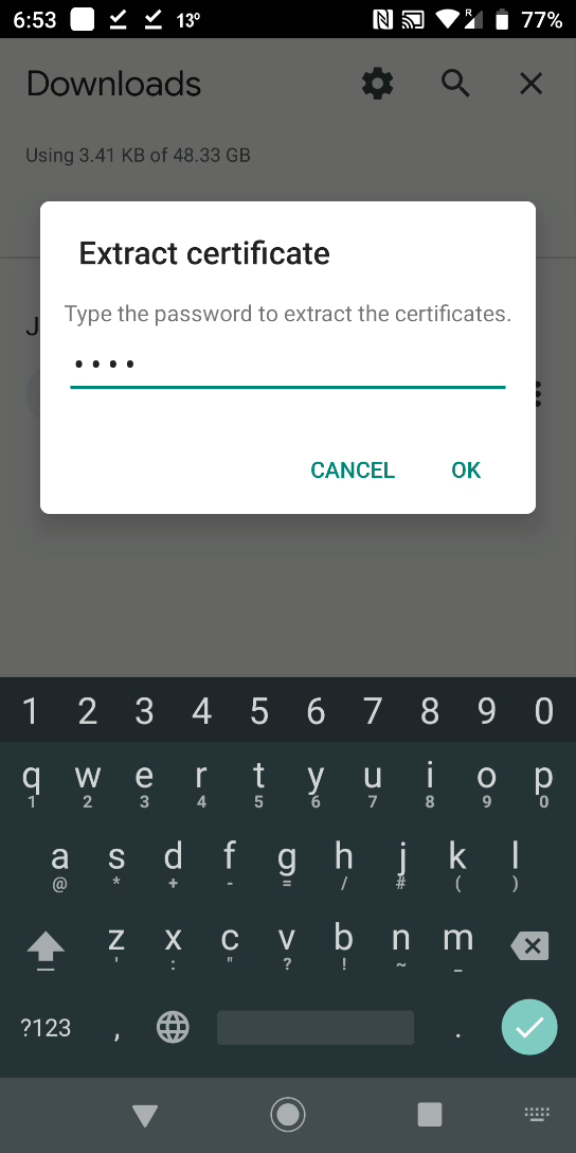
Click OK
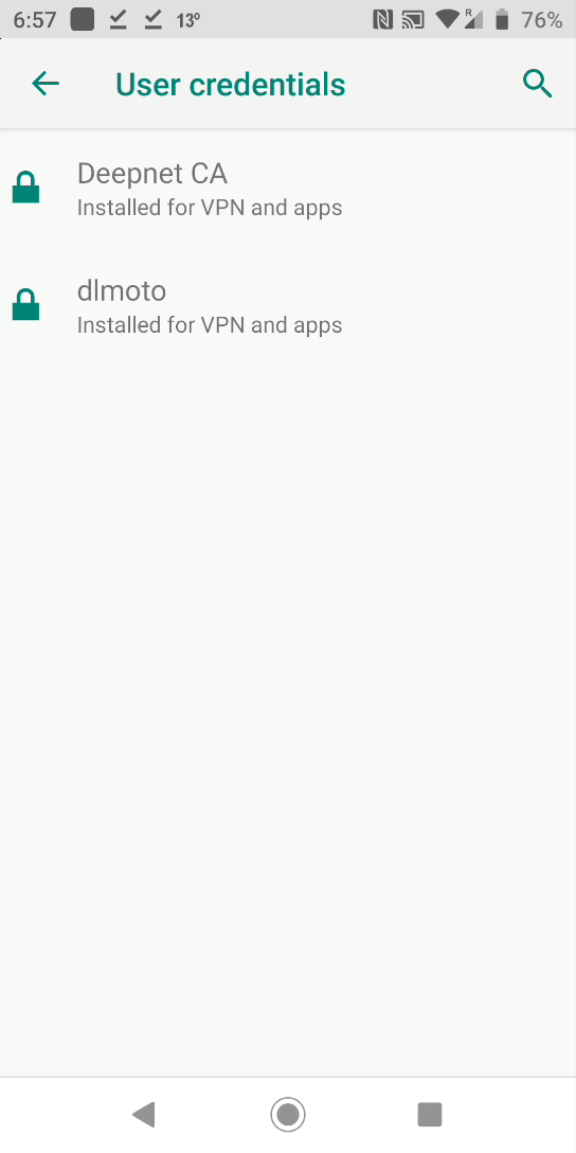
Your certificate is installed successfully.
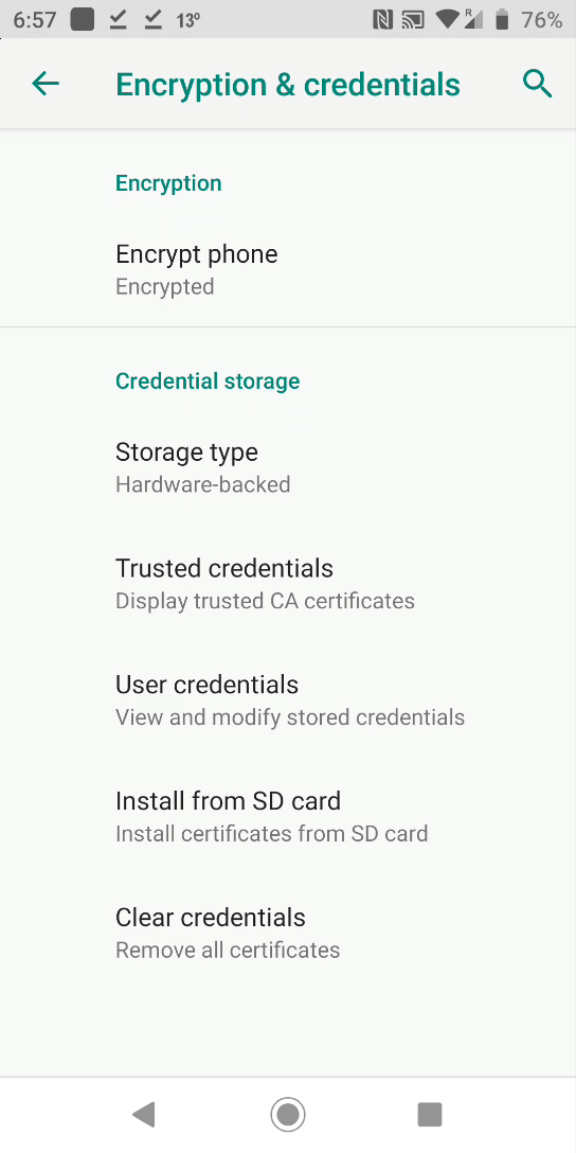
If you want to check the certificate store on your Android phone, then navigate to "Settings"
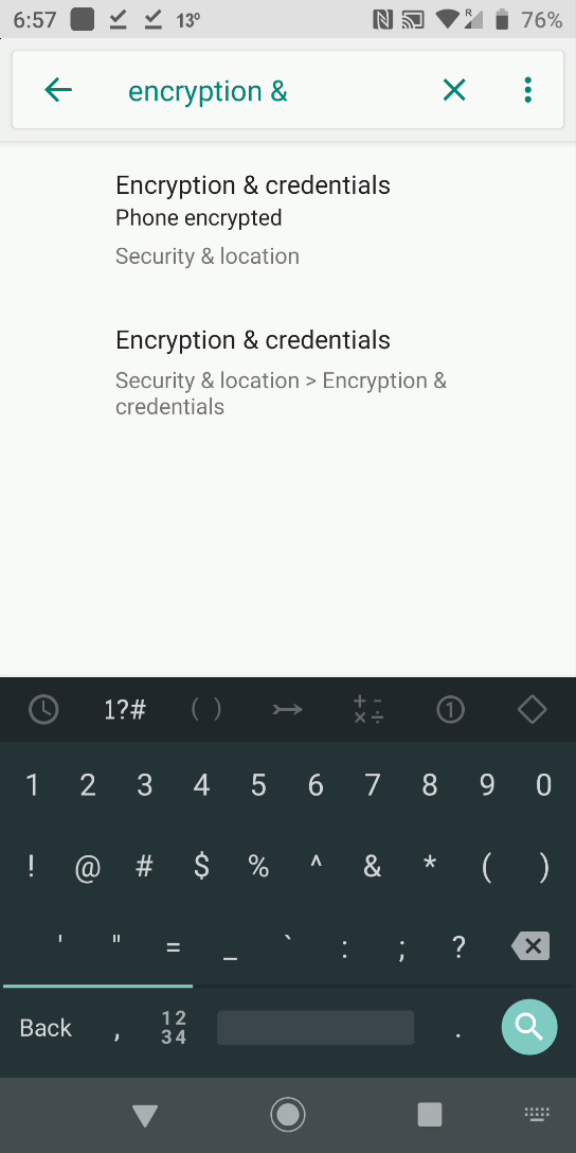
Search for "Encryption & Credentials"