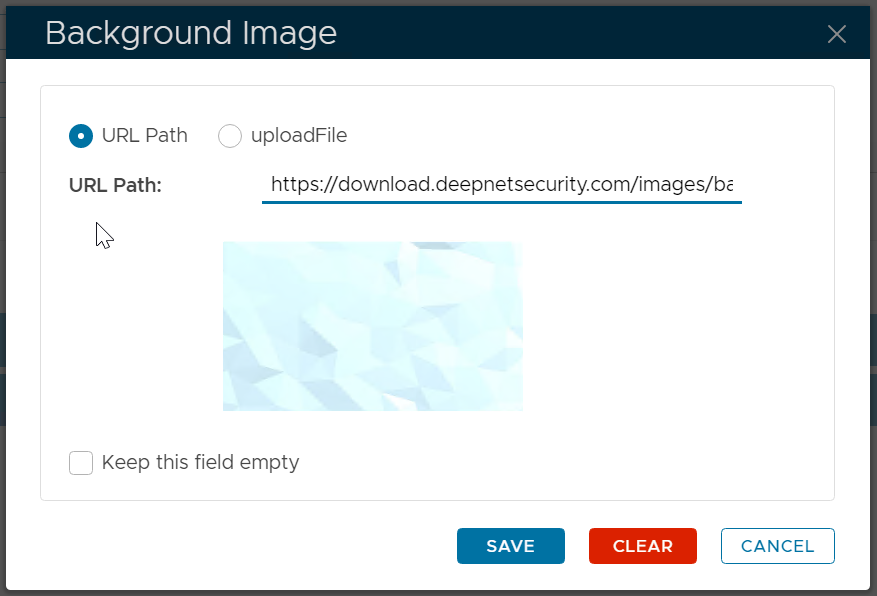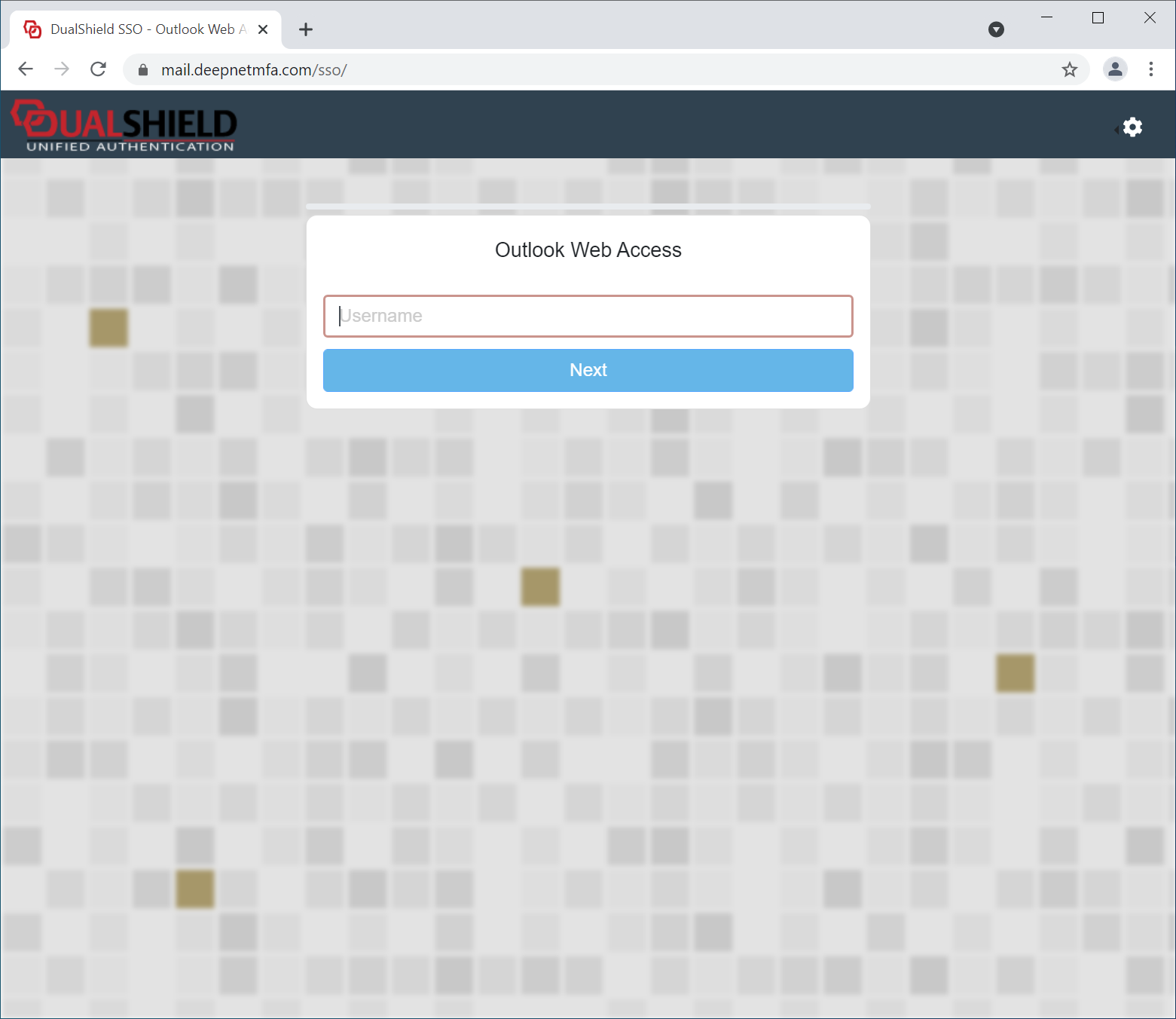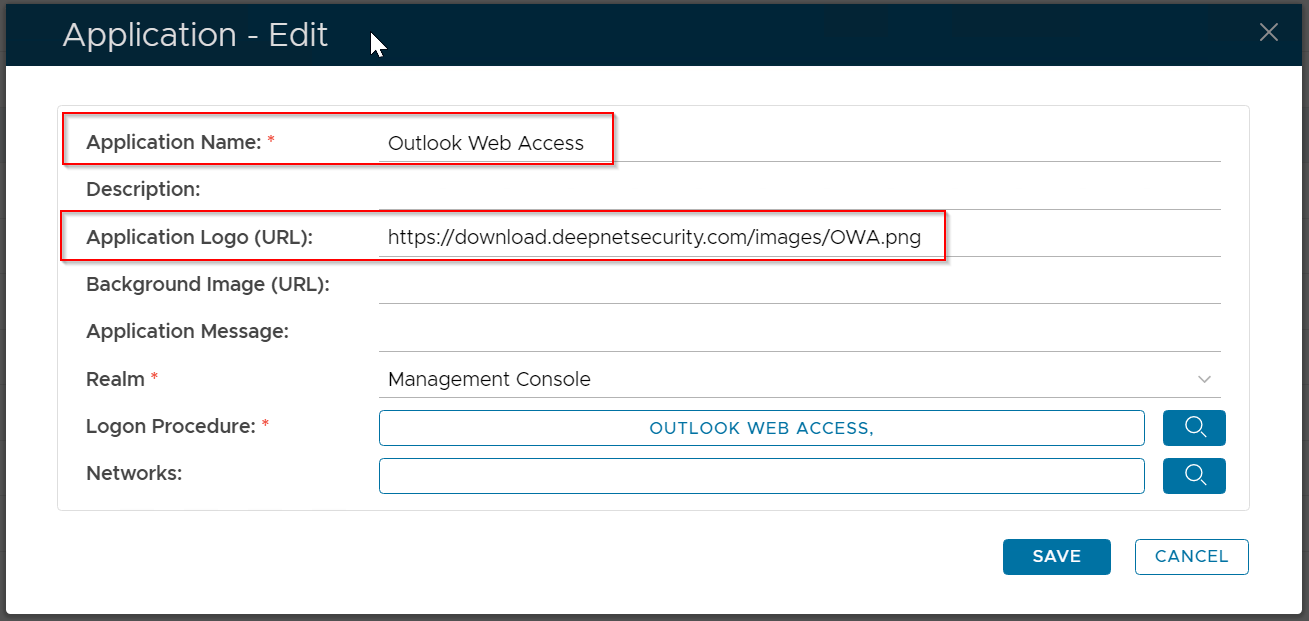
In the DualShield platform, all web consoles and portals, including the Admin Console and Self-Service Portals, use the SSO server for user authentication. The SSO user interface can be customised with your own branding images and text.
To customise the UI, navigate to "Customisation | User Interface"
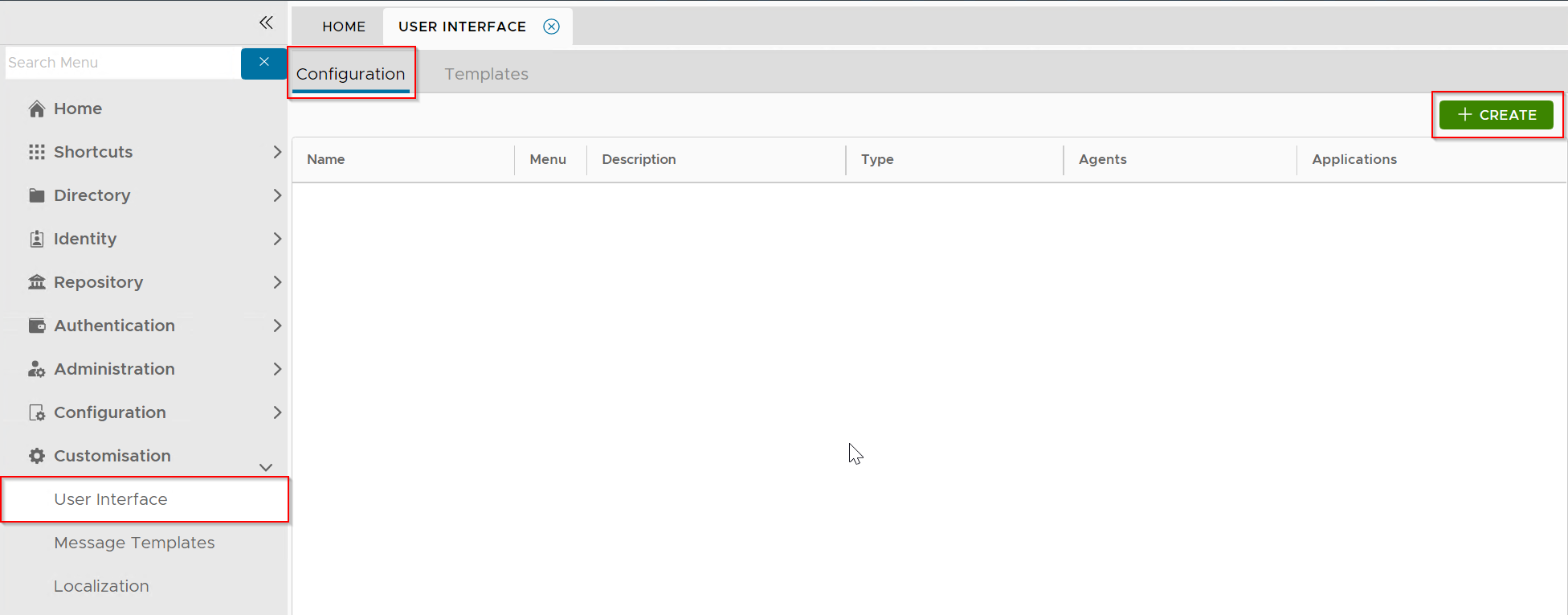
Click the "Create" button to create a new customisation:
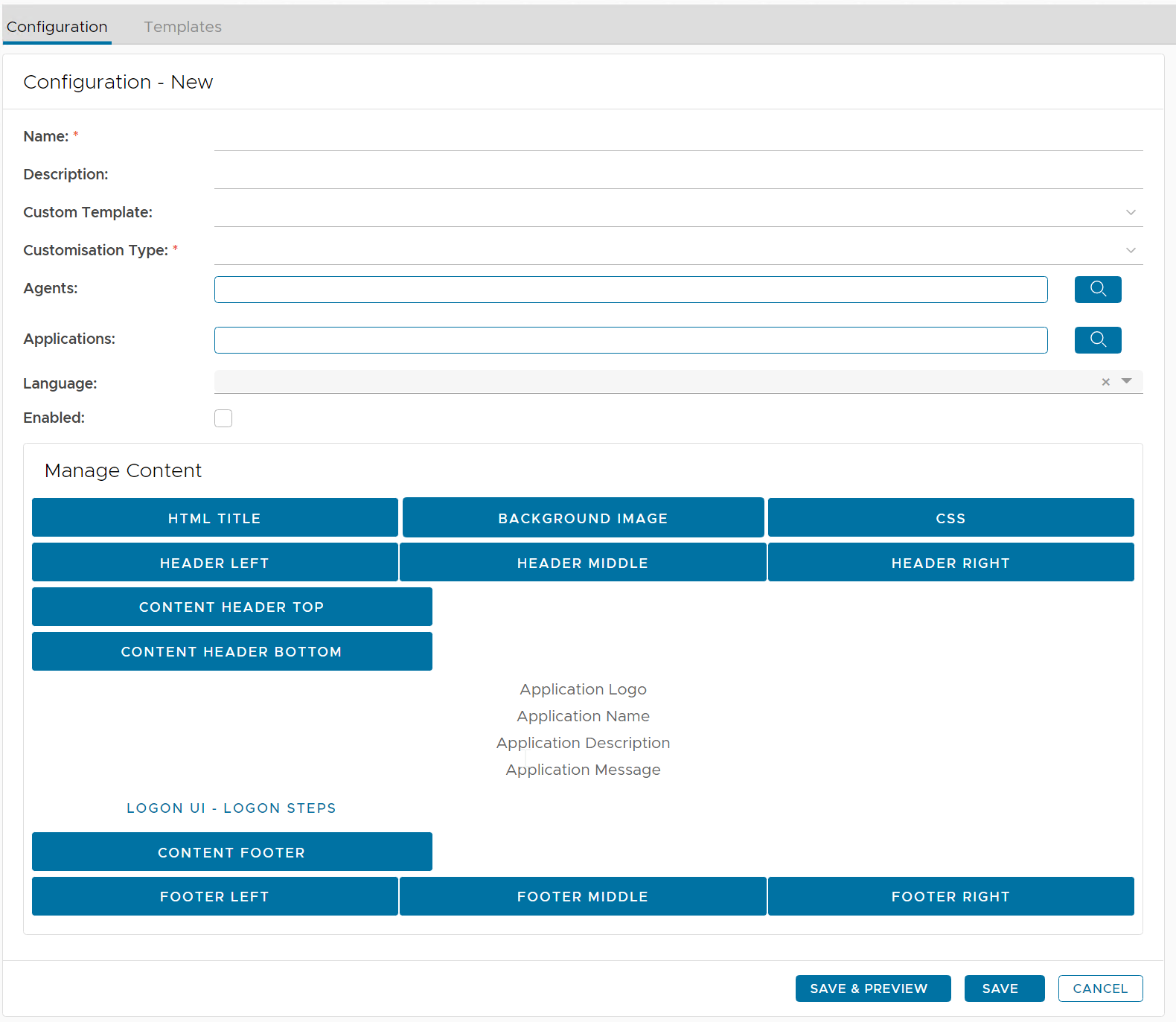
| Field | Description | Example |
|---|---|---|
| Name | Enter a descriptive name | Outlook Web Interface |
| Customisation Type |
| SSO Server |
| Agents | select the agents on which the applications are published | Single Sign-On Server |
| Applications | select the applications to be customised | Outlook Web Interface |
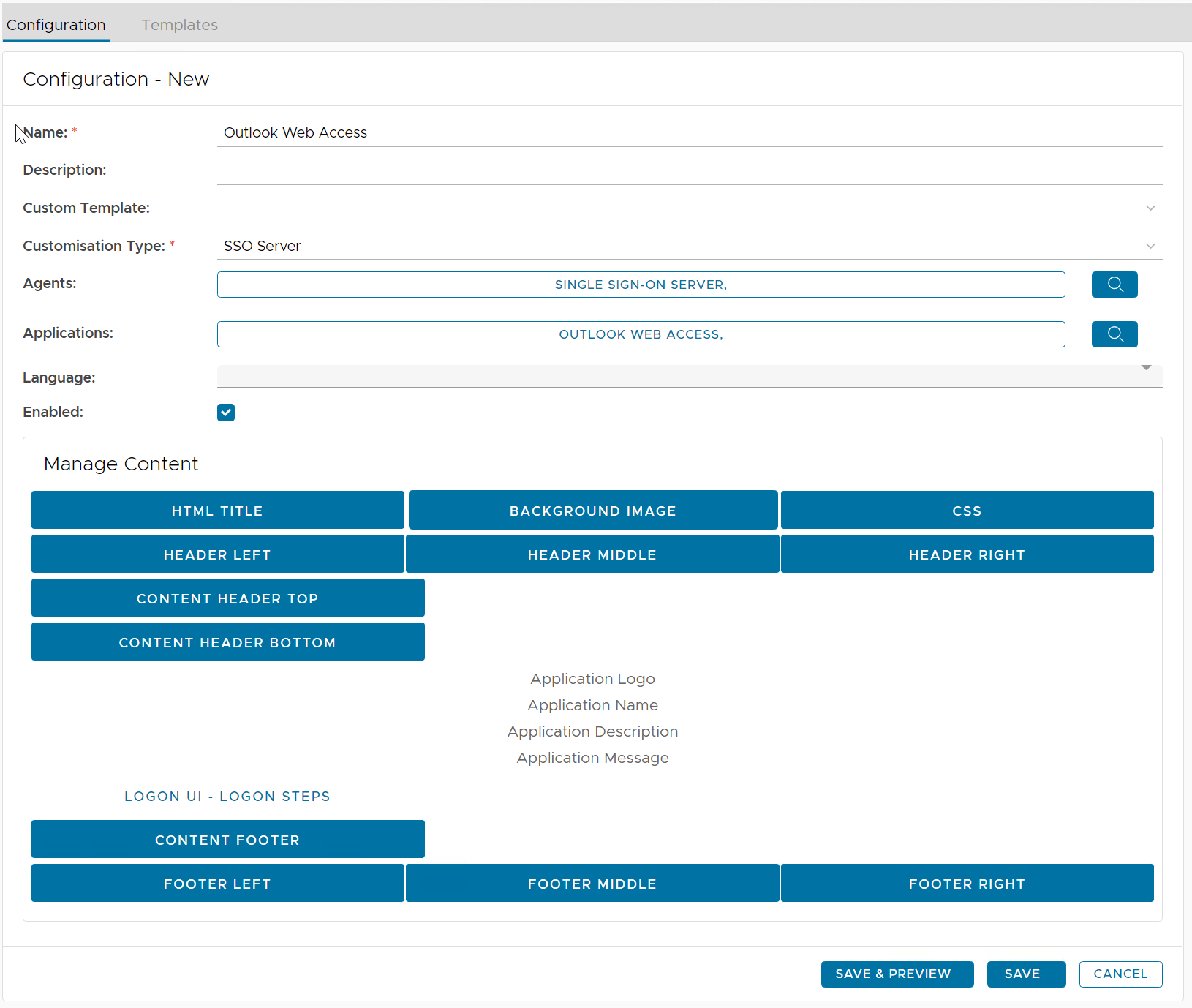
Now, you can customize any element in the body content.
For instance, to change the HTML Title, click "HTML Title"
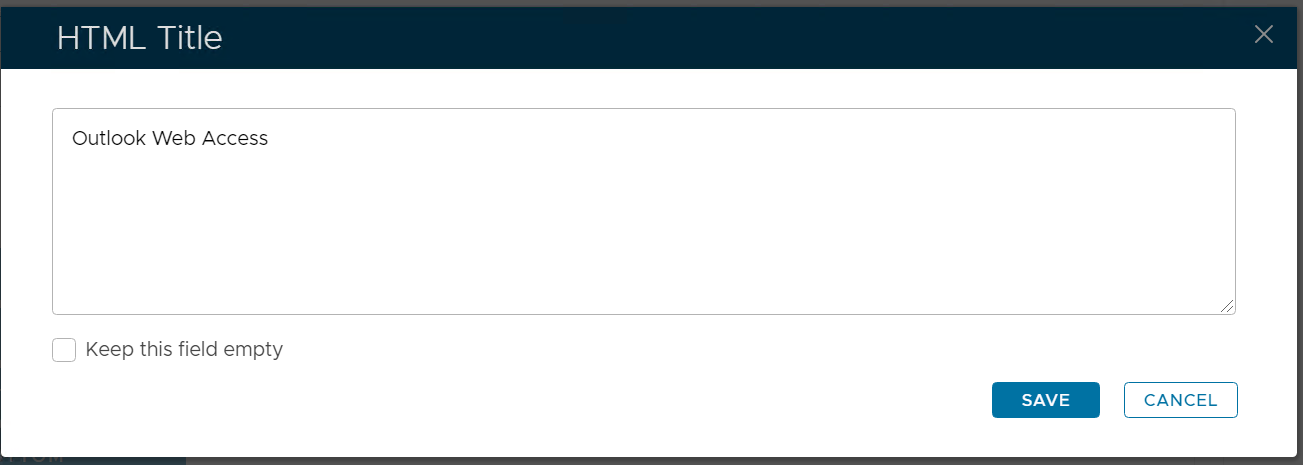
First, untick "Keep this field empty". Then, enter your HTML Title, e.g. Outlook Web Access