You can only add new user accounts into an internal user domain.
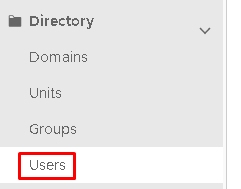
On the DualShield Administration Console, you need to go to Directory>Users
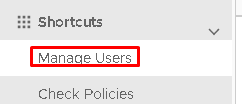
Or you can click on Shortcuts>Manage Users
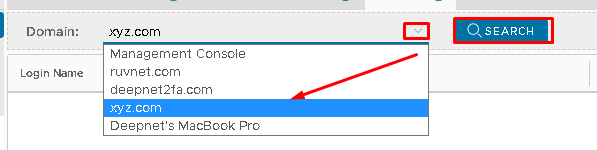
Next select your new domain from the domain dropdown, at the top
Click on Click on Search
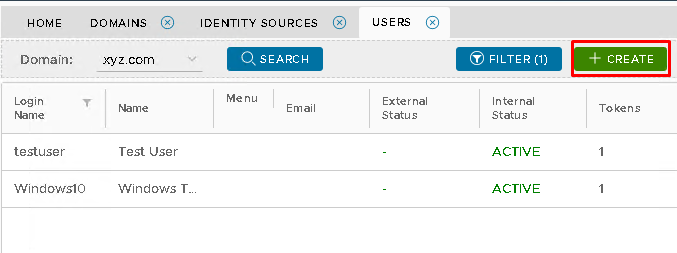
To create a new user account, click on the Create button on the top right.
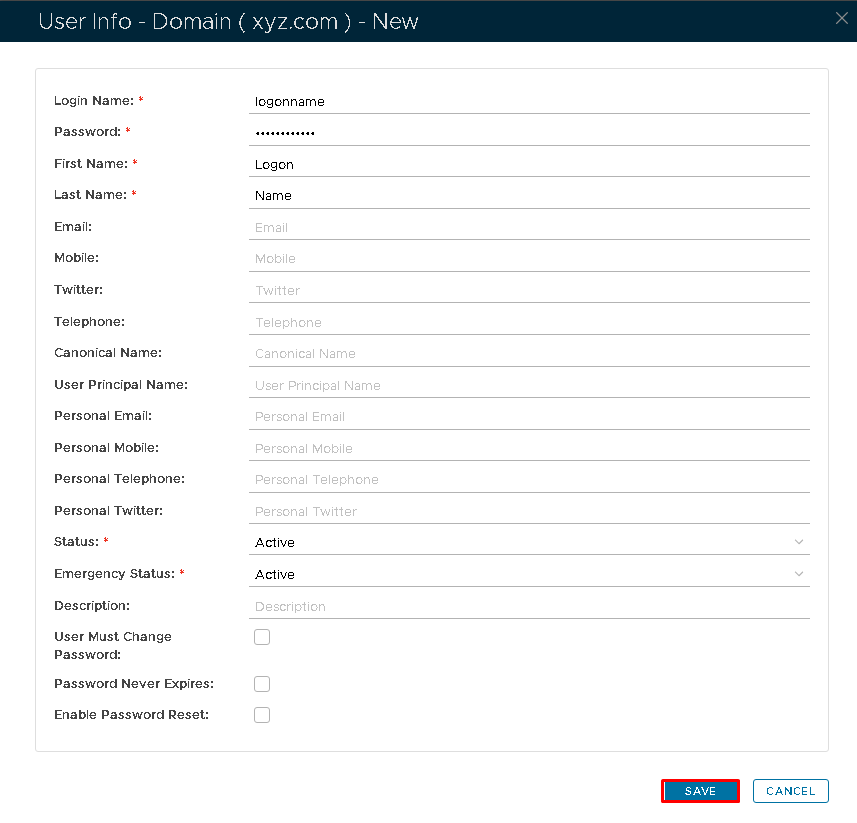
Complete the details as needed for the user account
and hit Save